The Takeoff Problem Nobody Talks About
If you’ve spent an afternoon tracing PDFs with a digital pen, you know the grind. Drawing takeoffs are painfully slow. It’s not uncommon for estimators to spend significant time on just one mid-sized project. Worse, it’s error-prone. Missed dimensions or incorrect scaling can blow up a bid before it even leaves your desk.
The costs add up quickly: estimator time is expensive, and inefficiencies can eat into margins. For contractors juggling multiple projects, these inefficiencies compound, making it harder to stay competitive.
Enter AI-Powered Takeoffs
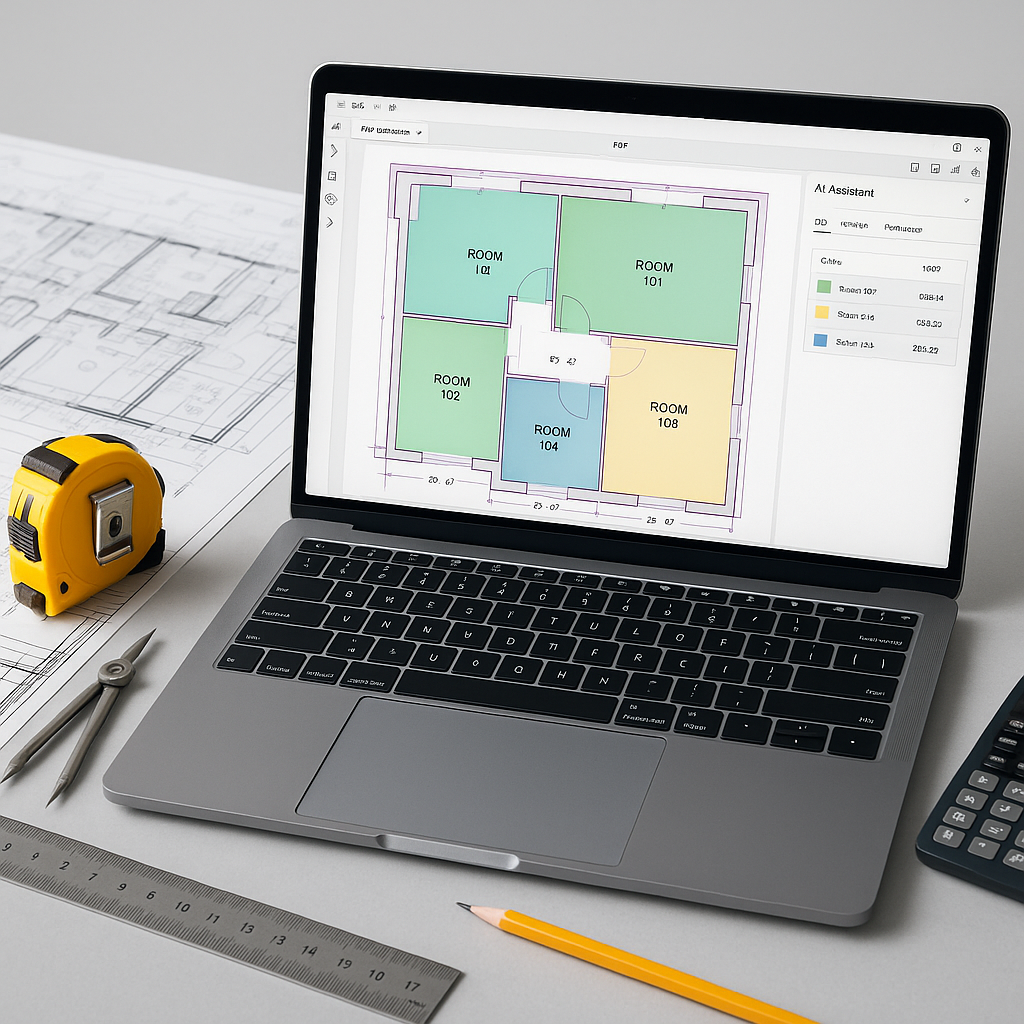
This is where tools like EstimateNext Vision AI step in. Instead of manually measuring lines and counting doorways, Vision AI automatically extracts quantities directly from your PDF drawings in a fraction of the time. The tool reads your drawings, identifies key elements (like wall lengths, room areas, and even door/window counts), and generates a precise QTO.
Here’s what makes it work:
- Automatic Recognition: Vision AI identifies key features like walls, doors, and windows without additional markup. It’s pre-trained on thousands of architectural drawings.
- Confidence Scoring: Not every takeoff is perfect. The system flags low-confidence measurements for manual review, so you can focus where it matters.
- Revision Handling: Upload a revised drawing set, and the tool highlights what changed. No more overlaying sheets in Bluebeam to spot tiny differences.
The ROI: Time, Accuracy, and Cost
AI-powered tools can significantly reduce the time spent on takeoffs, freeing up estimators for higher-value tasks like leveling sub bids or fine-tuning pricing strategies.
And accuracy? AI doesn’t mean guesswork. These tools reduce takeoff discrepancies by automating repetitive tasks, though human oversight is still essential for critical dimensions and unique project nuances. By eliminating the tedious first steps, estimators can focus on ensuring the final output is reliable.
What About Smaller Teams?
You might be thinking, “This sounds great for big GCs, but what about my small team?” AI scales. Whether you’re handling a small office fit-out or a large infrastructure project, the principles remain the same. Smaller subcontractors, for example, can use AI tools to turn around quotes faster—critical when competing against larger firms.
Common Objections (and Real Answers)
Objection 1: “AI doesn’t understand my drawings.”
AI tools improve with use. The more projects you run through them, the smarter they get. And you’re still in control—manual overrides let you fix edge cases.
Objection 2: “I’m worried about training my team.”
Training takes less time than you’d think. Most estimators familiar with tools like Bluebeam can adapt quickly to AI-powered platforms.
Objection 3: “Manual takeoffs are more reliable.”
Manual processes are often where errors occur, especially when flipping between drawings and spreadsheets. AI doesn’t replace your judgment—it handles the repetitive work so you can focus on accuracy.
Actionable Steps to Get Started
- Test with a Small Project: Start with a manageable estimate—a fit-out or a single trade. Upload the drawings and BOQ into an AI tool and compare the results to a manual takeoff.
- Review Confidence Scores: Use flagged measurements as your QA checklist. This isn’t “set it and forget it”—it’s a smarter way to allocate your time.
- Scale with Feedback: As you build trust in the tool, integrate it into larger bids. Pair junior estimators with AI to free up senior staff for more strategic work.
FAQ
Q: Is AI accurate enough for complex projects?
Yes, provided your input data is clean. AI tools excel at repetitive tasks like room area calculations or counting fixtures. However, human oversight is still necessary for unique project nuances.
Q: Can I use AI tools with my existing software?
Absolutely. Many AI tools integrate with Excel, Bluebeam, and even Procore. Export your QTO directly into your preferred format.
If you’re tired of spending excessive time on takeoffs, EstimateNext can help streamline your workflow. Get started free →