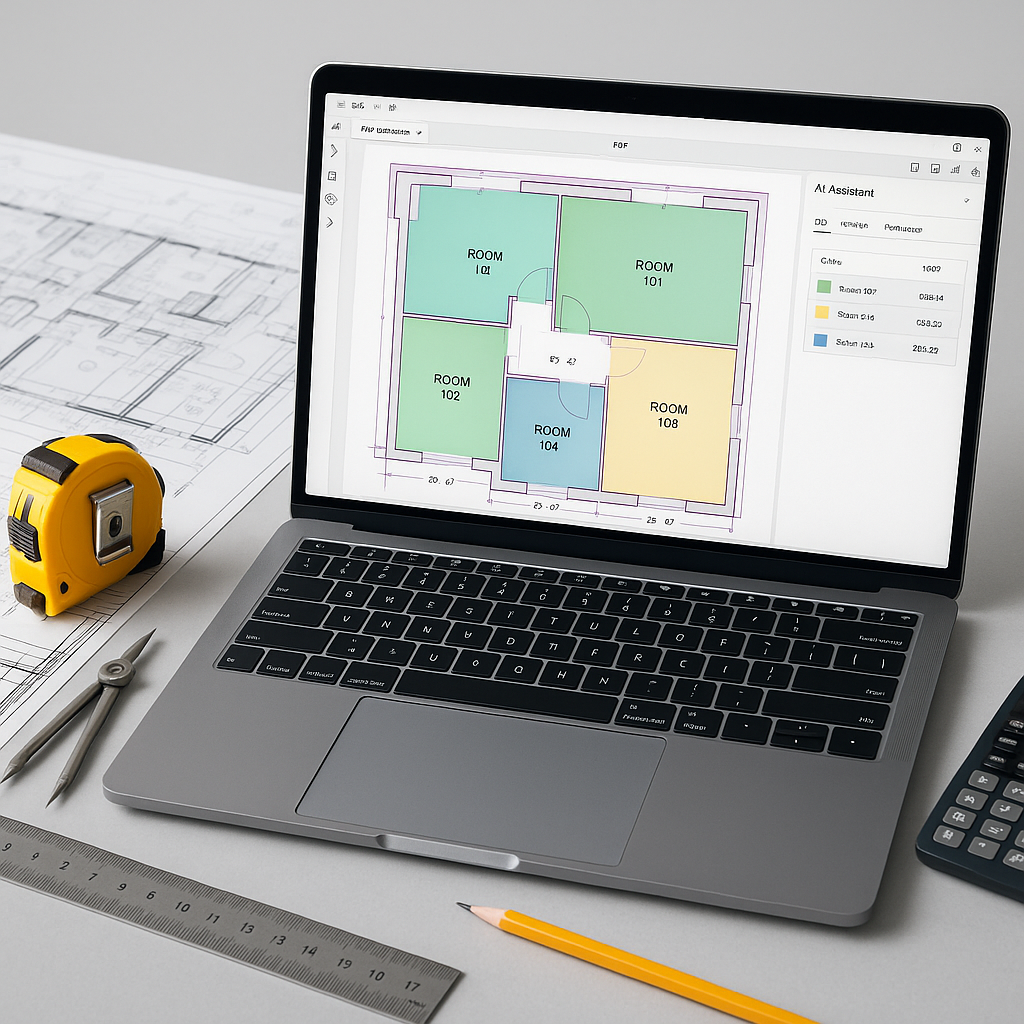
The Estimator's Rate Lookup Problem
Every estimator knows the grind: flipping through endless rate books, scrolling past irrelevant sections, and double-checking for the right labor, material, or equipment costs. For larger projects, this process can take hours per estimate. Worse, it’s error-prone. Miss a line, and your bid could face significant issues later.
Here’s the thing: rate lookup doesn’t have to be this painful anymore. AI-powered tools are redefining how estimators match rates to their BOQs (Bill of Quantities). One example? Semantic search. Instead of manually hunting for rates, you just type what you need, and the AI fetches the right match in seconds.
Let’s break this down.
How AI Rate Matching Works
AI rate matching uses semantic search and machine learning to interpret the intent behind your query. It’s not just looking for exact keywords—it’s reading between the lines. For instance, if you search for “labor rate for welding structural steel,” the AI won’t just spit out the first “welding” rate it finds. It considers context: the type of steel, the location, and even the project scale.
Here’s what typically happens in an AI-powered rate matching workflow:
- BOQ Upload: You upload your BOQ in Excel, CSV, or even PDF format. The system parses it automatically, recognizing merged cells and section headers.
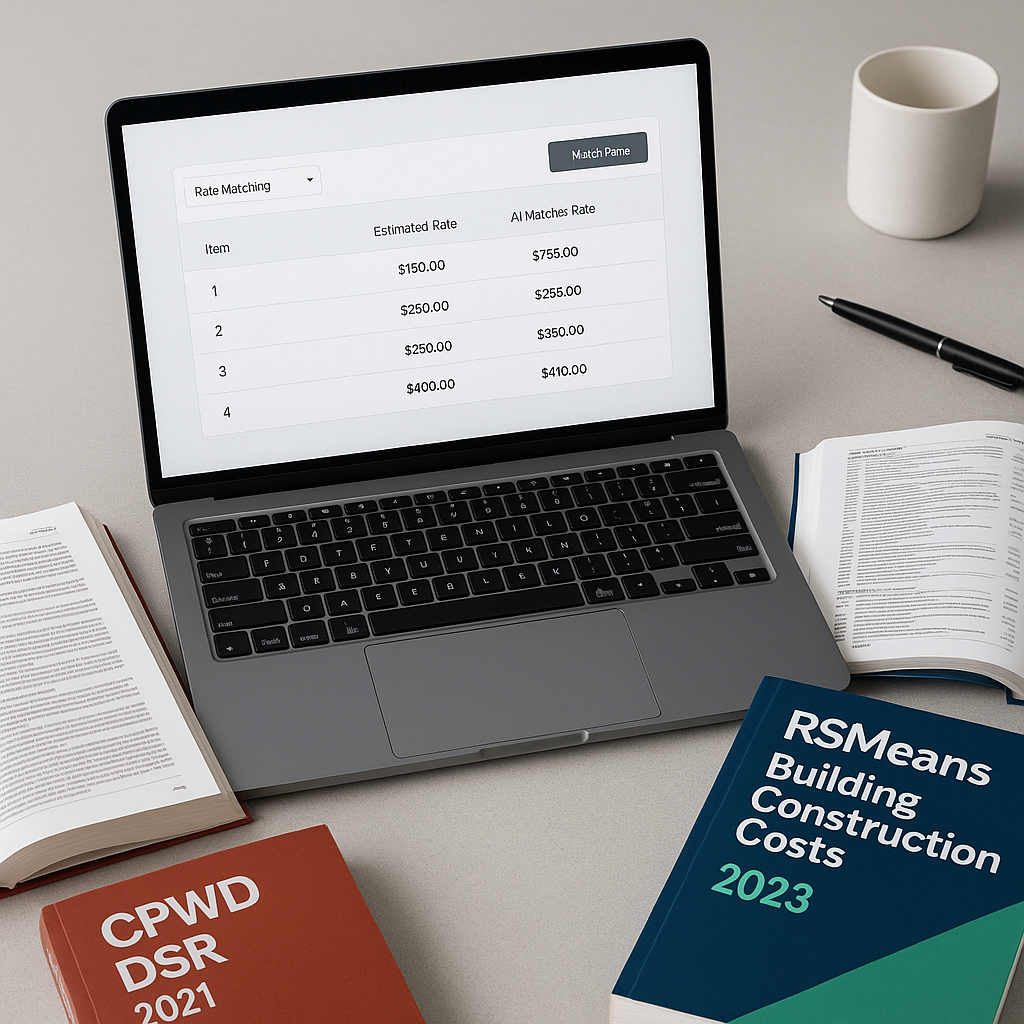
- Semantic Search Across Catalogs: The AI scans across multiple SOR (Schedule of Rates) items from catalogs like RSMeans, CPWD DSR, and state-specific rate books. Need a custom rate? You can upload your own catalog, and the system integrates it seamlessly.
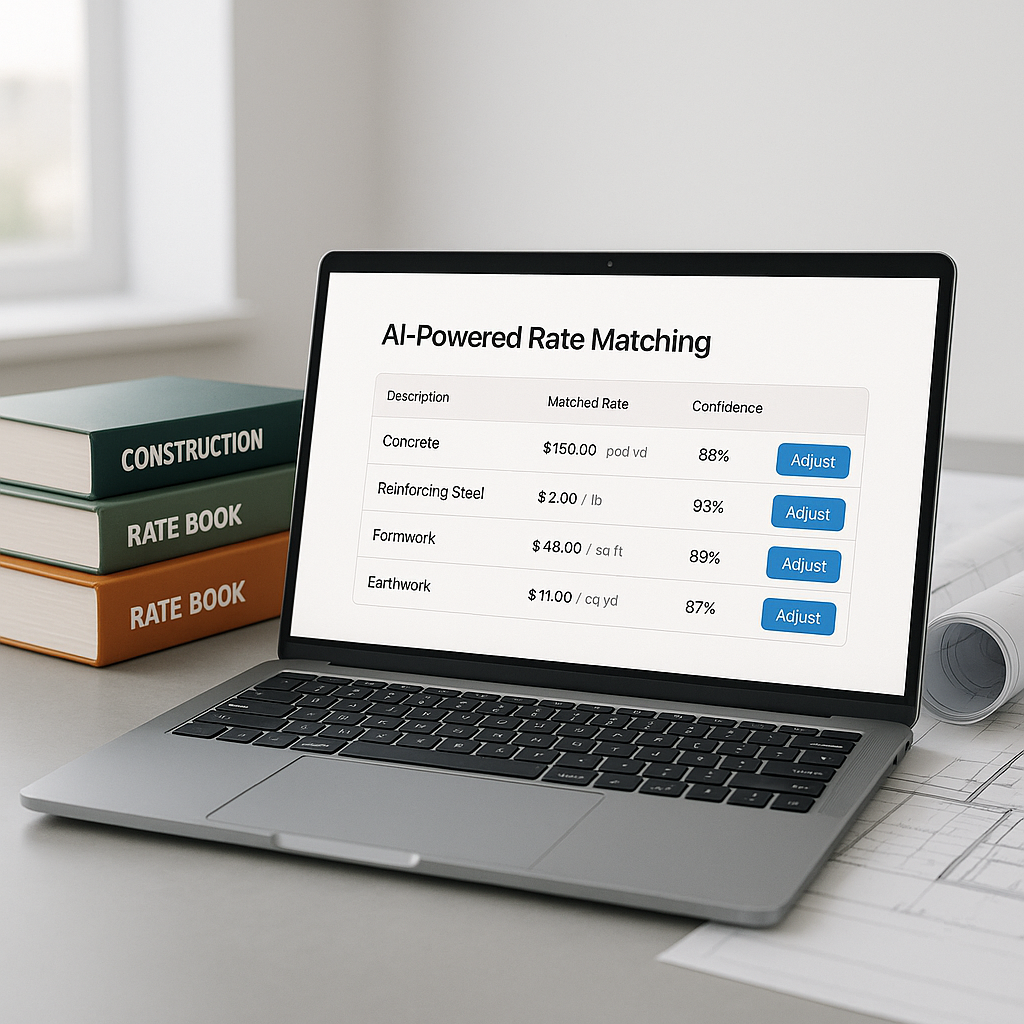
- Rate Suggestions: The AI ranks potential matches by relevance. Each match includes a breakdown—material, labor, equipment—so you can verify before applying it.
- Feedback Loop: Accept or reject matches, and the AI gets smarter. Over time, it fine-tunes to your preferences.
This isn’t just faster—it’s smarter. And it’s not limited to standard rates. If you’re working with high-spec materials or complex labor requirements, the AI adapts.
The ROI of AI-Powered Rate Matching
Why does this matter? Because time saved here compounds across your entire project.
Illustrative example — Imagine you’re a general contractor pursuing multiple projects a year. If rate lookup takes several hours per estimate, the cumulative time spent can add up significantly. Now, factor in the error risk. A missed inflation adjustment or outdated rate can lead to costly execution issues.
AI reduces these risks by automating the lookup process and improving accuracy. It ensures your rates are competitive and compliant, giving you more confidence in your estimates.
Common Questions About AI Rate Matching
Q: What happens if the AI suggests the wrong rate?
A: You can override it. Most tools include a manual review option, so you’re always in control. Plus, your feedback improves future matches.
Q: Does this work with custom rates?
A: Yes. You can upload your own rate catalog, and the AI integrates it seamlessly.
Q: How accurate is it?
A: Accuracy improves over time as the AI learns from your feedback. Human oversight ensures any edge cases are caught.
What to Watch For
No tool is perfect. AI rate matching works best when your input data is clean. Sloppy BOQs with inconsistent formatting will trip up even the smartest systems. The solution? Spend a few minutes cleaning your file before upload—it’s worth it.
Also, remember that AI doesn’t replace expertise. It’s a tool, not a decision-maker. You still need to validate rates and apply context-specific adjustments (e.g., project location or market conditions).
The Bottom Line
AI-powered rate matching isn’t just about speed—it’s about precision and confidence. It eliminates the grunt work, so you can focus on higher-value tasks like refining your bid strategy or negotiating with subs.
If you’re still flipping through rate books, ask yourself: how much is that time worth?
Ready to explore AI-powered estimation tools? Start by researching solutions that align with your workflow and project needs.