Why Manual Takeoffs Are the Bottleneck
If you’ve ever spent hours tracing drawings in Bluebeam, you know the pain. Drawing takeoff is tedious, slow, and prone to mistakes. Manual processes can lead to missed bid deadlines, fewer proposals submitted, and thinner margins. Additionally, human error in manual takeoffs can result in underestimating quantities or inflating costs, both of which hurt your bottom line.
How AI Solves This Problem
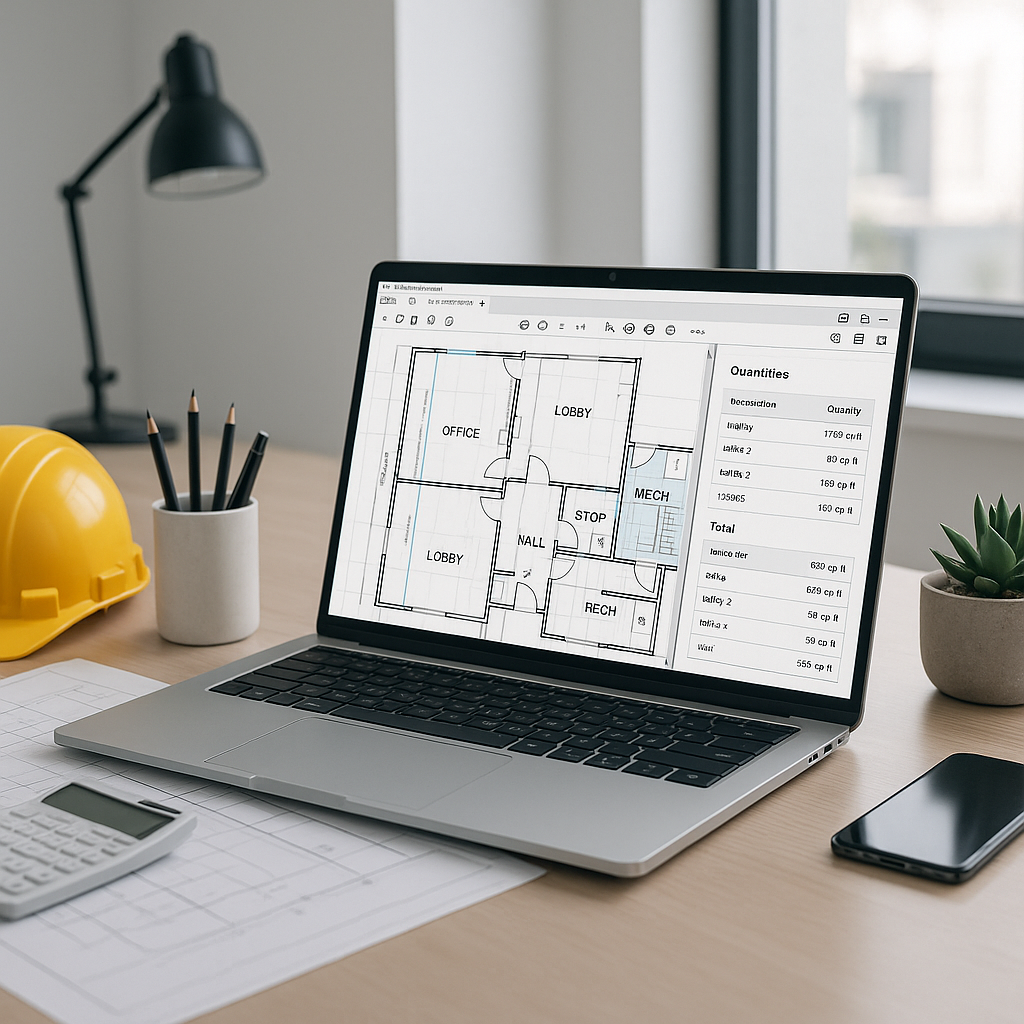
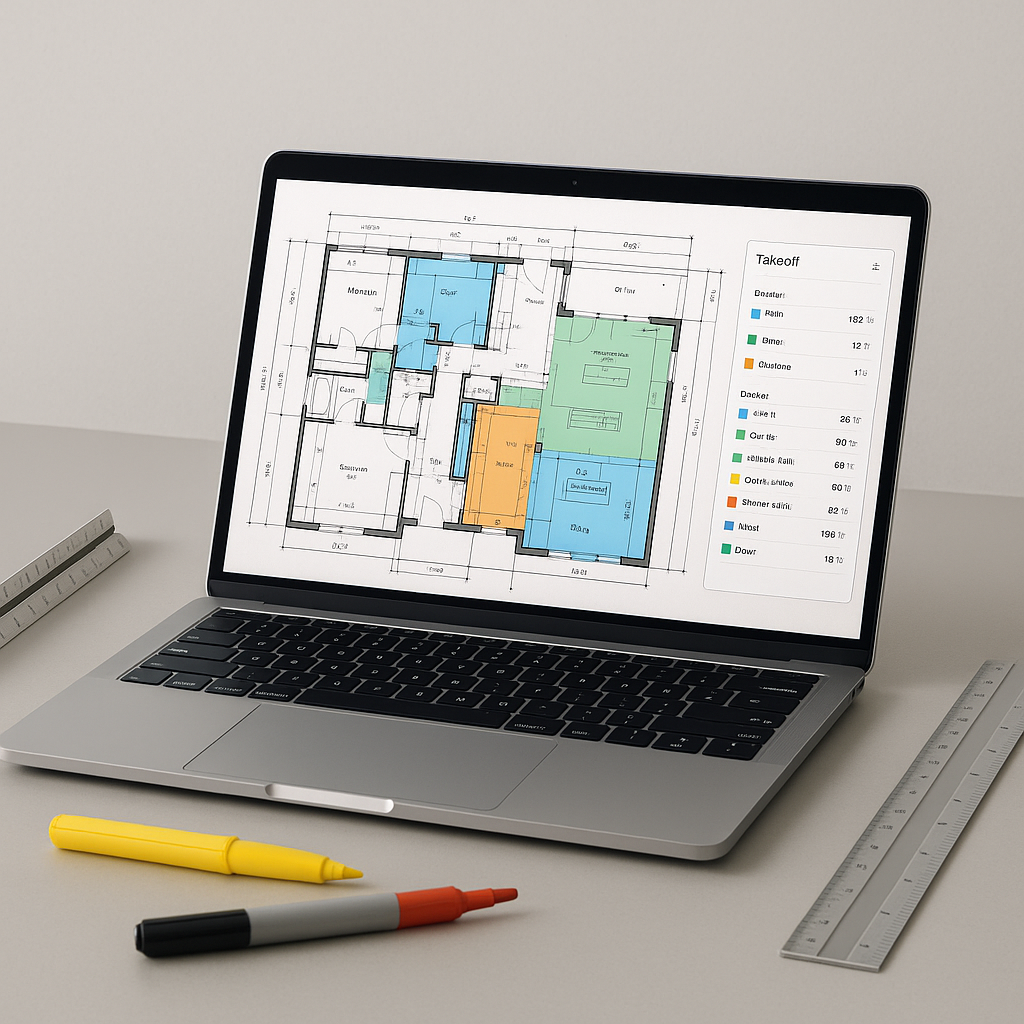
AI-powered takeoff tools, like EstimateNext’s Vision AI, streamline the process. Instead of manually measuring areas, lengths, or counts, you upload the PDF drawings, and the tool extracts quantities automatically. These tools can identify room areas, wall lengths, and even count doors and windows. This automation significantly reduces the time required for takeoffs, allowing estimators to focus on higher-value tasks.
Illustrative Example — AI in Action
Let’s say you’re pricing a high-rise bid. The drawings include:
- Multiple floor plans
- Numerous wall sections
- Hundreds of fixtures
Manually measuring every element would take a significant amount of time. AI tools process the same set in a fraction of the time, delivering a detailed quantity takeoff ready for review and export. You still have control — the AI highlights areas requiring manual review, ensuring accuracy and oversight.
The Benefits of AI Takeoffs
The primary advantage of AI-powered takeoffs is time savings. Faster takeoffs mean you can respond to more bids, negotiate better subcontractor deals, and spend more time refining your pricing strategy. Additionally, automating repetitive tasks reduces the likelihood of human error, improving the accuracy of your estimates.
Common Objections to AI Takeoffs
You might be wondering: “But AI can’t think like an estimator.” That’s true. AI isn’t perfect, and it won’t replace your judgment. What it does is handle the repetitive measuring and counting, freeing you to focus on strategic decisions.
Another concern is accuracy. AI tools often include features like flagged measurements for manual review, ensuring you’re not relying solely on automation. This hybrid approach combines the efficiency of AI with the expertise of human estimators.
How to Get Started
If you’re new to AI-powered tools, start small. Use them on a single bid to test their accuracy and speed. Pair junior estimators with the platform to free up senior staff for high-value tasks. Most tools integrate seamlessly with existing workflows like Excel, Bluebeam, or Procore.
FAQ
Q: How accurate are AI-powered takeoffs?
AI tools are designed to be highly accurate, but manual oversight ensures reliability. Flagged measurements can be reviewed and adjusted as needed.
Q: Can AI handle complex drawings?
Yes. Many tools are designed to process multi-page PDFs, section details, and even revision sets. Low-confidence areas are flagged for manual review.
Q: How long does training take?
Most platforms are intuitive and require minimal training. Users often report being productive after their first project.
Q: Can I use AI tools with custom rates?
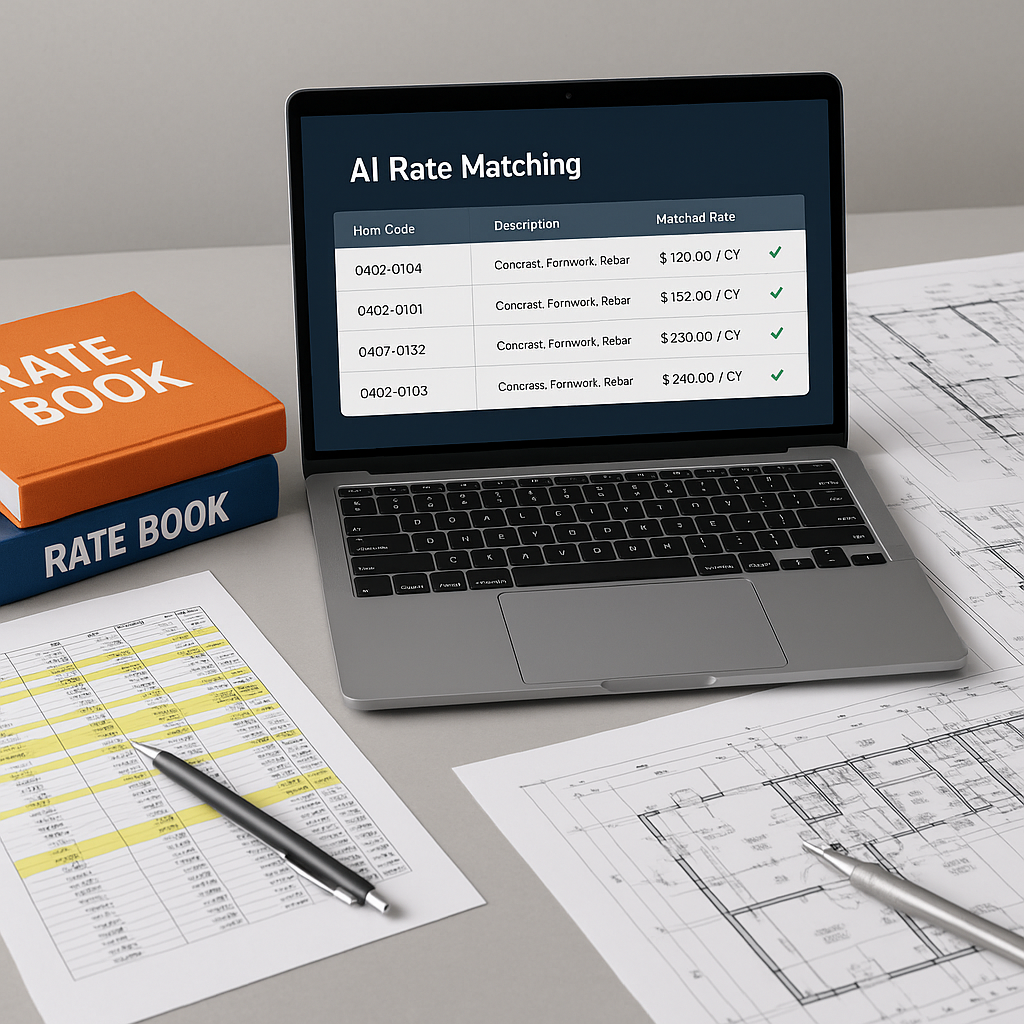
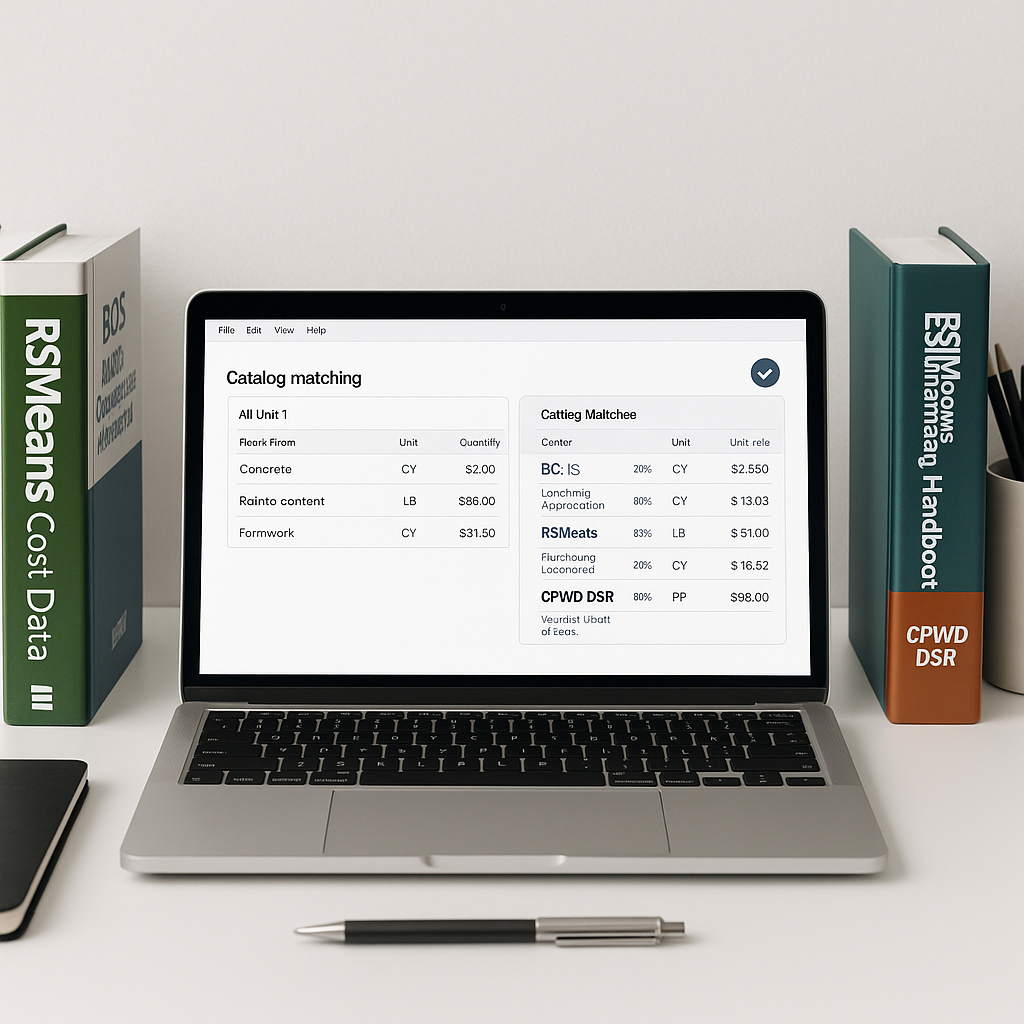
Absolutely. You can upload your own rate catalogs or define project-specific rates to ensure accurate pricing.
Q: Are AI tools expensive?
Compared to traditional estimating software, AI platforms are often more affordable. Pricing varies by provider, so it’s worth exploring options that fit your budget.
What to Watch For
- Quality of input data: Clean, detailed drawings produce better results.
- Over-reliance on AI: Always review flagged measurements and ensure the final takeoff matches the project scope.
- Integration issues: Check if the tool exports to your preferred format (e.g., Excel or Procore).
Ready to Improve Your Estimation Process?
If manual takeoffs are slowing you down, AI-powered tools can help. Upload your first BOQ and see how these tools streamline the process, saving time and improving accuracy.