The Rate Lookup Challenge: Why Manual Methods Are Inefficient
Rate lookups are a common pain point in the estimator’s workflow. Whether you’re using RSMeans, CPWD DSR, or state-specific SOR catalogs, the process can be tedious. With thousands of pages to sift through, finding the right rate for a specific task can take significant time and effort. For example, locating the labor rate for installing pre-stressed concrete girders in a large catalog can be a daunting task. This manual process also increases the likelihood of errors, as flipping between pages can lead to missed details or incorrect entries.
The AI Solution: Semantic Search for Rates
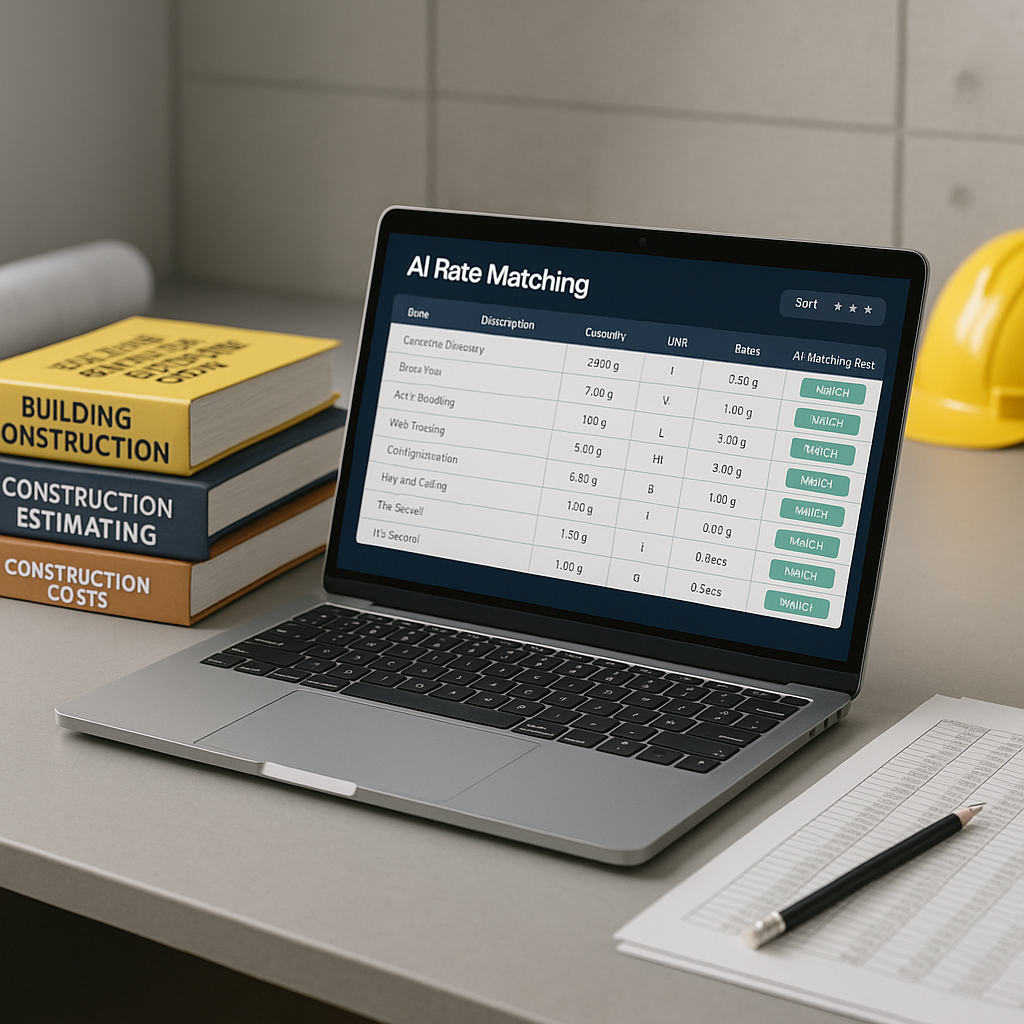
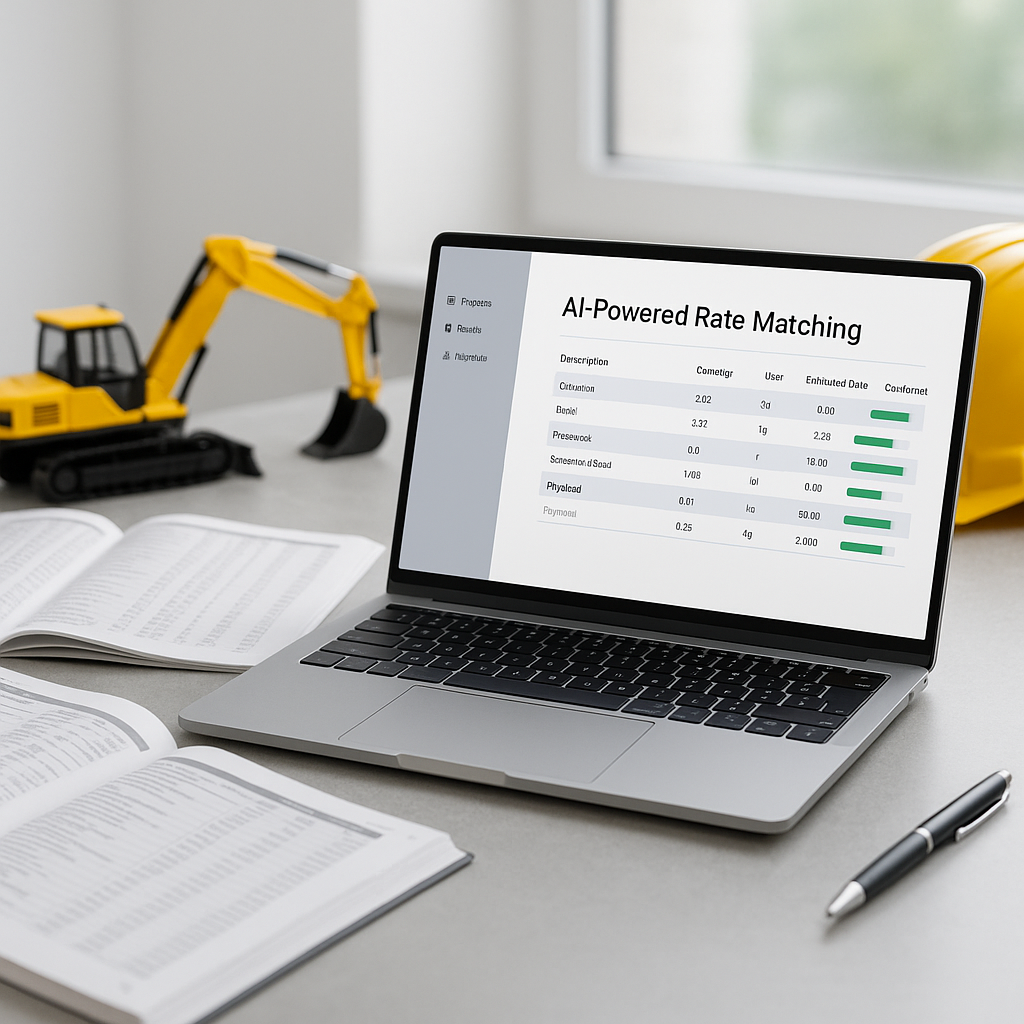
AI-powered tools are transforming the way estimators handle rate lookups. These tools use semantic search to streamline the process. Instead of manually scanning for specific terms, you can input a query—like "labor rate for installing pre-stressed concrete girders"—and the AI matches it to the most relevant rates in its database.
Many AI tools integrate with standard catalogs such as RSMeans, CPWD DSR, and trade-specific databases. They also allow users to upload custom materials or rates, ensuring that unique project requirements are accounted for. By understanding the context of your query, these tools go beyond simple keyword matching to deliver more accurate results.
Why AI Isn’t a Magic Wand (But It’s a Powerful Tool)
AI tools are designed to assist, not replace, human expertise. While they significantly speed up the rate lookup process, the final decision still rests with the estimator. Many platforms allow for manual overrides and provide mechanisms for users to validate and refine the AI’s suggestions.
Additionally, these tools improve over time. With continued use, they learn from user inputs and adjust their algorithms to better match your specific needs. This means the more you use the tool, the more tailored and accurate its results become.
How to Get Started with AI Rate Matching
If you’re considering adopting AI-powered tools for rate lookup, here’s a step-by-step approach:
- Start Small: Test the tool on a single small project to evaluate its performance. Compare its results with your current manual methods.
- Upload Custom Rates: If your projects involve specialized materials or processes, upload these into the system to ensure accurate matches.
- Validate Early Results: Spend time reviewing the AI’s initial matches to understand its functionality and make necessary adjustments.
- Scale Gradually: Once you’re confident in the tool’s capabilities, start using it for larger bids. Regular use will enhance its accuracy and efficiency.
Common Questions About AI Rate Matching
Q: Can I use my own rate catalogs?
A: Yes. Many AI tools allow you to upload custom materials or rates, which are then integrated into future matches.
Q: Does it work with my current software?
A: Most AI tools are designed to integrate with popular platforms like Procore, Autodesk Build, and Excel.
Q: Is training required?
A: These platforms are typically user-friendly, and training requirements are minimal. Most users can get started quickly.
What to Watch For
- Data Quality: The accuracy of AI tools depends on the quality of your input data. Ensure your BOQs and rate catalogs are accurate and up-to-date.
- Over-reliance on AI: While AI can save time, it’s essential to review its suggestions and make informed decisions.
- Underutilizing Features: Explore advanced functionalities like inflation adjustments or vendor quote integration to maximize the tool’s potential.
Final Thoughts
AI-powered tools are revolutionizing preconstruction estimation by simplifying rate lookup and reducing errors. By adopting these technologies, estimators can save time and focus on strategic tasks that add value to their projects. While AI is not a replacement for human expertise, it is a powerful tool that complements and enhances the estimator’s workflow.
If you’re ready to streamline your estimation process, consider exploring AI-powered solutions to see how they can benefit your projects.