The Takeoff Problem: Manual Workload Challenges
If you've ever sat down to do a manual takeoff, you know it’s one of the most tedious parts of construction estimation. Flipping through drawings, measuring every room, wall, or beam — it’s a time-consuming process. For a mid-sized project, it can take significant time and effort. And that’s assuming no errors, no rework, and no scope changes.
But errors happen. Scope changes happen. And suddenly, you’re racing to finish while the bid deadline looms. Sound familiar?
This is where AI-powered tools come in. They don’t just speed up takeoffs; they redefine them.
How AI Takeoffs Work
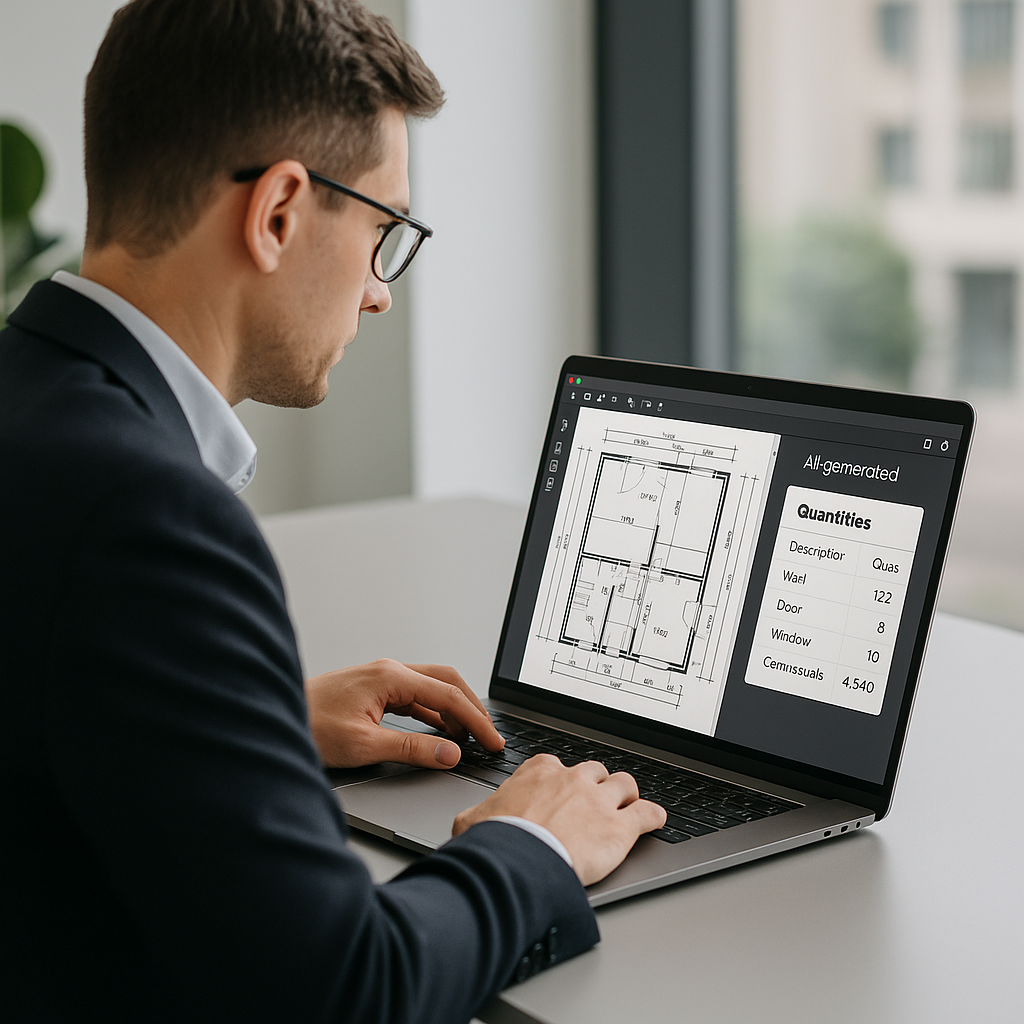
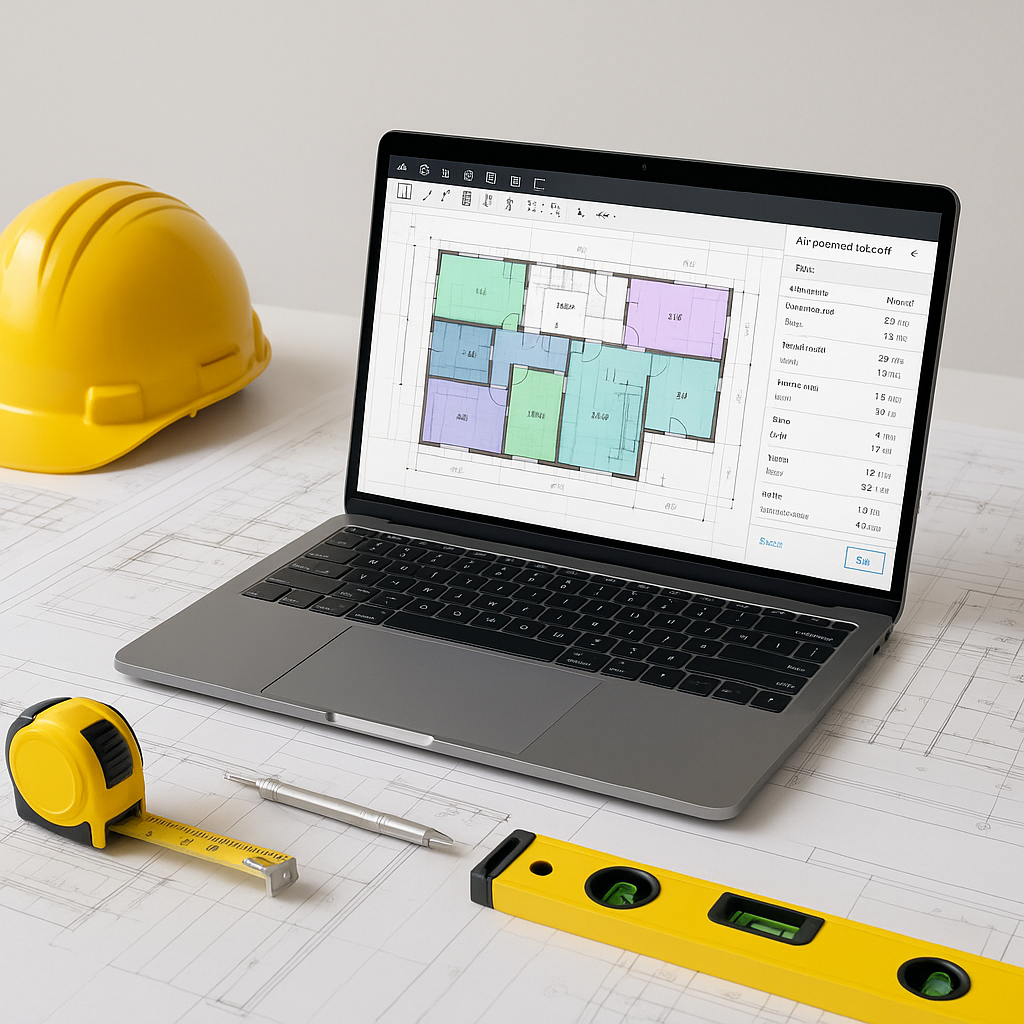
AI-powered takeoff tools use Vision AI technology to read your drawings — PDFs, DWGs, even scanned blueprints — and extract quantities automatically. Need wall lengths? Room areas? Door counts? These tools can handle it.
Illustrative example — Imagine uploading a set of drawings for a project. Instead of manually measuring and counting, the AI scans the drawings and provides itemized quantities in a fraction of the time. This allows your team to focus on higher-value tasks.
So, how does it work?
- Upload the Drawing Set. Drag and drop your PDFs into the platform. The AI scans them instantly.
- Calibrate Measurements. Enter one known dimension for scale. The AI adjusts everything else automatically.
- Review & Override. The system flags any areas requiring review. You can override these with a few clicks.
- Export Quantities. In minutes, you’ve got a fully itemized takeoff, ready to plug into your BOQ.
Is It Perfect? No. But It’s Highly Effective.
Here’s the obvious objection: “AI can’t think like an estimator.” And that’s true. AI doesn’t know the nuances of your project the way you do. But it doesn’t have to.
Think of it as an assistant. It handles the repetitive measuring and counting, so you can focus on the strategic aspects: scope gaps, subcontractor negotiations, and value engineering. Most tools also include manual overrides, so if the AI gets something wrong, you can fix it.
The result? Faster, more accurate takeoffs with fewer headaches.
Why This Matters
Speed isn’t just a convenience in construction; it’s a competitive advantage.
If your team can complete takeoffs faster, you can bid on more projects. You can respond to changes more quickly. You can spend more time refining your bid instead of rushing to finish it.
Additionally, AI takeoffs can help reduce errors, which means fewer change orders and improved client satisfaction.
Common Questions About AI Takeoffs
Q: Does AI work for small projects?
Yes. AI tools scale to project size. Whether you’re working on a small renovation or a large infrastructure project, the process is the same.
Q: What about custom measurements?
Most platforms let you define custom line types or zones. For example, you can flag areas for “paint only” or “tile flooring” with a few clicks.
Q: How accurate is it?
AI tools are generally accurate, but they also include manual overrides to ensure nothing gets missed. Double-checking critical quantities is always recommended.
What to Watch For
- Bad Input Data. Garbage in, garbage out. If your drawings are incomplete or poorly scaled, the AI can’t fix that.
- Over-Reliance on AI. Always double-check critical quantities. AI is fast, but it’s not infallible.
- Training Time. While most tools are intuitive, there’s still a learning curve. Plan for some initial training.
Final Thoughts
AI takeoffs aren’t a magic bullet, but they’re a game-changer for estimators dealing with manual workloads. They save time, reduce errors, and let you focus on what really matters: winning bids and delivering value.
If you’re curious about how this works in practice, exploring AI-powered tools for preconstruction estimation can be a worthwhile step for your team.