The Hidden Drain on Estimators’ Time: Manual Rate Matching
If you’ve ever spent hours flipping through a 2,000-page CPWD DSR or RSMeans PDF looking for that one labor or material rate, you know how tedious rate matching can be. It’s not just time-consuming; it’s error-prone. Miss a line item, and your estimate could swing wildly off-target.
Rate lookup can take significant time per estimate. Multiply that by dozens of bids a year, and it’s a serious productivity sink. Most of this grunt work involves finding pre-approved or historical rates—not exactly rocket science.
AI Rate Matching: What It Does (and Doesn’t) Do
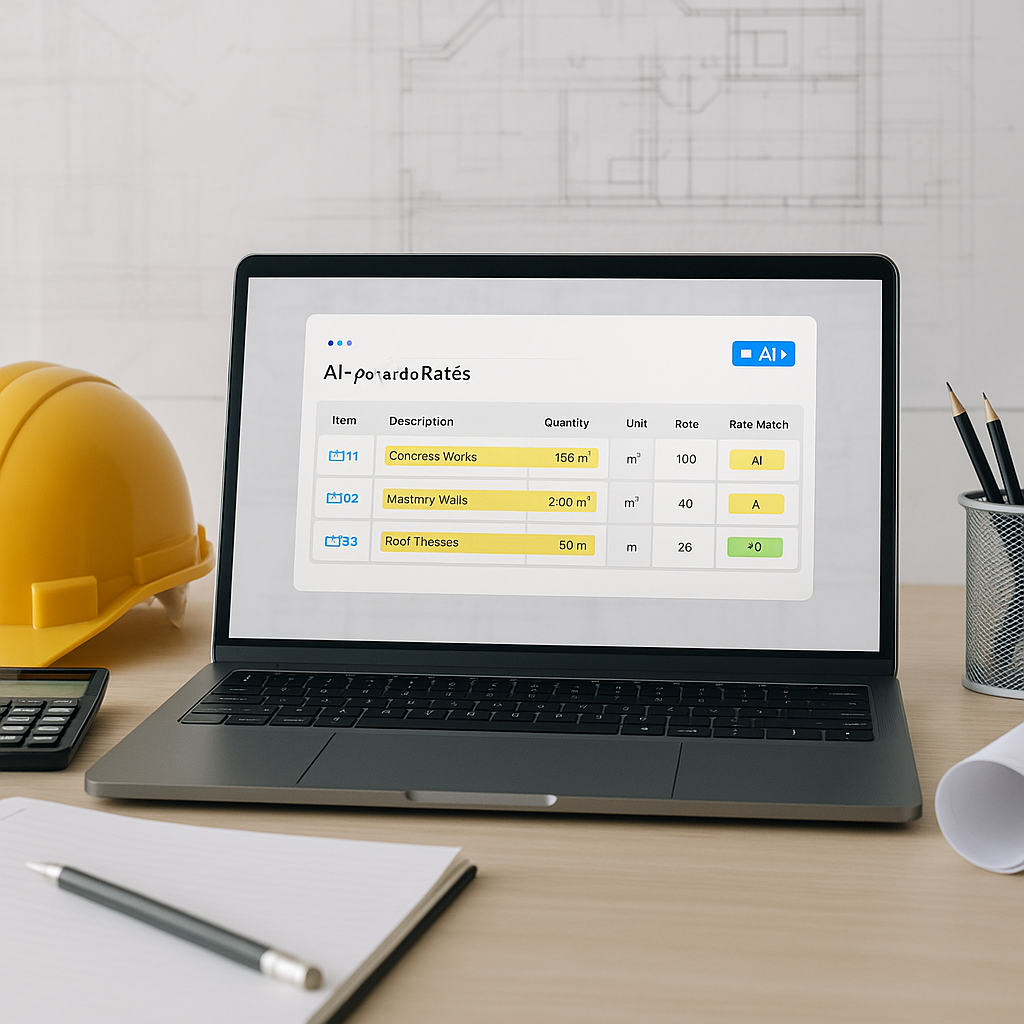
AI rate matching tools take this manual process and automate it. Here’s how it works in practice: you upload your BOQ (in Excel, CSV, or even PDF), and the AI scans it against a large rate database. These libraries often include thousands of items across multiple catalogs, such as CPWD DSR or AECOM rates.
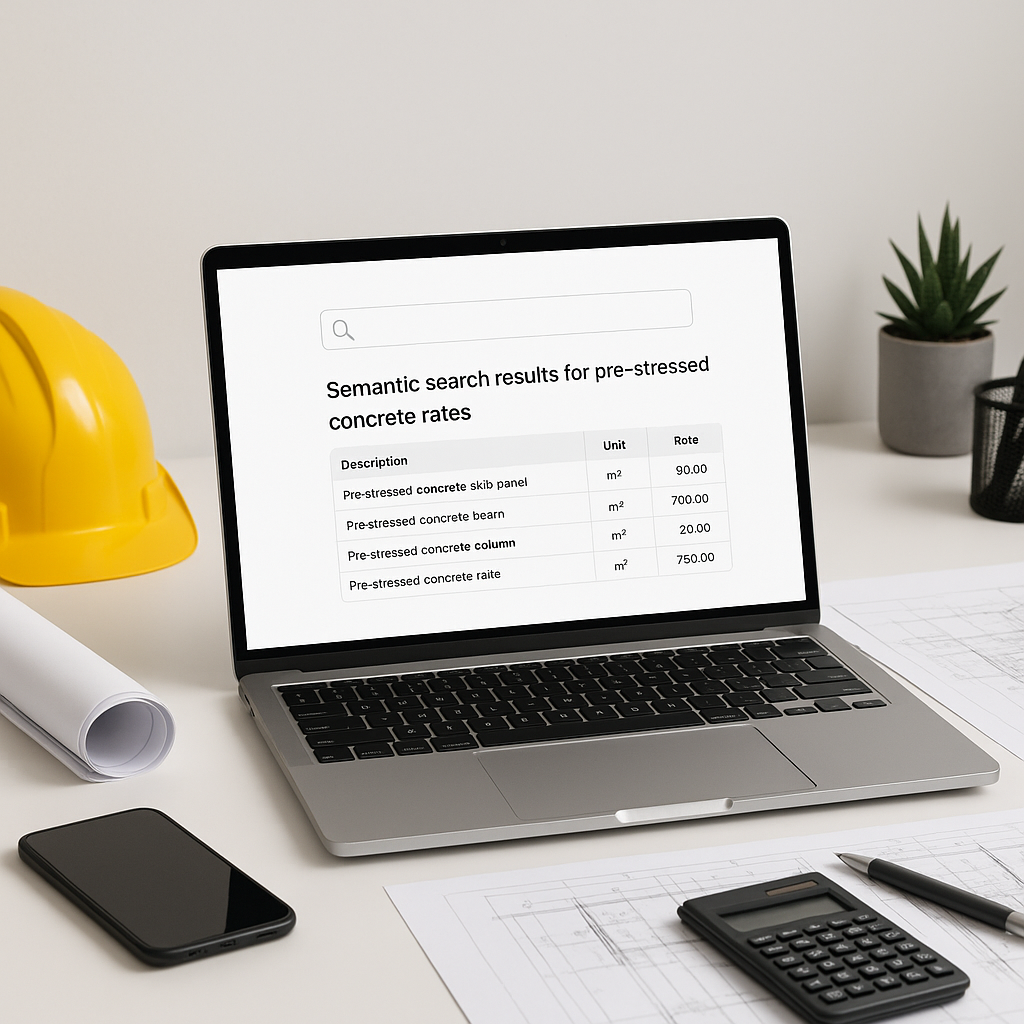
Type in “floor tiling, 600x600 mm” or “reinforced concrete, M25,” and you’ll get relevant matches in seconds—complete with material, labor, and equipment breakdowns. Some systems even suggest inflation adjustments for older rates.
However, AI doesn’t “guess” rates. Its accuracy depends on the quality of its database and your input. If you’re working with custom materials or niche items, you’ll still need to upload those manually. The good news? Many AI tools learn with every project, so custom rates can be integrated for future use.
How AI Can Save Time on Large Projects
Illustrative example — Imagine you’re pricing a high-rise project with a BOQ containing hundreds of line items, ranging from structural steel to HVAC ductwork. Normally, flipping through rate books and validating each line item could take a senior estimator a significant amount of time. With AI rate matching, this process can be significantly expedited, allowing estimators to focus on higher-value tasks like subcontractor negotiations or refining bid margins.
The Obvious Objection: “But AI Can’t Think Like an Estimator”
You might be skeptical—and that’s understandable. A common concern is that AI doesn’t understand the nuances of construction. For example, it won’t know that a client prefers imported Italian tiles or that labor rates need to account for a union contract renegotiation.
But here’s the thing: AI doesn’t replace your expertise; it amplifies it. Instead of spending hours on rote tasks, you can focus on what you’re actually good at—like making judgment calls, refining scope, and negotiating with subs.
Common Mistakes to Avoid When Using AI Rate Matching
- Garbage In, Garbage Out: If your BOQ has vague or inconsistent descriptions, the AI will struggle. Clean up your inputs for better results.
- Ignoring Inflation Adjustments: Rates from older catalogs may not reflect current market conditions. Many AI tools allow you to apply inflation factors—use them.
- Blind Trust in AI: AI is a tool, not a decision-maker. Always review the matches and make adjustments where needed.
FAQ: AI in Rate Matching
Q: Can I add custom rates?
Yes. Most tools allow you to upload custom catalogs, which the AI integrates into future matches.
Q: How accurate are the matches?
Accuracy depends on the quality of the database and the input provided. Manual oversight is still crucial to ensure reliability.
Q: Does it work for multi-country projects?
Yes. Many platforms support multiple measurement standards (e.g., CPWD, CESMM3) and currencies, making them suitable for international bids.
The Bottom Line
Manual rate matching is a productivity challenge, and it’s unnecessary in 2023. AI-powered tools can save time, reduce errors, and let you focus on what matters most: winning bids and delivering value. By automating repetitive tasks, these tools enable estimators to work more efficiently and strategically.