The Problem: Manual Takeoff Is a Time Sink
Let’s be honest. If you’ve ever spent days measuring walls, counting fixtures, or flipping through rate books, you know just how frustrating manual takeoff can be. On a typical bid, general contractors often spend significant time just to extract quantities from drawings. It’s tedious, error-prone, and worst of all—completely avoidable.
Why is this still the norm? Because quantity takeoff is foundational. Getting it wrong means overestimating costs, underestimating quantities, or missing key scope items. That’s a recipe for lost bids or blown budgets. But doing it manually eats up the time you could spend optimizing your bid strategy or negotiating better subcontractor terms.
The AI Solution: Vision AI Takeoff
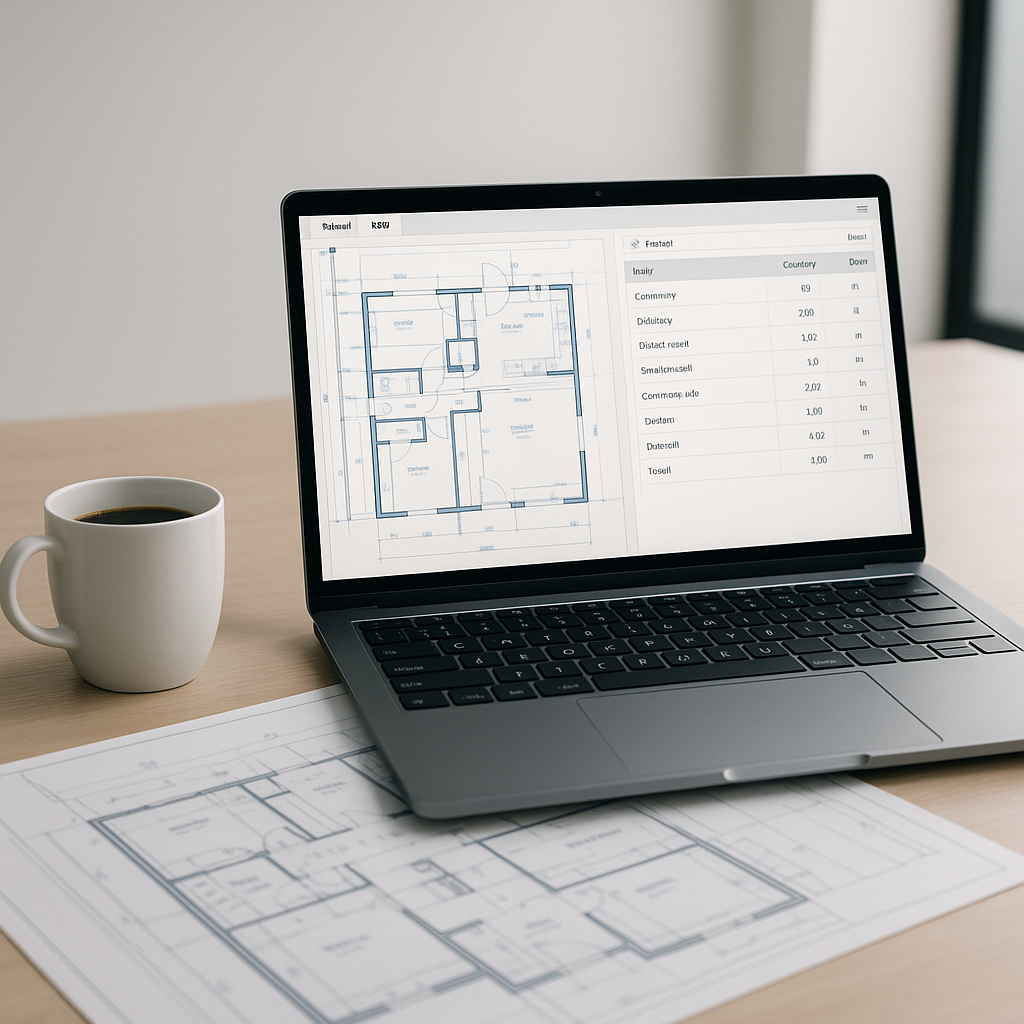
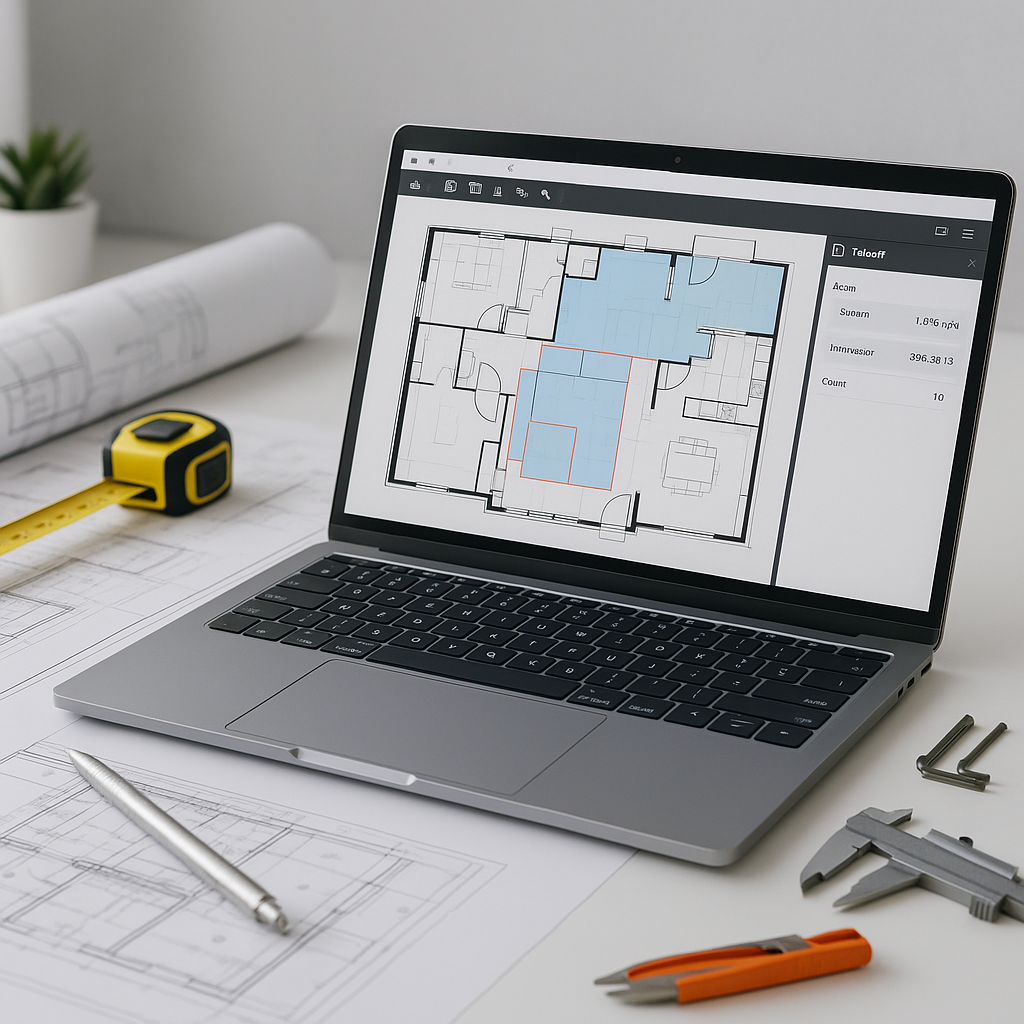
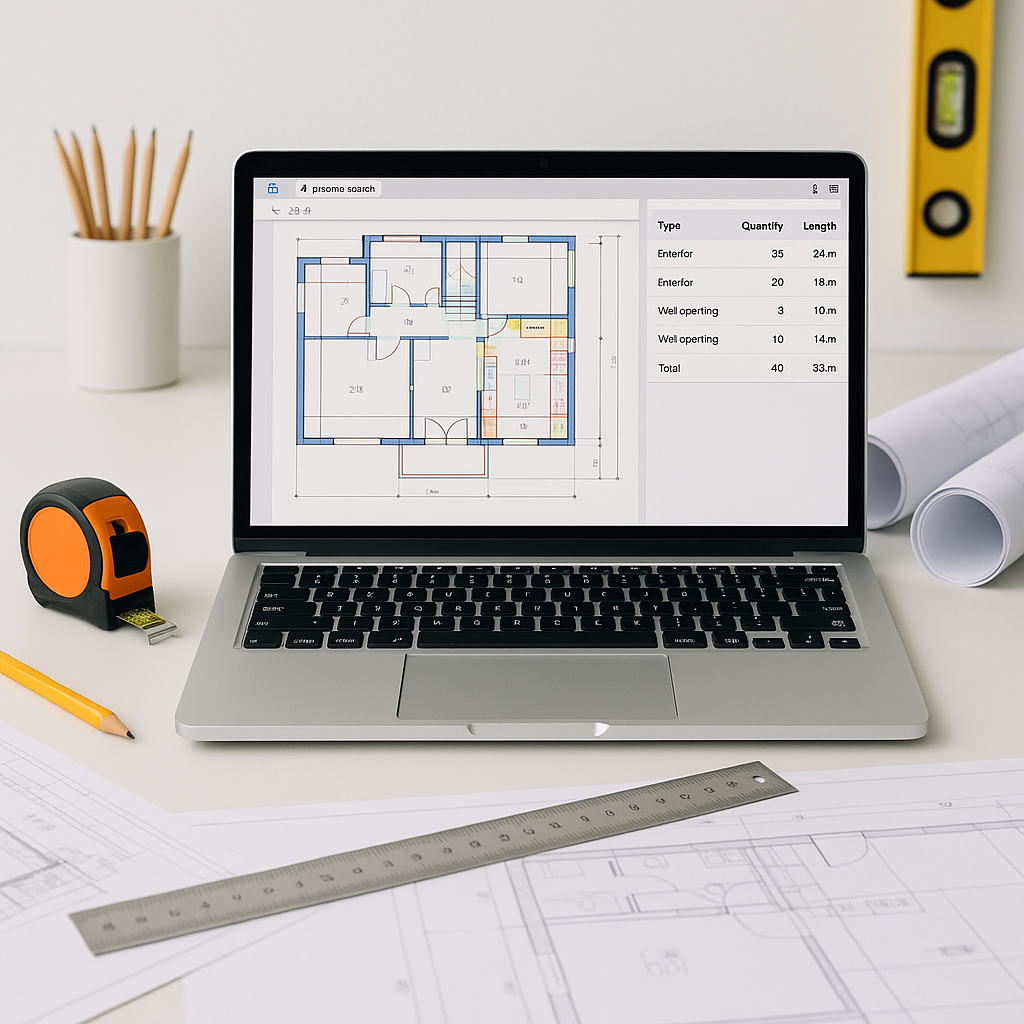
This is where AI changes everything. AI-powered tools automate the process, significantly reducing the time required for takeoffs. These tools use machine learning to read PDF drawings and extract quantities directly—room areas, wall lengths, door/window counts, and more.
Instead of grinding through takeoffs, teams can focus on refining their bid margins and leveling subcontractor quotes.
This isn’t just about speed. AI tools also flag low-confidence measurements, letting you manually review and override them. That means fewer errors and a better audit trail for client reviews.
Common Objections: “AI Can't Think Like an Estimator”
A common concern is that AI doesn’t understand the nuances of construction. And that’s true—AI doesn’t replace your expertise. It doesn’t know your preferred vendors or how to price bespoke fixtures your client insists on.
But that’s not the point. AI handles the repetitive tasks, so you spend less time on grunt work and more time refining the details that matter. You’re still the one making judgment calls, negotiating terms, and deciding markup. The AI just clears the deck for you.
Practical Example
Let’s break it down with an example:
Manual Takeoff
- Step 1: Print drawings (or open them in software like Bluebeam).
- Step 2: Measure every room, wall, fixture, and duct manually.
- Step 3: Transfer quantities to Excel.
- Step 4: Manually cross-check against the BOQ.
AI Takeoff
- Step 1: Upload the PDF to an AI-powered tool.
- Step 2: AI extracts quantities in minutes.
- Step 3: Review flagged measurements and approve.
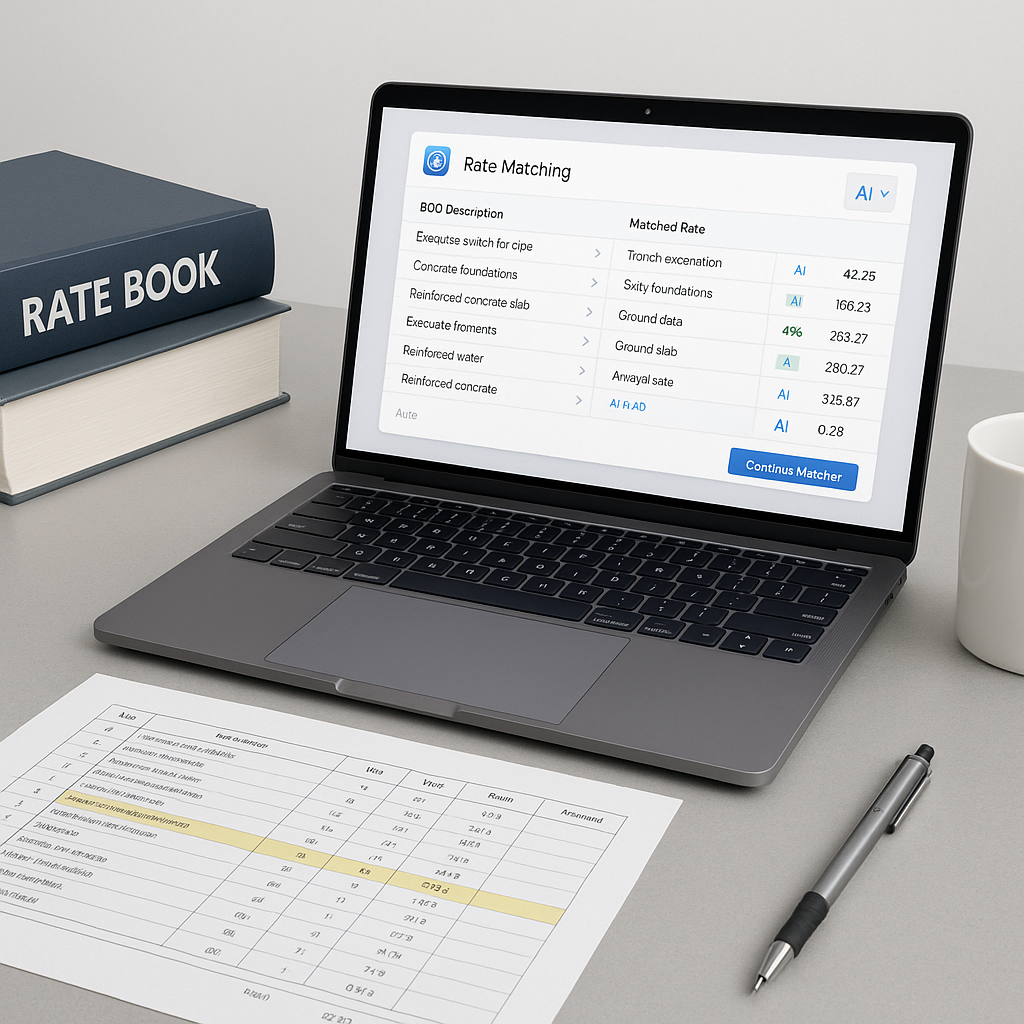
- Step 4: Export quantities directly into your BOQ.
Illustrative example—if your team prices multiple bids per month, AI can save significant hours monthly. That’s the equivalent of hiring another estimator without the payroll hit.
What to Watch For
AI isn’t perfect. It depends on clean input data. If your PDF drawings are poorly scanned or lack clarity, the AI might struggle. That’s why many tools include confidence scoring and manual override options. The key is to treat AI as an assistant, not an autopilot.
Also, don’t expect instant perfection. AI tools improve with use. Most users see significant accuracy gains by their third project, as the system learns from their feedback.
FAQ
Q: How accurate are AI-powered takeoffs?
AI tools reduce discrepancies significantly, but human oversight is still essential. You’ll get better results by pairing AI with manual review.
Q: Does AI work for smaller projects?
Absolutely. AI scales to any project size, from small renovations to large infrastructure bids.
Q: How do I integrate AI with my current tools?
Most platforms offer seamless exports to Excel, Procore, and other preconstruction tools.
Q: What if my drawings are messy?
AI confidence scoring highlights areas needing manual review. Clean input data always helps, but the system is designed to handle imperfections.
Final Thoughts
AI-powered takeoffs aren’t just faster—they free up your team to focus on what really matters: winning bids and building relationships. If you’re still spending days on manual takeoff, it’s time to rethink your process. The hours saved add up fast.
Call to Action
If you’re dealing with slow, manual takeoffs, consider exploring AI-powered tools to streamline your workflow.