The Problem: Takeoff Bottlenecks
If you've ever been stuck tracing beams on a PDF for hours, you know how slow manual takeoffs can be. Estimators spend significant time extracting quantities from drawings—whether it's wall lengths, room areas, or door counts. For multiple projects, this process can consume a substantial portion of a team's bandwidth.
Why is it so time-consuming? Traditional tools like Bluebeam require manual calibration, measurement, and validation for every single line. Errors compound quickly, meaning you spend even more time double-checking.
The AI Solution: Vision AI Takeoffs
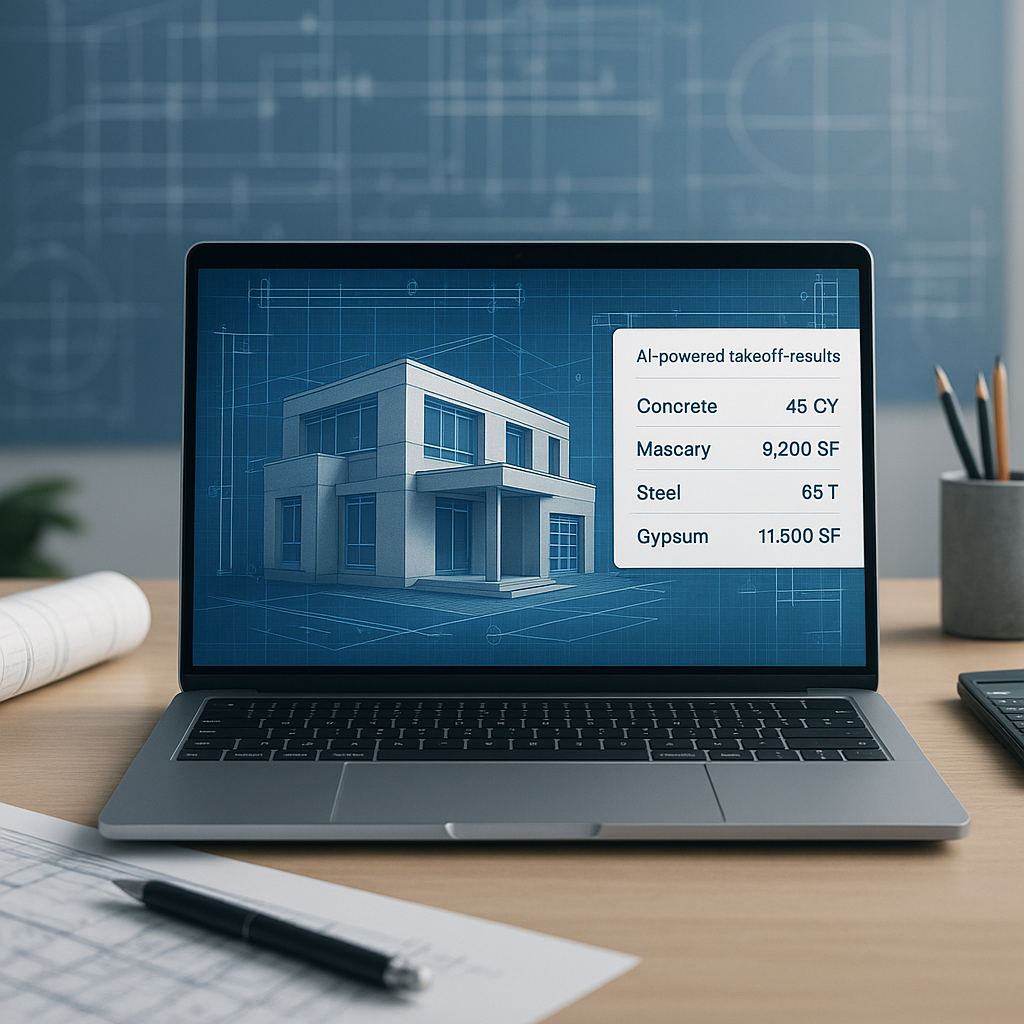
AI-powered tools like EstimateNext's Vision AI aim to streamline this process. Instead of painstakingly tracing lines, you upload your PDF drawings, and the AI extracts quantities. Here's a breakdown:
- Upload the Drawing Set: Drop your PDF or CAD files into the platform.
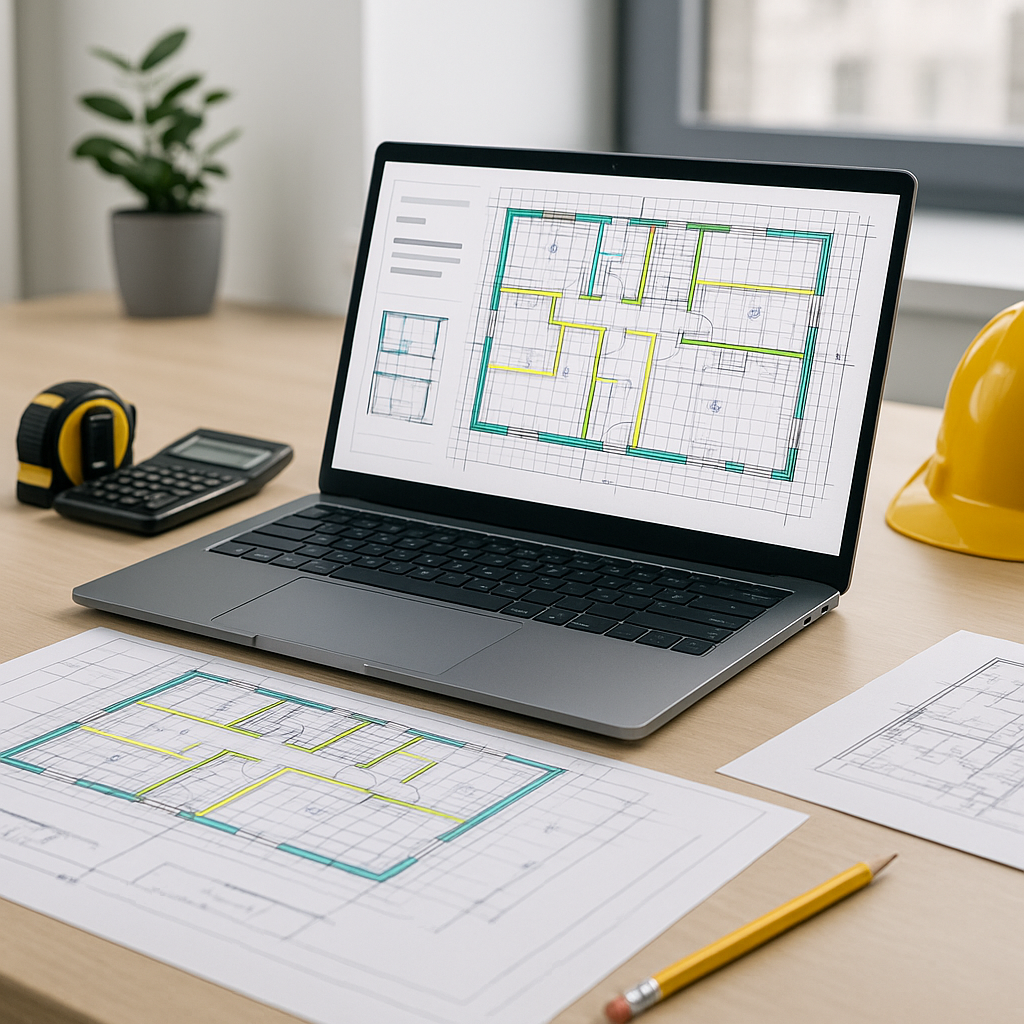
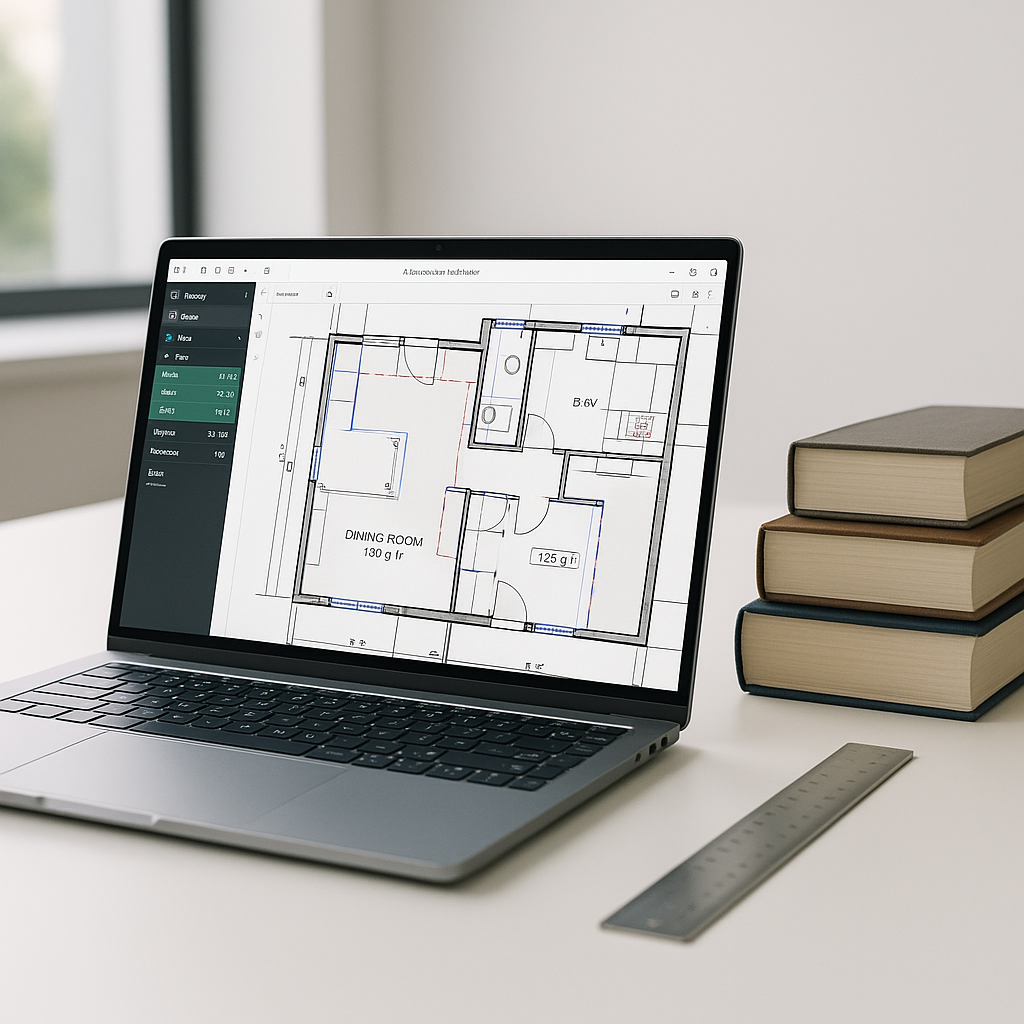
- AI Recognition: The AI identifies areas, lengths, and countable items (e.g., windows, doors).
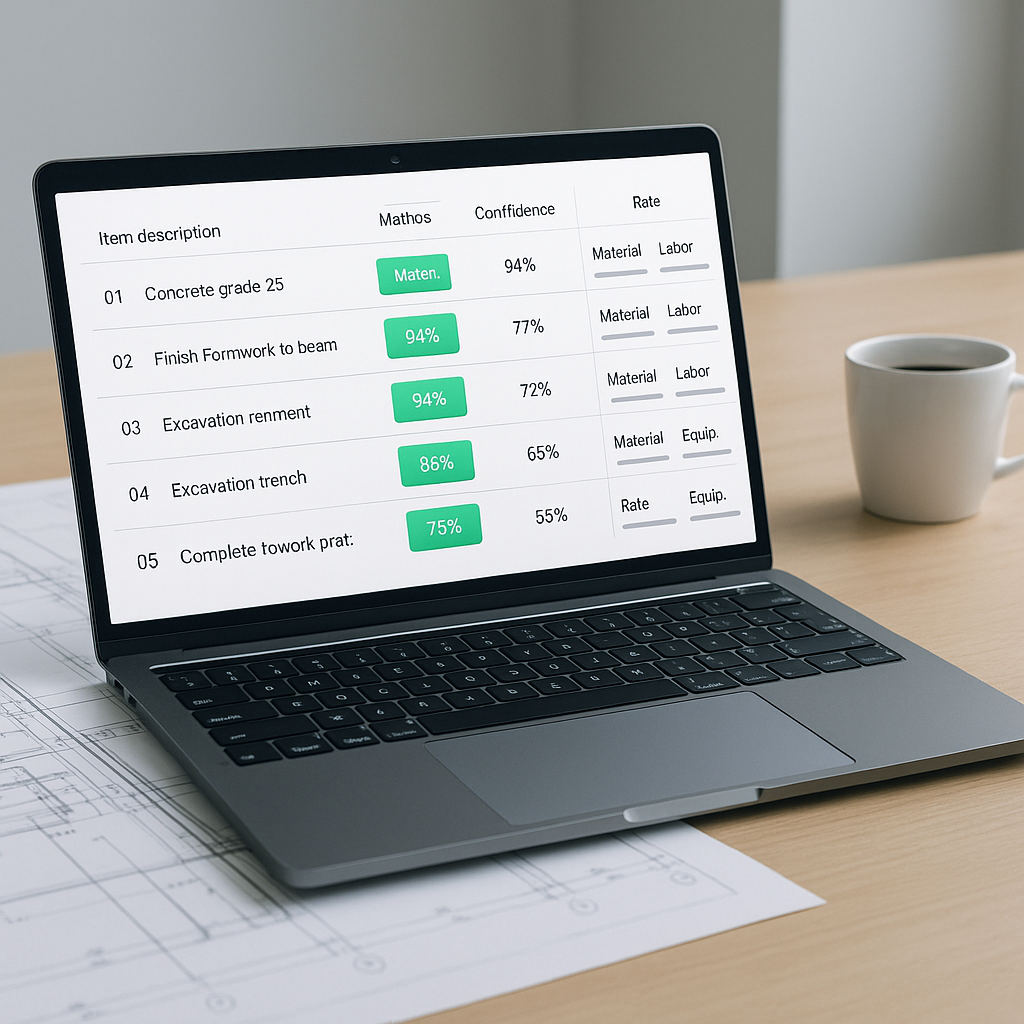
- Flagging for Review: Low-confidence detections are flagged for manual review.
- Override Options: You can measure specific lines manually if needed, but most of the work is automated.
Illustrative example — Imagine a project with a large set of drawings. Manually extracting quantities might take a team several days. With AI, the same task could be completed in a fraction of the time, allowing the team to focus on higher-value activities.
Accuracy vs. Speed: Does AI Sacrifice Quality?
The obvious objection is, "Sure, it's fast, but can AI really be accurate?" AI tools are highly accurate when the input data is clean. Features like confidence scoring and manual overrides help mitigate errors. Human expertise still plays a role, but the AI handles the bulk of the repetitive work.
McKinsey reports that early adopters of AI in construction see significant cost savings per project. This isn't just about speed—it's about freeing your team to focus on high-value tasks, like subcontractor negotiations or margin optimization. Source: McKinsey.
Practical Example: Saving Time on High-Rise Projects
Illustrative example — Consider estimating a high-rise office building. The drawing set includes:
- Floor Plans: 30 sheets
- Elevations: 15 sheets
- Sections: 10 sheets
Manually extracting quantities from these would take a considerable amount of time. Using AI, the same results could be achieved much faster, enabling the team to allocate their time to refining bid margins or preparing a more competitive proposal.
Common Mistakes to Avoid
- Skipping Manual Review: AI tools are accurate, but they’re not infallible. Always double-check flagged items.
- Poor Input Data: Messy PDFs with missing dimensions or unclear annotations will compromise results.
- Over-Reliance on Defaults: Customize settings for your project type (e.g., residential vs. commercial).
FAQ
Q: Can AI handle complex projects?
Yes. AI scales to any project size, whether it’s a small renovation or a large infrastructure project. It’s particularly effective on large, repetitive tasks like high-rise takeoffs.
Q: How do I ensure accuracy when using AI?
Use clean input data and review flagged items. Confidence scoring makes it easy to spot potential errors.
Q: Is AI difficult to learn?
Not at all. Platforms like EstimateNext are designed for ease of use. Most teams get up to speed quickly.
Q: Can AI integrate with my current tools?
Yes. EstimateNext integrates with Bluebeam, Procore, and Excel workflows. You can export estimates directly into your existing system.
Call to Action
If you're tired of spending excessive time on manual takeoffs, it's worth exploring AI-powered tools like EstimateNext. Get started and see how these tools can save your team effort and improve efficiency.