The 40-Hour Problem Nobody Talks About
Every estimator knows the grind of manual takeoffs. You’ve got a stack of drawings, a highlighter, your trusted scale ruler, and hours of painstaking counting ahead. A typical bid can burn through 40 hours—two full workdays—for just one estimate. And that’s assuming nothing goes wrong.
But things always go wrong. Revisions come in at the last minute. Someone questions your quantities. Suddenly, you’re scrambling to redo measurements, double-check calculations, and ensure the numbers align with the bid package. It’s a bottleneck that crushes productivity and eats into profits.
That’s where AI-powered tools are starting to change the game. They won’t replace you—but they will handle the grunt work, so you can focus on the decisions that actually matter.
What is AI-Powered Takeoff?
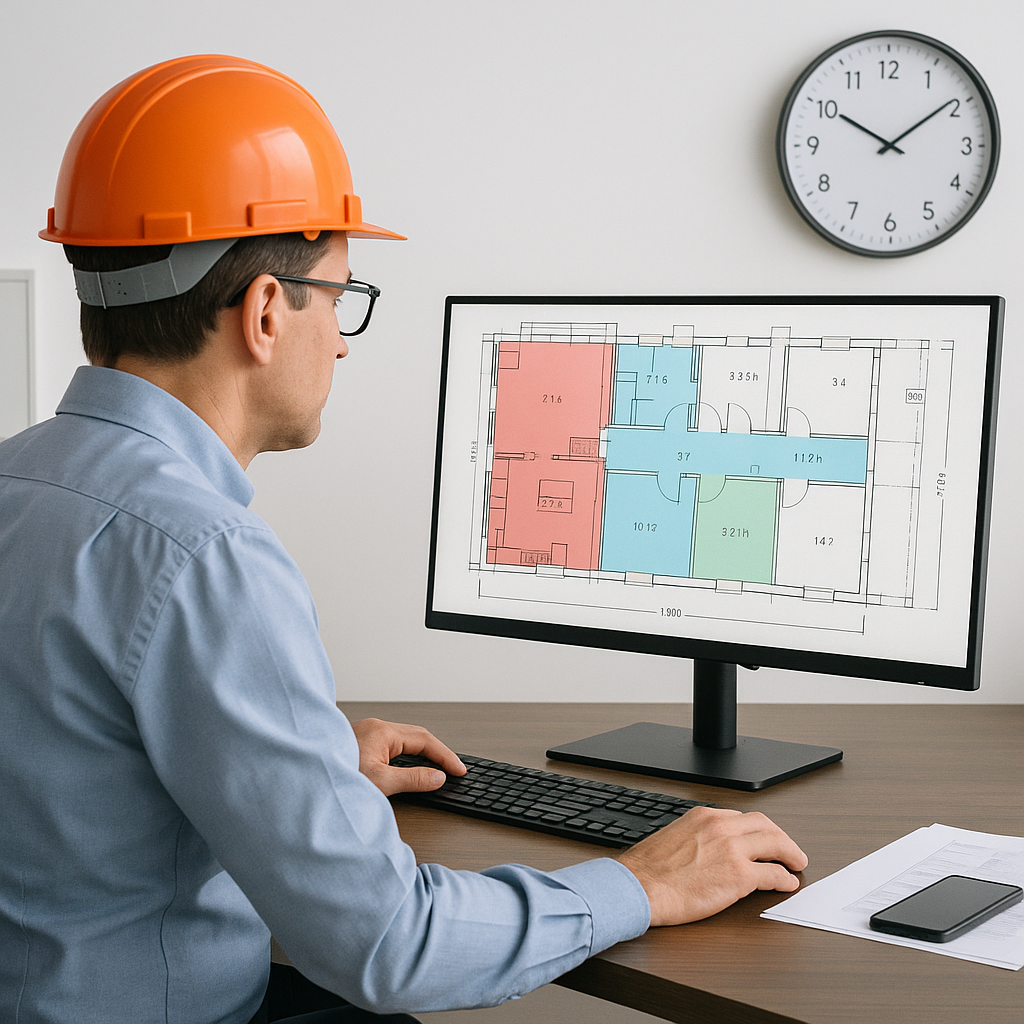
Let’s not overcomplicate it. AI-powered takeoff tools like EstimateNext use machine learning to automate quantity extraction from PDF drawings. Instead of putting in hours (or days) manually counting doors, windows, or square footage, the software does it in minutes.
How Does AI Takeoff Work?
Here’s how a typical process looks with AI:
-
Upload Your Drawings: Drag and drop your PDF set into the platform. No need to split files or worry about sheet sizes—AI can handle it.
-
Automatic Quantity Extraction: The system scans the drawings and pulls out room areas, wall lengths, door counts—whatever quantities are relevant to your bid.
-
Review and Adjust: The AI flags any low-confidence areas for your review, so you can double-check and make corrections. No guessing games.
-
Export Your QTO: When you’re happy with the results, export the quantities straight into your estimating workbook or software.
That’s it. What used to take 40 hours now takes 10 minutes. And the best part? It doesn’t just save time—it reduces errors. A case study by EstimateNext showed an 80% drop in takeoff discrepancies when using their Vision AI tool.
Real-World Example: Residential Subcontractor
Consider this: a residential subcontractor working on single-family homes typically spends eight hours on takeoffs per project. With AI, the same subcontractor reduced their takeoff time to under 30 minutes per project. Over the course of a year, this saved the company 520 hours across 65 bids. That’s the equivalent of hiring a full-time estimator.
Why Speed Isn’t the Only Benefit
You might be thinking, “Sure, it’s faster, but I already have a system that works.” Fair enough. But ask yourself this: how much better could your team perform if they weren’t bogged down by manual takeoffs?
Benefits Beyond Time Savings
Here’s what happens when you free up those 40 hours per bid:
-
More Bids Submitted: If your team saves 36 hours per estimate, they can handle more bids. For subcontractors, this means responding to tighter deadlines and increasing your chances of winning work.
-
Better Accuracy: Manual takeoffs are prone to human error. A senior estimator might be juggling multiple projects, and fatigue can lead to mistakes. AI tools don’t get tired or distracted. And with features like confidence scoring and manual override, you can ensure the final numbers are reliable.
-
Improved Collaboration: When takeoffs are automated, estimators can spend more time coordinating with project managers, suppliers, or subcontractors. This leads to better communication and fewer surprises later.
-
Cost Savings: Labor isn’t cheap. If you’re paying senior estimators $130/hour, saving 36 hours per bid means $4,680 back in your pocket. Multiply that across multiple bids, and the ROI becomes impossible to ignore.
Example: Regional Contractor
A regional contractor bidding on a $10M commercial project faced a tight deadline. Normally, their team would spend three weeks on takeoffs alone. With AI-powered tools, they completed the takeoff in under three days, allowing them to focus on building a competitive pricing strategy. Not only did they submit on time, but their bid won the project thanks to the detailed proposal they created with the time saved.
The Obvious Objection: “AI Can’t Think Like an Estimator”
I hear this all the time. And you know what? It’s true. AI doesn’t understand construction the way you do. It can’t negotiate with subs, evaluate project risks, or decide when to pad a contingency.
But AI isn’t supposed to replace you. It’s a tool. It handles the repetitive, time-consuming tasks so you can focus on the work that actually requires expertise. Think of it as an apprentice that never calls in sick or complains about overtime.
Comparing Manual vs. AI Takeoffs
| Feature | Manual Takeoff | AI-Powered Takeoff |
|---|---|---|
| Time per bid | 40 hours | 10 minutes |
| Error potential | High (human fatigue) | Low (confidence scoring) |
| Scalability | Limited | Scalable across projects |
| Collaboration time | Minimal | Enhanced |
| Cost | Higher labor costs | Lower operational costs |
And let’s be honest: if you’re spending hours counting light fixtures on a PDF, you’re not using your skills to their full potential. AI lets you reclaim that time and apply it where it matters most.
Getting Started: What You Need to Know
If you’re considering AI-powered takeoff tools, here are a few tips to keep in mind:
Actionable Steps for Implementation
-
Start Small: Test the software on a smaller project first. This will help you understand how it works and identify any quirks before scaling up.
-
Train Your Team: Even the best tools require some onboarding. Make sure your estimators know how to review AI-generated outputs and provide feedback to improve accuracy. Hold a training session or offer online tutorials.
-
Integrate with Existing Workflows: Look for tools that work seamlessly with your current software stack. For example, EstimateNext integrates with Bluebeam, Procore, and Excel.
-
Monitor Performance: Evaluate the tool’s effectiveness after each bid. Track metrics like time saved and error rates to ensure the software is delivering value.
-
Set Realistic Expectations: AI won’t solve every problem overnight. But with consistent use, it will get smarter and more reliable over time.
If you’re tired of wasting hours on manual takeoffs, EstimateNext can help. Upload your first BOQ and see how much time you can save. Get started free →


