Why Are Manual Takeoffs Still a Thing?
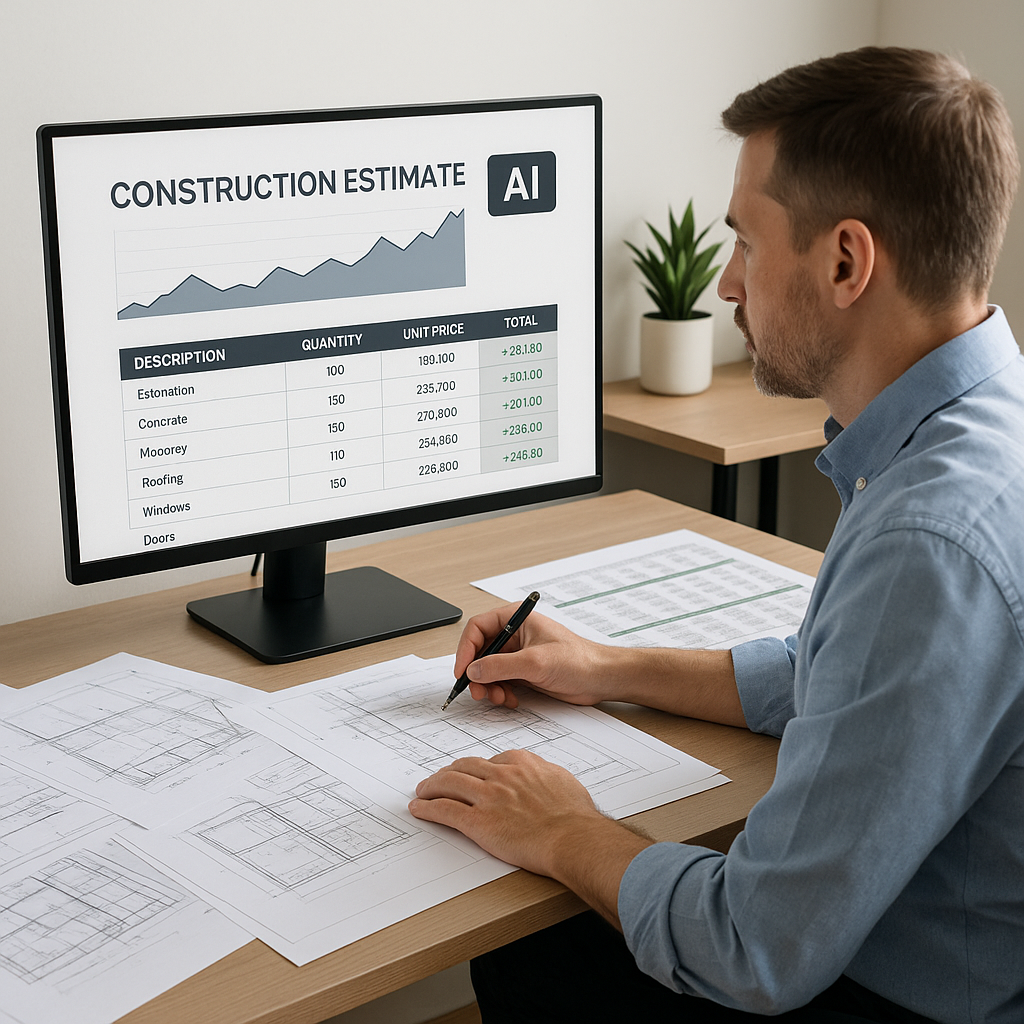
Let’s be real. If you’re still spending 40 hours doing manual takeoffs, you’re burning money. Two estimators spending two full days measuring drawings line by line? That’s not just inefficient—it’s brutal when bid deadlines are looming.
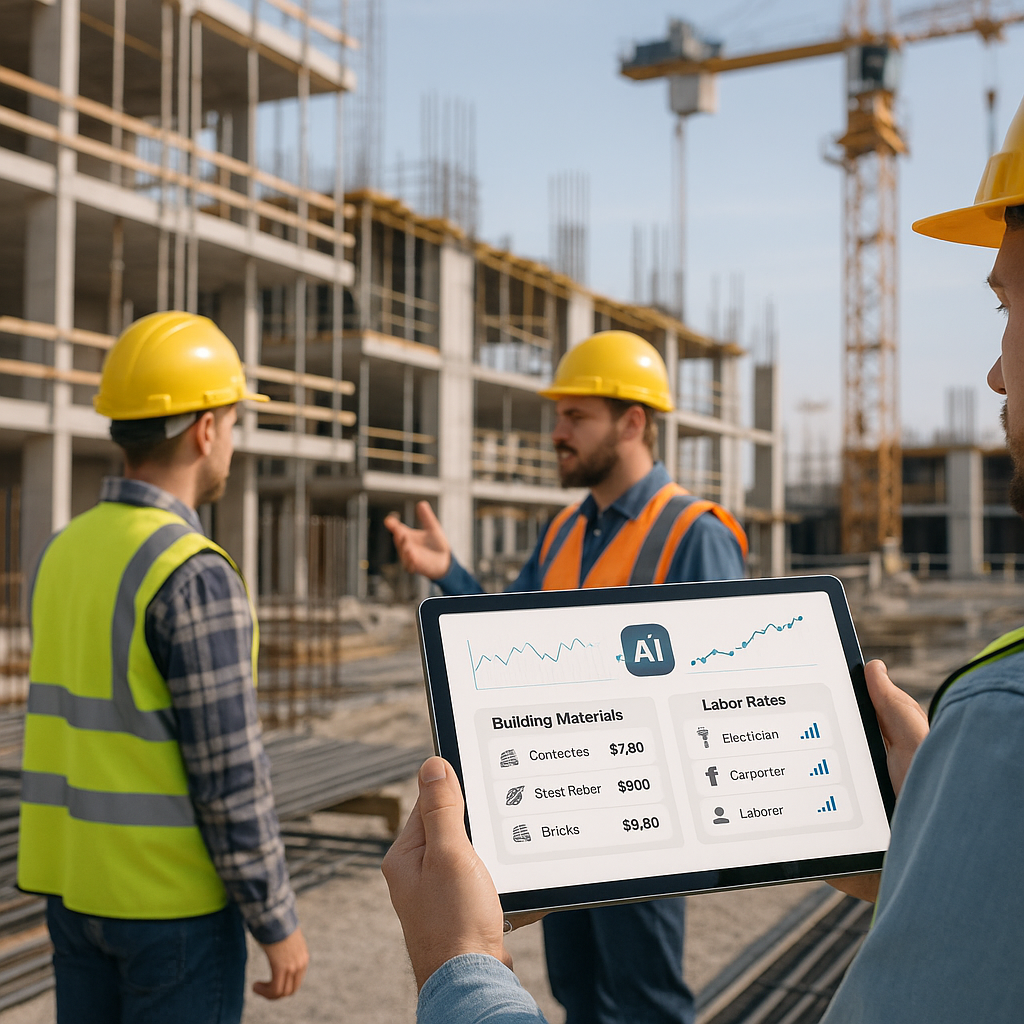
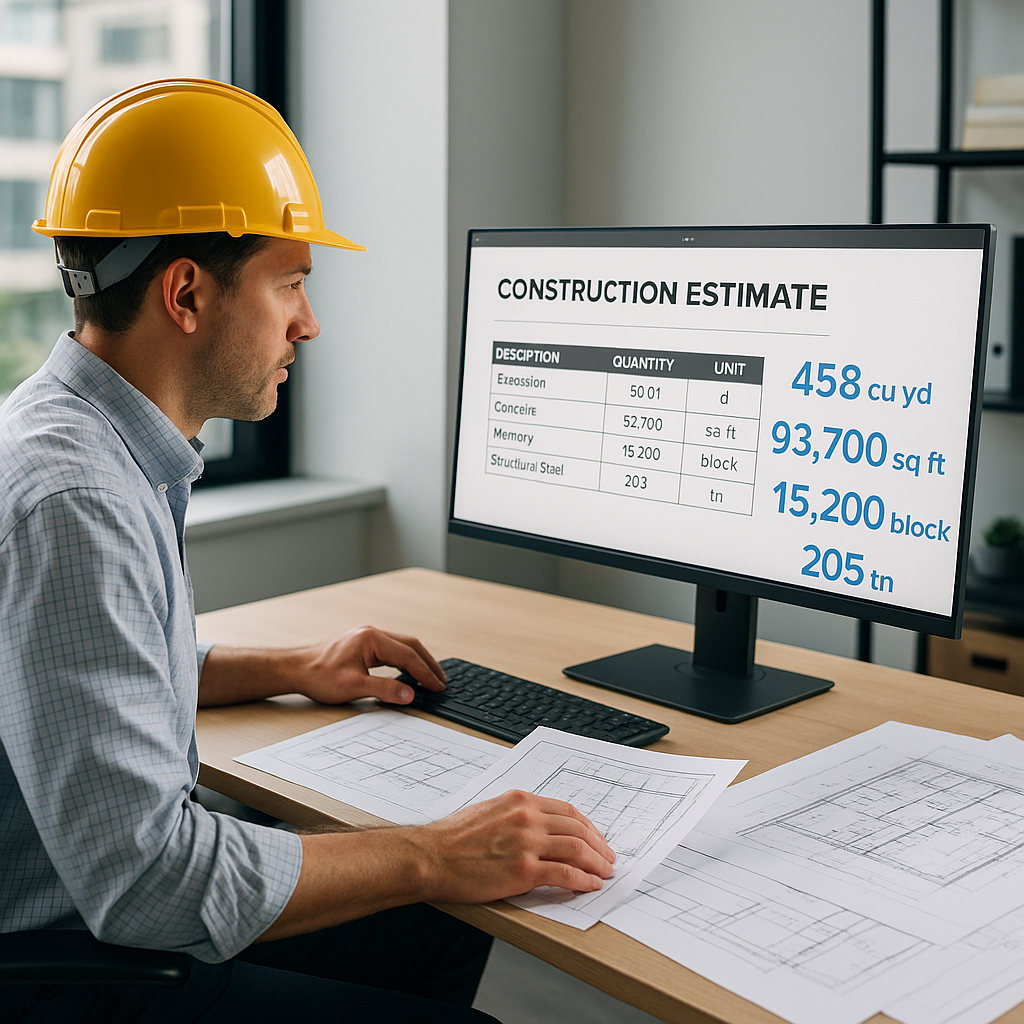
Now let’s put this into perspective. Imagine a mid-sized general contractor (GC) bidding on a $1 billion rail project. The team spent close to 60 hours manually extracting quantities for concrete columns and rail decks. With AI-powered tools like EstimateNext, that same work could’ve been done in just 10 minutes. EstimateNext uses Vision AI to read PDFs, extract quantities, and even flag areas needing manual review. It’s like having an extra estimator on the team—without the payroll cost.
Why Is This Still Happening?
Manual takeoffs persist for one main reason: resistance to change. Many contractors assume the tools are expensive, hard to learn, or unreliable. Others believe their current workflows are "good enough." But in a hyper-competitive industry where margins are razor-thin, clinging to outdated methods can cost you time, money, and even project wins.
The Math Is Brutal
Let’s talk numbers. A typical estimator costs around $130/hour, according to the BLS Q2 2024 Construction Wage Survey. Multiply that by 40 hours, and you’re looking at $5,200 spent on just one takeoff. Now imagine you’re bidding on five GMP projects this quarter. That’s $26,000 sunk into manual work—work that AI could handle in minutes.
Over the course of a year, this adds up. A mid-sized GC bidding on 60 projects annually could save over $300,000 in labor costs by switching to AI-powered takeoffs. And that’s just the direct cost.
The Hidden Costs of Manual Takeoffs
-
Errors Add Up Fast: Manual takeoffs introduce errors. Missed dimensions, duplicate counts, or misaligned revisions can lead to underpricing or costly change orders. According to a 2023 McKinsey report on AI adoption in construction, early adopters saw cost savings of 10-20% per project by reducing errors and speeding up processes.
-
Lost Opportunities: Spending excessive time on manual takeoffs means you’re missing out on bidding additional projects or refining your proposals. For example, if you’re tied up measuring line items, you have less bandwidth to negotiate with subcontractors or optimize material costs.
-
Burnout: Estimators are in high demand, and burnout is real. Forcing your team to slog through monotonous, repetitive tasks can lead to employee turnover—a hidden expense that’s hard to quantify but undeniably costly.
How Does AI Work for Takeoffs?
AI takeoff tools don’t replace your expertise—they amplify it. Here’s how they work:
- Upload Drawings: Throw your PDFs or DWGs into the tool. Vision AI scans them for linear measurements, area counts, and quantities.
- Automatic Calibration: AI adjusts to drawing scale automatically. No need to mess with rulers, scale settings, or manual calculations.
- Quantity Extraction: Whether you need door counts, wall lengths, or room areas, AI pulls these in seconds and organizes them by page.
- Error Review: Low-confidence lines get flagged for manual review, so you’re not blindly trusting the system.
Actionable Example: Mid-Project Revisions
Imagine you’re three days away from a bid deadline, and the architect sends revised drawings. With manual methods, you’d have to start over—measuring, recalibrating, and re-checking everything. With AI tools like EstimateNext, you simply upload the new drawings, and the software automatically highlights changes. Quantities are updated instantly, saving you hours of tedious work.
The Catch: What AI Can’t Do (Yet)
The obvious objection: “AI can’t think like an estimator.” True. AI doesn’t know if you prefer aluminum doors over steel ones or when to substitute materials to hit a target cost. But that’s missing the point. AI handles the grunt work—so you can focus on the judgment calls.
How Teams Are Using AI Effectively
Anecdotally, we’ve seen teams pair junior estimators with AI platforms like EstimateNext. The juniors handle the manual overrides, while senior staff focus on high-value tasks like subcontractor negotiations and margin strategy. It’s not about replacement; it’s about redistribution. By letting AI handle repetitive tasks, your team can dedicate more time to strategy and creativity.
Real-World Example: $120K Saved
Here’s a case study. A mid-sized GC in Florida saved 120 hours on a high-rise bid using AI-powered takeoffs. That’s roughly $15,600 in labor costs avoided. But the real win? They submitted their bid two days early, giving them more time to negotiate with subs and refine their pricing strategy. They credit AI tools for the extra bandwidth.
Another Example: Small Projects Matter Too
Even on smaller jobs, the ROI can be massive. A $500,000 school renovation might only take 8 hours to measure manually, but with AI, you’re done in less than 20 minutes. That freed-up time can be reinvested into reviewing alternate materials or catching errors that could have gone unnoticed.
Decision Framework: Should You Switch to AI?
Here’s a quick comparison table to help you decide if AI-powered takeoffs are right for you:
| Feature | Manual Takeoffs | AI-Powered Takeoffs |
|---|---|---|
| Time Efficiency | 30-60 hours/project | 10-30 minutes/project |
| Error Rate | Higher (human error) | Lower (flagged by AI) |
| Cost per Takeoff | $5,200 on average | ~$500/month (software cost) |
| Scalability | Limited by team size | Scales instantly |
| Learning Curve | N/A (manual methods already known) | 1-2 weeks |
| Revisions Handling | Tedious and time-consuming | Instant comparison |
FAQ
Q: How accurate are AI takeoffs?
AI takeoffs are highly accurate but not perfect. Tools like EstimateNext include confidence scoring and manual overrides, so you can double-check flagged items before submitting. Early adopters report accuracy rates of 95-98% for most tasks.
Q: Can AI handle small projects?
Absolutely. AI scales to any project size, whether it’s a $1 million renovation or a $1 billion rail bridge. Smaller jobs benefit even more because the ROI on saved labor is immediate.
Q: Is AI hard to learn?
Most platforms are designed for ease of use. Training usually takes less than two weeks. For example, EstimateNext integrates with Bluebeam and Procore, so you don’t have to overhaul your workflows.
Q: What happens with revised drawings?
AI tools like EstimateNext let you upload revisions and compare changes instantly. No need to start over—just update quantities and push them into your BOQ.
Q: What’s the cost of AI tools?
Pricing varies, but most platforms charge between $300 and $1,000 per month. When you compare that to the $5,200 cost of a single manual takeoff, the value is clear.
Final Thoughts: The Time to Switch Is Now
If you’re tired of wasting time and money on manual takeoffs, AI-powered tools like EstimateNext can help. Early adopters are saving thousands of dollars per project, reducing errors, and freeing up their teams to focus on higher-value tasks. The math doesn’t lie—Get started free →.