The Problem with Manual Rate Lookups
Every estimator knows the pain of flipping through rate books or PDFs to find the right SOR (Schedule of Rates) item. Say you're pricing a 500-line BOQ (Bill of Quantities) for a high-rise. You need rates for everything from concrete to HVAC ductwork. Sounds simple, right? It’s not.
Here’s what actually happens: you spend hours scanning through 2,000-page documents like RSMeans or CPWD DSR, hoping you don’t miss anything. Then you cross-check prices, manually adjust for inflation, and still end up second-guessing whether you're competitive.
For a mid-sized bid, this process can eat up 12 hours or more. And if you’re juggling multiple bids, good luck. It’s why so many estimators end up overloading their spreadsheets with shortcuts, risking errors that cost projects. Let’s not forget the human toll—burnout from repetitive tasks is real and often leads to mistakes, missed deadlines, or worse, losing bids.
Real Example: Manual Errors That Cost Millions
Consider this: a general contractor bidding on a $30M municipal project once missed critical inflation adjustments for key items like precast concrete panels and steel framing. The oversight led to a bid that was 8% below market rates. They won the contract but lost nearly $2.4M on execution. Why? Manual rate lookup errors compounded with poor adjustments. AI could have flagged these discrepancies early, saving both time and money.
How AI Rate Matching Fixes This
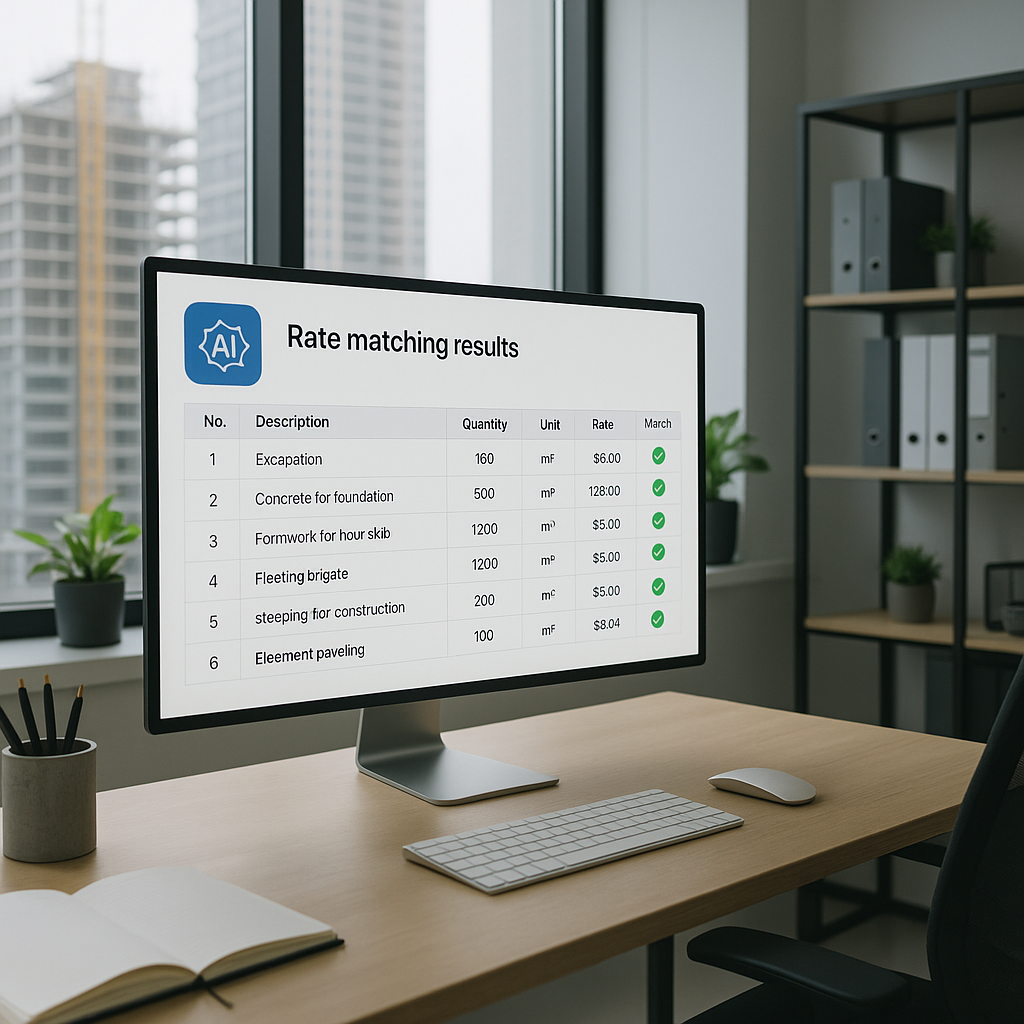
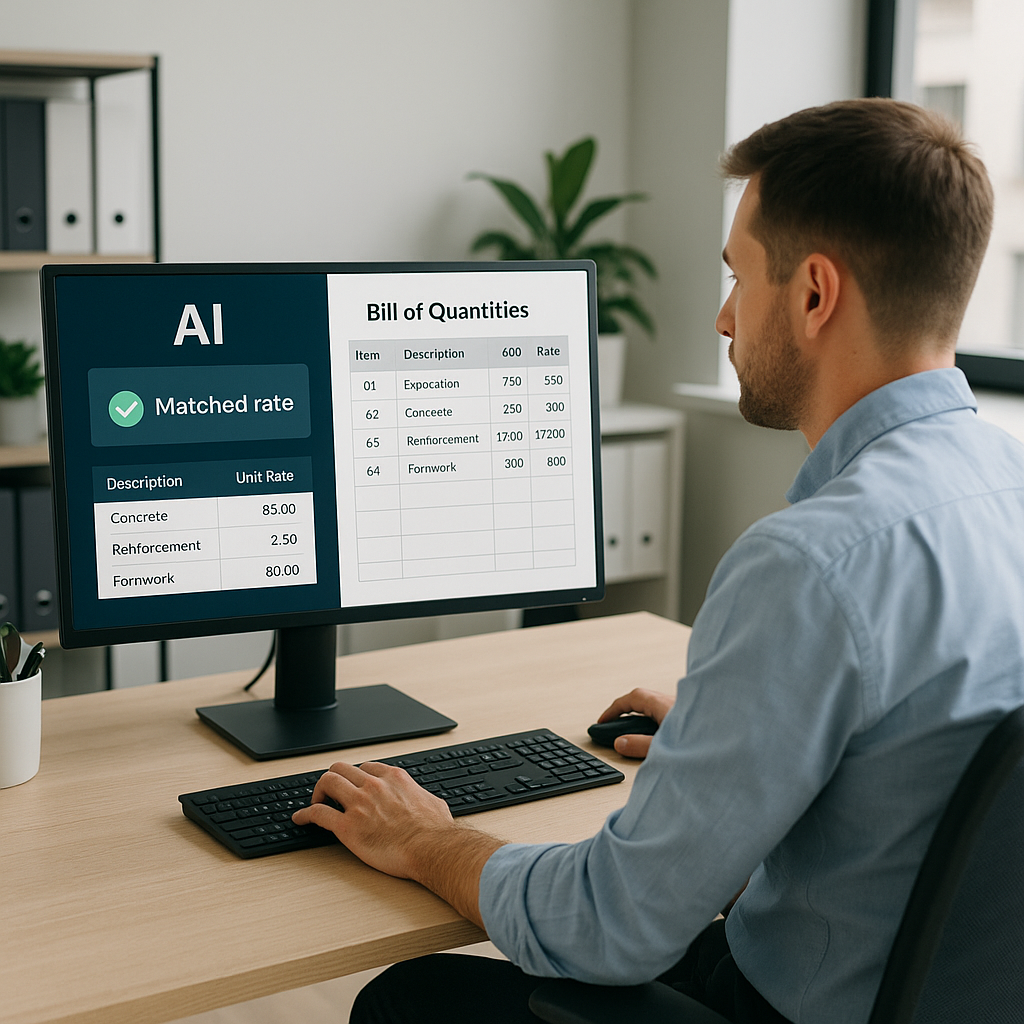
AI tools like EstimateNext change the game entirely. Instead of manually searching rate books, you upload your BOQ, and the platform's semantic search engine matches each line item to 78,000+ pre-loaded rates across 135 catalogs. Need the labor rate for installing pre-stressed concrete girders? Type it in, and you'll get a match in seconds. Done.
It’s not just faster—it’s smarter. The AI doesn’t just pull generic rates; it factors in regional adjustments, catalog history, and inflation trends. For example, if you're bidding in New York, it’ll use RSMeans with the right city cost index. If you're in India, it switches to CPWD DSR. One less thing to worry about.
Why Regional Adjustments Are Critical
Regional variances in construction costs can be staggering. According to RSMeans data, labor rates for electricians vary from $55/hour in Dallas to $82/hour in San Francisco. Materials like ready-mix concrete also show a 30-40% cost difference based on location. Manually factoring these adjustments is a nightmare. AI does it in seconds, ensuring your bid is competitive in any market.
Real-World Impact: Case Study
Let’s get specific. A mid-sized general contractor recently used EstimateNext to price a $50M high-rise project. They uploaded a BOQ with 847 line items. The AI matched rates for 98% of the items in under 10 minutes. For the remaining 2%, it flagged uncertainties and suggested alternatives.
Here’s the kicker: they saved 14 hours on rate matching alone. That meant they could submit the bid two days early, giving them extra time to refine their strategy and negotiate with subs. The result? They won the project—and they didn’t waste a single hour flipping through rate books.
Expanded Case Study: Subcontractor ROI
Another example comes from an MEP subcontractor specializing in HVAC systems. By adopting AI rate matching, they reduced their bid preparation time by 60%. This allowed them to respond to 12 additional bid packages in a single quarter. Out of those, they secured three new contracts, adding $1.2M in annual revenue. The system paid for itself within months.
The Obvious Objection: “But AI Can’t Think Like an Estimator”
You might be thinking, “Sure, AI is fast, but it doesn’t understand construction nuances.” Fair point. AI can’t replace your expertise—it amplifies it. You’re still the one making judgment calls, negotiating with subs, and deciding on markup. The AI just handles the grunt work.
In fact, AI tools like EstimateNext include confidence scoring and manual overrides. If a rate looks off, you can flag it, adjust it, or even add a custom rate. The system learns from your feedback, so your next estimate is even more accurate.
How AI Complements Human Expertise
Think of it this way: AI is like a junior estimator who can crunch numbers and find data instantly, but you’re still the senior estimator making strategic decisions. For example, AI might suggest a labor rate based on historical data, but you might adjust it based on conversations with subs about upcoming labor shortages. It’s a collaborative tool, not a replacement.
Why Speed Matters
Let’s talk ROI. If you’re a GC estimator billing $130/hour, saving 12 hours on rate matching adds up to $1,560 per bid. Multiply that by 5-8 GMP pursuits a year, and you’re looking at $7,800-$12,480 saved annually—just on rate matching.
For MEP subcontractors, the math is even better. Faster quote turnarounds mean you can respond to more bid packages. A typical sub wins 4-8 additional projects per year, translating to $800K-$1.6M in incremental revenue.
Time vs. Accuracy: The Trade-Off
Traditionally, estimators have had to choose between speed and accuracy. AI flips this equation. With tools like EstimateNext, you can achieve both, ensuring your bids are competitive without sacrificing precision. This dual advantage is why early adopters are seeing better win rates and higher profit margins.
Getting Started with AI Rate Matching
If you’ve never used AI in estimation, start small. Upload a single BOQ and test the rate matching feature. Compare the results to your manual process. Most users report significant improvements by their third project as the system learns their preferences.
And if you’re worried about integration, don’t be. Tools like EstimateNext export directly into Excel, Procore, or any standard preconstruction software. No need to overhaul your workflow—just add AI where it makes sense.
Actionable Steps to Implement AI
- Run a Pilot Project: Choose a mid-sized bid and test AI rate matching tools. Analyze the time saved and accuracy improvements.
- Train Your Team: Provide training sessions to ensure everyone understands how to use the software effectively.
- Integrate with Existing Tools: Connect AI platforms to your current estimating software (e.g., Excel or Procore).
- Monitor and Optimize: Use feedback from your first few projects to refine the AI’s performance.
FAQ
Q: How accurate are AI-matched rates compared to manual lookups?
A: AI tools like EstimateNext are highly accurate, with 99% matching reliability on standard catalogs. For custom rates, the system learns from your input over time.
Q: What happens if my rates are project-specific?
A: You can upload custom rate catalogs or define specific rates for unique items. The AI integrates them seamlessly for future use.
Q: Can I use AI rate matching for small projects?
A: Absolutely. AI scales to any project size, from $1M renovations to $1B infrastructure builds.
Q: Does AI replace estimators?
A: No. AI handles tedious tasks like rate matching and takeoffs, freeing you to focus on high-value decisions. Think of it as your co-pilot, not your replacement.
Q: Is AI difficult to learn?
A: Not at all. Most platforms like EstimateNext are designed to be user-friendly, with intuitive interfaces and robust support systems.
Comparison Table: Manual vs. AI Rate Matching
| Feature | Manual Rate Matching | AI Rate Matching |
|---|---|---|
| Time Required | 12+ hours per bid | Under 10 minutes |
| Accuracy | Prone to human error | 99% reliability |
| Regional Adjustments | Manual, tedious | Automated, instant |
| Scalability | Limited by human capacity | Scales to any project size |
| Cost Savings | None | $7,800-$12,480 annually |
| Ease of Use | Complex and repetitive | Intuitive and efficient |
Call to Action
If manual rate lookups are slowing you down, EstimateNext can help. Its AI-powered rate matching saves hours on every bid, letting you focus on winning projects. Get started free →