The Hidden Time Sink in Construction Estimation
Let’s face it: rate lookups are a nightmare. You’re flipping through 2,000-page PDFs, cross-checking outdated spreadsheets, and still second-guessing whether you’ve got the right numbers. It’s not just tedious—it’s expensive. Every bid your team prices is burning 36 hours just on rate matching. Multiply that by 5-8 GMP pursuits a year, and you’re looking at weeks of lost productivity.
Why is this still a problem in 2024? Because the tools most of us use—RSMeans, Bluebeam, and Excel—just weren’t built for speed. They’re fine for static data, but when you’re dealing with custom materials, inflation adjustments, or regional SOR catalogs, they fall apart. And let’s not even get into how painful it is to update those rate books manually.
Why Rate Lookups Are So Painful
To understand why rate lookups eat so much time, let’s break down the process:
- Finding the Right Source: Are you using RSMeans? CPWD DSR? Or a custom rate book you built 10 years ago? Each has its own quirks, and finding the right section can take 5-10 minutes per lookup.
- Cross-Referencing Multiple Sources: If your project involves both regional and national catalogs, you’re likely toggling between PDFs or spreadsheets, trying to reconcile discrepancies.
- Manual Updates: Inflation, material shortages, or new labor agreements can make your rates obsolete overnight. Keeping up-to-date means revisiting old rate books regularly.
A real-world example: A medium-sized contractor in Dallas recently shared their process for a $10M office building bid. Their team spent over 40 hours just cross-referencing labor and material rates between RSMeans, their custom spreadsheets, and historical project data. Multiply that by 6-7 projects a year, and you’re looking at an entire person-month lost to manual rate lookups.
AI-Powered Rate Matching: A Real Fix
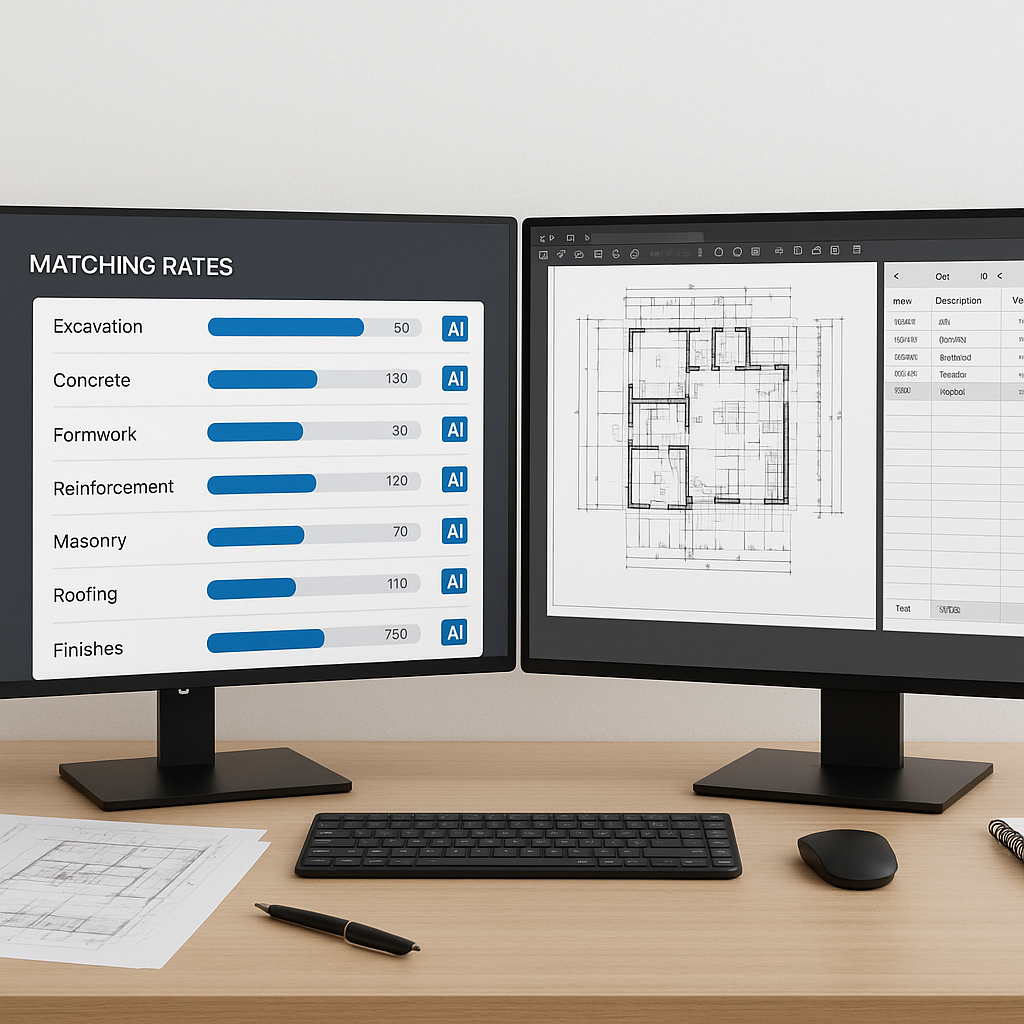
Here’s where AI actually earns its keep. Tools like EstimateNext use semantic search to match rates instantly. You upload your BOQ, and the software scans 78,000+ items across catalogs like CPWD DSR, RSMeans, or your own custom rates. No manual lookup, no guesswork.
How It Works:
- Upload Your BOQ: Drag and drop your Bill of Quantities (BOQ) directly into the platform.
- Search Intelligently: Instead of flipping through PDFs, type in a query like “labor rate for installing pre-stressed concrete girders.” The AI pulls the most relevant rates instantly.
- Integrate Context: The tool factors in inflation trends, regional indices, and even your historical data, so you get not just accurate rates but competitive ones.
Real-World Example:
A GC working on a rail bridge project needed to price labor rates for installing pre-stressed concrete girders. Using traditional methods, finding the correct rate from a 2,000-page catalog would take 15-20 minutes. With EstimateNext, the estimator found the approved rate in under 10 seconds—along with related costs for materials and equipment.
The Tangible Benefits of AI in Estimation
1. Save Time:
AI tools can save up to 36 hours per bid. For a team pursuing 6 GMP projects per year, that’s 216 hours saved annually—or the equivalent of 27 full workdays. Instead of wasting time on rate lookups, estimators can:
- Refine scopes.
- Negotiate better deals with subcontractors.
- Spend more time analyzing risks.
2. Reduce Errors:
Manual rate lookups are error-prone. A missed decimal point or outdated rate can snowball into costly mistakes. AI reduces discrepancies by up to 80% (source).
3. Competitive Advantage:
By incorporating real-time adjustments for inflation and regional differences, AI tools don’t just make you accurate—they make you competitive. A more precise bid means you’re less likely to underbid or overbid, giving you a better shot at landing high-value projects.
The Obvious Objection: “But AI Can’t Think Like an Estimator”
You’re right—AI doesn’t know your project like you do. It won’t replace your judgment or decision-making. But it doesn’t have to. The point is to automate grunt work so you can focus on what matters: strategy, scope, and relationships.
Think of AI as a Force Multiplier:
- Junior Estimators: Handle a higher workload without sacrificing accuracy.
- Senior Estimators: Spend less time on lookups and more on high-value tasks like risk analysis or bid strategy.
- Entire Teams: Work faster, submit more bids, and win more projects.
Teams that adopt AI tools don’t see them as replacements. They see them as tools to amplify their expertise.
Practical Steps to Start Using AI
If you’re ready to stop wasting time on rate lookups, here’s how to get started:
-
Test a Free Tool: Most platforms, including EstimateNext, offer free tiers. Upload a BOQ and see how it handles your rates. This will help you evaluate its accuracy and speed.
-
Integrate With Existing Tools: Look for AI platforms that sync with the software you already use, like Bluebeam, Procore, or Excel. This minimizes disruption to your workflow.
-
Train Your Team: The learning curve for most AI tools is minimal. A quick, two-week training program is usually enough to get everyone up to speed. Start by pairing junior estimators with the AI to handle smaller bids.
-
Start Small: Use AI on a $1M renovation project before scaling up to $500M infrastructure bids. This allows you to fine-tune the system and build confidence in its output.
Case Study: Saving 120 Hours on a High-Rise Bid
One mid-sized GC used EstimateNext’s AI-powered rate matching for a high-rise project. Here’s what happened:
- Before AI: The team spent 40 hours manually looking up rates for a similar project.
- With AI: The same task took under 3 hours. Across a 4-person team, that’s 120 hours saved—time they used to refine the bid and avoid potential errors.
The AI didn’t just save time—it flagged potential cost overruns based on historical rates, allowing the team to make smarter decisions about contingencies.
Decision Framework: Is AI Right for Your Estimation Team?
| Question | Yes | No |
|---|---|---|
| Do you spend more than 10 hours per bid on rate lookups? | AI tools can cut that time by 80%. | You may not see significant time savings. |
| Do you work with multiple rate catalogs? | AI simplifies cross-referencing across RSMeans, CPWD DSR, and custom data. | Manual methods may still suffice. |
| Do you handle complex or high-value projects? | AI ensures accuracy and competitiveness in large bids. | Smaller projects may not justify the cost. |
| Are manual errors costing you money? | AI reduces errors by up to 80%. | Your current process may already be robust. |
Final Thoughts
Manual rate lookups aren’t just a time sink—they’re a liability. They slow your team down, introduce errors, and leave you vulnerable in competitive bids. AI-powered tools like EstimateNext fix that. They’re fast, accurate, and scalable for projects of any size.
If you’re tired of burning 36 hours per bid, it’s time to make the switch. Get started free →


