40 Hours vs. 10 Minutes: Why Manual Takeoffs Are Killing Productivity
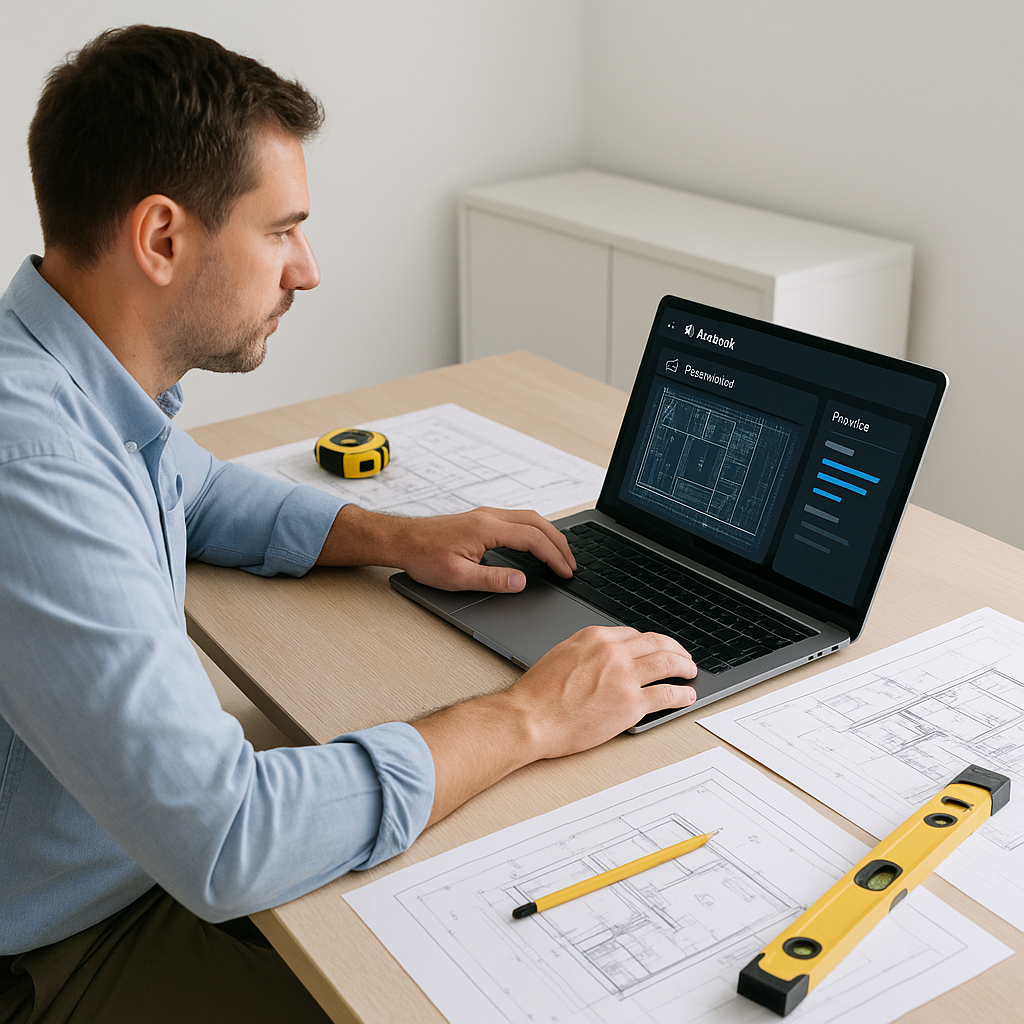
Let’s be honest — manual takeoffs are a nightmare. If you’re an estimator, you’ve probably spent days combing through drawings, measuring every wall, pipe, or beam. On average, it takes 40 hours per estimate. That’s two estimators working full-time just to get quantities down. And if a new revision drops? Start over.
But here’s the kicker: most of this work doesn’t need to happen manually anymore. With AI-powered tools like EstimateNext, you can cut that 40 hours down to 10 minutes. Yes, 10 minutes.
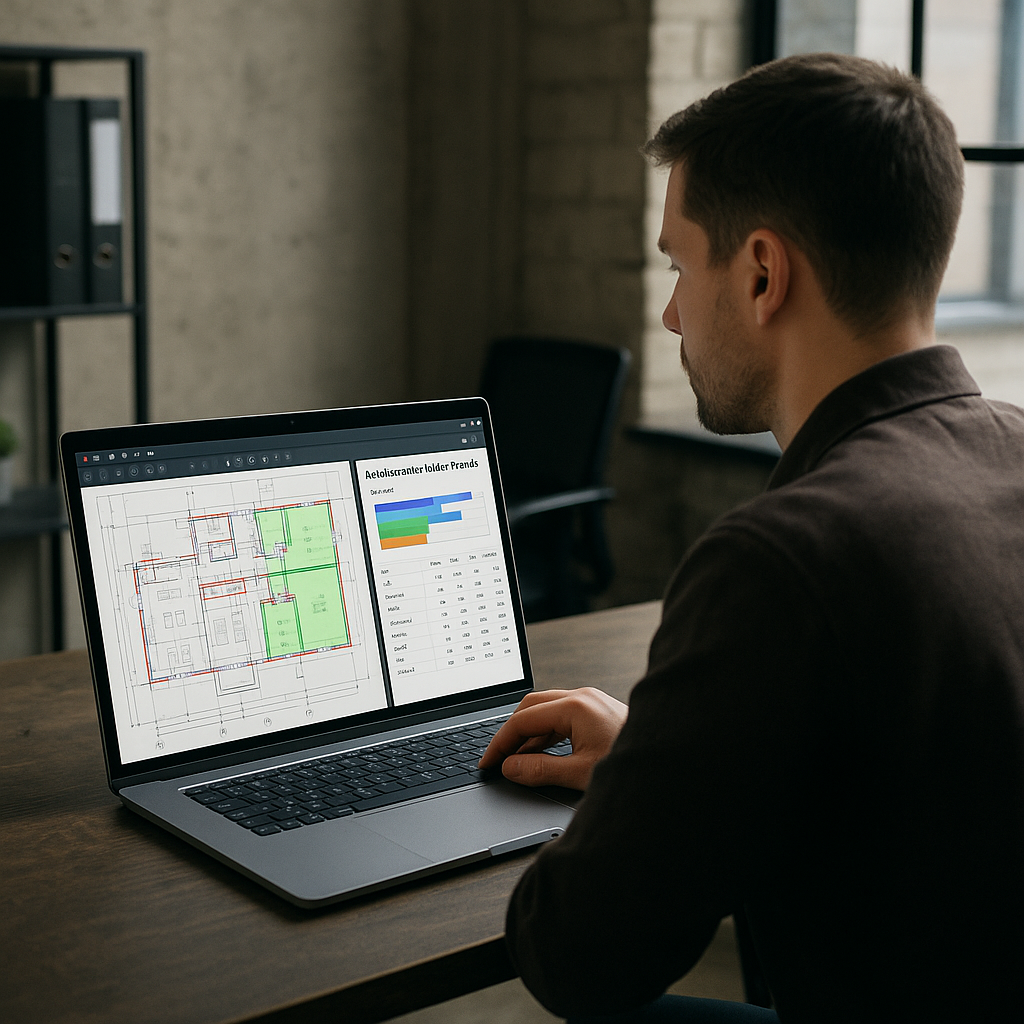
How? The magic is in the AI. These tools scan your PDF drawings, identify elements like walls, windows, and fixtures, and spit out the quantities automatically. No clicking on every single line. No recalibrating every time a revision comes in.
Still skeptical? Let’s break it down.
How AI Takeoffs Work (and Why They’re Accurate)
AI takeoff tools use computer vision to analyze your drawings. Think of it like a team of digital interns working at hyperspeed. Here’s how the process works:
- Upload Your PDF: Drop in your set of drawings — floor plans, elevations, sections, whatever.
- Calibration Happens Automatically: Forget manually setting scales on every page. The AI auto-calibrates based on known dimensions (e.g., door sizes).
- Pattern Recognition: The software identifies walls, openings, fixtures, and notes quantities right into the system.
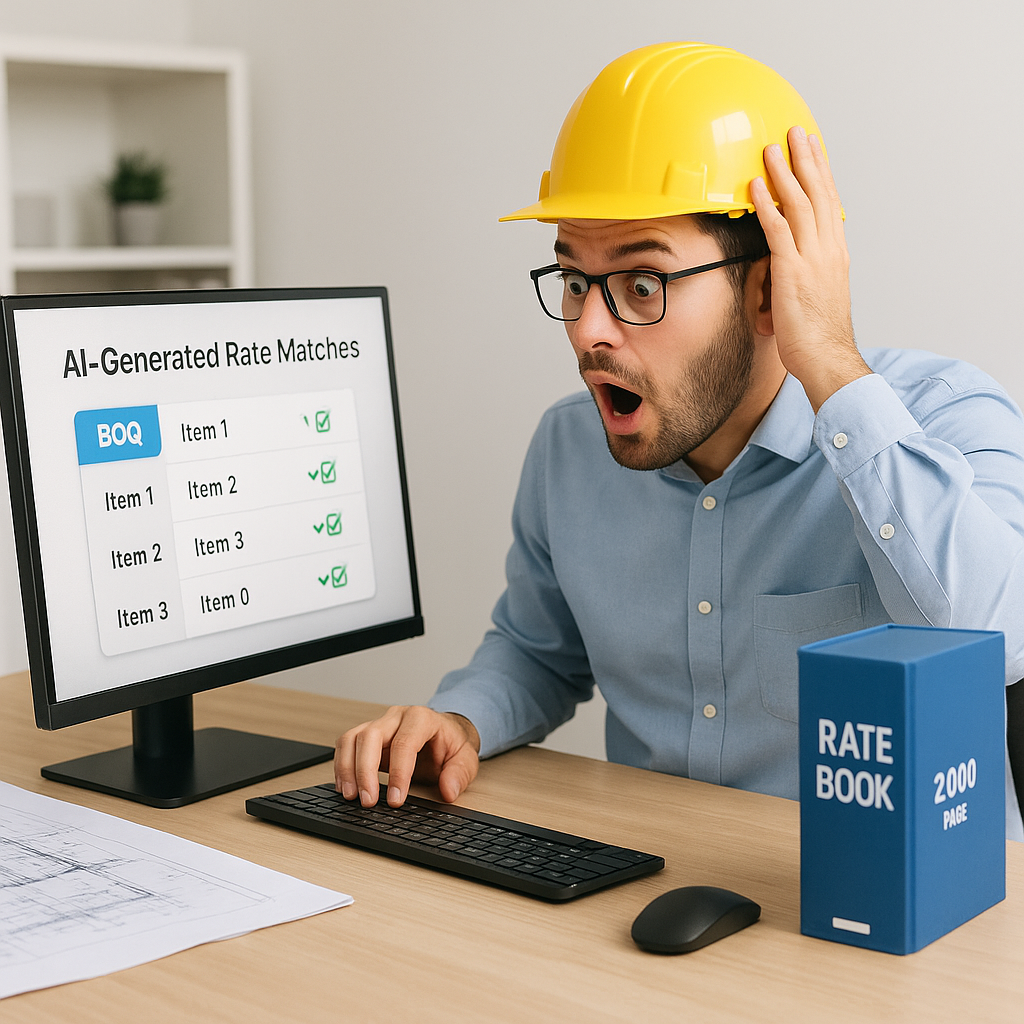
- Confidence Scoring: Unsure if the AI got something right? Tools like EstimateNext flag low-confidence items for manual review. You’re still in control.
Here’s an actionable step: When using AI takeoff tools, always review the flagged items first. These are the areas where manual adjustments may be needed. By focusing on these, you’ll save time without sacrificing accuracy.
And because the system learns from every project, its accuracy improves over time. In fact, a McKinsey report found that early adopters of AI in construction have seen cost savings of 10-20% per project. That’s not just a nice-to-have. It’s a competitive edge.
Real-World Wins: The $1B Rail Project Case Study
If you’re thinking this only works for small projects, think again. A recent EstimateNext case study involved a $1 billion rail project. The traditional takeoff process for just one segment — calculating quantities for concrete columns, beams, and rail decks — would normally take 56 hours. With AI, the same work was done in 10 minutes.
The results?
- Time saved: 56 hours.
- Accuracy improvement: 99% reduction in discrepancies.
- Stress avoided: Priceless.
But what about smaller projects? Consider this: a regional contractor working on a $1.5 million office renovation used EstimateNext to prepare a bid. The manual takeoff process would have taken 10 hours. Instead, it took just 20 minutes. This allowed the estimating team to submit the bid two days earlier than their competitors, giving them a significant edge.
The lead estimator on the rail project summed it up perfectly: “AI didn’t replace us. It just took care of the grunt work so we could focus on the strategy.”
Why Speed Isn’t Just About Convenience
You might be wondering, “Okay, so AI is faster. But why does that matter?”
Here’s why: speed equals opportunity. If you can cut 40 hours of takeoffs down to 10 minutes, your team has 39 hours back. That’s time you can use to:
- Price More Bids: More bids = more chances to win. If you’re submitting 2 bids a week manually, what if you could submit 8 instead?
- Improve Accuracy: With more time, you can dive deeper into the data, cross-check figures, and reduce the need for contingency padding.
- Negotiate with Subcontractors: Use your extra hours to negotiate better pricing or terms with your subs.
For subcontractors, the math is even more brutal. A 72-hour quote cycle means you’re already behind on deadlines. If you can turn that around in 4 hours (which is what EstimateNext’s specialist tools can do), you can respond to 50% more bids. That’s 50% more chances to win work.
Here’s an illustrative comparison:
| Task | Manual Effort (Hours) | AI-Powered Effort (Hours) | Time Saved |
|---|---|---|---|
| Standard residential estimate | 20 | 0.5 | 19.5 |
| Mid-size commercial bid | 40 | 1 | 39 |
| Large infrastructure project | 72 | 4 | 68 |
In construction, speed isn’t a luxury. It’s survival.
The Obvious Objection: “AI Can’t Think Like Me”
Fair point. AI isn’t perfect. It doesn’t know your project history, local preferences, or how to handle weird exceptions.
But it’s not supposed to. AI is a tool — it handles the repetitive, time-consuming tasks so you can focus on the human stuff: judgment calls, negotiating, and strategy.
Here’s a practical approach: Treat AI like a junior team member. Train it, supervise it, and let it handle the busywork so you can focus on high-level decision-making.
And here’s the thing: AI tools like EstimateNext don’t operate in a vacuum. They include manual override features. If the system flags a line as uncertain, you can review and adjust it. Plus, every adjustment you make gets fed back into the system, so it learns. By your third project, you’ll notice it’s already more accurate.
In my view, AI doesn’t replace estimators. It amplifies them.
What About Revisions? Here’s the Game-Changer
If you’ve ever had to redo takeoffs because of a late-stage drawing revision, you know it’s maddening. You’re scrambling to find all the changes, update quantities, and make sure nothing’s missed. One mistake, and you’re either overbidding or underbidding — both are bad news.
AI tools fix this. When you upload a revised drawing set into EstimateNext, it automatically compares the old and new versions. It highlights the differences and updates the quantities. No more guessing where the changes are.
For one mid-sized GC, this feature saved them 120 hours on a high-rise bid. That’s two full weeks of work avoided. Imagine what your team could do with that time.
Actionable tip: When handling revisions, always upload both the original and updated drawing sets into your AI tool. This ensures no changes slip through the cracks.
FAQ: What You’re Probably Wondering
Q: How accurate are AI takeoffs?
A: AI tools like EstimateNext are highly accurate, often reducing takeoff discrepancies by up to 80%. However, human oversight is still essential, especially for edge cases.
Q: Is AI worth it for small projects?
A: Absolutely. Whether you’re working on a $1 million renovation or a $1 billion infrastructure project, AI scales to the project size. And with subscription plans starting at $39/month, it’s accessible even for smaller firms.
Q: What’s the learning curve like?
A: Most AI tools, including EstimateNext, are designed for ease of use. Training typically takes less than two weeks. If you can use Bluebeam or Excel, you can handle this.
Q: Can I integrate AI tools with my existing software?
A: Yes. EstimateNext integrates with popular platforms like Procore, Autodesk Build, and even Excel. You don’t need to overhaul your entire workflow.
Q: What happens if the AI makes a mistake?
A: Most tools have built-in manual override features. You can correct errors, and the system learns from your input for future projects.
Ready to Try It?
If you’re tired of wasting 40 hours on manual takeoffs, it’s time to make a change. EstimateNext slashes takeoff time to 10 minutes, giving your team the bandwidth to focus on what really matters.