The Problem: Manual Takeoffs Are Killing Productivity
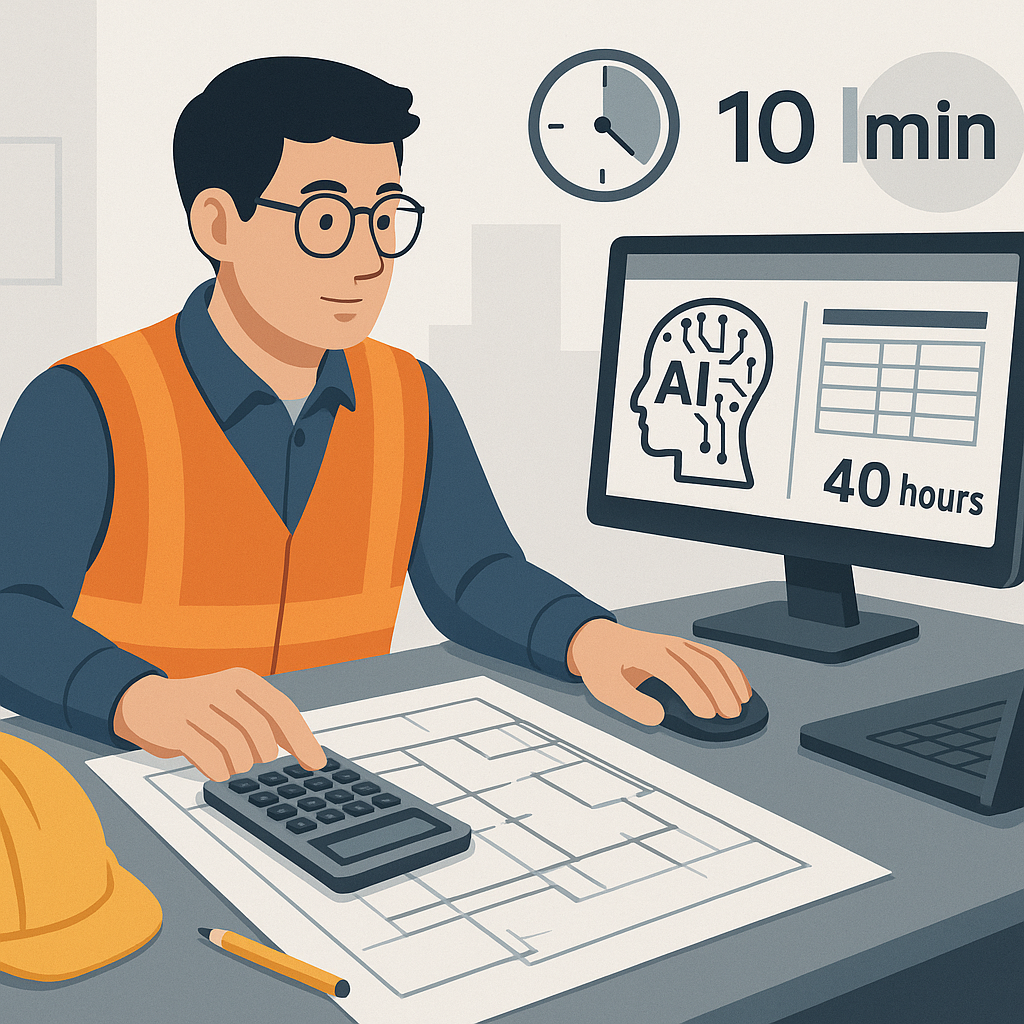
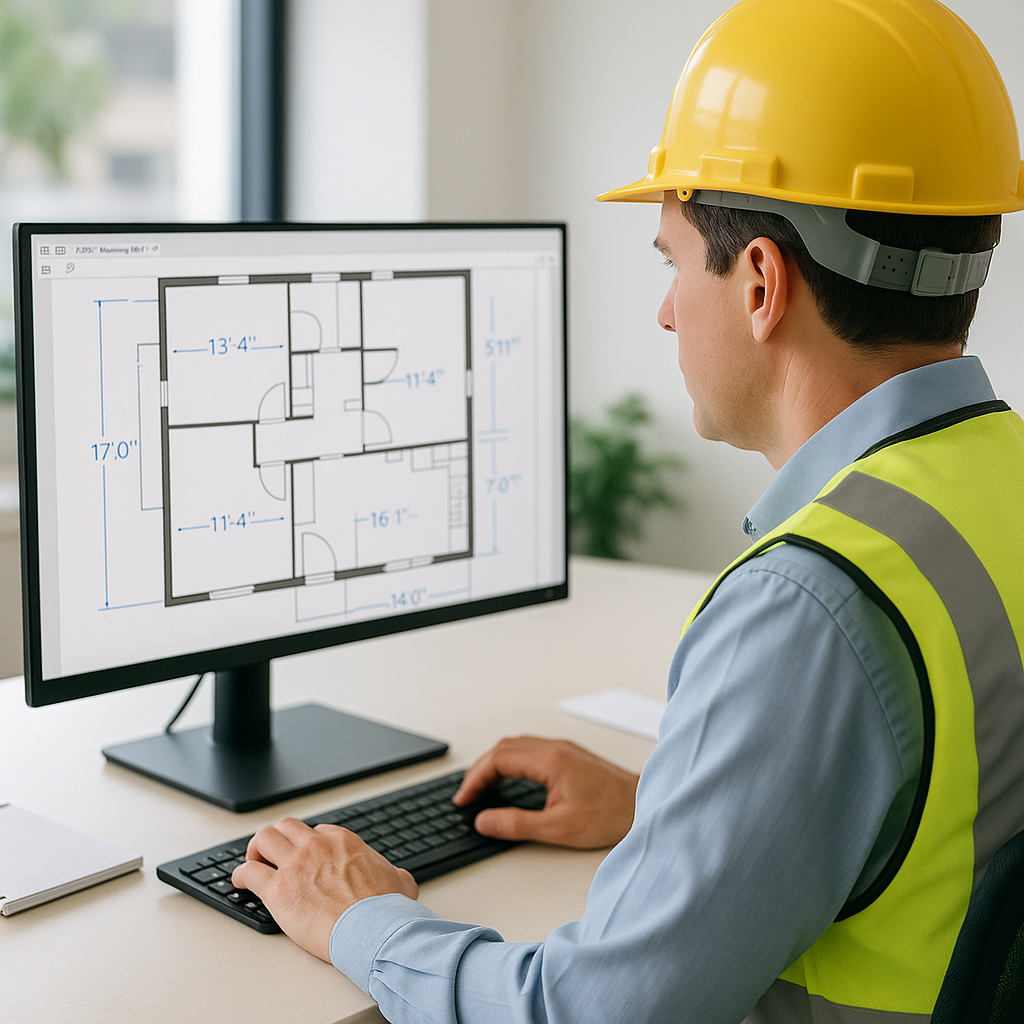
Let’s be honest—manual drawing takeoffs are a time sink. If you’re in preconstruction, you already know this. You spend 40 hours measuring room areas, wall lengths, door counts, and everything else in a PDF drawing set. Two estimators grinding for two full days. And that’s assuming no mistakes, no rework, and no sudden changes.
Why does this happen? Because the tools most teams use—Bluebeam, Excel, even physical rulers—aren’t built for speed. They’re functional, sure, but they’re slow and prone to human error. Miss a line? Miscalculate an area? You’re back to square one.
Concrete Example: The Domino Effect of Errors
Consider this scenario: You're working on a 200,000 square foot office building. You miss a hallway in your area calculation. That one oversight distorts your material quantities, labor hours, and ultimately your bid. By the time the mistake surfaces—often after the bid is submitted—you’re either out of contention or scrambling to resolve the error.
Multiply this across every bid your team handles in a year. If you’re pricing 5 GMP pursuits annually, that’s 200 hours wasted on manual takeoffs. This doesn’t even account for the hidden costs of rework, missed deadlines, or inflated bids caused by inaccuracies.
Data Point: Industry Stats on Estimating Errors
According to a study by FMI Corporation, rework caused by errors in preconstruction and estimating costs the construction industry over $31 billion annually in the U.S. alone. Manual takeoffs are often a contributing factor, as they introduce multiple points of failure during the estimation process.
The Solution: Vision AI for Drawing Takeoffs
Here’s where AI comes in. EstimateNext’s Vision AI tool slashes takeoff time from 40 hours to just 10 minutes. Yes, 10 minutes. It’s like having another estimator on your team—but without the payroll.
How It Works
- Upload Your PDFs: Start by uploading your project’s drawing set into the Vision AI platform.
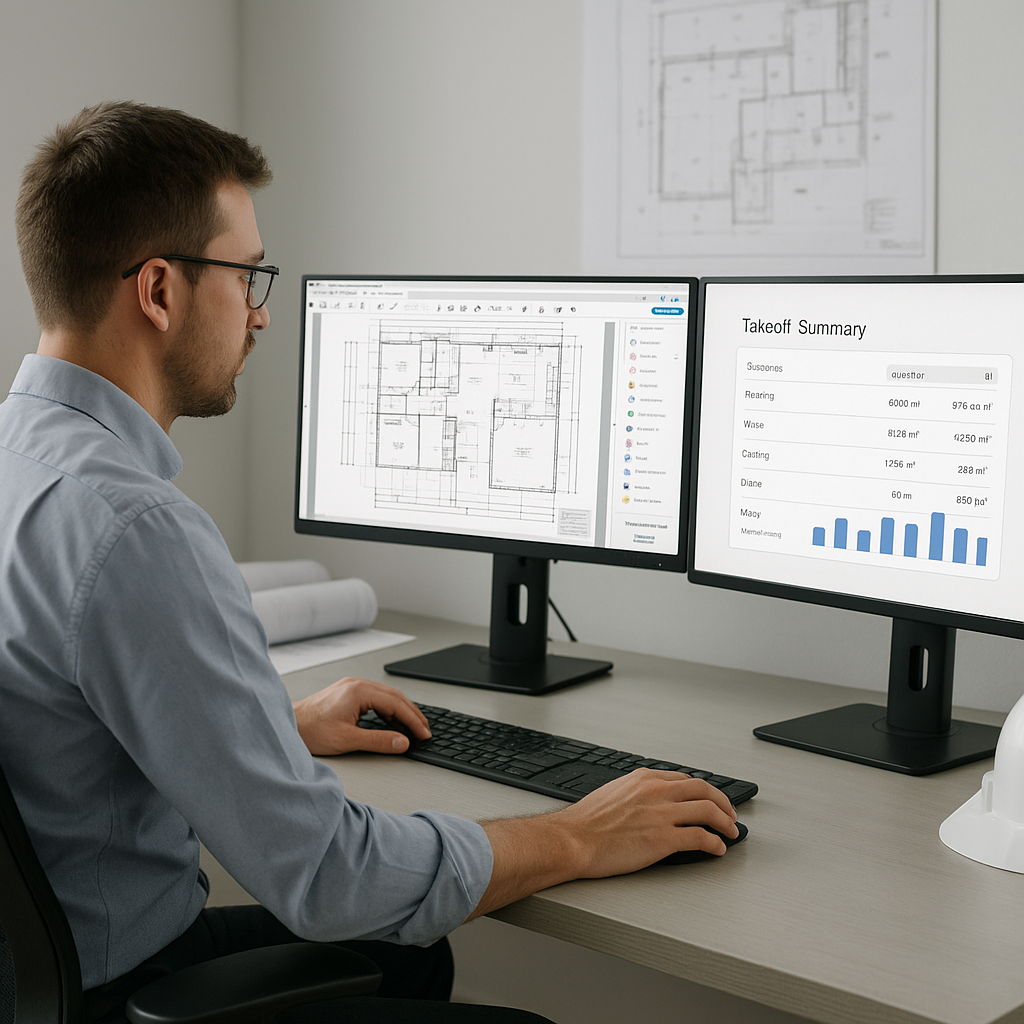
- Automated Extraction: The AI scans the documents and extracts quantities for areas, lengths, counts, and more.
- Room dimensions? Done.
- Wall lengths? Done.
- Door and window quantities? Done.
- Flagged Items for Review: The AI highlights areas with low confidence scores, allowing you to review and confirm them manually. This ensures accuracy while saving time.
Case Study: High-Rise Bid Efficiency
A mid-sized general contractor (GC) recently used Vision AI on a high-rise bid involving over 300,000 square feet. The project required detailed takeoffs for drywall, flooring, and MEP systems.
- Time Saved: They reduced their takeoff time from an estimated 120 hours to just 8 hours.
- Cost Savings: At $50/hour for an estimator, the company saved $5,600 in labor costs.
- Improved Focus: The team reinvested those hours into fine-tuning their bid, ultimately winning the project by a narrow margin.
Their project manager summed it up perfectly: “It’s like hiring a full-time estimator without the overhead.” Source.
Actionable Steps
If you’re considering using AI for takeoffs, here’s a simple roadmap to get started:
- Identify Bottlenecks: Track how long your team spends on manual takeoffs and where errors occur most frequently.
- Test the Tool: Start with a free trial of EstimateNext or a similar AI solution to test its capabilities on a smaller project.
- Integrate with Existing Workflows: Ensure the tool can export data to your current software, like Bluebeam or Procore, for seamless adoption.
- Train Your Team: Provide training to ensure your estimators understand both the tool’s capabilities and its limitations.
Why It Matters
Speed isn’t just about saving time—it’s about making better decisions. When your team spends less time on grunt work, they can focus on high-value tasks like negotiating with subs, refining margins, and analyzing bid strategies.
Example: Reallocating Resources
Think about it: If you save 36 hours per bid, what could you do with that extra time? Here are some possibilities:
- Price More Projects: Bid on 2-3 additional projects per quarter.
- Improve Scope Clarity: Spend more time clarifying scopes of work to avoid costly change orders later.
- Hit Deadlines: Submit accurate bids earlier, giving your team an edge over competitors.
Quantifying ROI
Let’s break it down. If your team bids on 20 projects a year and saves 36 hours per bid, that’s 720 hours saved annually. At an average estimator rate of $50/hour, you’re looking at $36,000 in labor cost savings alone—without factoring in the potential revenue from winning more bids.
The Obvious Objection: “But AI Can’t Think Like an Estimator”
I get this pushback all the time. You might be thinking, “Sure, AI is fast, but it doesn’t understand the nuances of construction.” That’s partially true—but it’s also missing the point.
Addressing the Concern
AI doesn’t replace your expertise; it amplifies it. You’re still the one making judgment calls, negotiating with subs, and deciding on markup. The AI just handles the grunt work—like takeoffs, rate matching, and what-if recalculations. It’s a tool, not a replacement.
Comparison Table: AI vs Manual Takeoffs
| Feature | Manual Takeoffs | AI Takeoffs |
|---|---|---|
| Time Required | 30-40 hours per project | 10-15 minutes per project |
| Accuracy | Subject to human error | High accuracy with reviews |
| Labor Cost | ~$1,500/project | Negligible |
| Scalability | Limited by manpower | Highly scalable |
| Integration | Manual data entry | Seamless software exports |
FAQ: Common Questions About AI Takeoffs
Q1: How accurate are AI-generated takeoffs?
AI tools like EstimateNext are highly accurate, but no system is perfect. That’s why they include features like confidence scoring and manual override, so you can review and adjust as needed. In most cases, accuracy exceeds 95%, which is often higher than manual methods.
Q2: Can I use AI estimation tools with existing software like Bluebeam or Procore?
Yes. Most tools, including EstimateNext, integrate seamlessly with popular construction software. You can export estimates directly into your existing workflows, avoiding redundant data entry and ensuring a smooth transition.
Q3: What if my rates are custom or project-specific?
AI tools allow you to upload your own rate catalogs or define custom rates for specific items. This ensures your estimates reflect your actual costs and aren’t limited by generic pricing databases.
Q4: Is AI suitable for all project types?
AI tools are most effective for projects with standardized components, such as commercial buildings, residential developments, and infrastructure projects. Highly specialized projects may still require more manual input.
Q5: How do I ensure my data is secure?
Reputable AI platforms prioritize data security through encryption, secure servers, and compliance with industry standards. Always ask your provider about their data protection policies before adopting a tool.
Call to Action
If you’re tired of wasting 40 hours on manual takeoffs, EstimateNext can help. Try it for free today and see how much time and money you can save. Get started free →