The Pain of Manual Rate Lookups
If you’ve ever priced a bid for a large project, you know how painful rate lookups can be. Flipping through 2,000-page rate books like RSMeans or CPWD DSR isn’t just time-consuming—it’s error-prone. Miss one line item, and you could underprice by tens of thousands. And yet, this is still how most estimators do it.
Take the example of a mid-sized general contractor working on a $50M hospital build. To price just the structural concrete, the team spent 12 hours manually searching catalogs for labor rates, material costs, and equipment charges. Then they spent another 4 hours double-checking everything because they didn’t trust the initial numbers. That’s 16 hours wasted on something that AI can now do in seconds.
And it’s not just time. Errors in manual rate lookups can lead to costly mistakes. For example, in 2021, a contractor in California underpriced a municipal project by $250,000 after missing a single line item for specialized concrete. The result? A project that went over budget and strained relationships with the client. These errors are far more common than most contractors would like to admit.
How AI Rate Matching Works
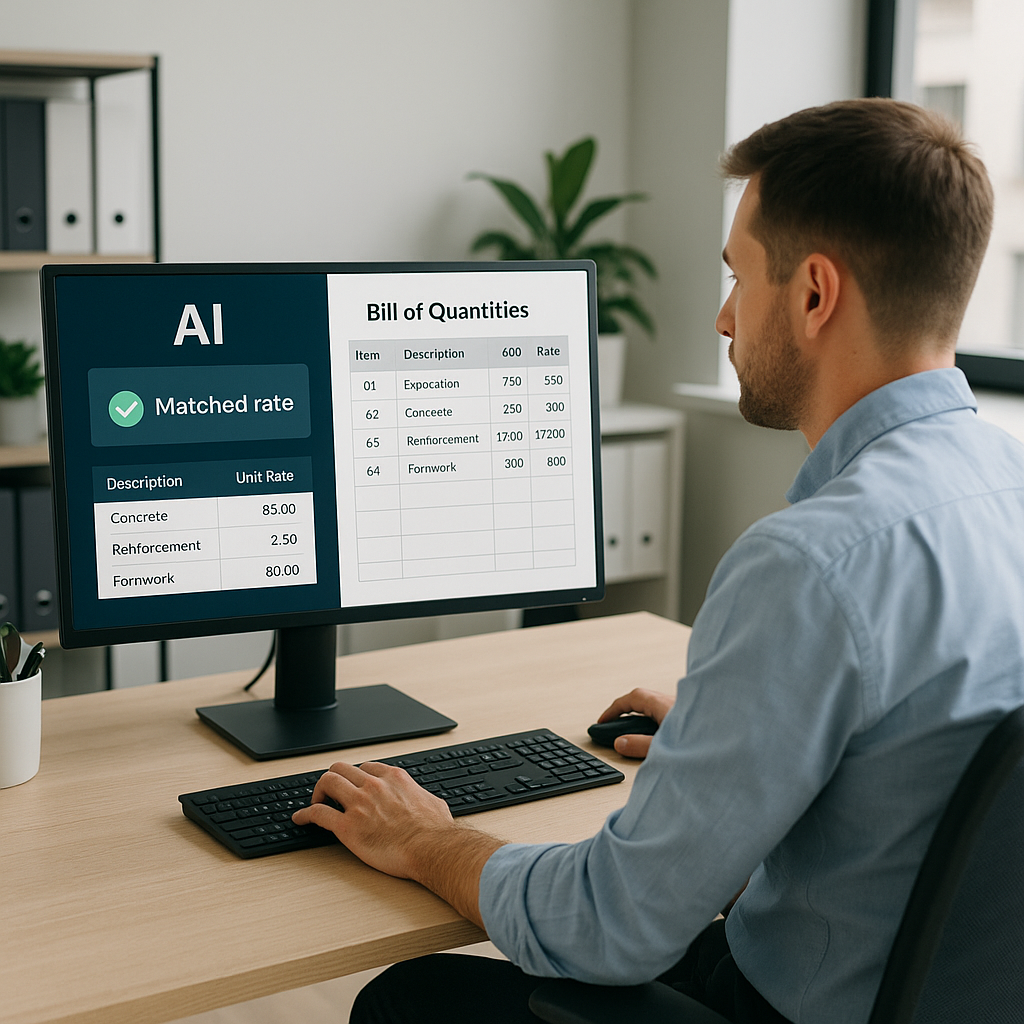
AI-powered platforms like EstimateNext solve this problem with semantic search and intelligent rate matching. You upload your BOQ—whether it's Excel, CSV, or even a scanned PDF—and the AI instantly matches each line item to the best-fit rate from its database of 78,000+ items.
Here’s the kicker: the system doesn’t just spit out raw rates. It factors in inflation adjustments, regional costs, and even tenant-specific catalogs. For example, if you’re working with a custom material spec, you can upload your own rates, and the AI will prioritize them for future matches. The more you use it, the smarter it gets.
How It Works: Step by Step
- BOQ Upload: Drop in your bill of quantities in any common format (Excel, CSV, or PDF).
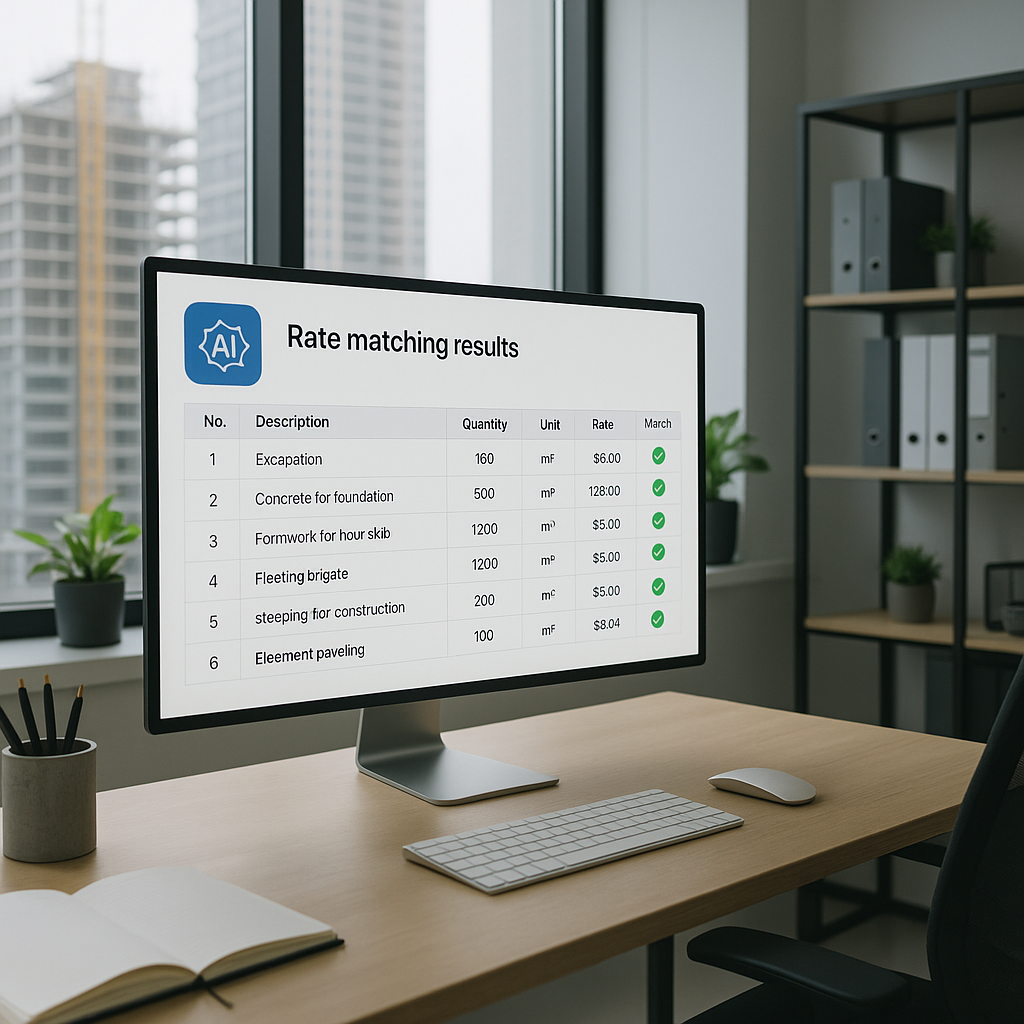
- Rate Matching: The AI scans the BOQ and matches items to the most relevant entries in its database.
- Adjustments: Regional cost data, inflation rates, and custom catalogs are factored in automatically.
- Confidence Scoring: The AI assigns a confidence score to each match, flagging low-confidence items for manual review.
- Export: Once satisfied, export your estimate directly into your project management software or Excel.
Imagine applying this to a complex bid, like a $200M high-rise. Instead of spending 12 hours flipping through rate books, you get reliable matches for 1,800 BOQ items in under 10 minutes. That’s not just faster—it’s more accurate.
Real ROI: A Case Study
A regional contractor recently used EstimateNext to price a $1B rail project. According to their own case study, AI rate matching saved them 56 hours per bid. That’s almost a full week of labor costs avoided. And the quality of the estimates? Improved by 80%, thanks to fewer manual errors and better inflation adjustments.
But the real benefit wasn’t just time savings. By freeing up their team from grunt work, they were able to focus on high-value tasks like subcontractor negotiations and margin engineering. In their words: “It’s like hiring a full-time estimator without the overhead.”
For smaller contractors, the benefits are just as significant. A roofing contractor bidding on a $2M commercial project used AI rate matching to cut their estimating time from 5 hours to 20 minutes. The result? They submitted their bid a full day earlier than competitors and won the project.
The Obvious Objection
You might be thinking, “Sure, AI is fast, but it doesn’t understand the nuances of construction.” That’s partially true—but it’s missing the point. AI doesn’t replace your expertise; it amplifies it. You’re still the one making judgment calls, negotiating with subs, and deciding on markup. The AI just handles the grunt work.
And if you’re worried about accuracy, platforms like EstimateNext include features like confidence scoring and manual override. If the AI matches a rate with low confidence, you get flagged to review it. It’s not perfect yet, but it’s designed to work alongside human oversight.
Why Rate Matching Builds Trust
Accurate rate matching isn’t just about saving time—it’s about building trust. When your estimates align perfectly with subcontractor quotes and market benchmarks, you become the contractor they want to work with. Nobody likes surprises during execution, least of all your clients.
A 2023 report by McKinsey found that early adopters of AI in construction see average cost savings of 10-20% per project. That’s not just because of faster takeoffs. It’s because better estimates lead to fewer change orders, lower margins of error, and stronger client relationships. Rate matching is a big part of that.
Comparison Table: Manual vs. AI Rate Matching
| Feature | Manual Rate Matching | AI Rate Matching |
|---|---|---|
| Time Per Estimate | 10-50 hours | 10-30 minutes |
| Error Rate | High (10-20% average) | Low (1-3%) |
| Inflation Adjustments | Manual | Automatic |
| Custom Catalog Support | Limited | Fully Supported |
| Learning Curve | N/A (manual process) | 1-2 weeks |
| Scalability | Low | High |
FAQs
Q: How accurate are AI-matched rates?
A: AI tools like EstimateNext are highly accurate, often reducing manual errors by up to 80%. However, accuracy depends on your input data. Always review flagged items.
Q: Can I upload custom rates?
A: Yes. You can define your own rate catalogs, which the AI integrates seamlessly for future use. This ensures estimates reflect your actual costs.
Q: Does AI work for small projects?
A: Absolutely. Whether you’re handling a $1M renovation or a $1B infrastructure bid, AI tools scale to fit your needs.
Q: How long does it take to learn the platform?
A: Most users report being comfortable within two weeks. Platforms like EstimateNext are designed for ease of use, with intuitive interfaces and training resources.
Q: Does it integrate with my existing tools?
A: Yes. EstimateNext offers API integrations with popular software like Bluebeam, Procore, and Excel, so you can export estimates directly into your workflows.
Actionable Steps to Get Started
- Start Small: Test AI rate matching on a single project to get a feel for its capabilities.
- Upload Custom Rates: If you have specialized materials or labor costs, upload them for more precise matches.
- Leverage Training Resources: Most platforms offer free tutorials and support to help you get up to speed.
- Monitor Confidence Scores: Use flagged items as an opportunity to refine your inputs and improve accuracy.
- Integrate with Existing Workflows: Export estimates into your current tools to streamline the transition.
Call to Action
If you're tired of wasting hours flipping through rate books, EstimateNext can help. Get started free and see how AI-powered rate matching saves time and builds trust.