The Belief I Held for Years
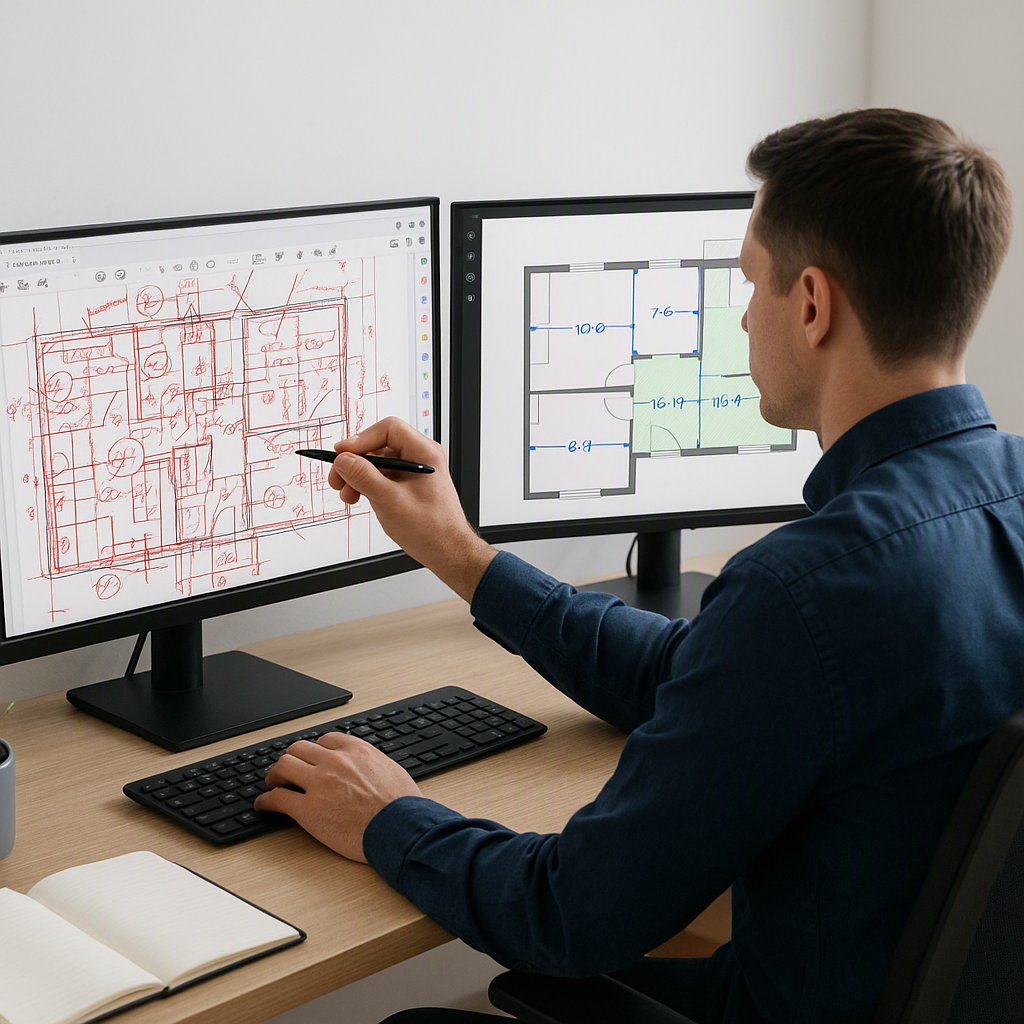
Manual takeoffs were just part of the job. If you're in construction estimation, you know the drill: PDFs spread across two monitors, rulers out, hours spent squinting over wall lengths and room areas. It felt tedious, sure, but also critical. Accuracy depended on it. And here's the thing—I didn't trust software to do this for me. I mean, how could a machine interpret drawings better than a skilled professional?
I wasn't alone in this thinking. Among the 2,607 messages we sent to general contractors in a 90-day window, 71 human replies echoed the same skepticism: "AI can't read drawings like we can." I used to agree.
The Moment That Changed My Mind
A project in early 2026 flipped my perspective. A mid-sized general contractor I work with was bidding on a high-rise project. They were understaffed—two estimators had quit in the past quarter, and the team was drowning in deadlines. They decided to try a Vision AI tool for quantity takeoff. I was skeptical but curious, so I tagged along.
The results were immediate. The tool processed a full set of PDFs in 10 minutes. Ten. Minutes. What would’ve taken two estimators 40 hours—an entire workweek—was done in less time than it takes to drink a cup of coffee. The accuracy? Spot on. They saved 120 hours for that single bid. Their words stuck with me: "It’s like hiring a full-time estimator without the overhead."
Why AI Wins on Speed
AI tools like Vision AI use advanced algorithms to recognize patterns and interpret data far faster than humans can. Manual takeoffs often require careful tracing of lines, counting fixtures, and calculating areas—all of which can be automated. This isn’t just faster; it’s less prone to the fatigue-based errors that creep in after hours of repetitive work.
The Accuracy Debate
Accuracy is often the sticking point for skeptics. How can software match the precision of human estimators? The truth is, AI doesn’t replace expertise—it complements it. These tools flag areas with low confidence, allowing estimators to review and adjust as needed. The combination of machine speed and human judgment makes for results that are both fast and reliable.
Why It Took Me So Long to Come Around
Looking back, I realize I underestimated how much of my resistance was rooted in habit. Manual takeoffs were the way I learned. They were how my mentors worked, and they taught me to value the grind. It was easy to dismiss AI as a gimmick because I didn’t really understand it.
And, if I’m being honest, part of me was scared. If AI could handle takeoffs, what would that mean for my role? Would I still be relevant? This fear wasn’t unique to me. From those same 2,607 messages we sent, 63 conversations required a human to step in because prospects were worried about job security.
Overcoming Fear of Change
The fear of obsolescence is common in industries facing automation. However, AI doesn’t eliminate the need for skilled professionals—it shifts their focus. Instead of spending hours on repetitive tasks, estimators can concentrate on higher-value activities like refining cost assumptions, managing client relationships, and strategizing bids. In fact, AI can make professionals more indispensable by enhancing their efficiency.
What I Do Differently Now
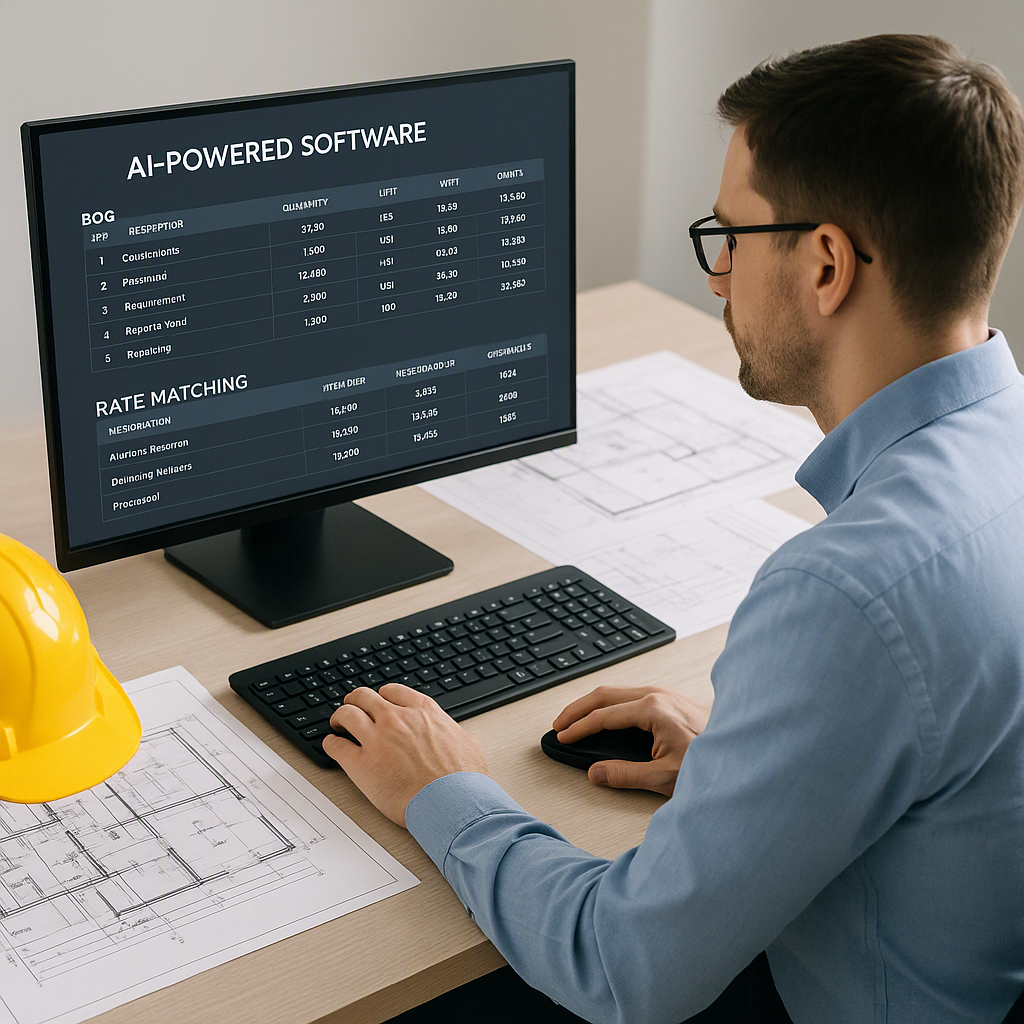
Today, AI takeoff tools are non-negotiable for me. They’re not a replacement for expertise—they’re a multiplier. Here’s my process now:
Step-by-Step Process
- Upload the Drawings: Using platforms like EstimateNext, I upload PDF blueprints or CAD files directly into the software.
- Review the AI Takeoff: The software generates measurements and quantities, flagging areas with low confidence for human review. Instead of combing through every detail manually, I focus only on flagged items.
- Focus on Higher-Value Tasks: With the grunt work done, I shift my time to tasks that require judgment—refining rates, negotiating subcontractor bids, and running what-if scenarios to model project costs.
Time Saved = Opportunity Gained
For example, on a recent project, AI freed up enough time to prepare a second bid for the same deadline. That second bid? It won. AI didn’t just save time; it created new opportunities.
What This Cost Me—and What I’m Still Unsure About
I lost years to inefficiency. All those late nights tracing PDFs could’ve been spent improving our win rate or mentoring junior staff. Worse, I probably missed opportunities because I clung to outdated methods.
That said, I’m still grappling with the limits of AI. For example:
- Custom or Old-School Drawings: Unique or overly complex blueprints can still trip up the software, requiring manual intervention.
- Misinterpretation Risks: AI isn’t foolproof. A single misread line can skew an entire estimate—human oversight remains critical.
Balancing Automation and Expertise
While AI tools are powerful, they’re not magical. They work best when paired with experienced professionals who can validate results and make judgment calls. This hybrid approach ensures both speed and accuracy.
Decision Framework: Manual vs. AI Takeoffs
| Criteria | Manual Takeoffs | AI Takeoffs |
|---|---|---|
| Time Required | 20–40 hours per project | 10–30 minutes per project |
| Accuracy | Highly accurate (with effort) | Accurate with human oversight |
| Learning Curve | Low (traditional methods) | Moderate (requires training) |
| Cost | Labor-intensive | Software subscription fee |
| Scalability | Limited by staff availability | Easily scalable |
| Best For | Small, simple projects | Complex, time-sensitive projects |
If you're tired of spending 40 hours on takeoffs, EstimateNext can help. Upload your first BOQ and get a priced estimate in minutes.