The Hidden Cost of Manual Rate Lookups
Let me guess—you’re still flipping through rate books or PDFs to build your estimates. Maybe it’s RSMeans, CPWD DSR, or your own custom catalog. It’s a grind, right? But what if I told you this one task could be costing your firm tens of thousands of dollars every year?
Here’s the math. On average, estimators spend 12 hours per project on manual rate lookups. For a team handling, say, 6 bids a month, that’s 864 hours a year. At $130/hour (a typical estimator’s cost), you’re burning over $112,000 annually on something a machine can do faster—and more accurately.
But it’s not just the time. Manual lookups are prone to errors. One missed line item or outdated rate, and you’re either overbidding (losing the job) or underbidding (losing your margins). Neither is a great option.
Real-World Example: The Cost of Errors
A 2020 study by the Associated General Contractors of America found that errors and omissions in estimates cost contractors an average of 5% of the project value. For a $10 million project, that’s $500,000 at risk. Even a small error, like using an outdated material cost, can cascade into significant financial losses. Manual processes are simply too vulnerable to human oversight in today’s competitive environment.
How AI Solves the Rate Matching Problem
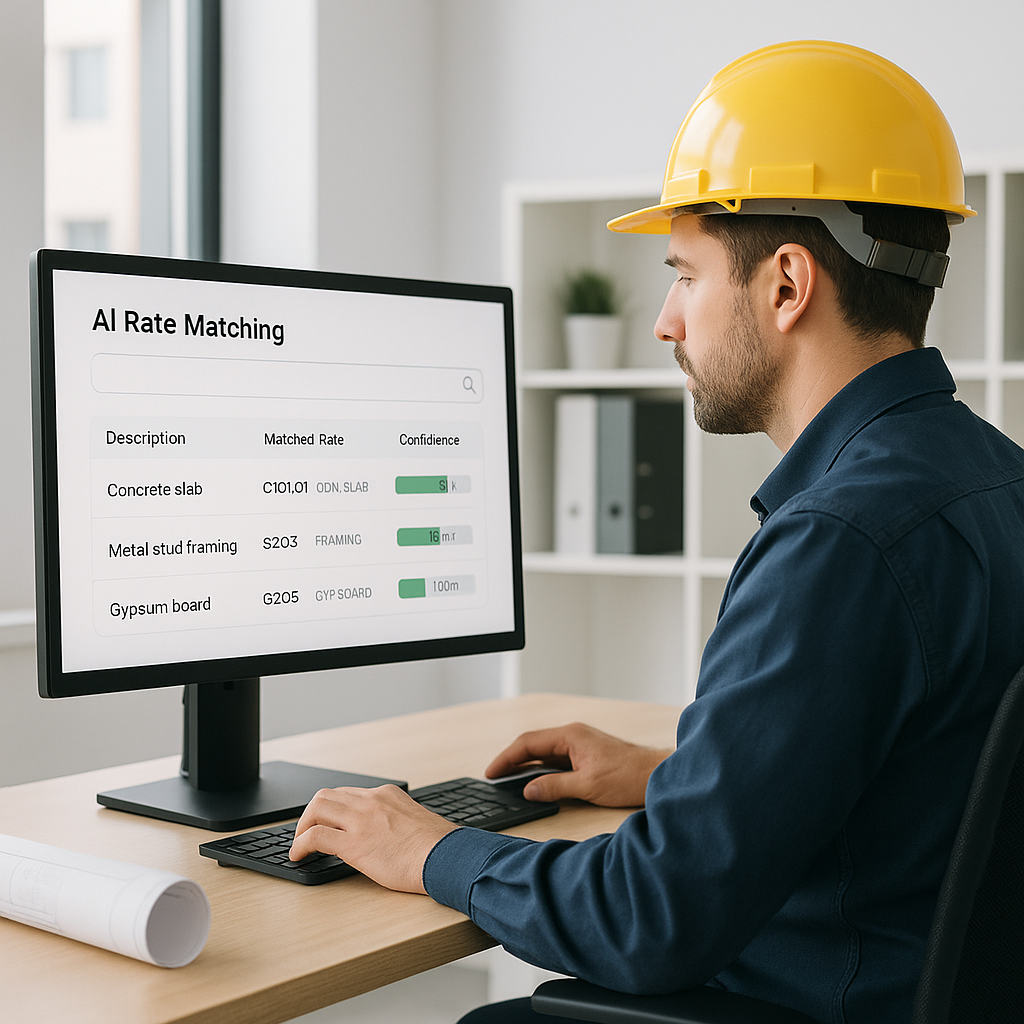
This is where tools like EstimateNext come in. Their AI-powered rate matching feature searches 78,000+ SOR items across 135 catalogs in seconds. Need a labor rate for installing pre-stressed concrete girders? Type it in, and voila—you get a match instantly. No flipping, no manual cross-referencing, no time wasted.
Case Study: EstimateNext in Action
Let’s take an example from their case studies: A mid-sized contractor bidding on a $1 billion rail project used EstimateNext to match rates for everything from rail ties to structural steel. What used to take 12 hours per estimate? Done in under 5 minutes. That’s a 144X improvement.
But the benefits don’t stop at speed. The AI learns as you use it. Add custom materials or finishes to your catalog? The system integrates them seamlessly and gets smarter with every project. By the third bid, most users report significant accuracy improvements.
Another example comes from a regional roofing contractor. Before adopting AI, their team spent 60% of their time manually looking up labor rates and material costs across multiple catalogs. After implementation, they reduced that to just 10%, freeing up resources to focus on client acquisition and project planning.
Actionable Steps to Leverage AI in Estimation
If you’re ready to ditch the manual grind and explore AI solutions, here are some steps to get started:
- Audit Your Current Process: Identify how much time your team spends on rate lookups and where errors typically occur. Quantify the cost of inefficiencies.
- Start Small: Test an AI tool like EstimateNext on one or two projects. Most platforms offer free trials, so you can evaluate performance without committing upfront.
- Customize Your Database: Upload your custom rate catalogs and project-specific adjustments. This ensures the AI aligns with your unique needs.
- Train Your Team: While AI tools are designed to be user-friendly, a short training session can help your team maximize the benefits.
- Monitor and Adjust: Use the AI’s analytics features to track time savings and accuracy improvements. Refine your workflows based on the data.
The Obvious Objection: Can AI Be Trusted?
I get it. You’re probably thinking, “Sure, AI is fast, but can it think like an estimator?” The short answer? No, and it doesn’t need to. AI doesn’t replace your expertise—it amplifies it. You’re still the one making judgment calls, negotiating with subs, and deciding on markup. The AI just handles the grunt work.
Addressing Concerns About Accuracy
What about edge cases? That’s where the manual override comes in. Tools like EstimateNext include confidence scoring and allow you to adjust rates or remeasure low-confidence areas. For example, if the AI flags a material cost as "potentially outdated," you can double-check the source before finalizing the estimate. You’re still in control, but without the time sink.
A Comparison: Manual vs. AI-Powered Estimation
| Feature | Manual Process | AI-Powered Process (e.g., EstimateNext) |
|---|---|---|
| Time per Estimate | 10-12 hours | Under 5 minutes |
| Error Rate | High (human errors) | Low (AI validation + manual override) |
| Scalability | Limited | High |
| Cost | $130/hour x hours | Fixed subscription fee |
| Learning Curve | None (traditional) | Minimal (intuitive interface) |
Why This Matters More Than Ever
Construction margins are razor-thin right now. Inflation, labor shortages, and rising material costs aren’t helping either. According to a 2023 McKinsey report, early adopters of AI in construction saw 10-20% cost savings per project. That’s the kind of edge you need to stay competitive.
Subcontractors Stand to Benefit the Most
For subcontractors, it’s even more critical. Missing a bid deadline because rate lookups took too long? You’ve just handed the job to your competitor. AI tools cut quote turnaround times from 72 hours to as little as 4. That means more bids submitted, more jobs won, and more revenue.
Not All AI Tools Are Created Equal
Before you jump on the AI bandwagon, here’s a word of caution: not every tool is worth your time (or money). Some promise the moon and barely deliver. Look for platforms with:
- Semantic search: Can it understand the context of your query, or does it just match keywords?
- Custom catalog support: Does it let you upload your own rates and materials?
- Integration options: Can it work with your existing tools like Procore or Excel?
- Learning curve: How long does it take to train your team?
EstimateNext ticks all these boxes, but don’t just take my word for it. Test it yourself. Most platforms offer free trials or demos, so you’ve got nothing to lose.


