The Takeoff Problem Nobody Talks About
Let’s get straight to it: manual takeoffs are a productivity killer. If you’ve ever spent days measuring room areas, wall lengths, and door counts by hand, you already know. It’s tedious, error-prone, and downright expensive. For general contractors, it’s often the bottleneck that delays everything else—rate matching, sub bid leveling, and even the final bid submission.
A mid-sized general contractor (GC) told us they spent two full days—40 hours—on manual takeoffs for a high-rise project. That’s two estimators glued to their desks, flipping between drawings and Excel. When every bid feels like a race against the clock, wasting this kind of time isn’t just frustrating—it’s bad business.
The AI Fix: 10 Minutes vs. 40 Hours
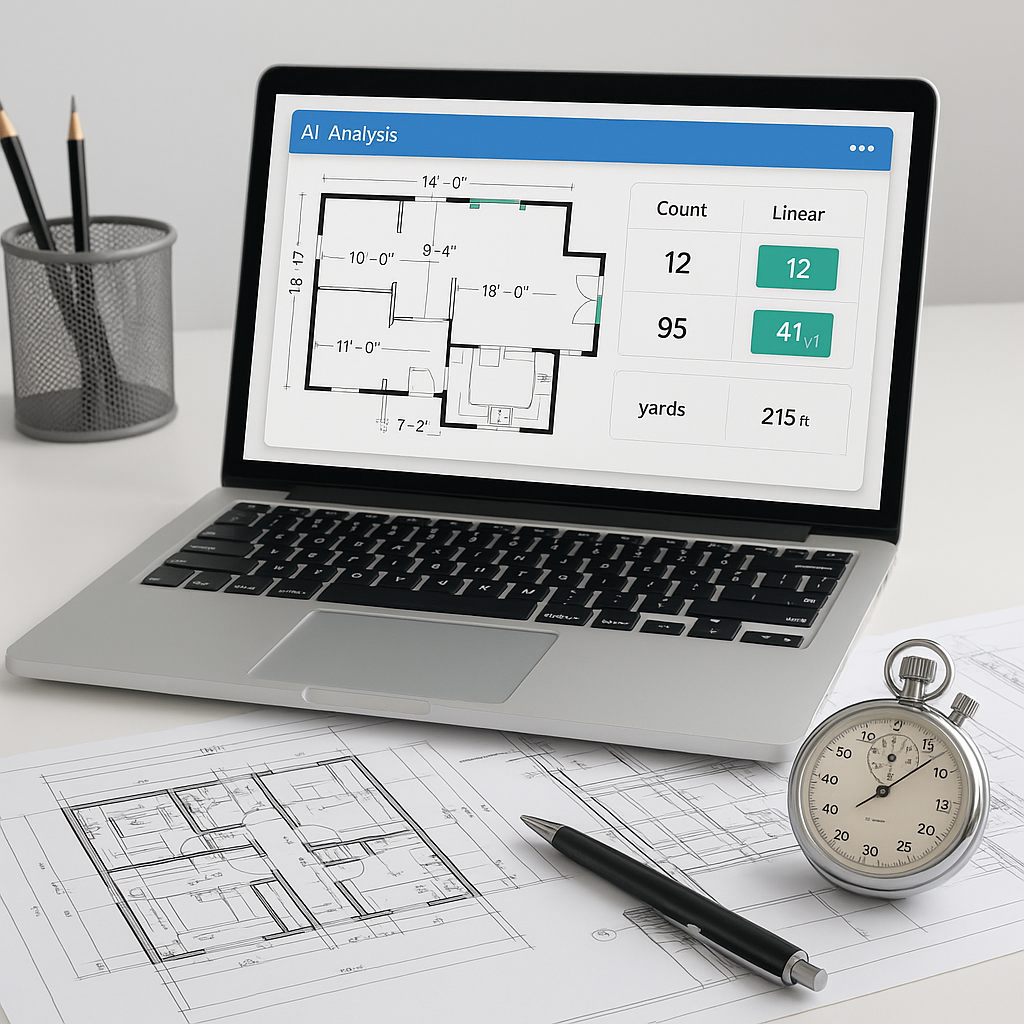
This is where AI-powered tools like EstimateNext come in. Vision AI, one of its standout features, automates quantity takeoff in just 10 minutes. No exaggeration. You upload your PDF drawings, and the system extracts quantities for walls, floors, doors, windows—you name it.
Here’s a real-world example: A GC director handling a $1B rail project used Vision AI to extract quantities for concrete columns, beams, and rail decks. With manual methods, this would’ve taken about 56 hours. AI did it in 10 minutes. That’s a 99% time reduction. Source: EstimateNext
But let’s not stop there. A smaller regional contractor shared that they used Vision AI for a $2 million office renovation project. The system processed quantities in under 15 minutes, compared to the 12 hours it would have taken manually. This freed up their estimator to focus on finalizing bid pricing and negotiating subcontractor terms—tasks that directly affect project profitability.
Why Speed Isn’t the Only Win
You might be thinking, “Sure, AI is fast, but it can’t think like an estimator.” That’s partially true—but it’s also missing the point. AI doesn’t replace your expertise; it amplifies it. You’re still the one making judgment calls, negotiating with subs, and deciding on markup. The AI just handles the grunt work.
For example, Vision AI includes confidence scoring. If the system isn’t 100% sure about a measurement, it flags it for manual review. This ensures accuracy without stripping you of control. Source: EstimateNext
Real-World Benefits Beyond Speed
Let’s break it down into actionable takeaways:
-
Reduced Errors: Human error in takeoffs can lead to underbidding or overbidding. AI’s precision minimizes these risks. One GC noted a 30% drop in change orders after switching to AI-powered takeoffs because their bids were more accurate upfront.
-
Enhanced Collaboration: AI tools often integrate seamlessly with platforms like Procore, Autodesk Build, and Bluebeam, making it easier to share accurate takeoff data across teams.
-
Proactive Risk Management: By freeing up time otherwise spent on manual tasks, estimators can focus on identifying potential project risks early—whether it’s a tight schedule or scope creep.
What About Smaller Projects?
You don’t need to be bidding billion-dollar rail bridges to see ROI. AI scales to any project size. Whether it’s a $1 million office fit-out or a $20 million residential development, the savings add up. McKinsey estimates that early adopters of AI in construction see average cost reductions of 10-20% per project. Source: McKinsey
Take this example: A small residential contractor used AI-powered takeoffs for a $500,000 home renovation. They saved six hours of work and reduced their estimating errors by 15%. For a small team, this efficiency translated into taking on two additional projects that month, boosting their bottom line.
The Obvious Objection: Learning Curve
Let’s address the elephant in the room: “AI tools are hard to learn.” Honestly, they’re not. Most platforms, including EstimateNext, are designed for ease of use. Training takes less than two weeks for most teams. And once your estimators are up to speed, the productivity gains are undeniable. Source: EstimateNext
Here’s how to overcome the learning curve:
- Start With Small Projects: Test the tool on a smaller project to familiarize your team with its features.
- Leverage Training Resources: Most AI platforms provide tutorials, webinars, and dedicated support.
- Assign a Champion: Designate a team member to become the in-house expert for troubleshooting and helping others.
Putting Time Savings Into Perspective
Imagine this: Your team saves 36 hours per estimate. That’s roughly $4,680 in labor costs avoided (assuming $130/hour for a senior estimator). Multiply that by five GMP pursuits per year, and you’re looking at $23,400 in annual savings—just from automated takeoff. Add faster rate matching and sub bid leveling, and the ROI jumps even higher.
To illustrate further, here’s a breakdown of potential time savings:
| Task | Manual Time | AI-Assisted Time | Savings |
|---|---|---|---|
| Quantity Takeoff | 40 hours | 10 minutes | 99% reduction |
| Rate Matching | 8 hours | 1 hour | 87% reduction |
| Sub Bid Leveling | 6 hours | 2 hours | 67% reduction |


