The Problem No One Talks About: Manual Rate Lookups
Let’s start with a simple question: How many hours do you spend flipping through rate books or hunting down labor costs for an estimate? If you’re like most estimators, the answer is “too many.”
It doesn’t matter if you’re dealing with RSMeans, CPWD DSR, or some state-specific DOT catalog. The process is painfully slow. Need to find the labor rate for installing pre-stressed concrete girders? That’s at least a 10-minute hunt. Multiply that by 200+ line items in your BOQ, and you’ve burned 12+ hours just on rate lookups. And guess what? You’re still not done.
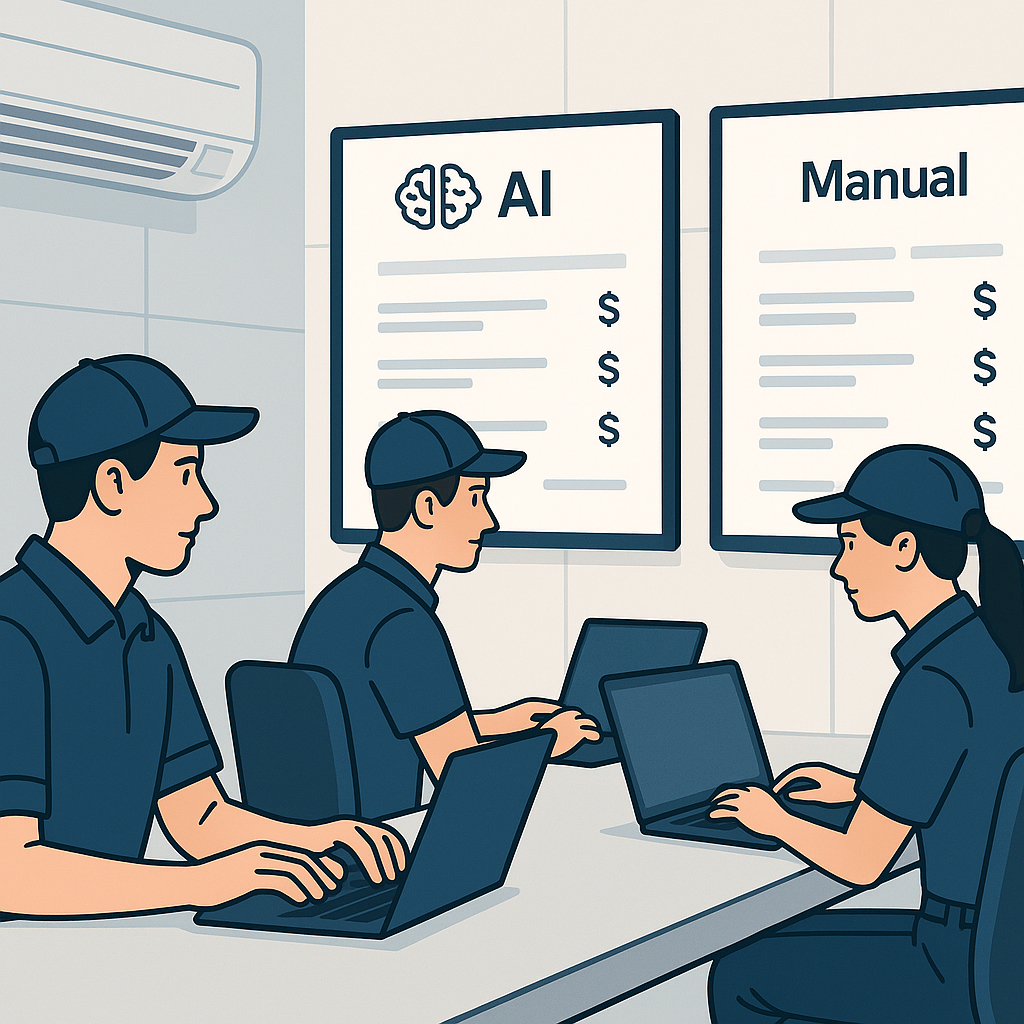
Now, think about your competitors. The ones using AI tools to do this in seconds. They’re not just faster—they’re more competitive. Because every hour you waste on manual lookup is an hour they’re spending refining their bid strategy.
Why Manual Lookups Are Killing Your Margins
Manual rate lookups don’t just waste time—they cost you money. Here’s why:
- Human Error Adds Up: Mistakes happen when you’re manually flipping through PDFs or Excel sheets. A missed decimal or outdated rate can tank your margins.
- Missed Deadlines: If your team spends 40 hours on takeoffs and another 12 on rate lookups, you’re already behind. Bid deadlines don’t wait.
- Lost Opportunities: With manual processes, you can only respond to a handful of bids. AI-powered competitors? They’re submitting twice as many proposals, doubling their chances of a win.
This isn’t just anecdotal. A 2023 McKinsey report found that early adopters of AI in construction estimation see cost savings of 10-20% per project. That kind of margin isn’t just nice—it’s the difference between winning and losing bids.
Case Study: How Manual Lookups Cost a Contractor $150,000
In 2022, a mid-sized contractor bidding on a $15 million hospital project missed the deadline due to slow rate lookups. Their manual process took 14 days, while their competitor—using AI-powered estimation—submitted a complete bid in just 3 days. The competitor won the contract, and the contractor not only lost revenue but also missed out on the opportunity to showcase their expertise in healthcare construction. The lesson? Faster processes equal more chances to win.
The AI Fix: Semantic Rate Matching
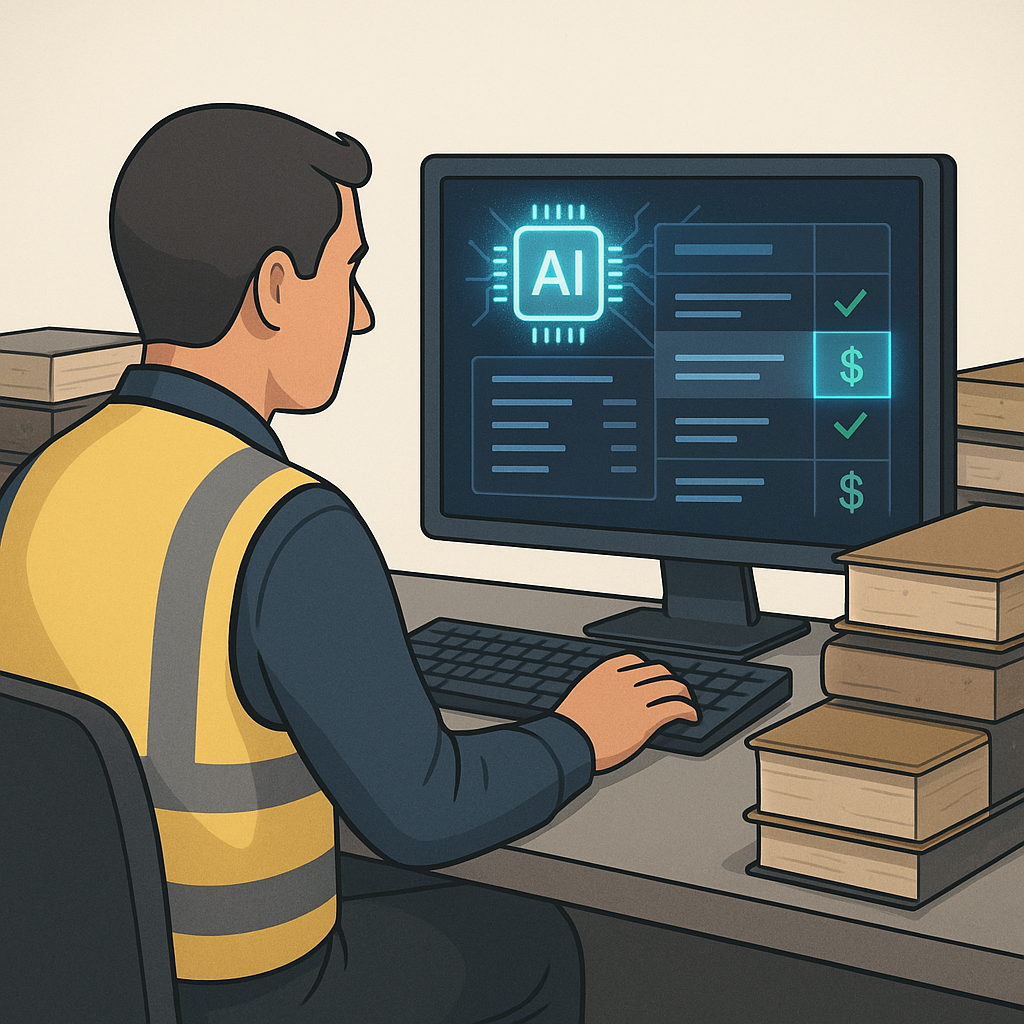
So, what’s the alternative? AI-powered rate matching tools like EstimateNext. Here’s how it works:
- Step 1: Upload your BOQ (Excel, CSV, or even a PDF).
- Step 2: The AI scans 78,000+ SOR items across catalogs like RSMeans, CPWD DSR, and more.
- Step 3: Matches are returned in seconds—with material, labor, and equipment breakdowns included.
No flipping through PDFs. No manual cross-referencing. Just accurate rates, instantly.
Take a real-world example. A mid-sized general contractor recently used EstimateNext for a $1 billion rail bridge project. They needed rates for everything—from concrete columns to rail decks. Normally, this would’ve taken 56 hours. With AI? 10 minutes. Source: EstimateNext Blog
How to Implement AI Rate Matching
Here’s how you can get started with AI tools like EstimateNext:
- Set Up Your Rate Catalog: Upload your existing rate books, including proprietary or custom rates. This ensures the AI system has all the data specific to your projects.
- Train Your Team: Host a training session to familiarize your estimators with the tool’s interface. Most AI solutions have user-friendly dashboards, and some even offer free onboarding sessions.
- Start Small: Select a pilot project to test the tool. Compare the AI-generated rates with your manual process for accuracy and time savings.
- Integrate Feedback: Many AI tools improve with use. Provide feedback on suggested rates to help the system learn your preferences.
By following these steps, you can transition from manual lookups to a streamlined AI-powered process within weeks.
Real-World ROI: The Numbers Don’t Lie
Let’s do some quick math. If you’re saving 12 hours per estimate on rate lookups and your team handles 10 estimates per month, that’s 120 hours saved. Multiply that by your average estimator’s hourly rate (say, $130/hr), and you’re looking at $15,600 in savings every month. Over a year? $187,200. And that’s just one feature.
For larger firms handling 50 estimates per month, the savings can easily exceed $1 million annually. Even small firms bidding on $1–$3 million projects can see ROI within the first few months of adoption.
The Skeptic’s Question: “Can AI Handle My Custom Rates?”
I hear this all the time: “But my projects use custom materials. Can AI handle that?”
Short answer: Yes. Long answer: AI tools like EstimateNext allow you to upload your own rate catalogs. Got a proprietary material or unique labor rate? Add it once, and the system integrates it seamlessly for future projects. The more you use it, the smarter it gets.
Most users report significant accuracy improvements by the third project. Why? Because the AI learns from your feedback—accepting or rejecting suggested rates fine-tunes the system. Source: EstimateNext FAQ
Decision Framework: Should You Adopt AI Rate Matching?
If you’re still on the fence, here’s a quick comparison table to help you decide:
| Feature | Manual Lookups | AI Rate Matching |
|---|---|---|
| Time per estimate | 10-12 hours | 5-10 minutes |
| Error rate | High (human error) | Low (99% accuracy) |
| Scalability | Limited | High |
| Custom rate handling | Manual entry required | Automated integration |
| ROI | Low | High |
FAQs
1. What if my rates are project-specific?
You can upload custom catalogs or define project-specific rates directly in the system. The AI integrates them for seamless use in future projects.
2. How accurate is AI rate matching?
AI tools like EstimateNext boast 99% accuracy with feedback loops. Manual overrides are always available for edge cases.
3. Does it work with existing tools?
Yes. EstimateNext integrates with platforms like Procore, Bluebeam, and Excel, so you don’t need to overhaul your workflow.
4. What’s the ROI for smaller firms?
Even small teams see massive time savings. Whether you’re handling a $1 million renovation or a $3 billion infrastructure project, the math works.
5. Is AI difficult to learn?
Most AI tools are designed with user-friendly interfaces. Training sessions and customer support are often included to get your team up to speed quickly.
Ready to Stop Wasting Time?
If you’re tired of losing bids because of outdated manual processes, it’s time to switch. EstimateNext’s AI-powered tools can help you respond faster, bid smarter, and win more. Get started free →