Why Estimation Feels Like a Grind
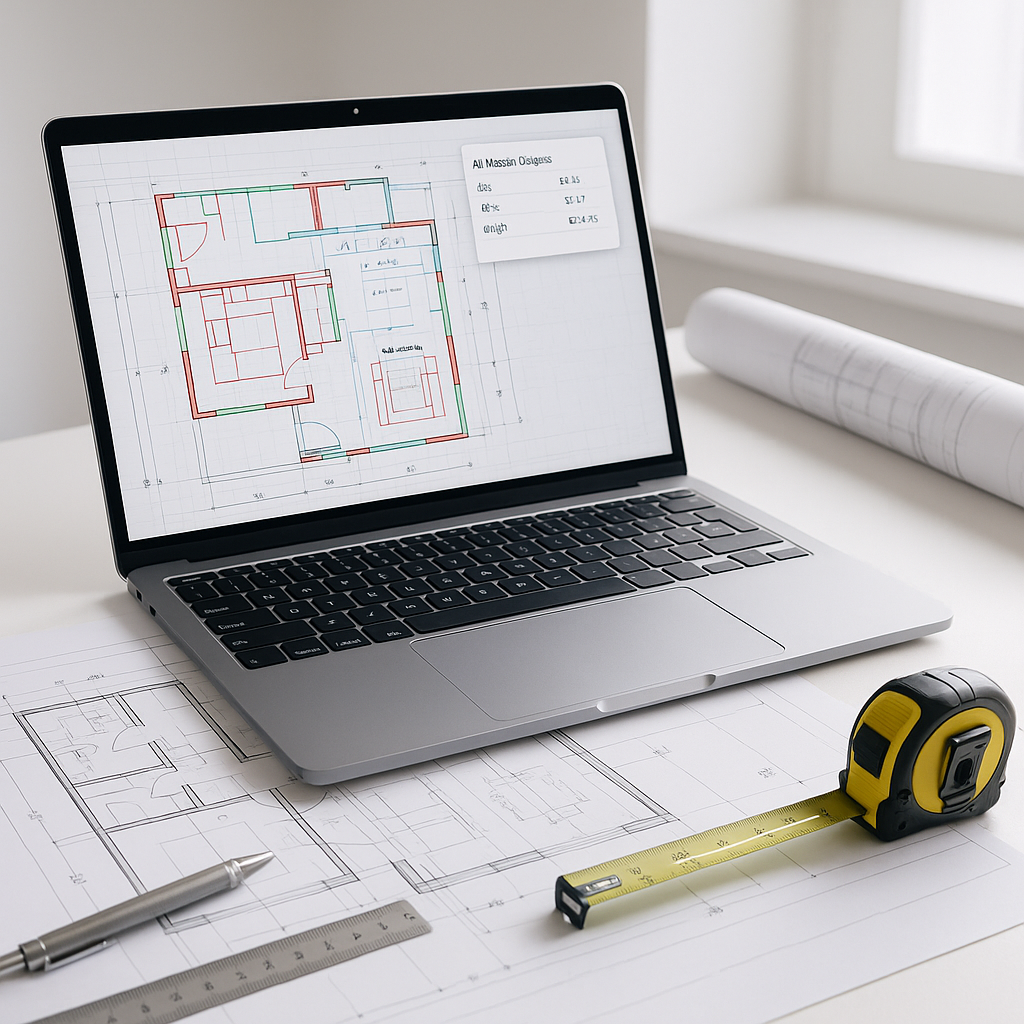
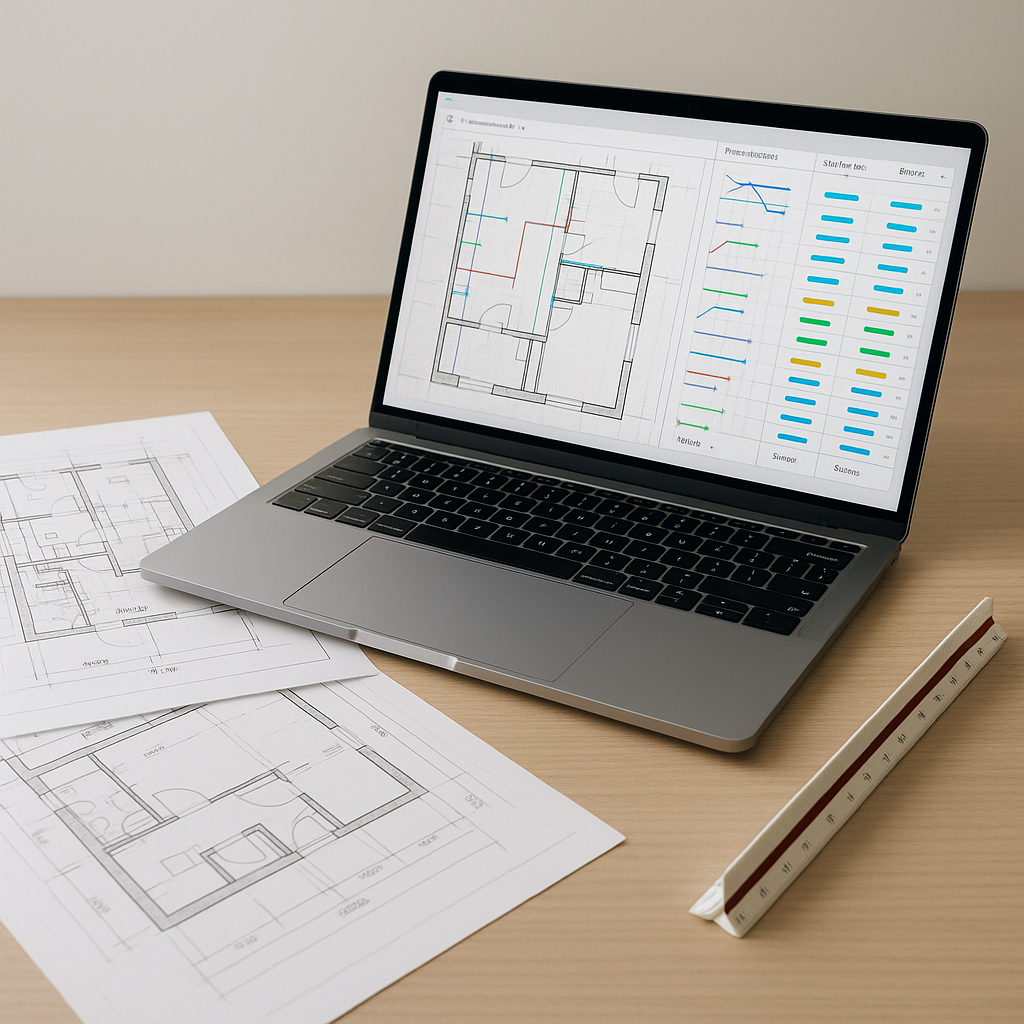
Ask any preconstruction estimator, and they'll tell you the same thing: quantity takeoffs are the biggest time sink in their workflow. Whether you're tracing drywall lengths in Bluebeam or dragging your mouse along plumbing lines on a PDF, it's monotonous, slow, and prone to errors. On larger projects, this process can take a significant amount of time just to get an initial takeoff. And that's assuming no revisions.
But here's the kicker: this isn't just about speed. Every hour spent on manual takeoffs is an hour not spent pricing alternate materials, negotiating with subs, or refining the bid strategy. That inefficiency compounds.
The AI Solution: Vision AI Takeoffs
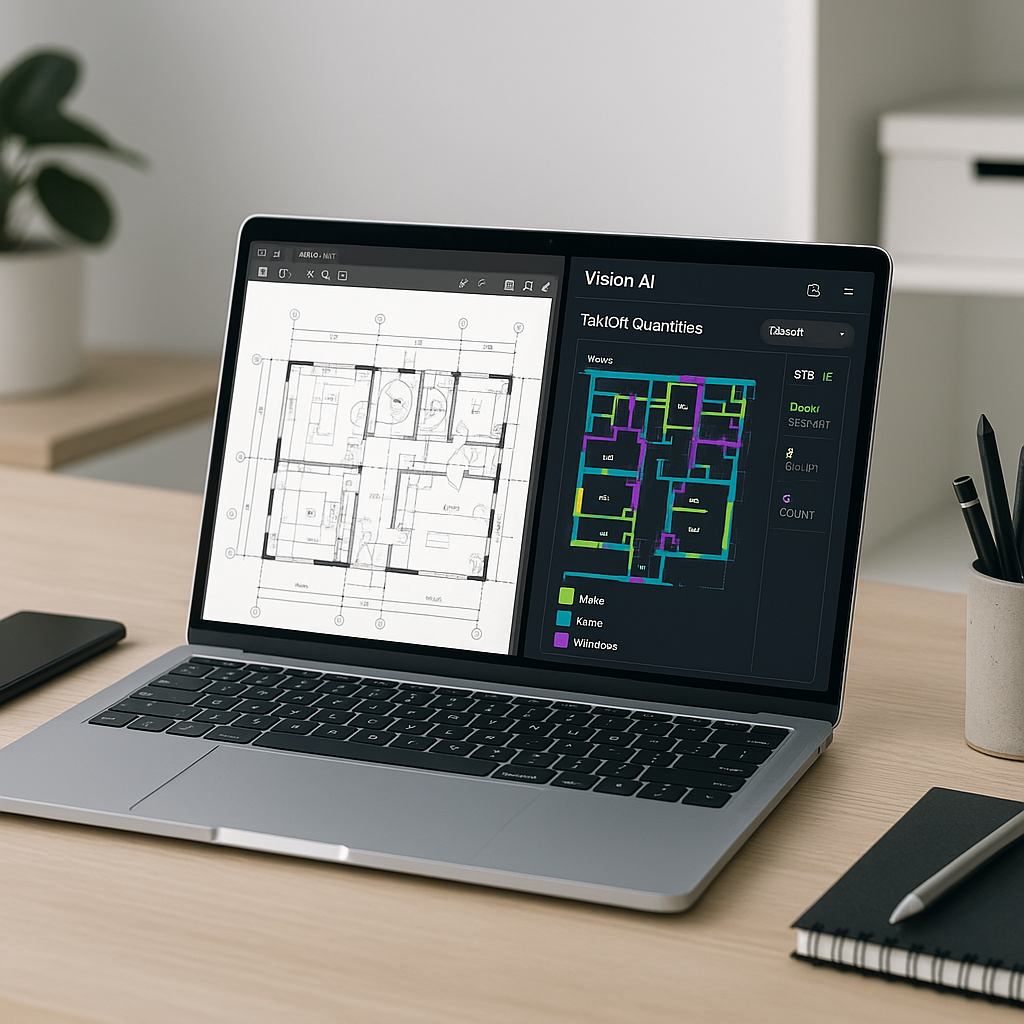
This is where AI steps in, specifically tools like EstimateNext’s Vision AI. Instead of spending days manually measuring and counting, Vision AI processes an entire PDF drawing set in a fraction of the time.
How does it work? You upload the drawing set, and the AI extracts quantities for walls, floors, beams, doors, windows—whatever’s on the plan. It even flags low-confidence areas for manual review, so you’re not blindly trusting automation. The result? A significant productivity boost, allowing teams to focus on higher-value tasks.
What About Accuracy?
You might be thinking, “Sure, AI is fast, but can it match the accuracy of human estimators?” Fair question—and the answer is nuanced. Vision AI reduces takeoff discrepancies significantly, but accuracy depends on the quality of your input data. If your drawings are misaligned or poorly labeled, the AI will struggle—just like a human would.
AI tools also include confidence scoring and manual override features. For example, Vision AI highlights areas it’s less certain about (like ambiguous wall lines or irregular shapes), so you can review and adjust. It’s not perfect, but it’s getting smarter with every project.
Why Speed Matters More Than You Think
Illustrative example — Let’s consider a scenario where a team spends a substantial amount of time on takeoffs for a single bid. Cutting that time significantly doesn’t just save money—it frees your team to pursue more bids.
For subcontractors, the return on investment becomes clearer. Faster takeoffs mean faster turnarounds on quotes. Instead of responding to fewer bid packages a year, you could realistically aim for more. Winning just one additional project could justify the tool's cost.
Common Skepticism: “AI Can’t Replace Expertise”
Another objection often heard is, “AI doesn’t understand construction like an estimator does.” And that’s true—to a point. AI isn’t making judgment calls on markup or negotiating scope with subs. It’s handling the grunt work so your team can focus on what really matters: strategy and relationships. In this sense, it’s not about replacement—it’s about amplification.
How to Get Started
If you’re new to AI estimation, start small. Test Vision AI on a smaller project to compare its outputs against your manual process. Look for discrepancies and refine your workflows. Many users report significant improvements after a few projects, as the system adapts to their preferences.
The learning curve is surprisingly short. If you’ve used tools like Bluebeam, you’ll find the interface intuitive.
FAQ
Q: Can Vision AI handle complex projects like bridges or stadiums?
A: Absolutely. AI scales to any project size, from residential renovations to large infrastructure bids. Vision AI handles everything from straightforward room counts to intricate structural elements like concrete beams.
Q: What happens if my drawings are missing details?
A: Vision AI flags low-confidence areas for manual review. You’ll still need to fill gaps, but the tool ensures you’re not missing anything critical.
Q: Does Vision AI integrate with other tools?
A: Yes. You can export quantities directly into platforms like Procore, Excel, or Autodesk Build.
Q: What if I have custom rate catalogs?
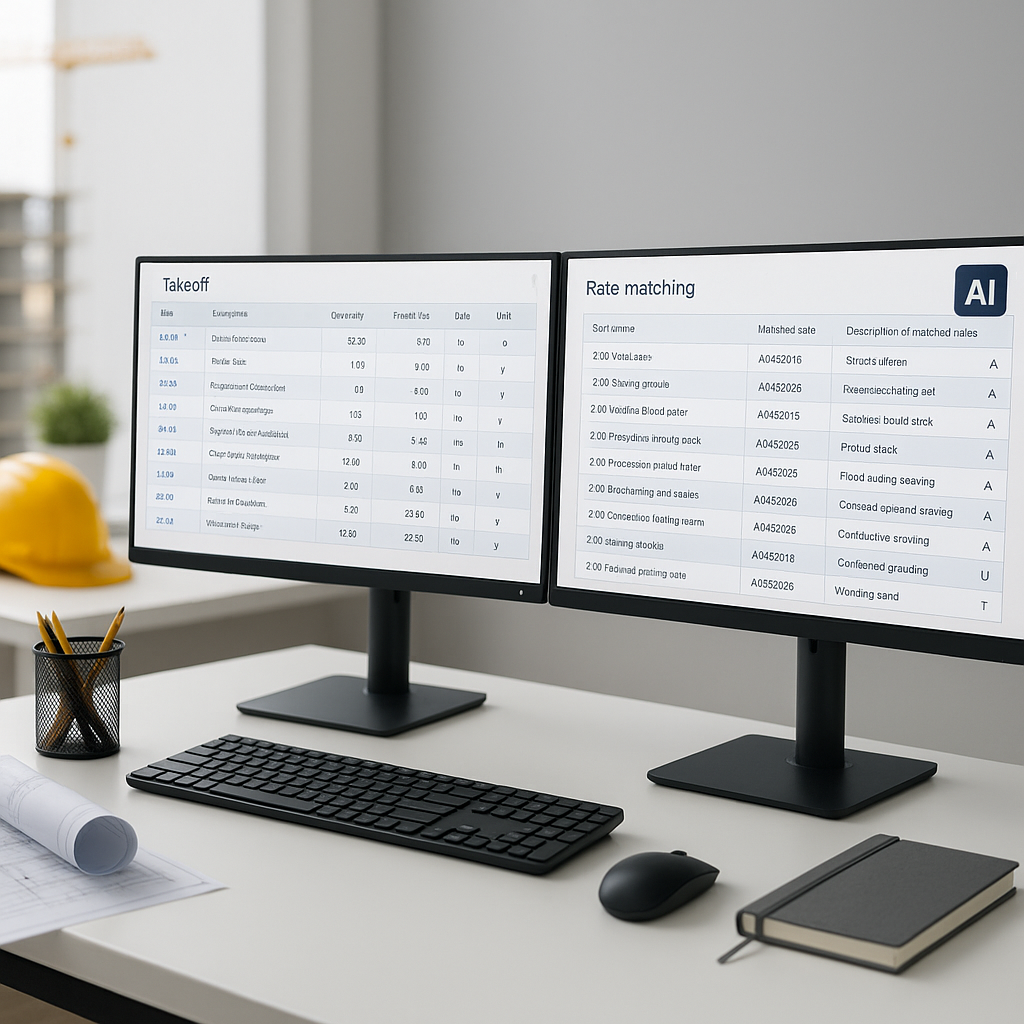
A: No problem. You can upload your own catalogs, and the AI integrates them seamlessly for future use.
Call to Action
If you’re tired of wasting hours on manual takeoffs, Vision AI could be your answer. Try it out on your next bid and see the difference. Get started free →