The Takeoff Bottleneck No One Talks About
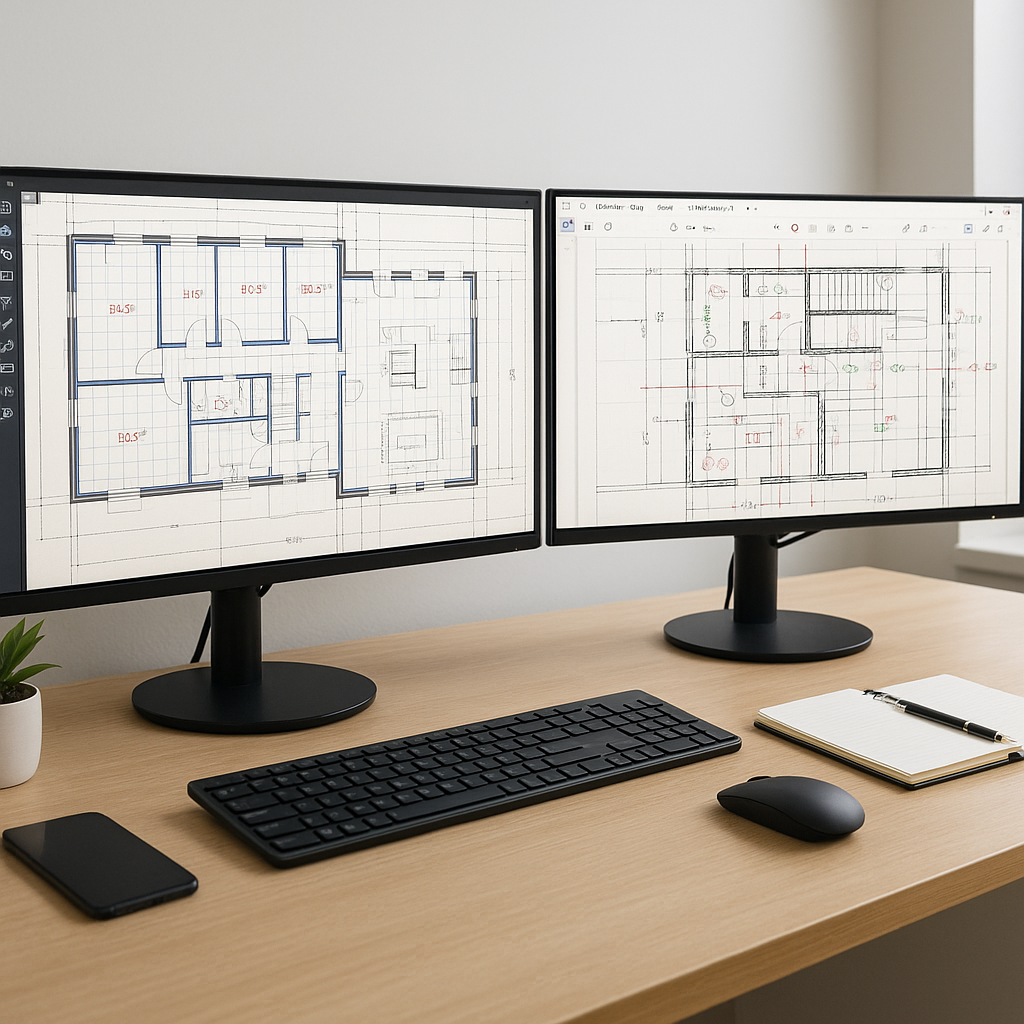
If you've ever done manual quantity takeoffs, you know the grind. A typical set of construction drawings lands on your desk, and you're staring at thousands of line items. You calibrate your scale, trace beams, count windows, double-check for errors, and pray nothing gets missed. It's tedious, slow, and prone to mistakes.
For most general contractors, this process consumes significant time per estimate. And if you’re up against a tight bid deadline or juggling multiple projects, that’s time you don’t have.
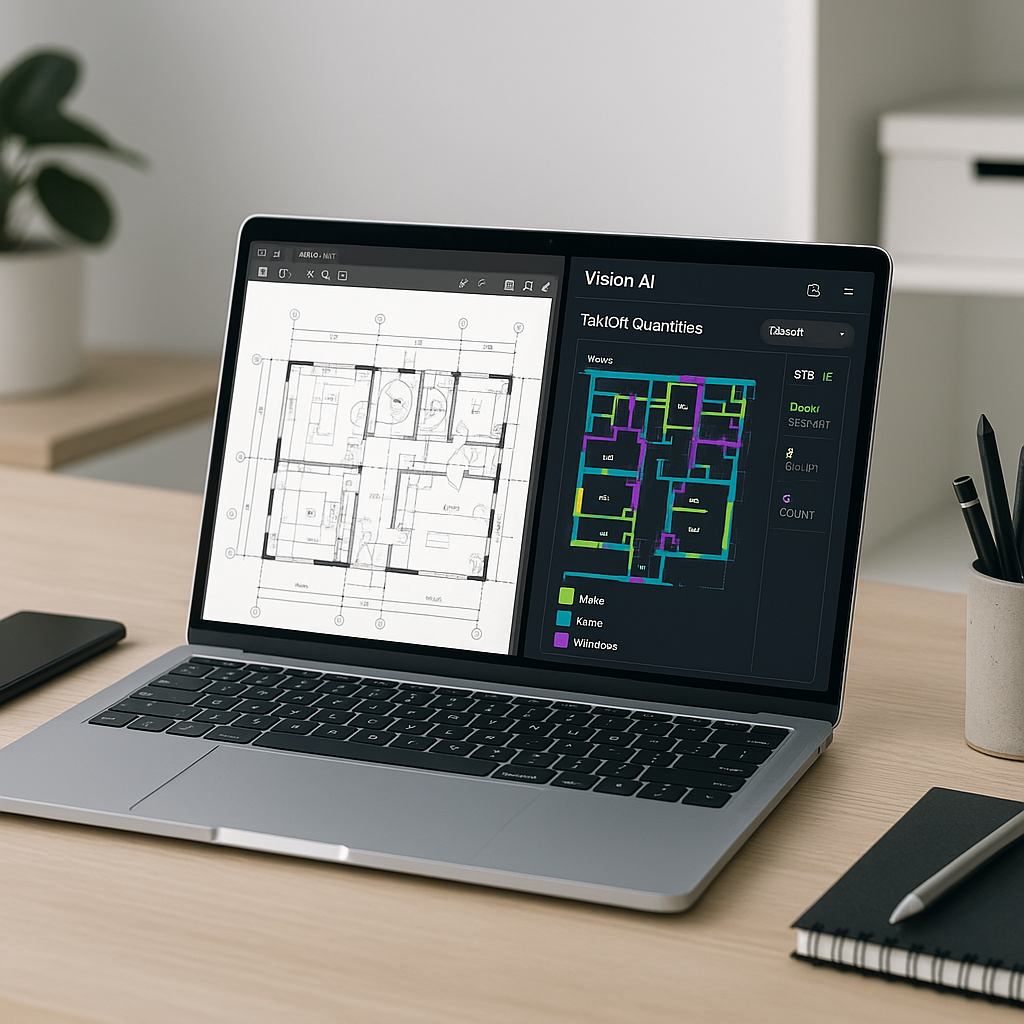
So, what’s the fix? AI takeoff tools are changing the game. Instead of tracing drawings manually, these platforms use Vision AI to extract quantities directly from your PDFs. The difference? Hours of manual work reduced to minutes.
Let’s break it down.
How AI Takeoffs Work
AI takeoffs aren’t magic—they’re just smarter workflows. Here’s how it typically goes:
- Upload Your Drawings: Drag and drop your construction plans (PDFs, DWGs, whatever you’ve got).
- AI Reads the Plans: The system scans for walls, beams, doors, windows, and other measurable elements. It uses pre-trained models to identify architectural and structural components.
- Quantities Extracted: Room areas, wall lengths, door counts—everything is auto-calculated.
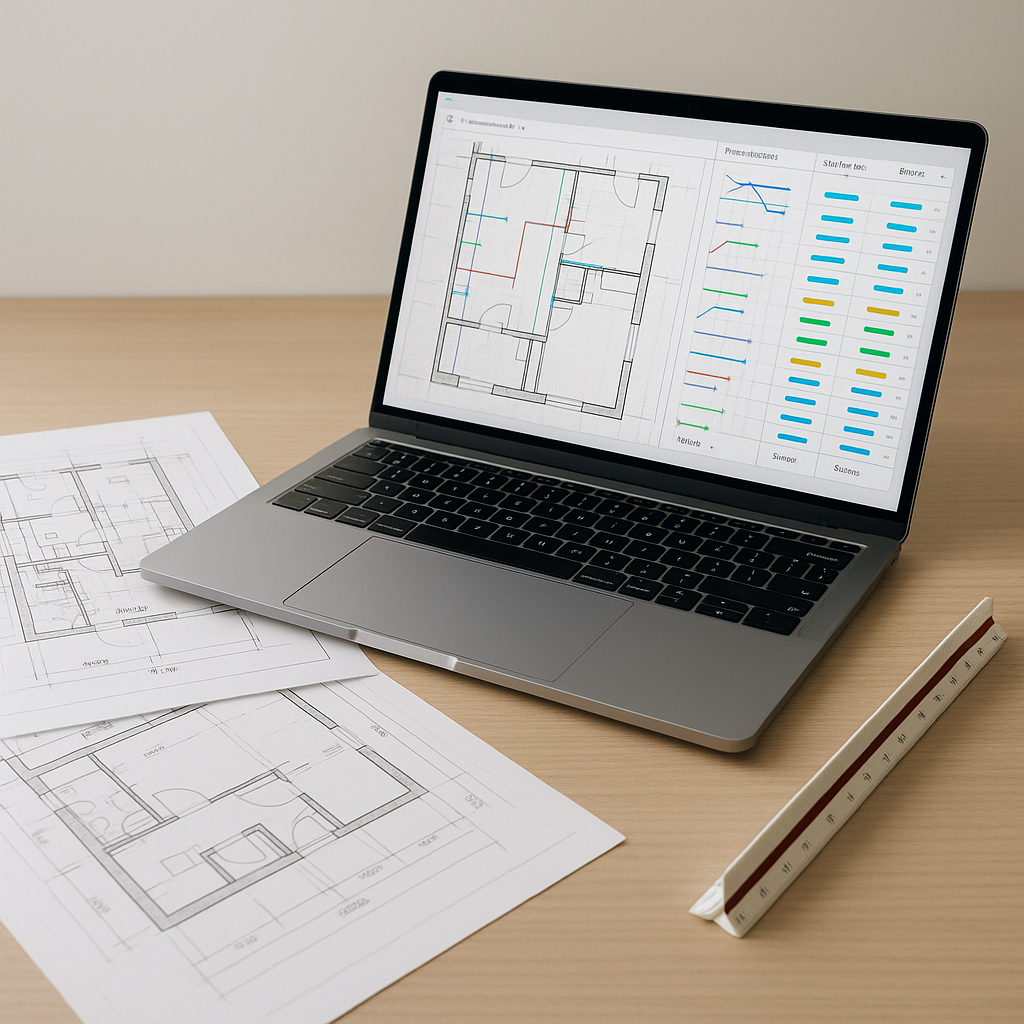
- Confidence Scoring: Low-confidence items (like unclear lines or ambiguous labels) are flagged for human review. You can override or remeasure as needed.
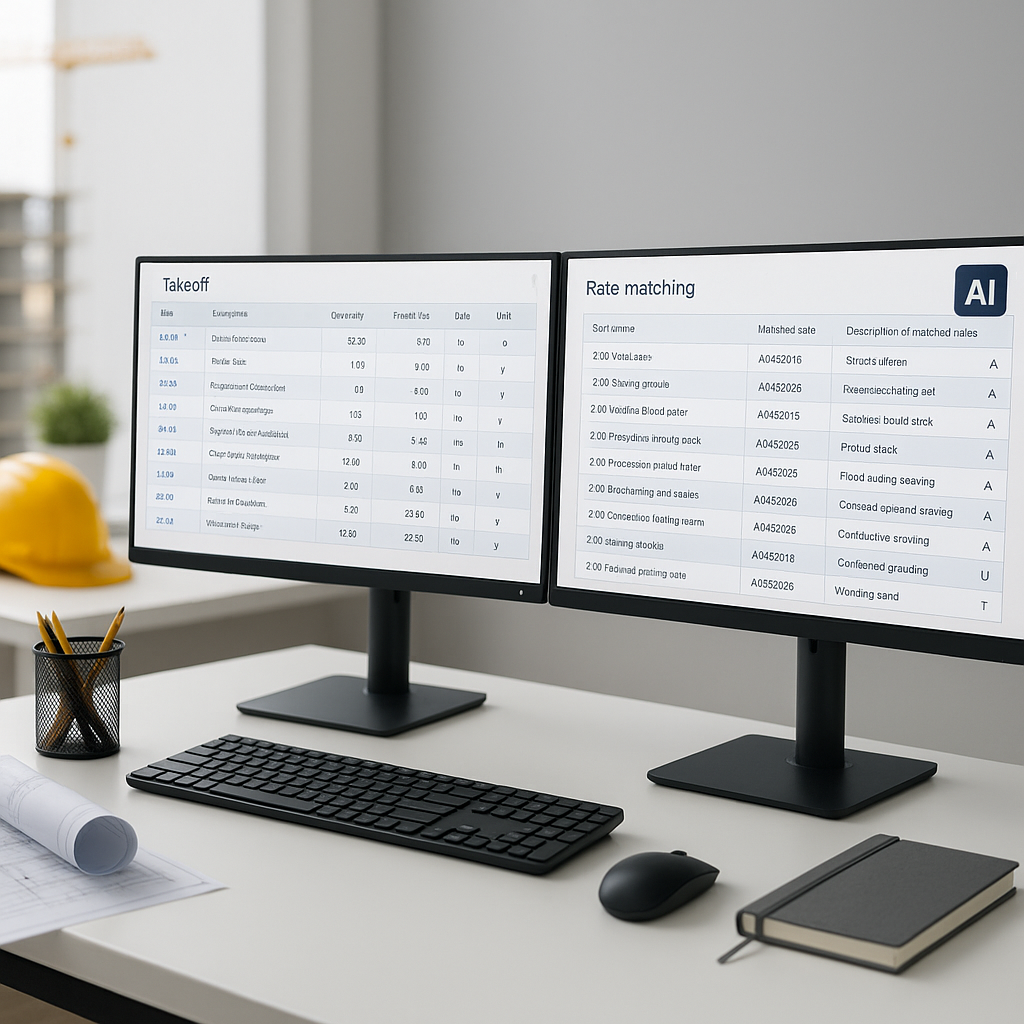
- Export to BOQ: Once verified, the quantities are exported into your Bill of Quantities (BOQ) or estimating tool.
Illustrative example — Let’s say you’re estimating for a school project. The AI pulls dimensions for classrooms, hallways, and structural components in minutes. That’s not just faster—it’s more consistent. No fatigue, no missed lines.
The ROI: Time Saved with AI
Manual takeoff processes can take dozens of hours per project. AI tools significantly reduce this time, allowing teams to focus on higher-value tasks. Even factoring in software costs, the efficiency gains can be substantial.
And it’s not just about time saved. With AI, you can bid on more projects. Instead of being limited by manual workloads, your team can handle additional bids, potentially increasing revenue opportunities.
Objections: “But AI Can’t Think Like an Estimator”
I hear this all the time: “AI doesn’t understand construction. It can’t replace human judgment.” And you’re right—it doesn’t. But that’s not the point. AI doesn’t replace your expertise; it amplifies it.
Think of AI as your assistant. It handles the grunt work—tracing, counting, calculating—so you can focus on the higher-value tasks. Like negotiating with subs, refining your bid strategy, or analyzing project risks.
And for skeptics worried about accuracy, many platforms include confidence scoring and manual override. You’re still in control, but now you’re working smarter.
Common Mistakes with AI Takeoffs
Even the best tools can’t fix bad inputs. Here’s what to watch for:
- Poor-Quality PDFs: Blurry or low-res drawings trip up AI models. Always use the cleanest set you have.
- Ambiguous Labels: If the drawing isn’t clear, the AI won’t guess. Make sure your plans are well-annotated.
- Skipping Reviews: Don’t blindly trust the output. Review flagged items and double-check critical measurements.
FAQ: AI Takeoffs
Q: How accurate are AI takeoffs?
AI tools are highly accurate but still require human oversight for edge cases or unclear plans.
Q: Can AI handle revisions?
Yes. You can upload revised drawings, and the system will compare changes, saving you time on rework.
Q: What if my project uses custom components?
No problem. You can train the AI or upload custom libraries to ensure accurate takeoffs for unique materials or assemblies.
The Bottom Line
Manual takeoffs are a bottleneck in preconstruction. They drain time, inflate costs, and leave you scrambling to meet deadlines. With AI-powered tools, you get your time back. More importantly, you free up your team to focus on what really matters—winning bids and delivering value.