Why Rate Matching is the Hidden Bottleneck in Construction Estimation
If you’ve ever flipped through a 2,000-page rate book looking for the right labor or material cost, you know how frustrating—and slow—it can be. Need the rate for installing pre-stressed concrete girders? Good luck finding it quickly in a traditional PDF catalog. It's not just inefficient; it's error-prone. Miss one line and your bid could go south.
The AI Fix for Rate Matching
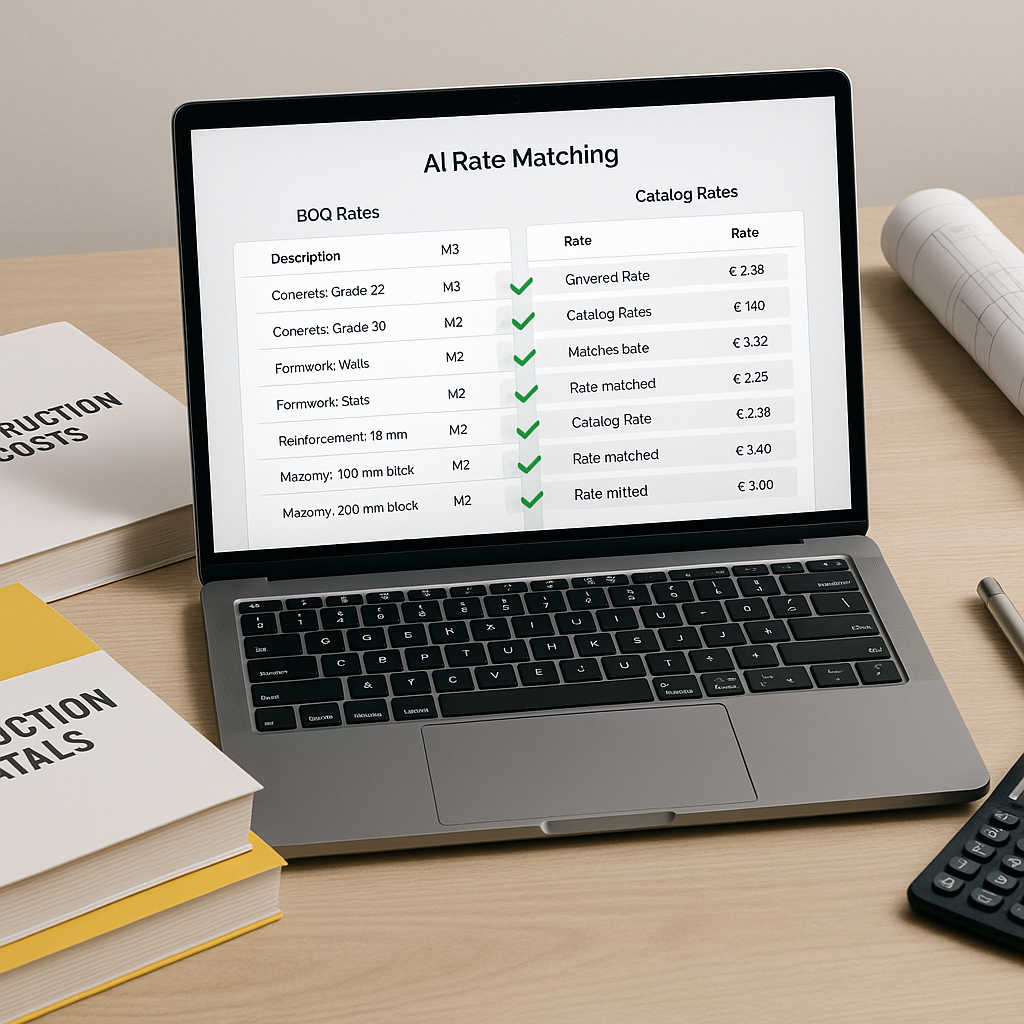
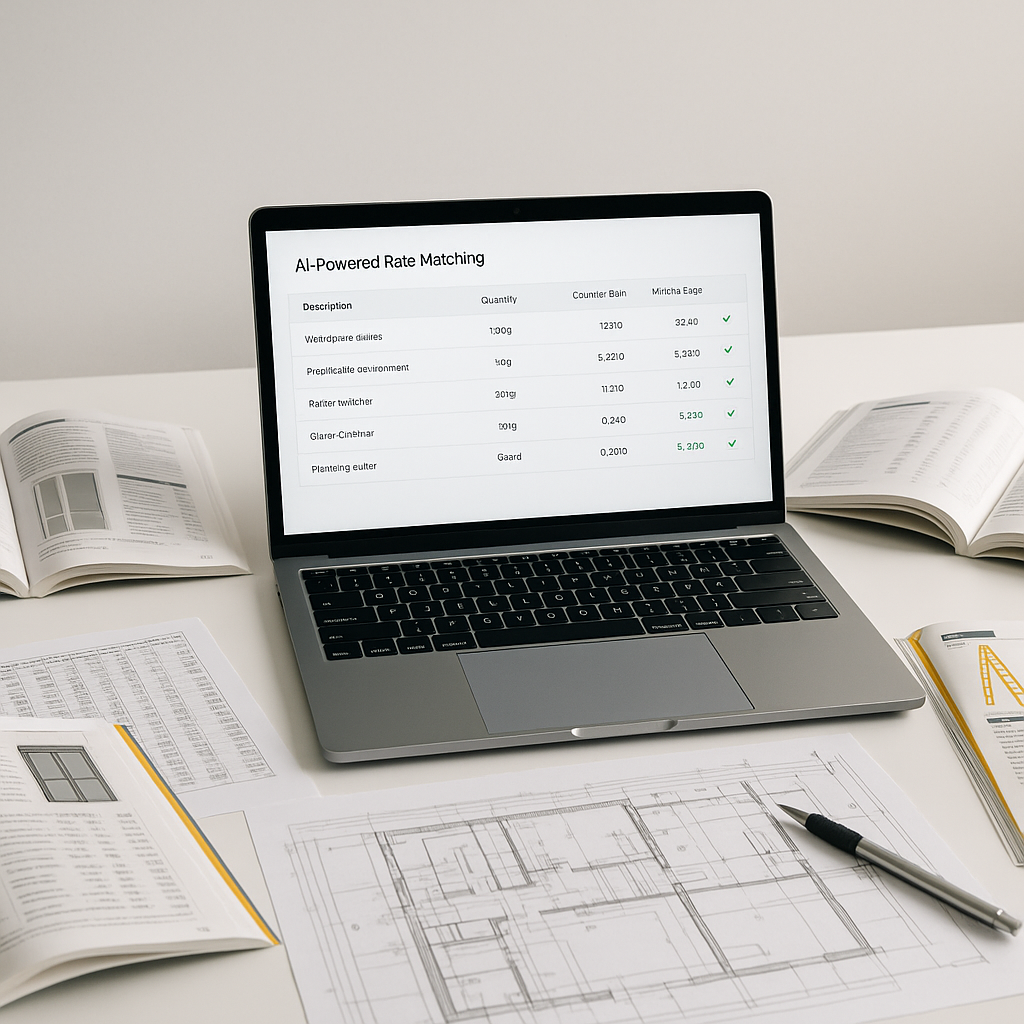
This is where AI-powered tools shine. Instead of manually searching through catalogs, AI tools use semantic search to match your BOQ (bill of quantities) with rates from thousands of preloaded items. These tools can pull from extensive catalogs, including widely-used standards like RSMeans, CPWD DSR, and regional SORs. Just type in the item or upload your BOQ, and you’ll get rate matches in seconds.
How It Works
Here’s the process broken down:
- Upload the BOQ: You can upload an Excel or PDF file. The system detects merged cells, section headers, and hierarchies automatically.
- Semantic Search: The AI scans the BOQ and matches items to the most relevant rates using contextual understanding. For instance, it knows “reinforced concrete” and “RC beams” are the same thing.
- Custom Catalogs: If you have unique rates (e.g., supplier-specific or custom materials), you can add them to your personal catalog. The AI integrates these for future use.
- Review and Adjust: AI isn’t perfect, which is why tools include manual override options. You can quickly tweak any mismatched rates.
Why Manual Rate Lookup is Risky
Manual methods don’t just waste time; they introduce risks. Here’s what can go wrong:
- Human Error: Forgetting to match a rate or using the wrong unit can blow up your margins.
- Outdated Data: If your catalog isn’t updated regularly, you might use old pricing that doesn’t account for inflation or market shifts (e.g., steel prices after a supply chain issue).
- Missed Opportunities: With slow rate lookup, your team might skip smaller bids that could still be profitable.
The ROI of AI Rate Matching
Illustrative example: On a large bid with a narrow labor cost margin, even a small improvement in estimation accuracy can lead to significant savings. Faster estimates also mean more bids, fewer mistakes, and better resource allocation.
Common Pushbacks
“You might be thinking, AI doesn’t understand the nuances of construction estimation.” That’s partially true. AI tools don’t replace your expertise—they amplify it. You’re still the one making judgment calls, negotiating with subs, and deciding on markup. The AI just handles the grunt work, like rate matching.
And what about custom rates? Tools let you upload your own catalogs. Got a supplier who offers niche materials? Add their rates, and the system integrates them seamlessly.
FAQ
Q: How accurate are AI-powered rate matches?
AI tools aim for high accuracy, but this depends on input quality. Manual overrides let you refine matches as needed.
Q: Does AI work for regional catalogs?
Yes. Many tools support CPWD DSR, RSMeans, and even smaller state-specific SORs. They often adjust rates for local standards and inflation.
Q: Can I use AI with my current software stack?
Absolutely. Many platforms integrate with Procore, Bluebeam, and Excel, so you don’t need to overhaul your workflow.
Q: How long does it take to train a team on AI tools?
Training usually takes a short amount of time. Most platforms are designed for ease of use.
What to Watch For
- Overreliance on AI: Always double-check high-impact rates manually, especially for unique items.
- Garbage In, Garbage Out: Poor BOQ formatting leads to poor results. Ensure your input files are clean.
- Custom Rates: If you have many unique rates, spend time setting up your catalog correctly. It’s worth it.
Ready to Save Time and Bid Smarter?
If rate matching is eating into your team’s time, AI-powered tools can help streamline the process.