The Takeoff Problem Nobody Talks About
Every estimator knows this grind: you’ve got a 50-page drawing set, and your job is to measure every beam, slab, and wall. Manually. With a mouse or, worse, a ruler. It’s not just tedious—it’s expensive.
Think about it. Estimators often spend significant time on takeoffs for a single bid. This process doesn’t directly add value—it just gets you to the starting line. What happens when the client sends a revision two days before the deadline? You’re back at square one, remeasuring everything.
AI Takeoffs: A Smarter Approach
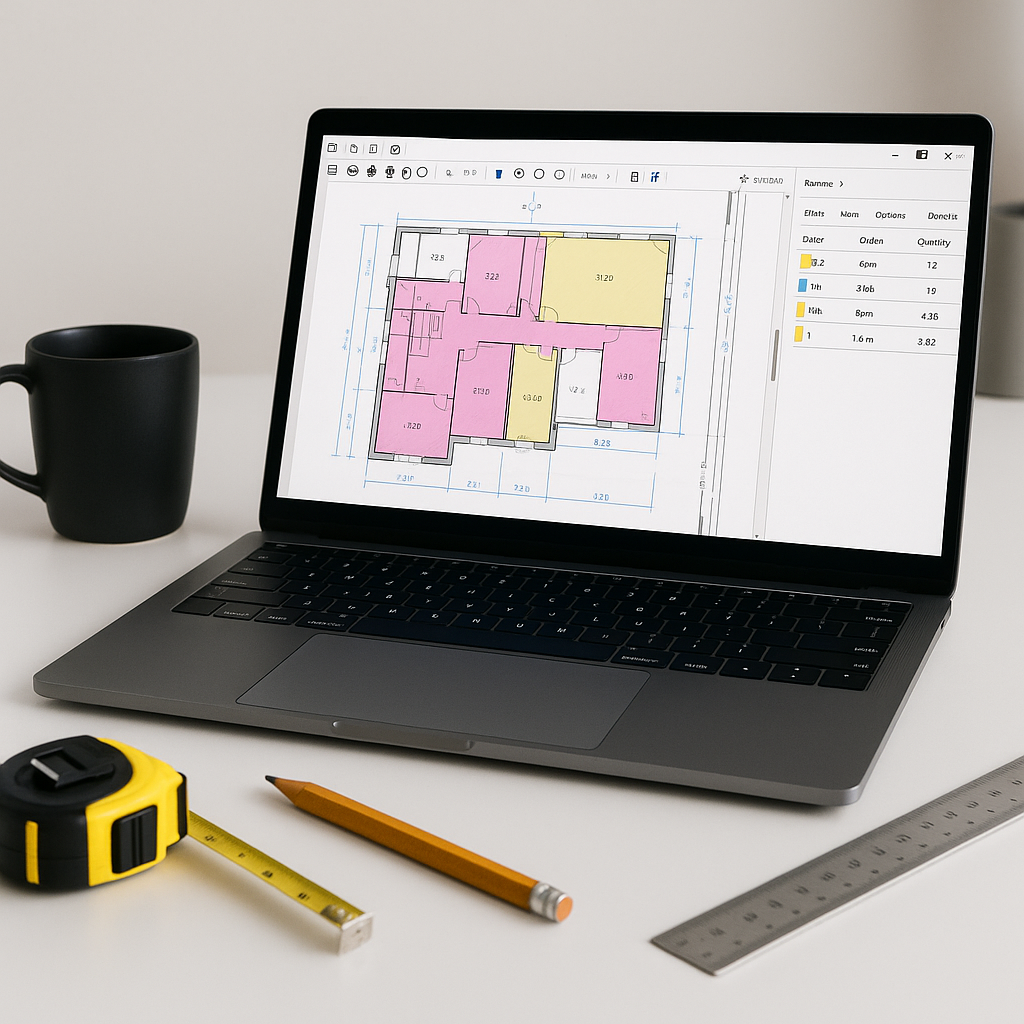
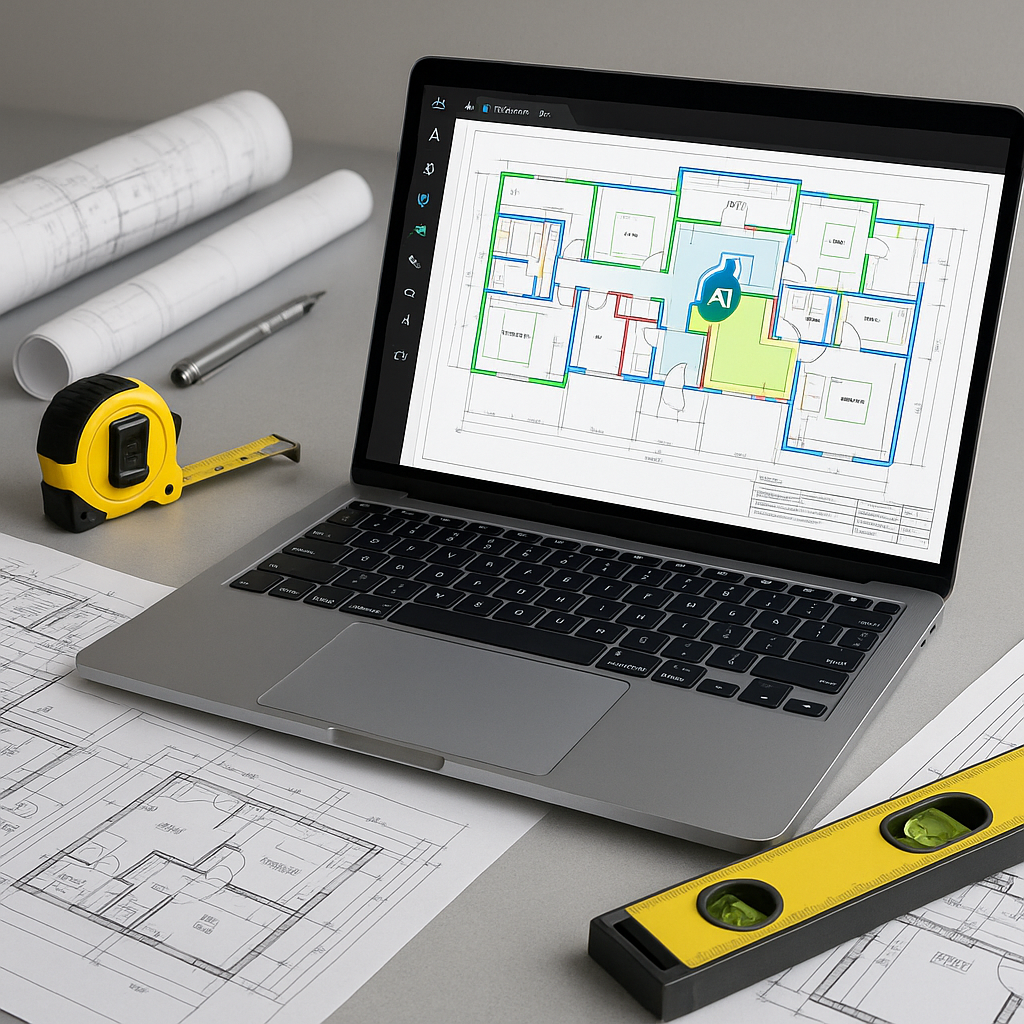
This is where AI-powered tools come in. Instead of manually tracing every line on a drawing, you upload the PDF, and the system extracts quantities in a fraction of the time. Room areas, wall lengths, door counts—it’s all there.
How does it work? These tools use machine learning to recognize patterns in architectural drawings. It’s like having a junior estimator who doesn’t sleep, doesn’t get distracted, and doesn’t miss a beam because they ran out of coffee.
What About Accuracy?
Here’s the pushback I hear: “AI can’t think like an estimator.” True, but it doesn’t have to. You’re still in control. Many AI tools include features like confidence scoring, so you know which measurements need a second look. Think of it as a first pass that catches most of the work, leaving you to refine the rest.
Even better, the system learns. Over time, it gets smarter about interpreting your specific drawing styles and project types. If you’re worried about errors, you can always cross-check the system’s output using built-in audit trails. No more guessing where a number came from.
The ROI of AI Tools
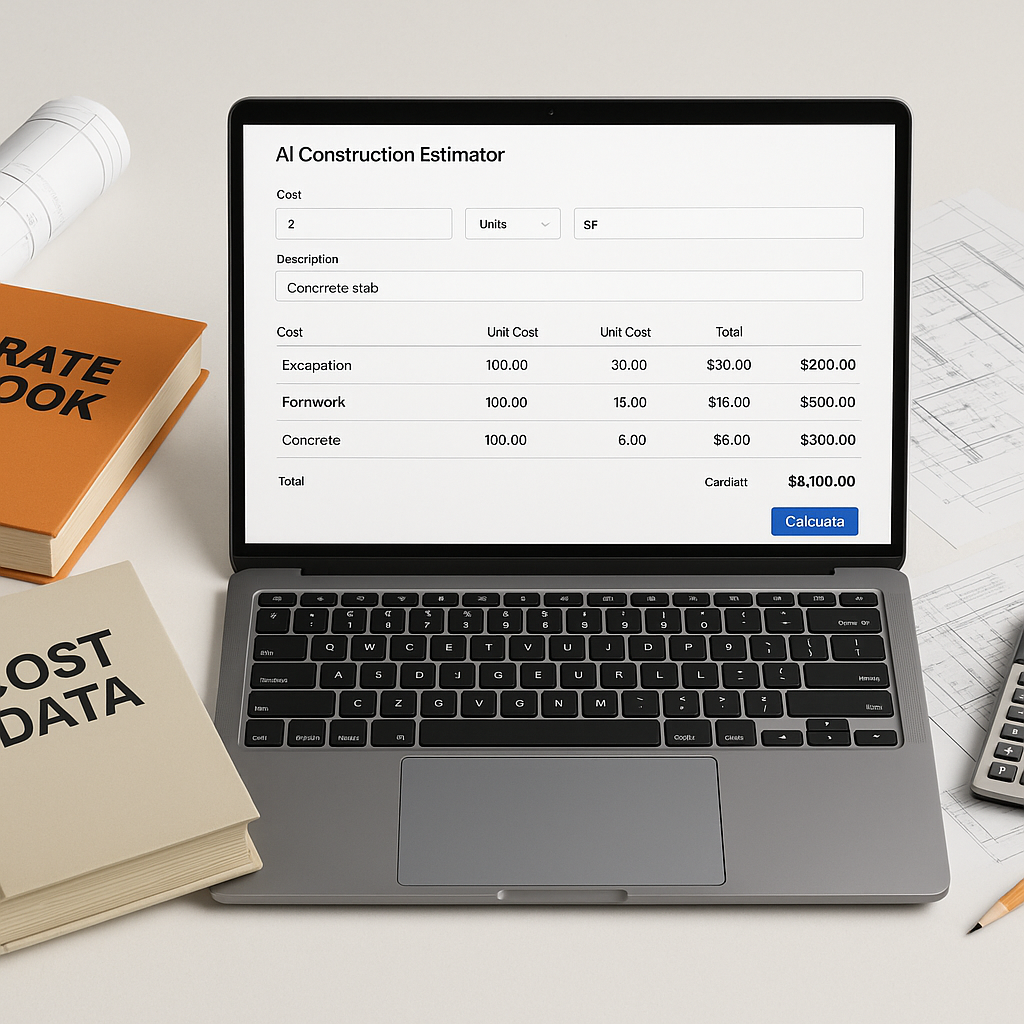
Let’s get real: these tools cost money. But the potential return on investment is significant. Faster takeoffs mean you can respond to more bids, allocate resources more effectively, and focus on higher-value tasks like analyzing bid strategy and negotiating with subcontractors.
Illustrative example — Imagine a contractor estimating multiple bids per year, each requiring substantial labor hours. Reducing the time spent on takeoffs could free up resources for other critical activities, potentially improving overall efficiency and profitability.
Common Concerns
1. “What if my drawings are messy?”
AI tools aren’t perfect, but many handle common issues like poor scaling or overlapping annotations. For truly messy drawings, the system can flag low-confidence areas for manual review.
2. “Can I use it with my current tools?”
Absolutely. Many platforms allow you to export takeoff data to Excel, Bluebeam, or Procore. The goal isn’t to replace your workflow—it’s to enhance it.
3. “What if I only do small projects?”
AI scales. Whether you’re estimating a small office fit-out or a large infrastructure project, the time savings apply.
What to Watch For
Not all AI tools are created equal. Some overpromise and underdeliver, especially when it comes to accuracy. Look for platforms with a clear audit trail and the ability to learn from your feedback. And don’t skip the training—most systems only take a short time to master, but you need that time to get the most out of them.
Ready to Streamline Your Takeoffs?
If manual takeoffs are slowing your team down, it’s time to explore AI-powered tools. These solutions aren’t just faster—they’re smarter, helping you focus on what really matters in preconstruction.
FAQ
Q: How accurate are AI takeoffs?
A: They are generally accurate but not perfect. Confidence scoring and manual overrides ensure you can trust the numbers.
Q: What if my rates are custom?
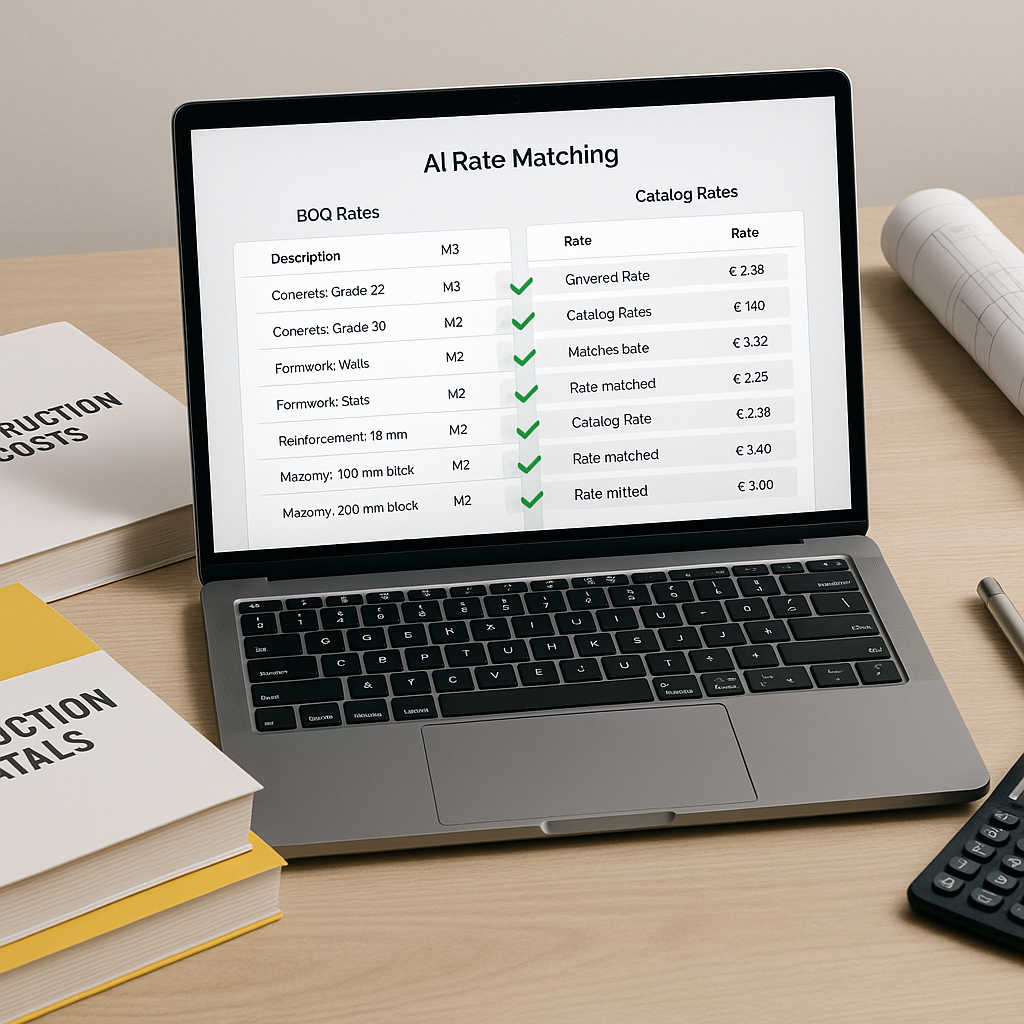
A: Many tools allow you to upload your rate catalogs, integrating them seamlessly.
Q: Is it hard to learn?
A: Most users are up and running in a short time, even with no prior AI experience.