The Problem: Manual Takeoffs Are Eating Your Time
If you've ever done a manual quantity takeoff, you know the grind. Two estimators locked in a room, hunched over paper blueprints or squinting at a screen, tracing every beam, door, and square foot of flooring. By the end of the week, you're left with a spreadsheet full of numbers—and a headache. Sound familiar?
Now multiply that effort across all your active bids. How much time is your team spending on repetitive, manual takeoffs? Too much. And let’s be honest, even with all that effort, errors still slip through. A missed dimension here, a miscalculated area there. It happens more often than anyone wants to admit.
The AI Solution: Enter Vision AI
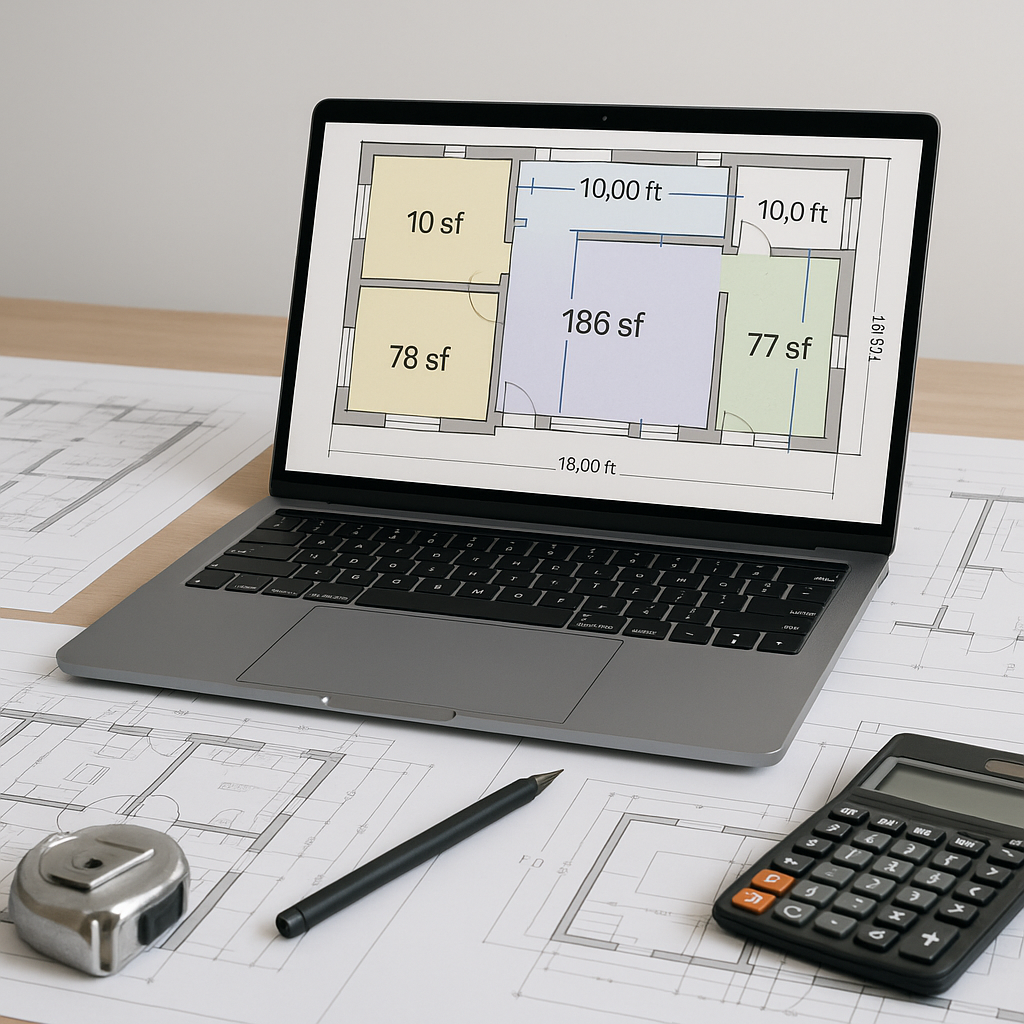
This is where AI-powered preconstruction tools step in. Instead of slogging through drawings by hand, you upload your PDF or CAD files, and the system extracts quantities in a fraction of the time.
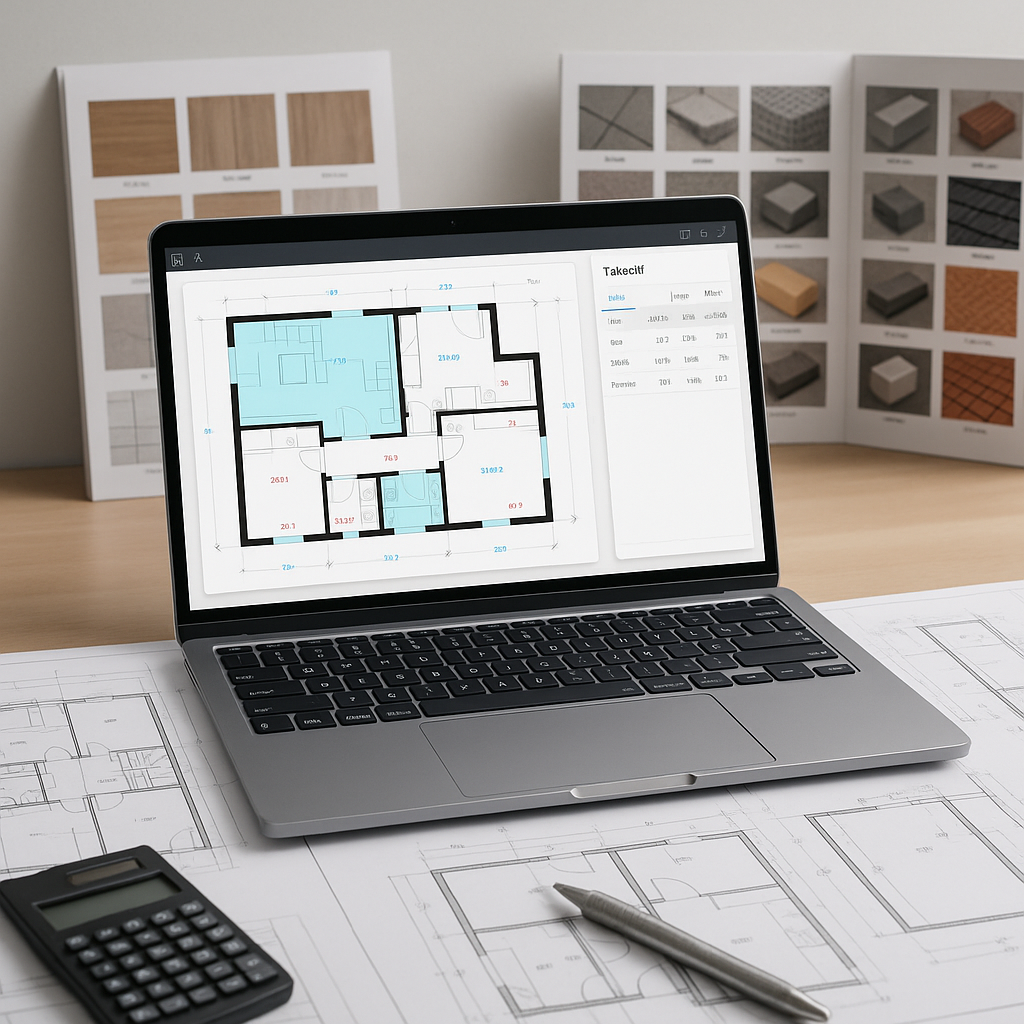
Let’s break that down. AI scans the drawings, identifies rooms, walls, doors, windows, and other key elements, and then outputs quantities directly into your Bill of Quantities (BOQ) format. You can review, adjust, and export—done.
Why It Works
AI doesn’t get tired or distracted. It doesn’t misread a line on a blueprint or transpose numbers in a spreadsheet. And it gets better over time. Many tools use feedback loops to improve accuracy. The more you use it, the smarter it gets.
And no, this isn’t about replacing your estimators. It’s about giving them superpowers. Let the AI handle the grunt work, so your team can focus on what really matters—pricing strategy, value engineering, and winning the bid.
Common Objections (and Why They Don’t Hold Up)
Objection 1: “AI won’t understand the nuances of my project.”
Fair point. AI isn’t perfect, and it won’t replace human judgment. But it doesn’t need to. Think of it as a first pass. You’ll still review the output, but you’ll be starting from a much more advanced position.
Objection 2: “What if the drawing revisions come in late?”
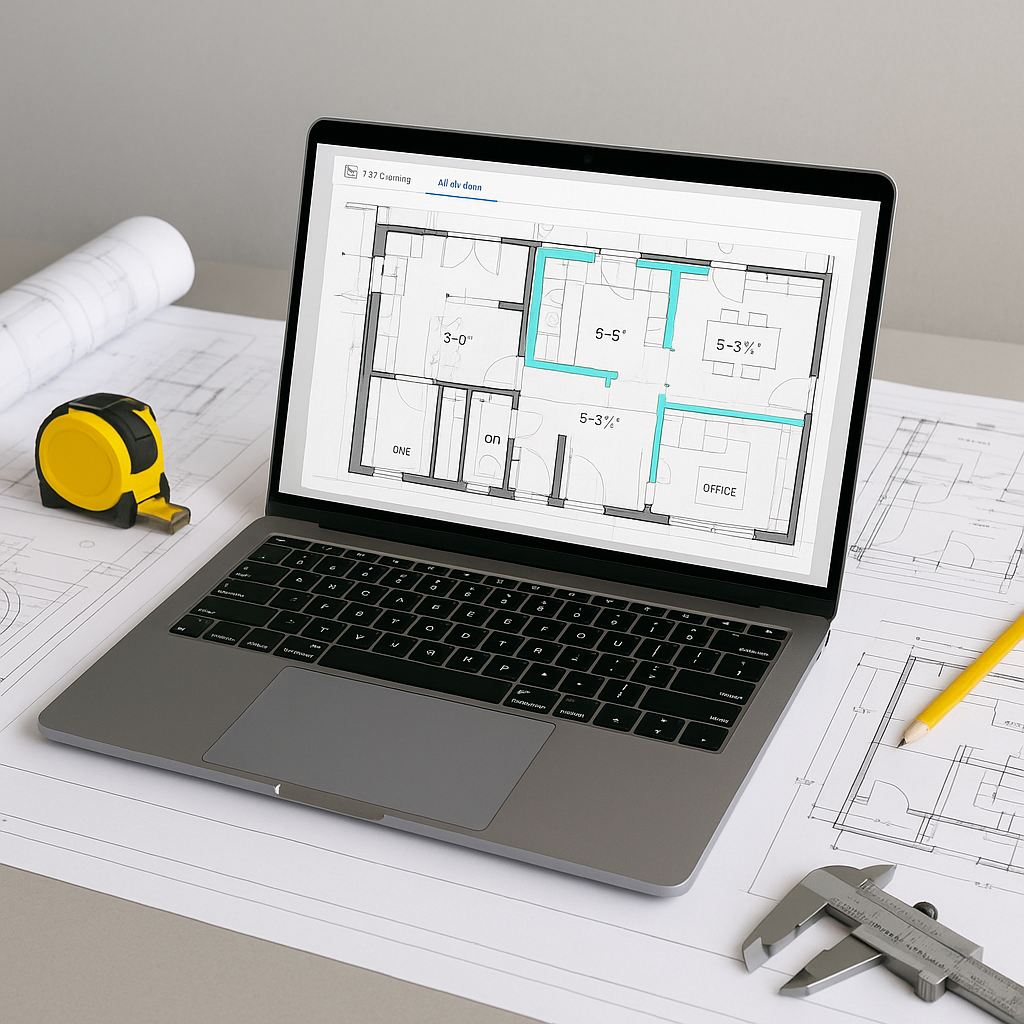
Some tools allow you to upload revised drawings and highlight the changes. No more guessing what’s different or manually rechecking every line. It’s all tracked for you.
Objection 3: “We’re a small team. Isn’t this overkill?”
Actually, it’s the opposite. Small teams benefit the most because they’re the ones spread thin. If you can save significant time on a single estimate, that’s time you can spend chasing more bids or improving your processes.
What to Watch For
- Garbage In, Garbage Out: AI is only as good as the data you feed it. If your drawings are messy or incomplete, you’ll need to spend time cleaning them up first.
- Overreliance on Automation: Don’t assume the AI will catch everything. Always review the output, especially for complex or high-stakes bids.
- Integration Gaps: Make sure your AI tool plays well with your existing systems, like Procore or Bluebeam. Many good tools offer seamless integrations.
Getting Started with AI-Powered Takeoff Tools
If you’re ready to streamline your takeoff process, here’s how to get started:
- Choose the Right Tool: Look for features like AI-powered recognition, multi-format support (PDF, CAD), and integration options.
- Pilot on a Small Project: Test the tool on a low-risk project to see how it performs and how it fits into your workflows.
- Train Your Team: Even the most intuitive tools come with a learning curve. Dedicate some time to training.
- Measure the ROI: Track how much time and effort you’re saving. Use this data to justify further adoption.
FAQ
Q: How accurate are AI-powered takeoffs compared to manual ones?
AI tools can significantly reduce takeoff discrepancies. However, human oversight is still key to catching any edge cases.
Q: Can AI tools handle complex projects?
Yes. AI scales from small renovations to large infrastructure projects. It can handle a wide range of project complexities.
Q: Do I need specialized training to use these tools?
Not much. Most platforms are designed to be user-friendly. Training usually takes a short amount of time.
Q: What if my project has custom rate requirements?
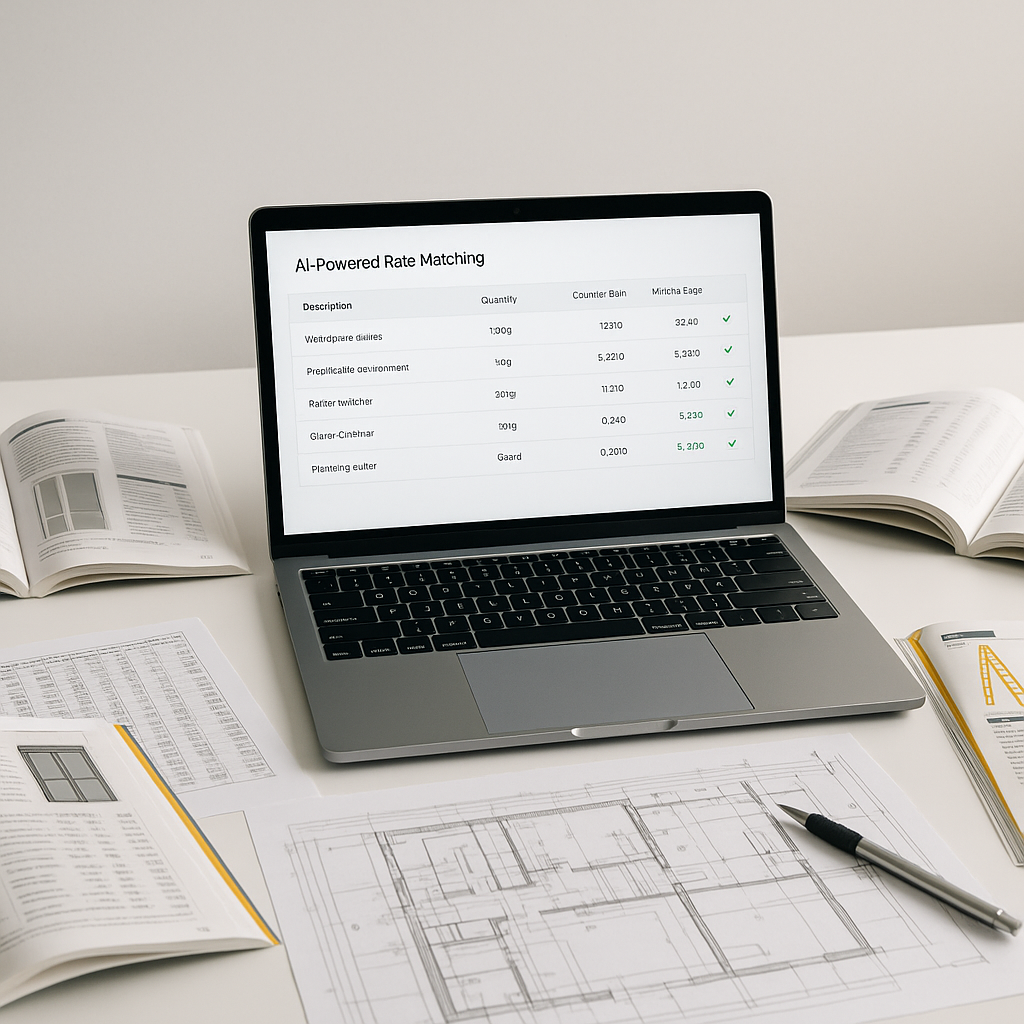
Many AI tools allow you to upload your own rate catalogs or customize rates for specific items. The system learns and adapts with every project.
Q: Is AI affordable for small firms?
AI tools are increasingly accessible, with pricing models designed to fit a range of budgets.
Final Thoughts
AI-powered takeoffs aren’t just faster—they’re smarter. They free up your team to focus on high-value tasks and help you win more bids. If your team is still stuck in the manual grind, it’s time to rethink your approach.