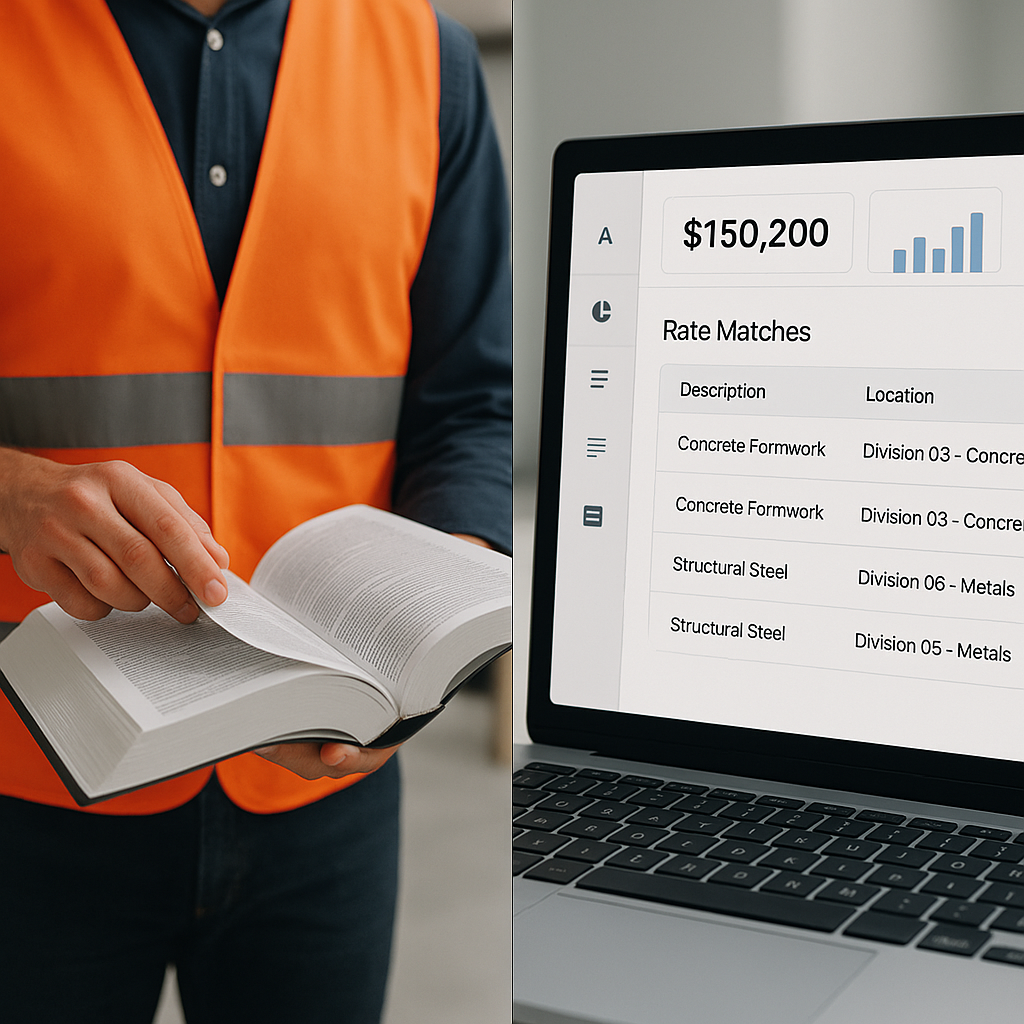
The Problem: Manual Rate Lookup Is a Time-Intensive Task
Anyone who’s worked in construction estimation knows the challenge of flipping through rate books. Whether it’s the CPWD DSR or RSMeans, finding the right rate for every BOQ item is a tedious process. And it’s not just time-consuming—it’s error-prone. One missed rate or misclassified item can throw off your entire estimate.
When pricing a large project, your BOQ might include hundreds of line items, from concrete footings to glass curtain walls. You need rates for labor, materials, and equipment for every single item. This process can take significant time if you’re relying on PDFs and spreadsheets. Multiply that across multiple bids per month, and the inefficiency becomes clear.
The Solution: AI-Powered Rate Matching
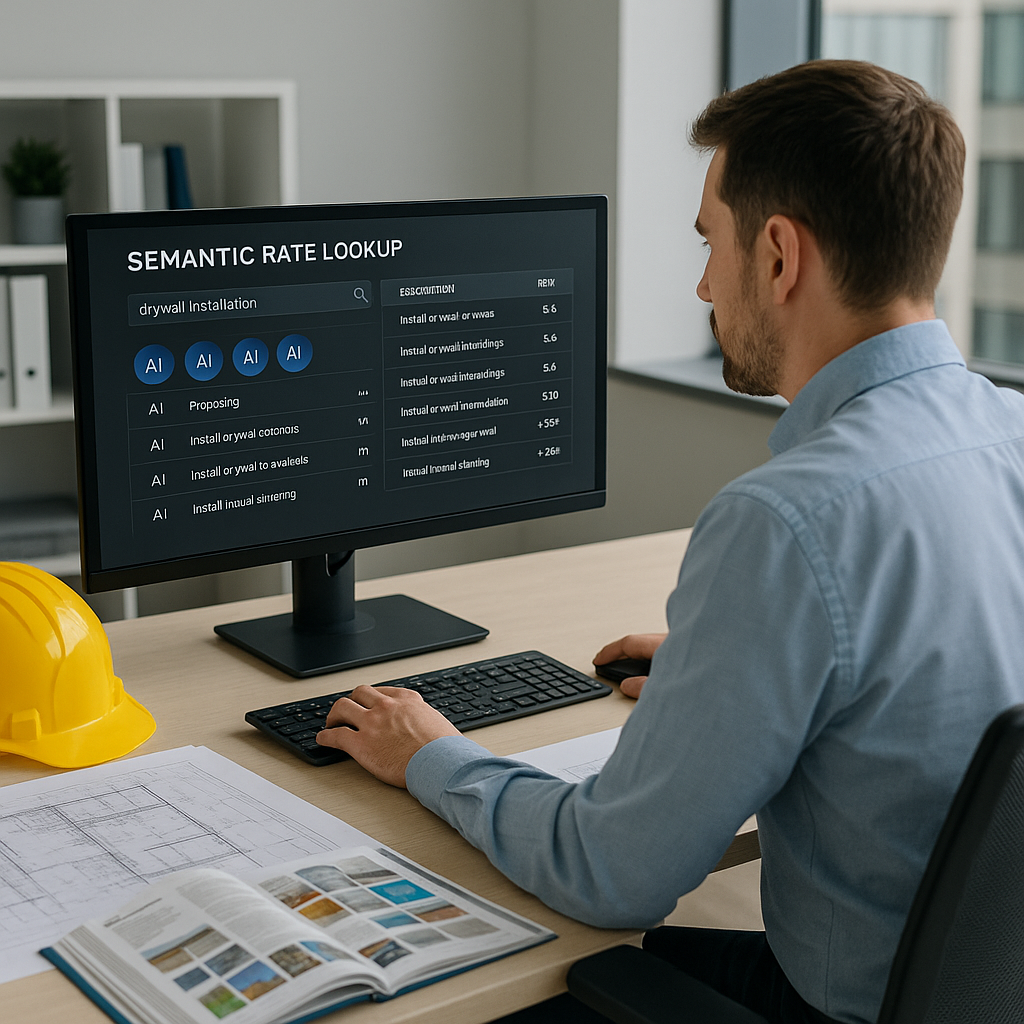
This is where tools like AI-powered estimation platforms come in. Instead of manually searching for rates, these platforms use semantic search to find matches instantly. For example, if you need the labor rate for “installing pre-stressed concrete girders,” you type it in, and the system pulls the rate from its catalog. No scrolling, no guesswork.
These platforms often draw from extensive catalogs, including CPWD DSR, RSMeans, state DOT feeds, and even city-specific cost indexes. Need a custom rate? You can upload your own catalog, and the AI integrates it seamlessly.
How It Works
Here’s the step-by-step process:
- BOQ Upload: Start by uploading your BOQ in Excel, CSV, or ODS format. The system auto-detects merged cells, section headers, and hierarchies.
- Semantic Search: Type in the item description, and the AI scans its catalog for matches. It factors in synonyms, regional terminology, and even abbreviations.
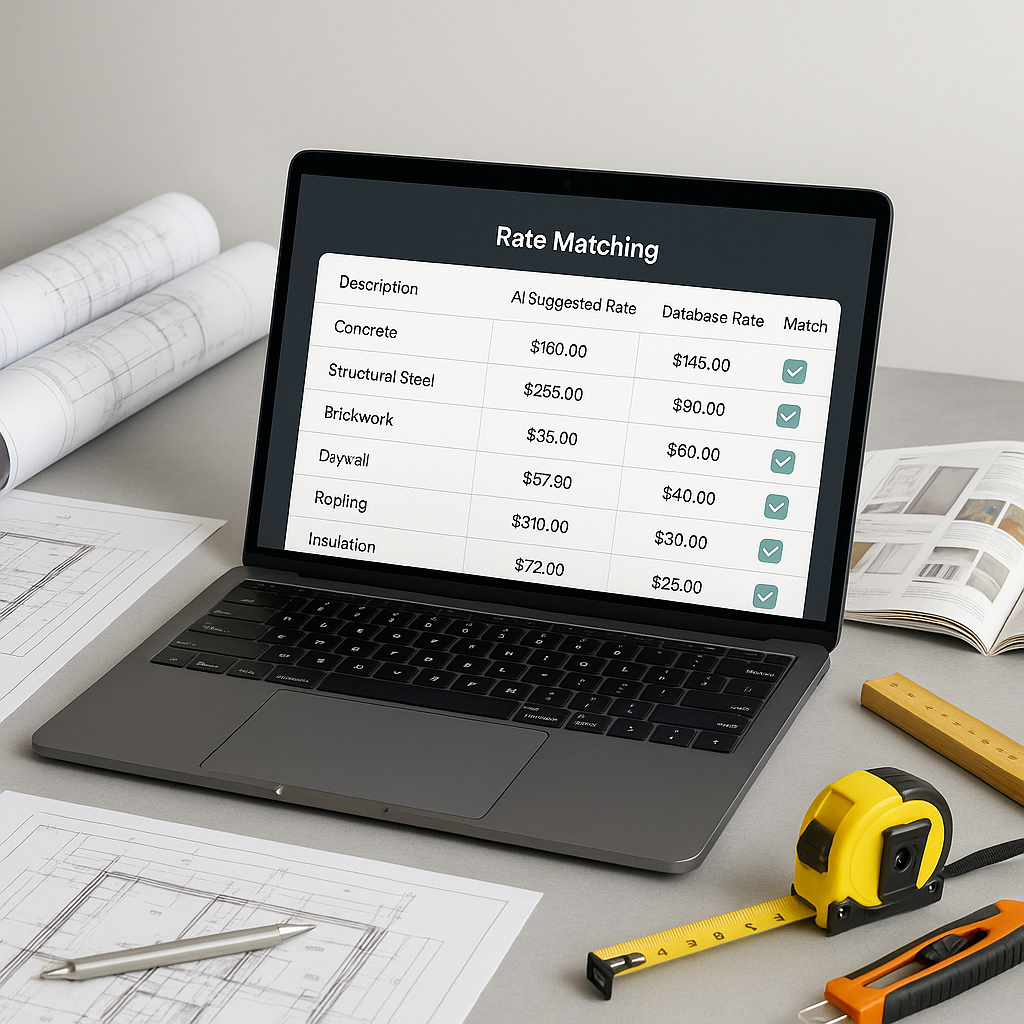
- Rate Analysis: The system breaks down the matched rate into material, labor, and equipment costs. You’ll see exactly where the numbers come from.
- Custom Rates: If you have project-specific rates, upload them. The AI learns from your input and improves with each project.
- Audit Trail: Every match includes an audit trail, so you can trace back and justify your pricing.
Why It Matters
Speed is everything in preconstruction. The faster you can price a bid, the more bids you can submit—and the more work you can win. But it’s not just about speed. Accuracy matters too. Mispricing even one item can eat into your margins or cost you the bid.
AI rate matching addresses both problems. It’s faster and more accurate than manual methods. And as the system learns from your feedback, it gets smarter with every project.
Common Questions
Q: How accurate are AI-matched rates?
A: AI tools are designed to be highly accurate, but human oversight is still essential. You can review and adjust matches using the audit trail.
Q: Can I use my own rates?
A: Yes. You can upload custom rate catalogs, and the AI integrates them seamlessly.
Q: Does it work for smaller projects?
A: Absolutely. AI-powered tools scale to any project size, whether it’s a small renovation or a large infrastructure build.
Q: Are these tools difficult to learn?
A: Not at all. Most users find the interfaces intuitive and can get up to speed quickly.
What to Watch For
- Input Quality: AI tools are only as good as the data you feed them. Make sure your BOQ is clean and well-organized.
- Custom Rates: If you’re using custom rates, double-check the AI’s integration to ensure accuracy.
- Training: Spend time training your team on the tool. The better they understand it, the more value you’ll get.
Call to Action
If manual rate lookup is slowing down your bids, AI-powered tools can help. Save time and reduce errors with accurate, real-time rate matching. Learn more →