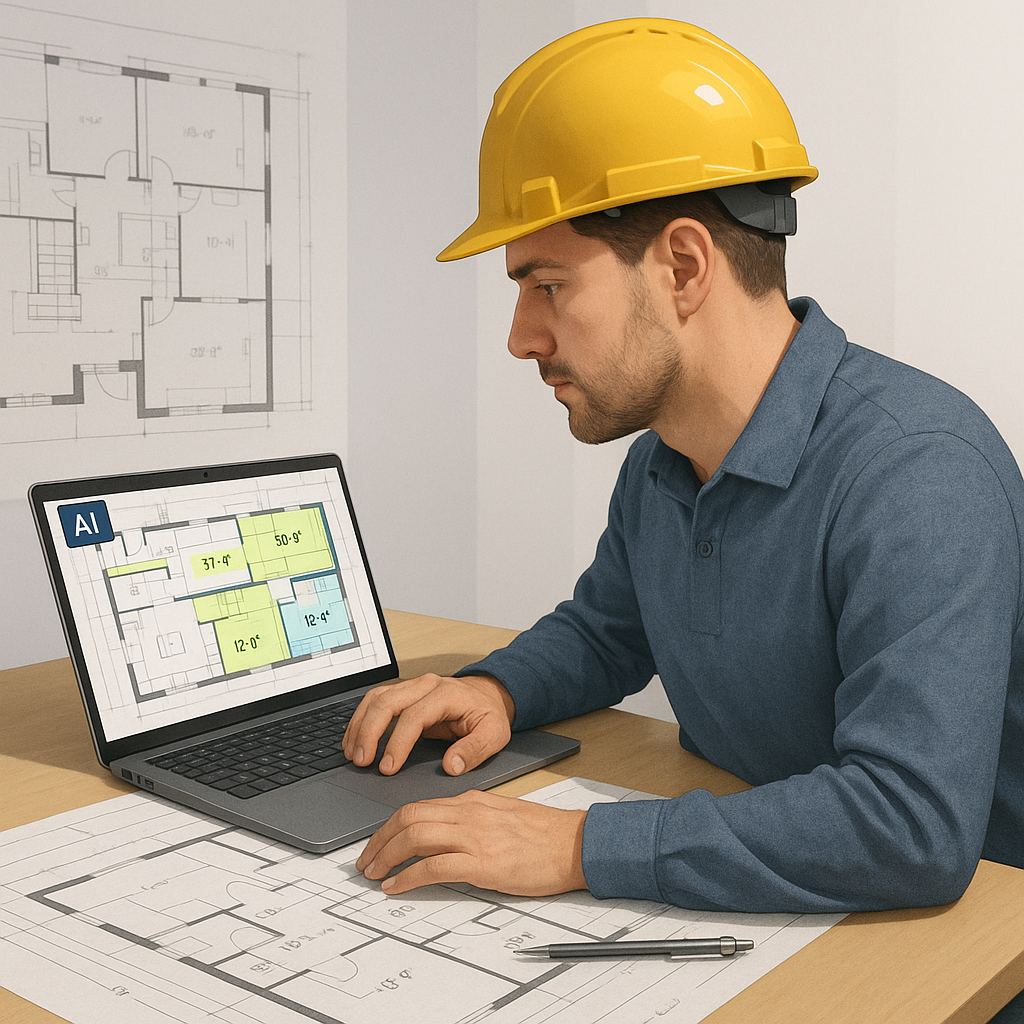
Stop Wasting Time on Manual Drawing Takeoffs
Drawing takeoffs are the bane of any estimator's existence. You've got 50 pages of architectural drawings, and every single line needs to be measured, traced, and calculated. If you're lucky, it takes 40 hours across two estimators. If you're not, revisions and scope changes mean you're doing it all over again. The result? Lost time, wasted resources, and a bid deadline breathing down your neck.
Why Manual Takeoffs Are a Productivity Killer
Every hour spent on takeoffs is an hour you're not doing high-value tasks like refining your bid strategy, negotiating with subcontractors, or analyzing project risks. Worse, the traditional takeoff process is notoriously manual. Whether it's Bluebeam, Excel, or even hand-traced PDFs, preconstruction teams everywhere are stuck in the same repetitive loop.
This inefficiency costs time and money. Let’s break it down:
- Time-intensive: Manual takeoffs for a medium-sized project can take 40–80 hours, depending on complexity.
- Error-prone: Human errors in measurement or calculation can lead to underbidding or overbidding, both of which are costly.
- Inefficient use of expertise: Senior estimators spend time on tasks that a machine could handle, instead of focusing on strategy and oversight.
Enter AI Takeoff Tools: A Game-Changer
AI tools like EstimateNext’s Vision AI are revolutionizing the takeoff process. Instead of spending days measuring and tracing drawings, Vision AI can extract quantities in 10 minutes. Here's how it works:
- Upload the drawings: Simply drag and drop your PDF plans into the platform.
- Calibrate the scale: Just like you would in Bluebeam or any other software, set the scale to match the drawing.
- Let the AI do the work: Vision AI uses machine learning algorithms to identify and measure lines, areas, and objects automatically.
It’s not perfect — you’ll still need to review low-confidence measurements — but even with manual overrides, it’s a 10X speed improvement. This means your team can redirect their energy into higher-value tasks without sacrificing accuracy.
Why This Matters
The adoption of AI tools isn’t just about saving time; it’s about transforming how you approach preconstruction. With takeoffs completed in a fraction of the time, you can:
- Focus on strategy: Spend more time refining your bid, analyzing risk, and identifying potential project pitfalls.
- Improve bid accuracy: Use the time saved for deeper cost analyses, ensuring your bid is competitive but profitable.
- Reduce team burnout: Estimators can focus on meaningful, engaging work instead of repetitive tasks.
Real-World Example: Saving 120 Hours on a High-Rise Bid
A mid-sized general contractor used Vision AI during a high-rise project bid. Normally, two estimators would spend two weeks (120 hours) on drawing takeoffs. With Vision AI, the entire process took less than a day.
How They Used Their Extra Time:
- Polished their bid presentation to make it stand out.
- Conducted additional risk analyses to identify potential cost overruns.
- Negotiated better terms with subcontractors, strengthening their overall bid.
In their words, “It’s like hiring a full-time estimator without the overhead.”
Addressing Common Objections to AI Takeoff Tools
Objection: “AI can’t think like an estimator.”
True — AI isn’t designed to replace your expertise. Instead, it amplifies it. You’re still the one making judgment calls about costs, markups, and scope. The AI handles the repetitive, time-consuming tasks, like tracing walls or counting fixtures. Think of it as having an apprentice who never gets tired or distracted.
Objection: “What if the drawing is messy or incomplete?”
Vision AI includes confidence scoring, which highlights measurements that might need manual review. For example, low-confidence results often occur with overlapping lines or unclear scaling. This allows you to quickly identify and fix any issues without redoing the entire takeoff.
Objection: “I’ve got custom standards — will the AI account for them?”
Yes. Tools like EstimateNext allow you to upload your own rate catalogs, measurement standards, and regional building codes. This ensures your estimates align with your exact requirements and don’t rely on generic templates.
What to Watch For When Using AI Takeoff Tools
AI tools aren’t magic. To get the best results, you need to understand their limitations and plan accordingly:
- Input Quality Matters: Blurry or incomplete drawings can throw off measurements. Always upload the cleanest PDFs possible.
- Human Review Is Critical: While AI can handle 80% of the work, you still need to review the flagged 20% for accuracy.
- Training Your Team: Most platforms are intuitive, but expect a learning curve. Allocate about two weeks for training and onboarding.
- Software Compatibility: Check that the AI tool integrates smoothly with your existing software stack, like Procore or Bluebeam.
Comparison: Manual vs. AI-Driven Takeoffs
| Factor | Manual Takeoffs | AI-Driven Takeoffs |
|---|---|---|
| Time Required | 40–80 hours per project | 2–4 hours (including review) |
| Error Rate | Moderate to high | Low (with manual review) |
| Team Effort | 2–3 estimators | 1 estimator |
| Cost Efficiency | High labor costs | Significantly reduced |
| Scalability | Limited by team size | Easily scalable |
The Bottom Line
Manual takeoffs are killing your team’s productivity. AI tools like Vision AI don’t just save time — they free your team to focus on the work that really matters, like winning bids and negotiating better terms. If you’re still tracing PDFs by hand, it’s time to rethink your process.


