The Problem You Already Know: Manual Drawing Takeoffs
Ask any estimator what their least favorite task is, and they'll probably say "takeoffs." Why? Because it's painfully slow. Flipping through hundreds of PDF drawings, tracing walls manually, counting fixtures—it’s a grind. Manual takeoffs are also prone to human error. Miss one beam or miscount door openings, and you’re looking at costly RFIs down the line—or worse, a blown budget that destroys your margins.
The AI Solution: Vision AI
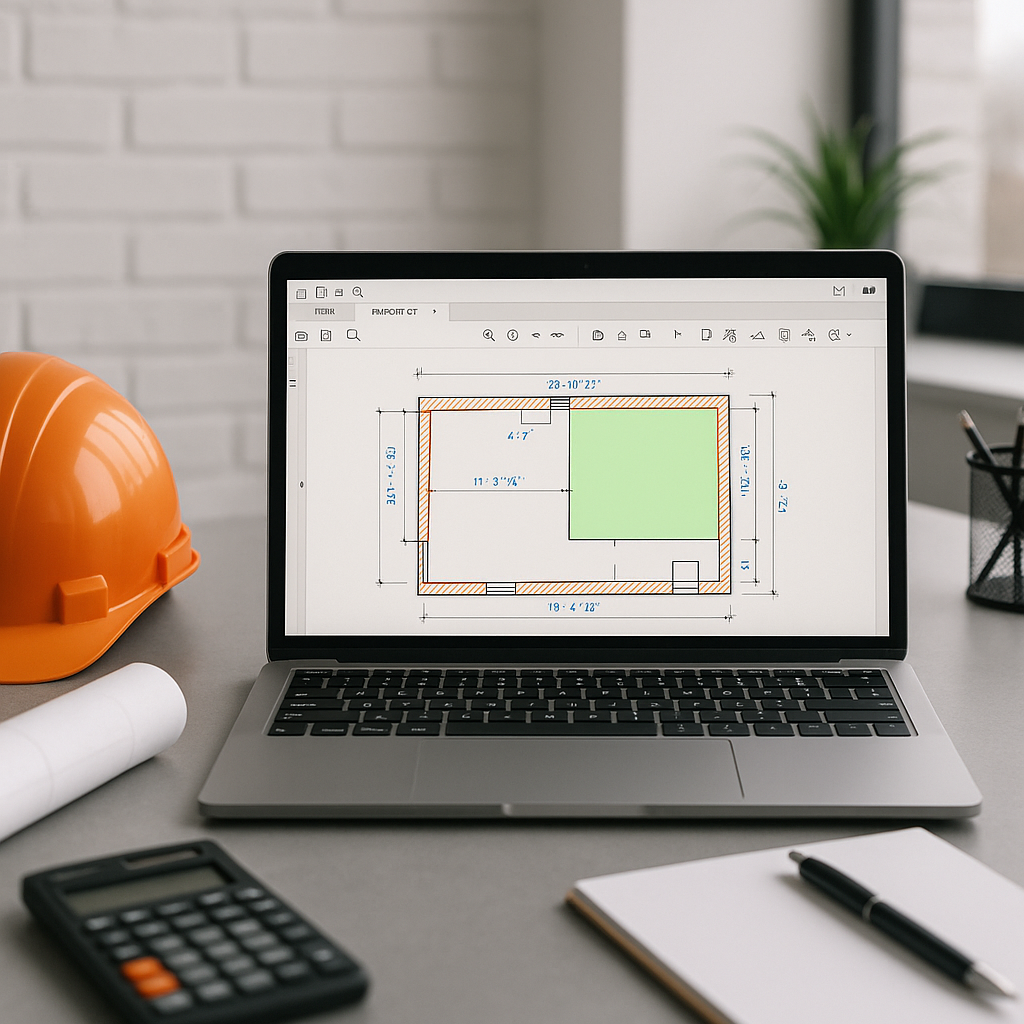
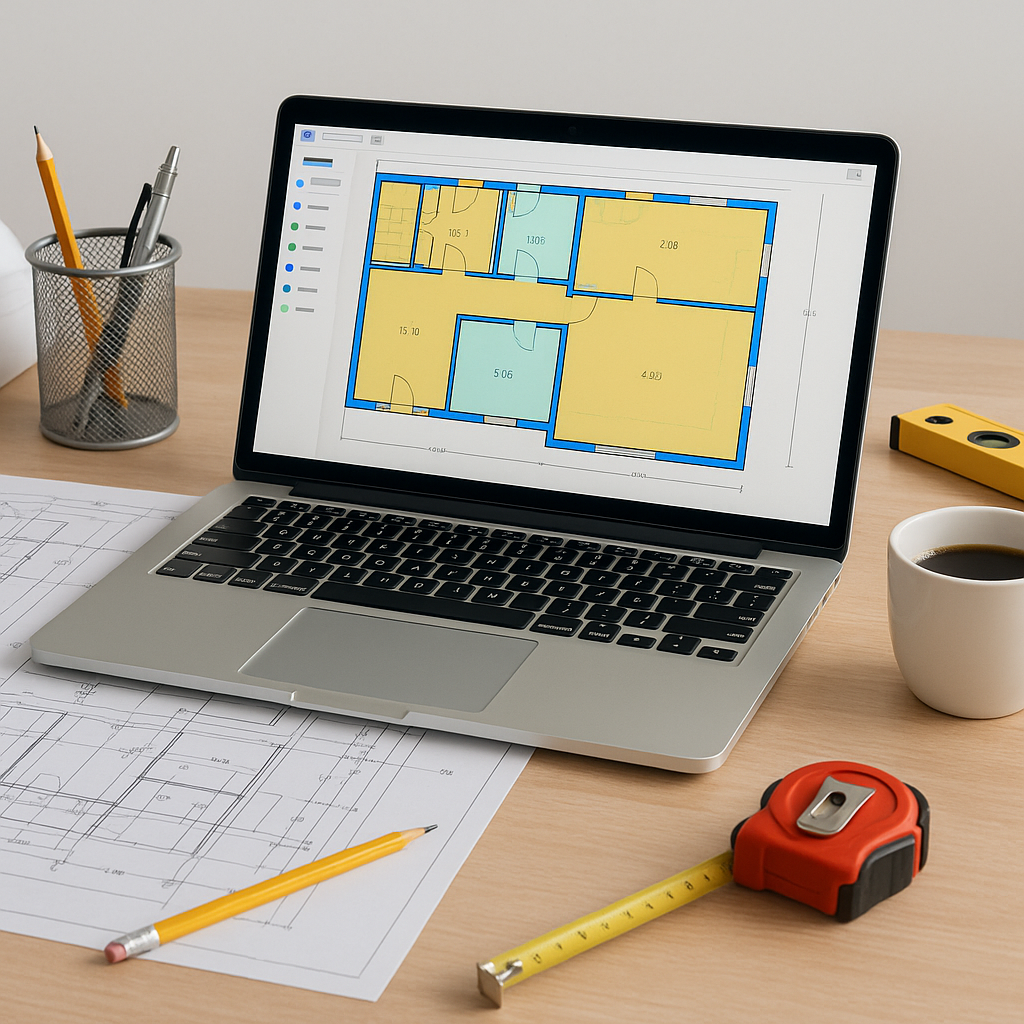
This is where AI-powered tools like EstimateNext Vision AI come in. Instead of spending hours on manual takeoffs, Vision AI lets you upload a PDF drawing set and extracts quantities automatically. Room areas, wall lengths, door counts—it’s all done in minutes.
How does it work? The AI scans the drawing and identifies objects based on predefined rules (e.g., wall lines, fixture symbols). It even flags low-confidence items so you can review them manually. This kind of hybrid automation ensures accuracy without sacrificing speed.
Why Takeoff Speed Matters
Saving time is nice, but what’s the real impact?
- More Bids Submitted: Faster takeoffs mean you can handle more projects simultaneously without needing extra staff.
- Better Negotiations: Accurate, fast takeoffs give you a defensible position when discussing scope with subcontractors.
- Improved Margins: Less manual error means fewer RFIs and change orders, which directly protects your bottom line.
Step-by-Step: Using AI for Takeoffs
- Upload the Drawing Set: Drag and drop your PDFs into the platform.
- Review AI-Extracted Quantities: The system will auto-detect wall lengths, fixture counts, and areas. Review flagged items for accuracy.
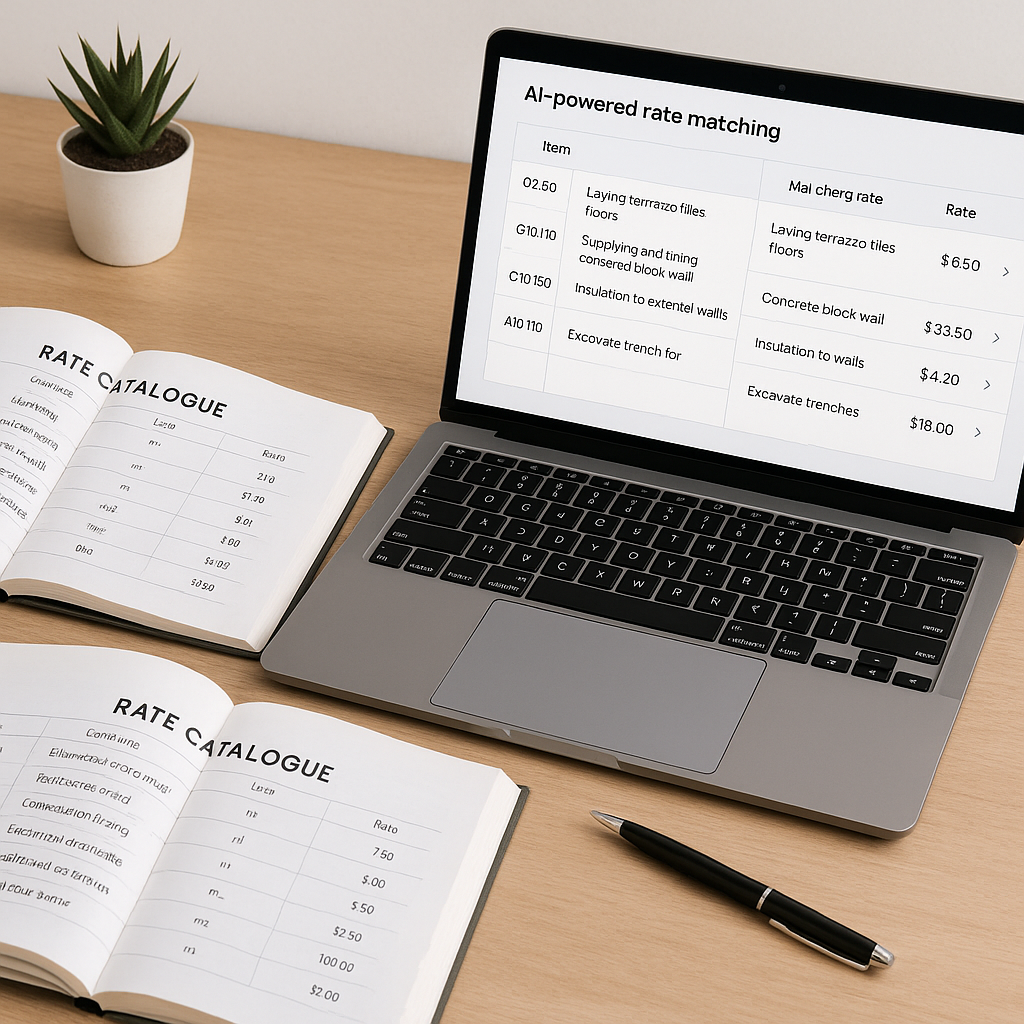
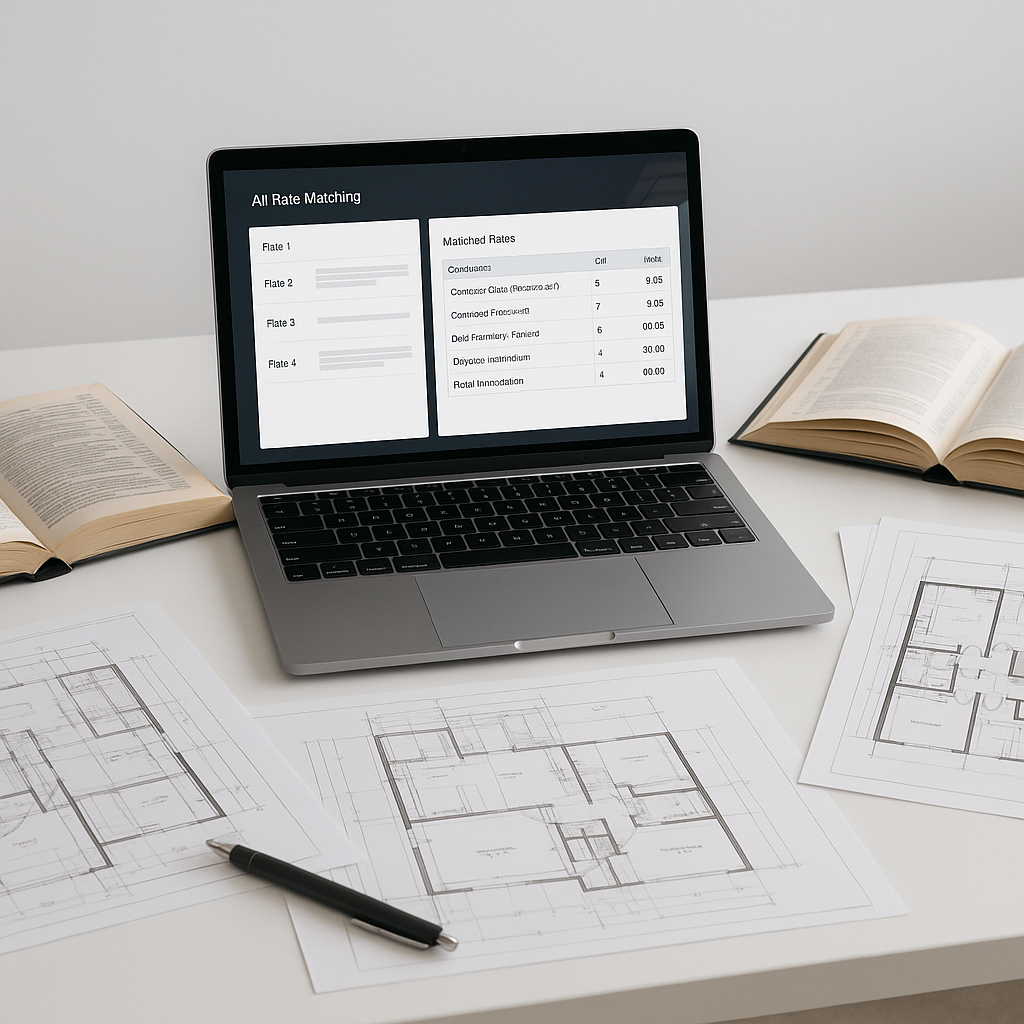
- Export to BOQ: Once verified, export quantities directly into your Bill of Quantities (BOQ) format.
- Iterate for Revisions: If the client sends updates later, upload the revision set and compare changes instantly.
Common Mistakes to Avoid
- Skipping the Manual Review: No AI tool is perfect. Always double-check flagged items.
- Ignoring Low-Confidence Alerts: These alerts exist for a reason—they’re the AI’s way of saying, "I’m not sure about this one."
- Failing to Train Staff: A two-week training period can make or break adoption. Don't assume everyone will "figure it out."
FAQ
Q: How accurate are AI takeoffs?
AI takeoffs are highly accurate but rely on clean input data. Vision AI includes manual override features to ensure accuracy where needed.
Q: Can AI handle complex drawings?
Yes, AI tools like EstimateNext are designed for scalability. They work just as well for a $1M renovation as for a $1B rail project.
Q: Do I need special training to use AI tools?
Most platforms, including EstimateNext, are intuitive. Training usually takes under two weeks.
Q: What if my drawings have missing details?
AI tools can’t guess missing data, but they flag gaps for manual inspection.
Call to Action
If manual takeoffs are holding your team back, AI-powered tools like Vision AI can help. Try EstimateNext for free today and streamline your preconstruction process.