The Endless Grind of Rate Lookup
If you’ve ever spent hours flipping through rate books like RSMeans or CPWD DSR to price a single BOQ (Bill of Quantities), you’re not alone. It’s one of the most time-consuming and error-prone tasks in preconstruction estimation. And it doesn’t matter whether you’re pricing a $1M office fit-out or a $1B rail project—manual rate lookup is slow, frustrating, and ripe for mistakes.
Here’s the kicker: even after all that effort, you might still miss the best rate or accidentally apply one that’s outdated. The result? Estimates that don’t hold up during negotiations or, worse, blow up your project margins. Even the most experienced estimators aren’t immune to errors caused by fatigue or oversight, especially when juggling multiple bids.
Why Manual Rate Lookup Is Inefficient
Before diving into AI-based solutions, let’s break down why manual rate lookup is such a pain. Estimators typically spend hours flipping through catalogs like RSMeans or CPWD DSR to locate rates that match specific BOQ line items. The process involves:
- Searching Across Multiple Sources: Rates for labor, materials, and equipment often come from different catalogs. This means you’re cross-referencing multiple documents.
- Interpreting Rates for Context: Rates need to be adjusted based on project specifics—location, materials, or labor availability.
- Checking for Updates: Catalogs are updated periodically, so you risk using outdated rates unless you’ve verified the version.
- Data Entry Errors: Manually inputting rates into software or spreadsheets increases the chance of typos and mismatches.
These steps are tedious and prone to mistakes, especially when deadlines are tight. And when errors occur in your estimate, they can cascade into larger problems like blown project margins or disputes with subcontractors.
How AI Rate Matching Changes the Game
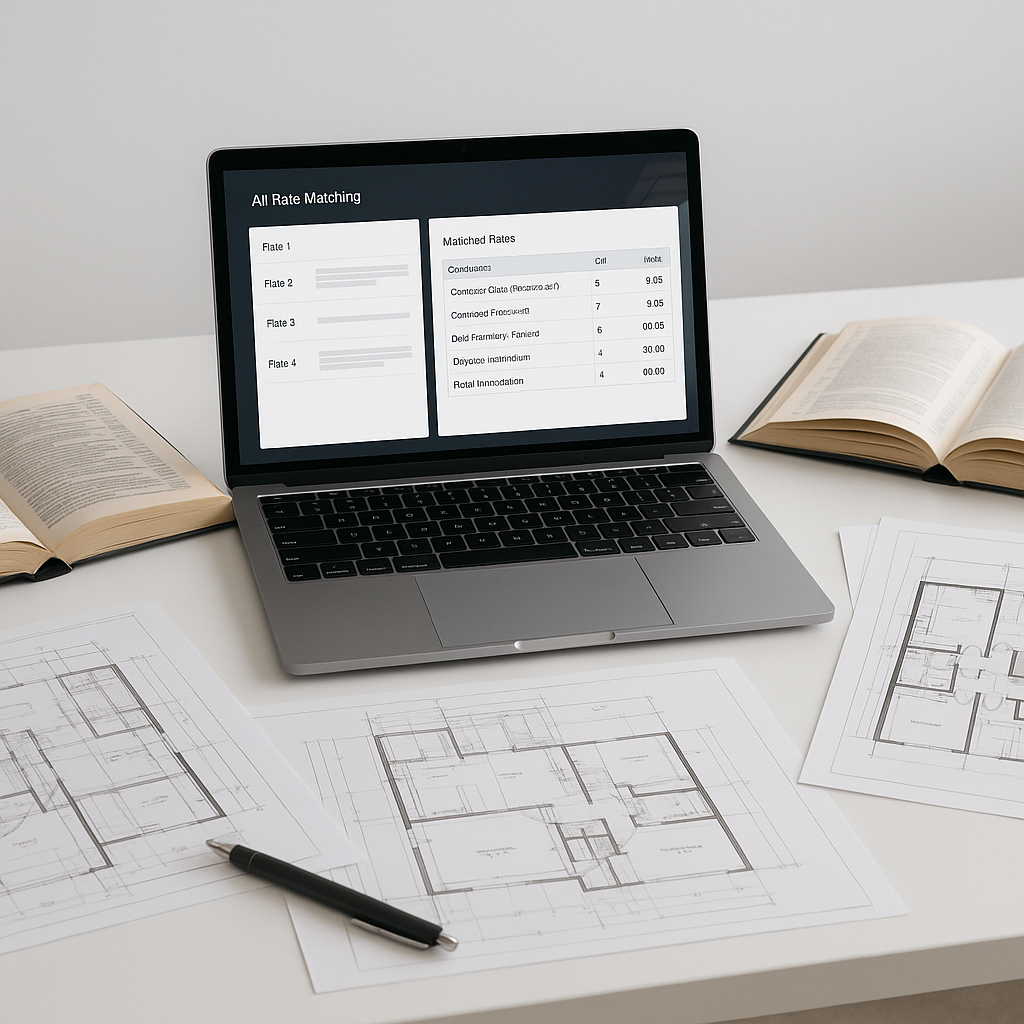
AI rate matching tools, like those built into platforms such as EstimateNext, solve this problem elegantly. These systems use semantic search and machine learning to locate accurate rate matches in seconds. Here’s how it works:
- Semantic Search: Instead of flipping through pages manually, you type in a description like “pre-stressed concrete girders,” and the tool scans catalogs for the closest match.
- Automated Rate Integration: The system pulls labor, material, and equipment rates from catalogs like RSMeans, CPWD DSR, or state DOT schedules.
- Audit Trails: Every rate match includes metadata—where the rate came from, when it was last updated, and any adjustments made. This transparency builds trust in your estimates.
- Custom Catalog Integration: If you have specialized rates, you can upload them into the system for future use.
A Step-by-Step Workflow Using AI Rate Matching
Here’s an actionable workflow for how AI simplifies rate lookup:
- Upload BOQ: Import your BOQ into the AI tool in Excel, CSV, or integrated formats.
- Search Rates: Use semantic search to locate matches for each line item. For example, typing “structural steel beams” will pull rates for labor, materials, and equipment.
- Review Matches: Verify the AI’s matches and override if necessary. The system flags uncertain matches for your review.
- Export Estimate: Once rates are applied, export the final estimate back into your preferred software—whether it’s Excel, Procore, or Bluebeam.
Why Trust Matters in Rate Matching
You might be thinking: “AI doesn’t understand the nuances of my project.” And you’re right—AI isn’t perfect. But it’s not meant to replace your expertise as an estimator. Instead, it’s designed to amplify your skills by handling the repetitive grunt work. Here’s how:
- Accuracy: AI reduces human errors by automating rate lookup and ensuring consistency.
- Transparency: You can trace every rate back to its source, whether it’s a catalog or a custom upload.
- Learning: The system improves over time as you review and adjust its matches.
AI tools don’t eliminate the need for human oversight—they empower you to focus on strategy, negotiation, and high-value decisions rather than sifting through rate books.
Practical Example: Custom Rates
Custom rates are a common challenge in estimation. Let’s say you’re bidding on a high-rise project and need rates for a proprietary composite material that isn’t listed in RSMeans or CPWD DSR. With AI rate matching:
- Upload Custom Rates: Add your proprietary rate sheet to the system.
- Automatic Integration: The system integrates the rates into your catalog for future use.
- Quick Retrieval: Next time you need that rate, it’s already indexed and ready to apply.
This workflow is particularly valuable for subcontractors specializing in MEP (Mechanical, Electrical, Plumbing) trades, where custom materials and finishes are common.
Comparison: Manual Rate Lookup vs. AI Rate Matching
| Feature | Manual Rate Lookup | AI Rate Matching |
|---|---|---|
| Time Required | Hours per BOQ | Seconds per line item |
| Error Risk | High | Low |
| Transparency | Limited | Full audit trail |
| Custom Rates | Difficult to manage | Seamlessly integrated |
| Learning Curve | None | Minimal (1-2 weeks) |
Common Objections
“I don’t trust AI to get it right.”
AI tools include manual override features and confidence scoring. If the system isn’t sure about a match, it flags it for your review. You’re always in control.
“Learning a new tool takes too long.”
Most AI platforms are designed for ease of use. Training typically takes less than two weeks, and the time saved on your first project more than offsets the initial learning curve.
“What about smaller projects?”
AI tools scale to any project size. Whether you’re handling a $1M renovation or a $1B infrastructure bid, the time savings apply equally.
The Bottom Line
Manual rate lookup is outdated and inefficient. AI-powered rate matching tools like EstimateNext save time, reduce errors, and provide transparent audit trails. Whether you’re an estimator, subcontractor, or project manager, these tools empower you to deliver faster, more accurate bids.
Ready to stop wasting hours flipping through rate books? Get started free →


