Why Rate Lookup Feels Like an Endless Grind
If you’ve ever spent hours flipping through a 2,000-page rate book, you know the pain. Whether it’s CPWD’s DSR in India or RSMeans in the U.S., the process is painfully slow. You find one rate, cross-check the labor and material breakdown, and repeat for every line item in the BOQ. For a mid-sized bid, you’re easily sinking hours into this—and that’s if you don’t make mistakes.
But there’s a bigger problem than wasted hours. Manual lookup is prone to human error. Miss one sub-item or misinterpret a unit rate, and the entire estimate can collapse. In competitive bidding, one wrong number can mean losing the job—or worse, winning it with a margin that barely covers costs.
How AI Rate Matching Fixes This Bottleneck
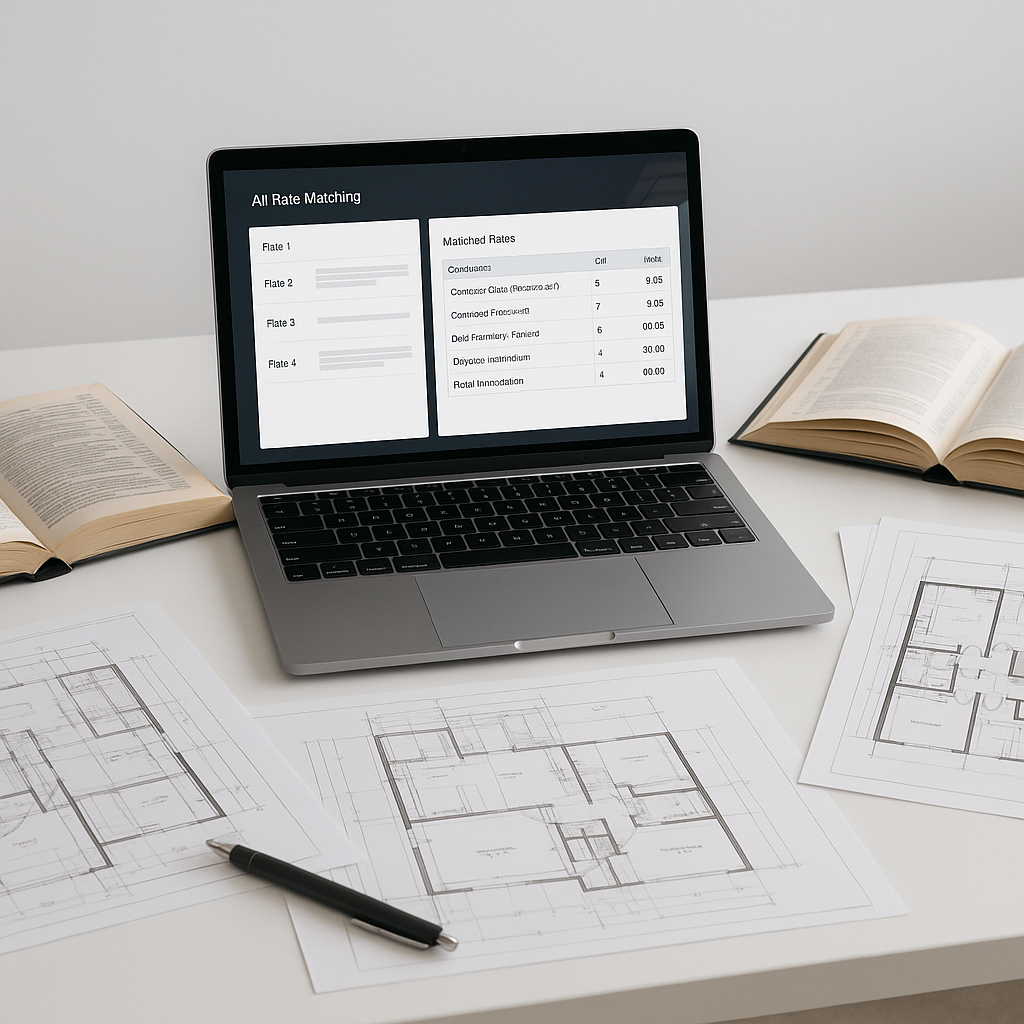
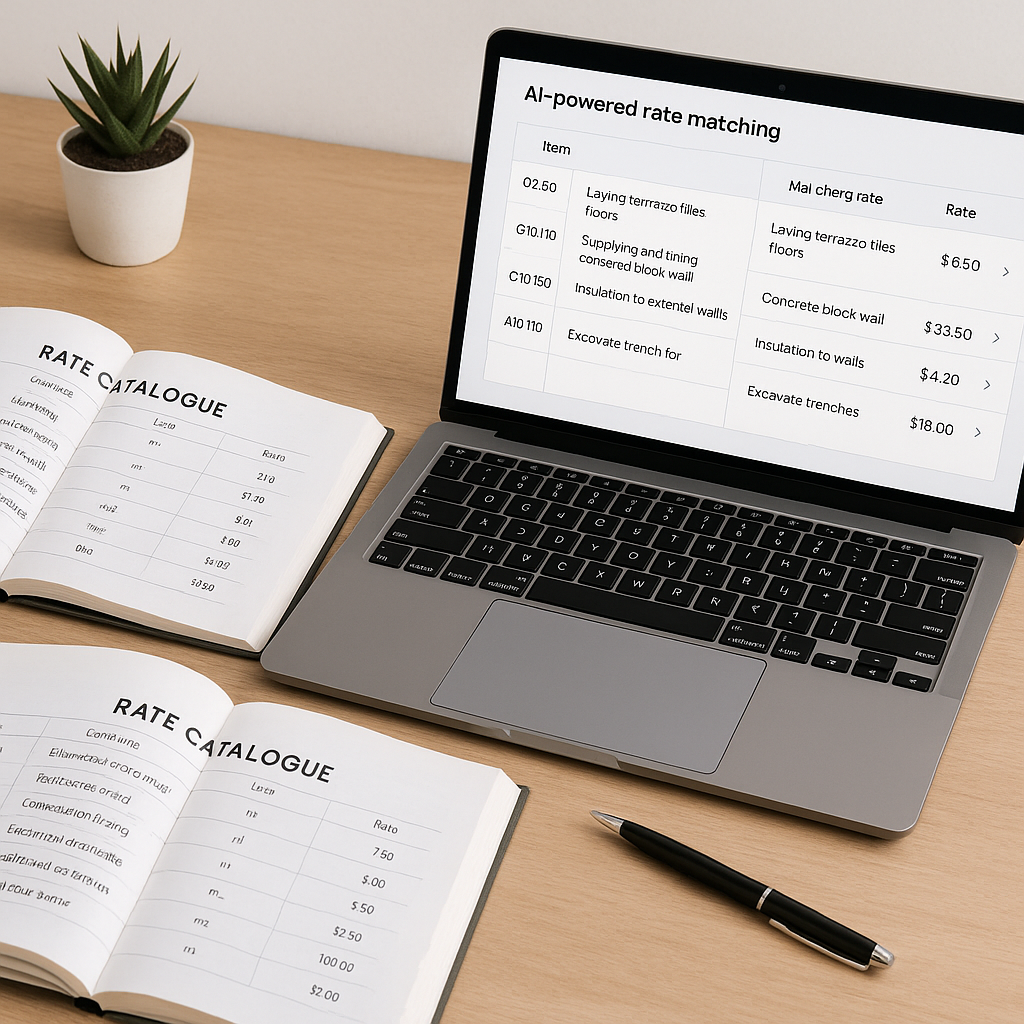
AI-powered rate matching tools tackle this problem head-on. Instead of manually searching for rates, you upload your BOQ, and the system scans its database of SOR items. The AI uses semantic search to match the description, measurement units, and even regional cost variations. What used to take hours now takes seconds.
Illustrative example — Let’s say you need the labor + material rate for pre-stressed concrete girders. In a traditional workflow, you’d manually hunt through your catalog, double-check the unit conversions, and ensure you didn’t miss a note in the appendix. With AI, you type it in, and the rates—even custom ones you’ve uploaded—are ready for review.
The Benefits of Automation
Automating rate matching with AI not only saves time but also reduces the likelihood of errors. Teams can focus on higher-value tasks like subcontractor negotiations and margin strategy instead of spending hours on repetitive lookups.
What About Accuracy?
You might be thinking, “Sure, AI is faster, but can it really be accurate?” That’s a fair concern. AI tools often include features like confidence scoring and manual override options. The system highlights low-confidence matches so you can double-check them. While not perfect, these tools improve with use, as they learn from corrections and feedback.
Common Mistakes in Rate Matching
Even with AI, errors can creep in if you’re not careful. Here are the top pitfalls:
-
Ignoring Custom Rates: If your project requires non-standard materials or finishes, make sure you upload those into the AI system before running matches. Otherwise, you’ll end up with irrelevant defaults.
-
Skipping Confidence Scores: Low-confidence matches are flagged for a reason. Always review them instead of blindly accepting.
-
Misinterpreting Units: AI tools are good, but they’re not mind readers. Ensure your BOQ uses consistent units across items.
-
Not Leveraging Feedback Loops: The system learns from corrections. If you don’t provide feedback, you’re missing out on improved accuracy for future estimates.
FAQ: AI Rate Matching in Construction Estimation
Q: Can AI tools handle international rate catalogs?
A: Yes. Many tools cover multiple catalogs across markets like India, GCC, U.S., and U.K.
Q: How long does it take to train a team on AI tools?
A: Most platforms are designed for ease of use. Training typically takes a short period, depending on the complexity of the tool.
Q: What if my BOQ data isn’t clean?
A: AI tools often include smart parsers that auto-detect merged cells, section headers, and hierarchies.
Q: Does AI replace estimators?
A: No. AI handles the repetitive tasks, but judgment calls and strategy remain the domain of human estimators.
Q: How reliable are AI rate matches?
A: Reliability improves with user feedback and corrections, making the system more accurate over time.
Conclusion
If rate lookup is slowing you down, AI-powered tools can help. By automating repetitive tasks, these tools streamline preconstruction workflows, reduce errors, and free up your team to focus on strategic activities.