The Takeoff Problem in Preconstruction
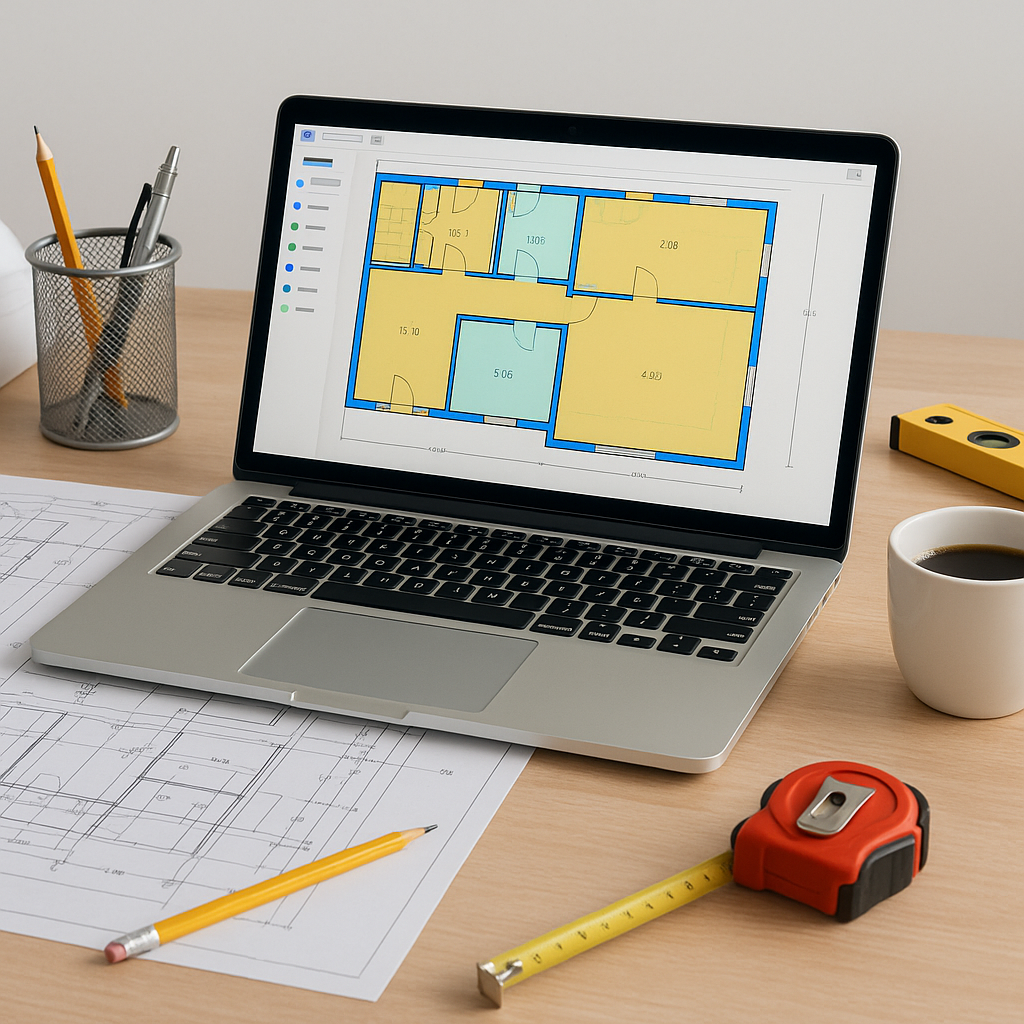
If you've been in preconstruction for any length of time, you know the grind: hours spent tracing PDFs in Bluebeam or manually measuring quantities from drawings. It's not just tedious; it's a bottleneck. Most of that work is repetitive—walls, floors, beams—you're measuring the same elements across drawing sets, and every revision restarts the clock. Not to mention the inevitable errors when you're eyeballing lines late at night. So, what’s the alternative? AI-powered takeoff tools. Let’s break down why they work and how you can use them.
How AI-Powered Takeoffs Work
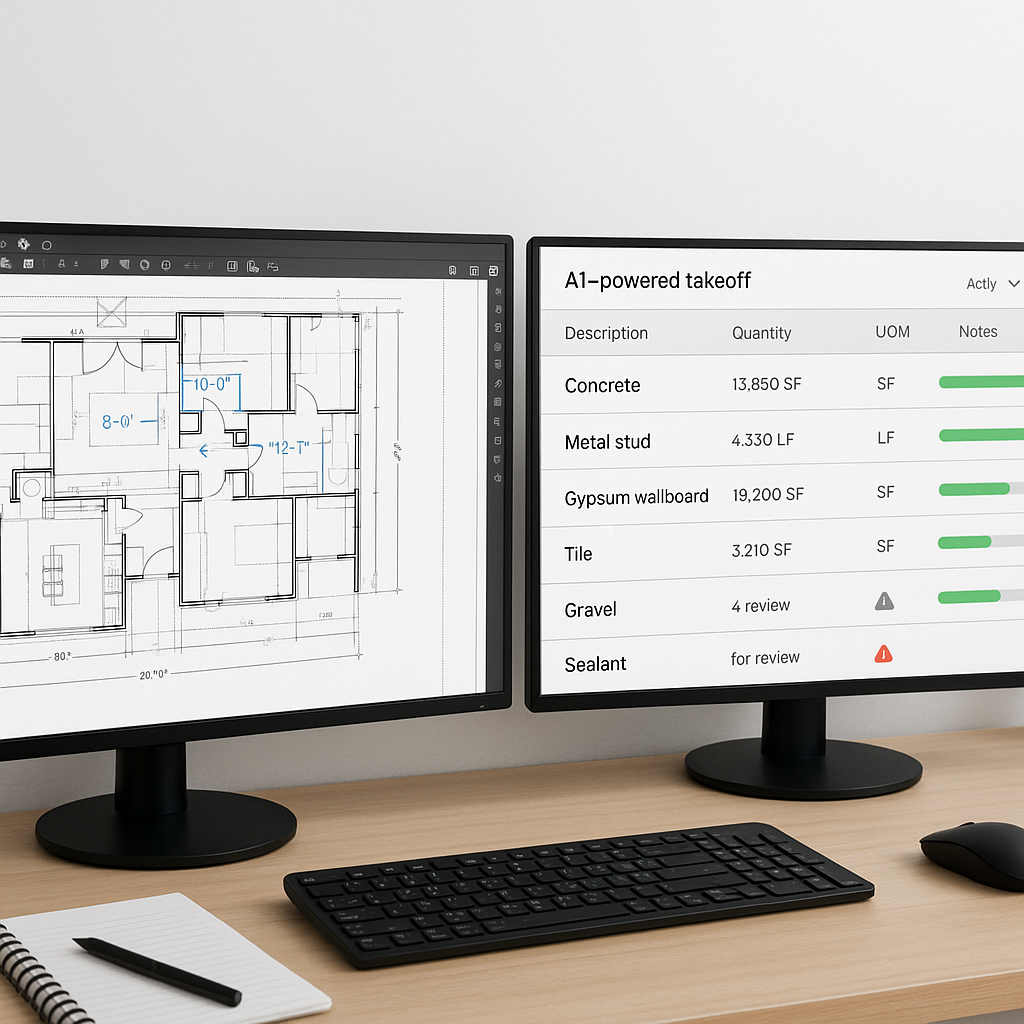
AI takeoff tools use machine learning to read PDF drawings and extract quantities automatically. Instead of clicking and dragging your mouse line-by-line, you upload the drawings, and the system does the heavy lifting.
Here's what this process looks like:
-
Upload the Drawing Set
- Supported formats? PDF, DWG, or even scanned images. AI tools are flexible with input formats.
-
AI Extracts Quantities
- The system identifies key elements like areas, lengths, and counts (e.g., doors, windows) based on drawing tags and visual patterns.
-
Flagging for Review
- Outputs include flagged items for manual review, such as unclear annotations or low-confidence areas.
-
Export to BOQ
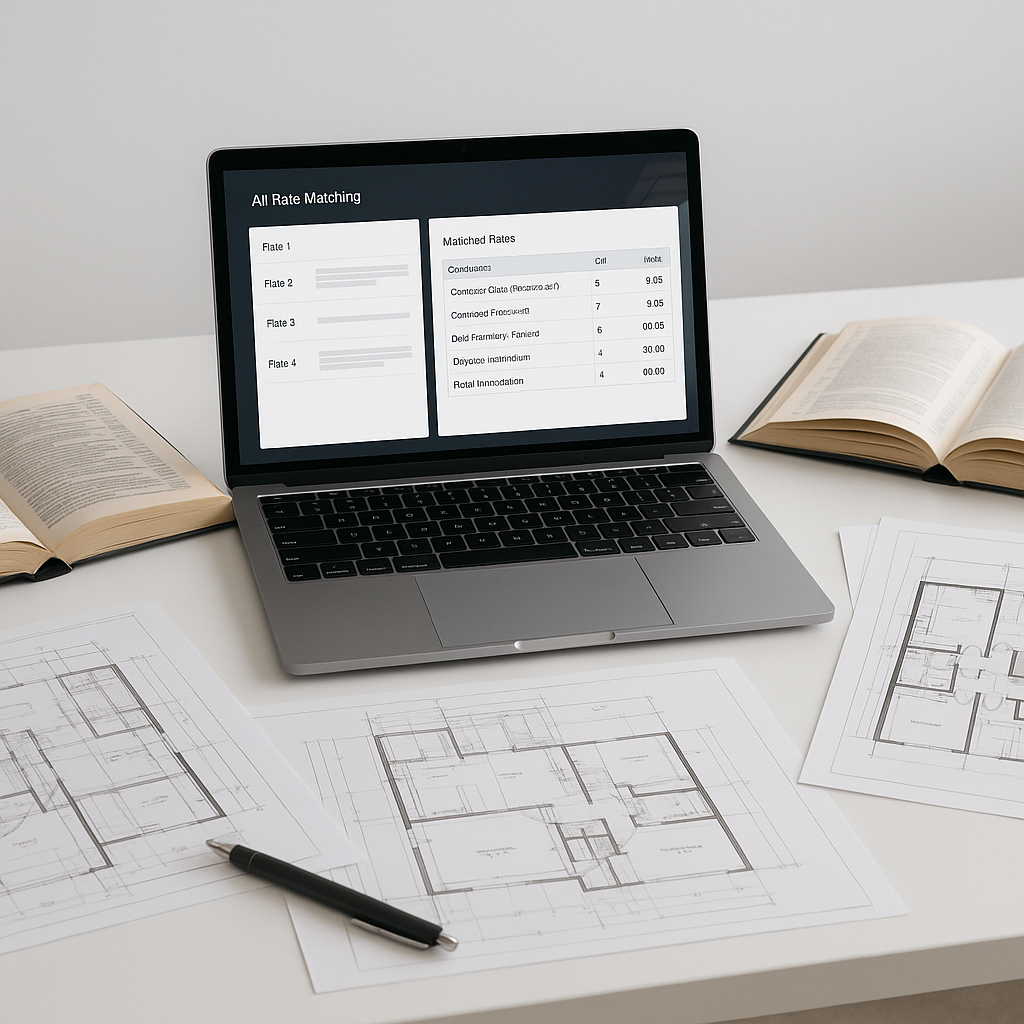
- Quantities are mapped directly to your BOQ format (Excel, CSV, or native estimating software). No manual re-entry.
Benefits of AI-Powered Takeoffs
AI-powered takeoff tools streamline the process, saving time and reducing errors. By automating repetitive tasks, these tools allow estimators to focus on higher-value activities like bid strategy and client negotiations.
Fewer manual steps also mean fewer opportunities for mistakes. For example, AI tools can help ensure scaling factors are correctly applied and revisions are accounted for, reducing the risk of inaccuracies.
Addressing Common Concerns
You might be thinking, “Sure, AI is fast, but can it handle the nuances of my projects?” AI doesn’t replace your expertise—it complements it. For example:
- Edge Cases: AI tools flag low-confidence items for manual review, so you’re still the final authority.
- Revisions: Upload new drawing sets, and AI highlights the changes for quick re-measurement.
- Custom Needs: Many tools allow you to train the AI with your own project data, improving accuracy over time.
Common Mistakes to Avoid
- Skipping Manual Review
- AI simplifies the process, but it’s not foolproof. Always review flagged items.
- Poor Input Data
- Scanned PDFs with low resolution? AI tools work best with clean, legible drawings.
- Ignoring Training Features
- Most AI tools improve with user feedback. If you’re not tweaking and training, you’re leaving value on the table.
FAQ
Q: Is AI accurate enough for large-scale projects?
A: Yes, but it depends on input quality. Clean drawings and clear annotations yield the best results.
Q: Can I integrate AI tools with my current software?
A: Most AI platforms integrate with tools like Bluebeam, Procore, and Excel.
Q: What if my projects use custom standards?
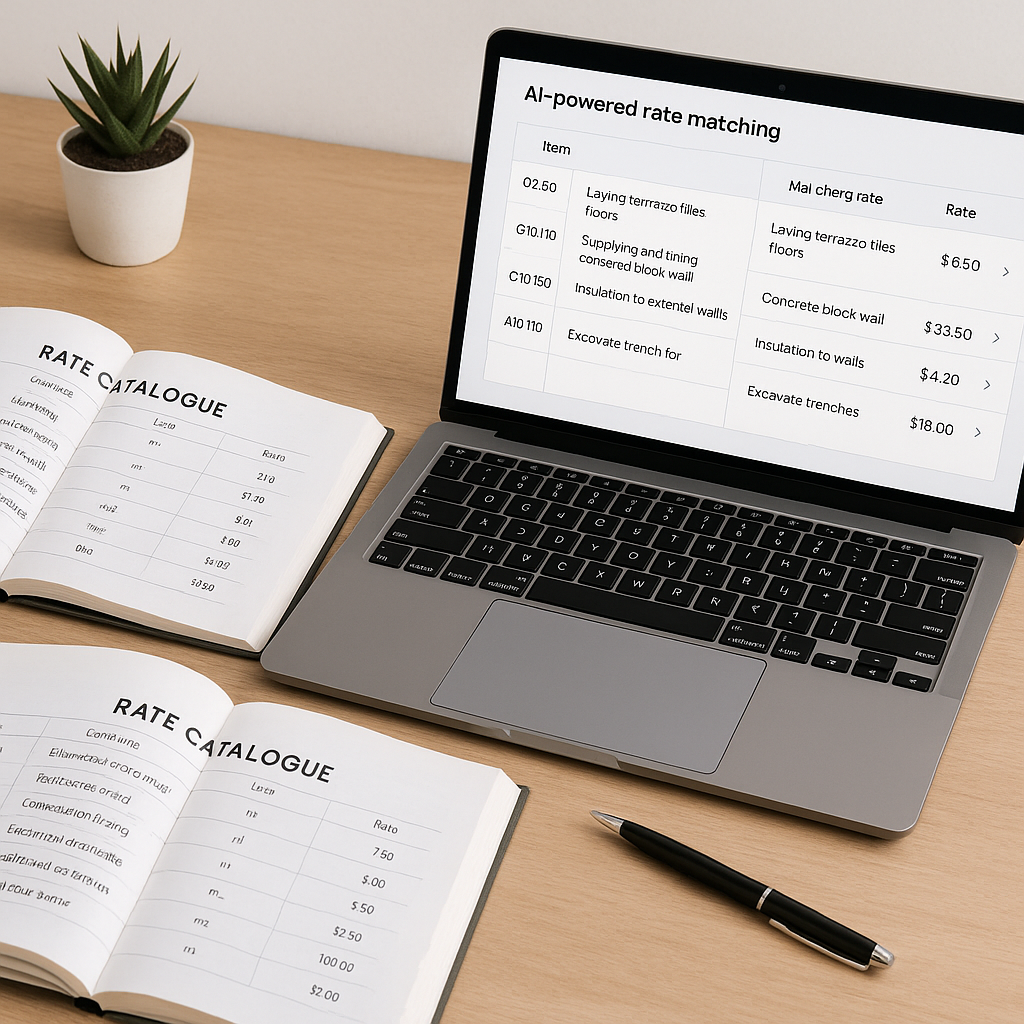
A: AI tools often allow custom training and catalog uploads to adapt to your unique requirements.
The Bottom Line
Manual takeoffs are time-consuming and prone to errors. AI-powered tools streamline the process, freeing up your team for higher-value work like bid strategy and client negotiations. If you’re still tracing PDFs by hand, it might be time to explore how AI can transform your preconstruction workflow.