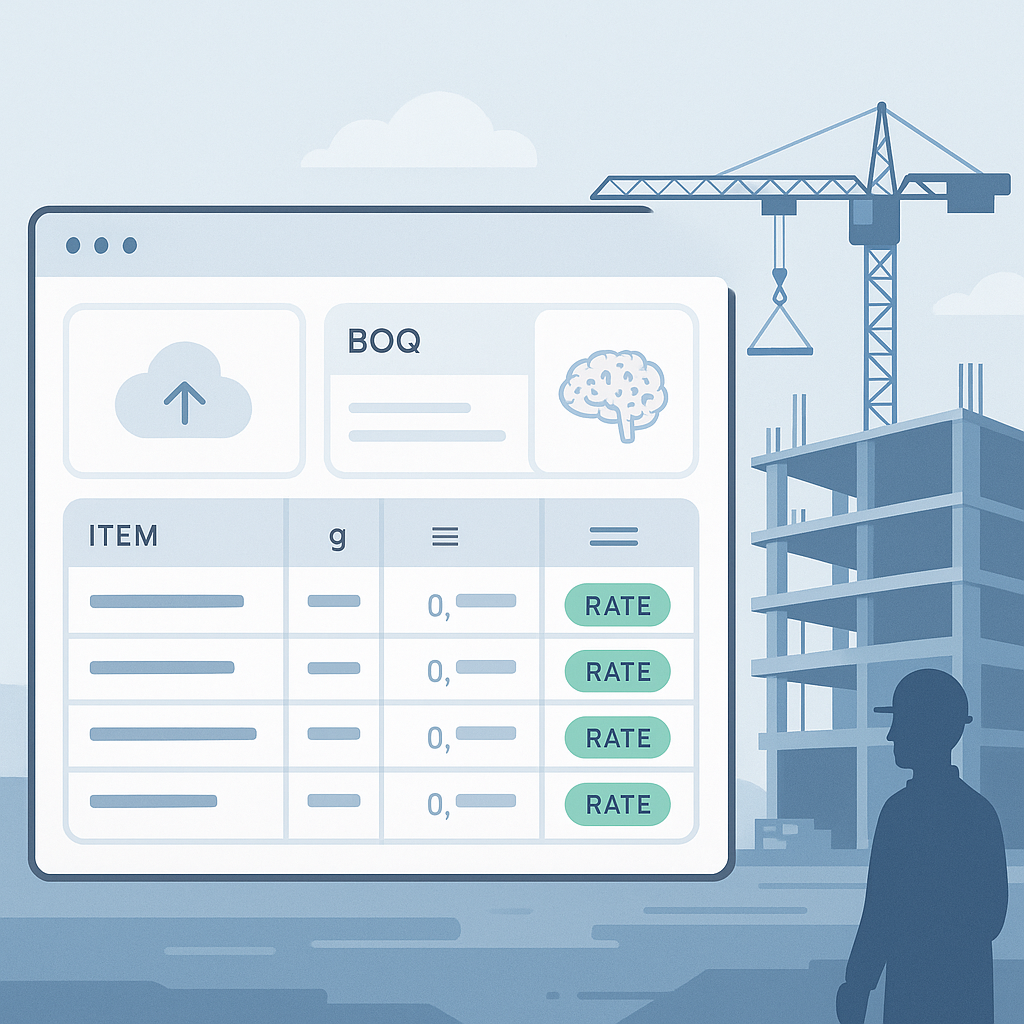
Why Manual Rate Matching Is a Time Sink
Let’s be real: rate matching is one of the most soul-draining tasks in preconstruction. You’ve got a BOQ (Bill of Quantities) with 300 line items, and now you’re flipping through a 2,000-page RSMeans book or a state-specific rate catalog trying to find the closest match for labor, materials, and equipment. Even if you’re fast, this eats up 6–12 hours per estimate.
Beyond its time-consuming nature, manual rate matching is fraught with risks. Miss one line item, and your estimate can blow up during execution. Misread a rate or pick the wrong one, and there goes your margin. These risks multiply with the complexity of the project and the size of your BOQ.
Problems With Manual Rate Matching
To understand why manual matching is such a bottleneck, let’s break down its challenges:
1. Sheer Volume of Data
- BOQs for large projects often run into hundreds of line items. Matching each one to a relevant rate involves navigating massive rate catalogs. Even experienced estimators can find this exhausting.
2. Human Error
- Mistakes are inevitable when you’re performing repetitive, monotonous tasks for hours. A single error in rate selection can lead to huge financial discrepancies in the final estimate.
3. Inconsistent Data Sources
- Rate catalogs vary by region, project type, and vendor. Estimators are often left guessing which rate to apply, especially when multiple sources conflict.
4. Time Consumption
- Even for seasoned professionals, manual rate matching is a grind. This time could be better spent analyzing high-impact areas of the estimate or refining bid strategies.
In short, manual rate matching is a process ripe for disruption.
How AI-Powered Rate Matching Fixes This
AI tools like EstimateNext are flipping this process on its head. Instead of you manually searching for rates, the AI scans your BOQ, parses each line item, and matches it against a database of 78,000+ SOR (Schedule of Rates) items in seconds. Need the labor cost for installing pre-cast concrete or the equipment rate for a 10-ton crane? Type it in, and the AI delivers the most relevant match. Done.
Here’s how AI transforms the process:
1. Automated Matching
The AI scans your BOQ and uses natural language processing (NLP) to interpret each line item. Instead of you manually flipping through catalogs, it queries databases to find matching rates instantly.
2. Multi-Layered Matching Process
AI tools like EstimateNext integrate a 4-step matching process to ensure accuracy:
a. Tenant History
- The system checks your company’s past projects to identify similar matches. This is particularly useful for repeatable projects like office fit-outs or residential developments.
b. User Catalogs
- If you’ve uploaded custom rate sheets or vendor pricing, the AI prioritizes those over generic rate catalogs. This ensures your estimates reflect real-world costs.
c. Regional Database
- The AI searches country-specific rate catalogs like RSMeans, CPWD DSR, or state-specific SORs. This ensures compliance with regional standards.
d. AI Fallback
- If no exact match exists, the AI suggests the closest alternatives. It flags these suggestions with confidence scores so you can decide whether to accept or override them.
3. Continuous Learning
One of the biggest advantages of AI is that it learns. Every time you accept or reject a suggestion, the system refines its algorithms to provide better matches in the future. This means your rate matching process improves over time.
Where AI Shines: Key Benefits
1. Speed
What would take 6–12 hours manually can be done in under 30 minutes with AI. This allows you to fast-track your estimates without sacrificing accuracy.
2. Accuracy
AI reduces human error by cross-referencing multiple data sources. Confidence scoring and manual review options provide an extra layer of validation.
3. Scalability
Whether it’s a $500K project or a $500M one, the same AI system can handle the workload. This scalability is critical for firms managing multiple bids simultaneously.
Actionable Steps to Get Started With AI Rate Matching
-
Clean Your BOQ
- Ensure your BOQ is well-structured and free of errors. Use clear descriptions for each line item to help the AI interpret them correctly.
-
Upload Custom Rate Sheets
- If you have vendor-specific pricing or custom rates, upload them to the system. This ensures the AI prioritizes your data over generic rates.
-
Run a Test Project
- Start with a small or mid-sized project to familiarize yourself with the tool. Use this as an opportunity to understand how confidence scoring and manual overrides work.
-
Review AI Suggestions
- Don’t blindly accept AI results. Focus your manual review on flagged items with low confidence scores or high cost impact.
-
Provide Feedback
- If the AI gets something wrong, flag it. This feedback loop improves the system's accuracy over time.
Comparison: Manual vs. AI-Powered Rate Matching
| Feature | Manual Rate Matching | AI-Powered Rate Matching |
|---|---|---|
| Speed | 6–12 hours per estimate | 30 minutes or less |
| Accuracy | Prone to human error | High, with confidence scoring |
| Scalability | Limited by human capacity | Scales to any project size |
| Data Integration | Requires manual cross-referencing | Integrates custom and regional catalogs |
| Learning Curve | Experience-dependent | Short, improves with use |
Why This Matters
In my view, rate matching is where AI can make the biggest difference in preconstruction. It’s not replacing your expertise—it’s amplifying it. Instead of wasting hours flipping through PDFs, you can focus on the work that actually wins bids: refining your strategy, negotiating with subs, and optimizing your margins.
If you’re still doing this manually, you’re not just losing time—you’re leaving money on the table. AI-powered rate matching is no longer a futuristic concept; it’s a practical tool for firms looking to stay competitive in an increasingly fast-paced industry.
If you're tired of wasting hours on rate lookup, EstimateNext can help. Get started free →


