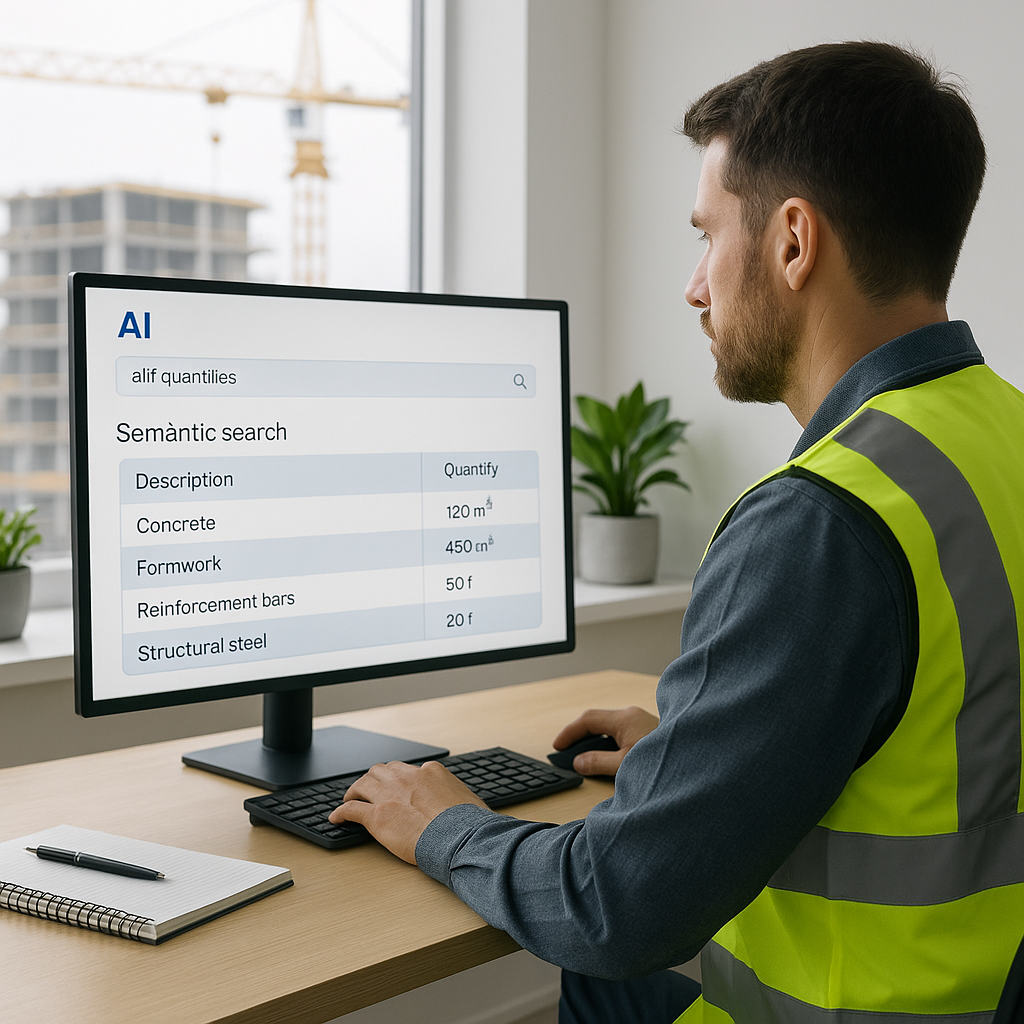
The Pain Point: Manual Rate Lookup
If you've ever priced a bid manually, you know the drill. You flip through a 2,000-page rate book — whether it's RSMeans for the US or CPWD DSR for India — searching for that one line item. Found it? Great. Now repeat for 150 more items in your Bill of Quantities (BOQ). And hope you don’t miss something critical.
This process is time-consuming and prone to human error. Miss a rate or pick the wrong one, and you're staring at a bid that’s either too high to win or too low to stay profitable.
So, what’s the fix? AI-powered rate matching.
What Is AI Rate Matching?
AI rate matching uses semantic search to scan vast catalogs of standard rates and returns the most relevant match instantly. Instead of manually flipping pages or CTRL+F-ing through PDFs, you type in what you need (e.g., "labour rate for installing pre-stressed concrete girders"), and the AI serves up the result.
It doesn’t stop there. The AI evaluates multiple factors:
- Contextual Matching: Is your query referring to materials, labour, or equipment? The AI detects the category and narrows the options.
- Custom Rates: Got project-specific rates or unique materials? You can upload them, and the system integrates them for future use.
- Fallback Logic: If exact matches aren’t available, the AI suggests similar items, ranked by relevance.
Why It Matters
Here’s why AI rate matching is a game-changer:
- Speed: Rate lookup becomes significantly faster, allowing teams to price more bids per year without hiring extra staff.
- Accuracy: Semantic search eliminates guesswork and human error. No more picking rates out of context or applying outdated numbers.
- Consistency: AI tools improve with feedback, making the process more efficient over time.
This feature can have a ripple effect across the entire workflow — faster rate lookup means faster bid pricing, which means more bids submitted on time.
Common Objections
“AI can’t think like an estimator.”
True, it doesn’t replace your judgment. But it isn’t supposed to. You’re still the one deciding markup, reviewing scope exclusions, and negotiating with subs. The AI handles the grunt work — like finding rates — so your team can focus on high-value tasks.
“What if my rates are custom?”
That’s covered. Many tools allow you to upload proprietary rate catalogs, so your estimates reflect real costs, not generic numbers.
“Doesn’t this only work for big projects?”
Not at all. AI scales to any project size, whether it’s a small renovation or a large infrastructure build.
What to Watch For
AI isn’t perfect. Here are a few things to keep in mind:
- Input Quality Matters: Garbage in, garbage out. If your BOQ is messy or incomplete, the AI won’t magically fix it.
- Training Period: Most systems improve after a few projects. Be patient while the AI learns your preferences.
- Human Oversight: Always review the AI’s output. Confidence scores and manual override features exist for a reason.
The Bottom Line
Manual rate lookup isn’t just slow — it’s unnecessary. AI-powered tools streamline this process, freeing up your team to focus on strategic tasks that win bids.
If your team is still flipping through rate books, it’s time to try AI-powered estimation.


