The Biggest Time Sink in Estimation: Manual Takeoffs
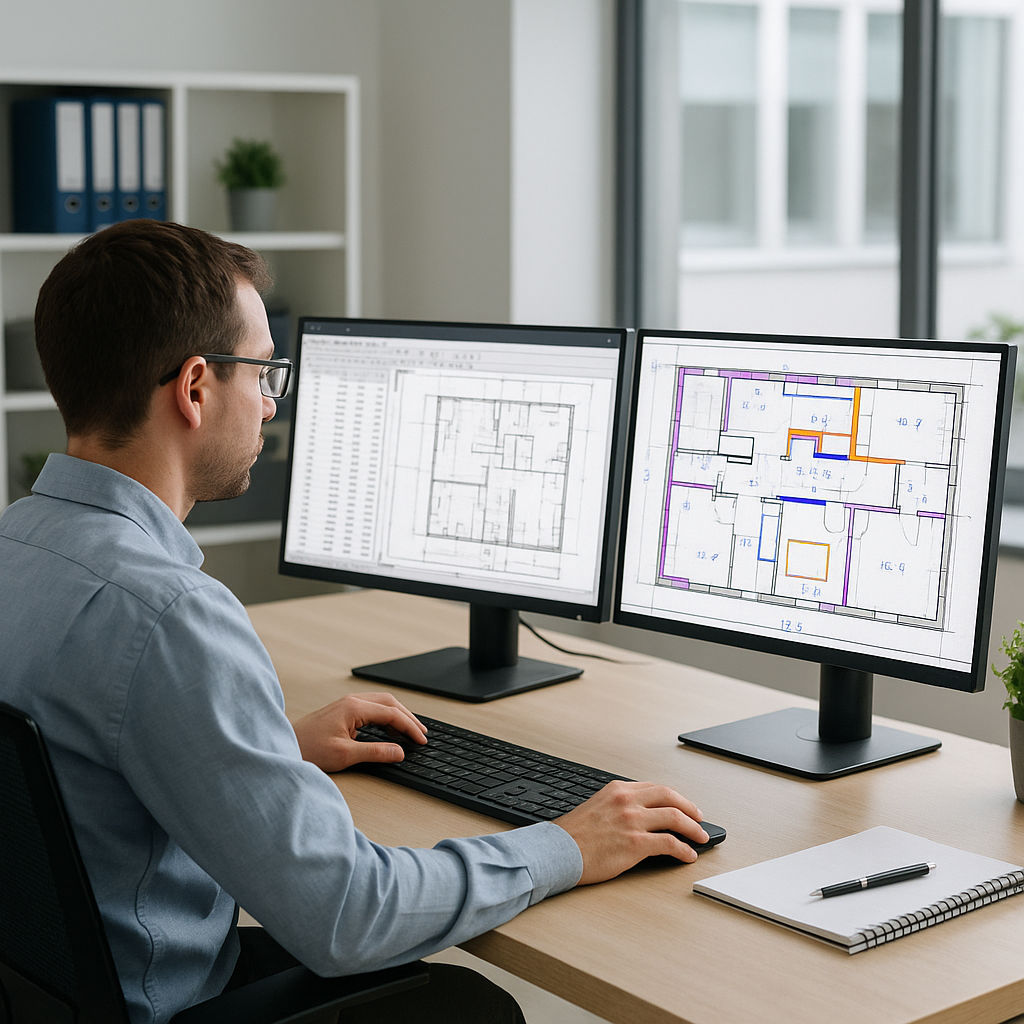
If you’ve ever spent days hunched over a stack of drawings, tracing measurements into software or spreadsheets, you know how tedious manual takeoffs can be. For a mid-sized project, it’s common for estimators to spend significant time just getting the quantities down. That’s time lost before you’ve even started pricing the job.
Why is this still happening in 2026? Because many teams are stuck with tools that are either outdated or not designed for the complexity of modern projects. Basic measuring tools can handle simple tasks, but they still require manual input and don’t efficiently manage revisions.
Now, let’s talk about what AI is doing to change this.
How AI-Powered Takeoffs Work
AI-powered tools automate the quantity takeoff process. Here’s a quick breakdown of how it works:
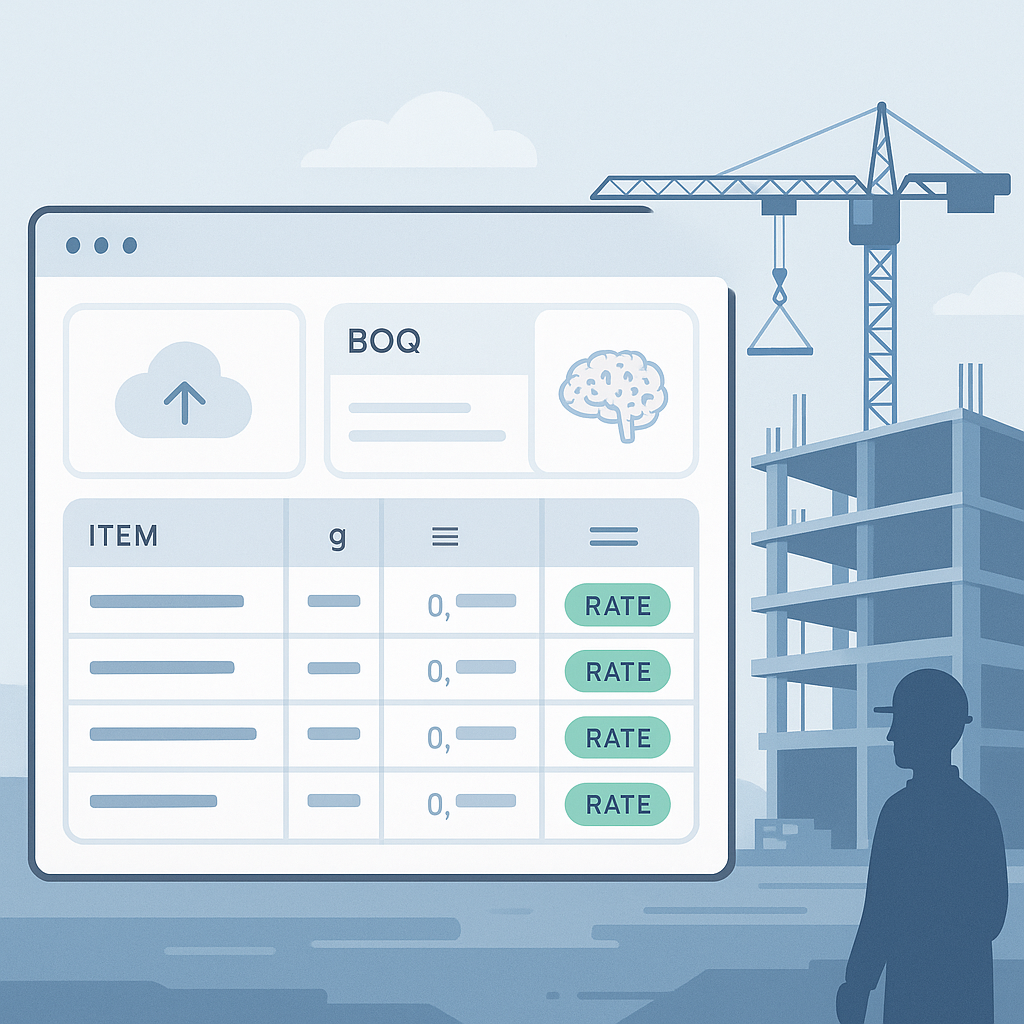
- Upload Your PDF Drawings: Instead of manual tracing, you upload the files, and the AI scans every page.
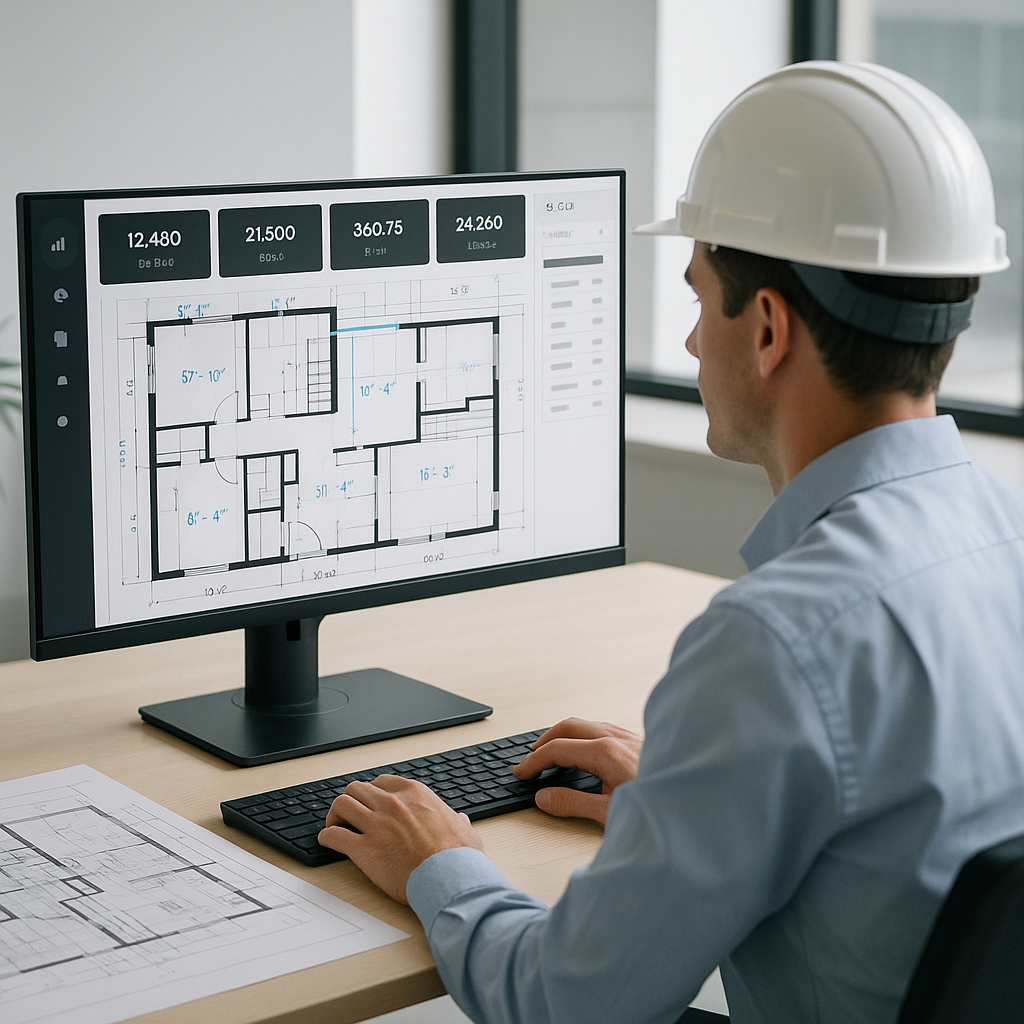
- Vision AI Extraction: The software identifies room areas, wall lengths, door/window counts, and other measurements.
- Revisions Handled Automatically: Upload a new drawing set, and the tool compares it against the old one, highlighting changes.
- Real-Time Collaboration: Estimators can review, override, and approve quantities with a full audit trail.
The result? Tasks that used to take hours can now be completed in a fraction of the time.
Where AI Shines (and Where It Doesn’t)
Is AI perfect? No. It’s a tool, not a magic wand. Here’s where it really delivers value and where you’ll still need human oversight:
What AI Does Best:
- Speed: Manual takeoffs are time-consuming. AI tools significantly reduce this time.
- Consistency: No missed measurements or overlooked details.
- Revisions: Automatically tracks changes between drawing sets.
What Needs a Human Touch:
- Ambiguities: If a drawing is unclear, the AI might flag it for review. This is where your expertise comes in.
- Unusual Items: Custom features or materials might need manual adjustments.
- Final QC: Always double-check critical numbers before submitting a bid. AI gets you most of the way there, but the final review is essential.
Why This Matters for Your Bottom Line
AI-powered tools can save significant time and effort in the preconstruction phase. Faster takeoffs mean your team can handle more bids, focus on refining rates, and negotiate with subcontractors. This efficiency can translate into better project outcomes and improved competitiveness.
FAQs
Q: How accurate are AI takeoffs compared to manual ones?
A: AI tools are generally very accurate, but the quality of the input (e.g., clear drawings) is crucial. Most tools include options for manual review to ensure accuracy.
Q: Can AI handle all types of drawings?
A: Most, but not all. Poorly scanned PDFs or highly complex custom designs might require manual intervention.
Q: How long does it take to train a team to use this software?
A: Most tools are designed with intuitive interfaces, requiring minimal training.
Q: Is this only for big contractors?
A: No. AI tools can scale to projects of any size, from small office fit-outs to large infrastructure developments.
Common Mistakes to Avoid
- Blind Trust in AI: Always review quantities flagged as low-confidence.
- Skipping Revisions: Don’t assume the AI understands every change. Upload revisions and double-check.
- Underutilizing Features: Most AI tools come with advanced settings like custom rate catalogs — make sure to use them.
Call to Action
If you’re ready to streamline your preconstruction estimation process, consider exploring AI-powered tools. They can help you save time, improve accuracy, and free up your team for higher-value work.