The Problem with Manual Rate Lookups
Let’s be honest. Manual rate lookups are a drag. You’re flipping through PDFs, skimming Excel sheets, or maybe even leafing through an actual printed catalog (yes, those still exist). For a mid-size project, this takes hours. For a large-scale bid? It’s a full day. And guess what? It’s not just time-consuming—it’s error-prone. Miss one line item, and you could underprice a bid significantly. Overprice it? You lose the job altogether.
But this isn’t just a problem for big general contractors (GCs). MEP subs, interior fit-out specialists, and regional contractors all face it. The sheer volume of rates—materials, labor, equipment, inflation adjustments—is overwhelming.
So, how do you fix it? You automate it.
How AI Rate Matching Works
AI-powered rate matching tools, like the ones in EstimateNext, are game-changers. Here’s the gist:
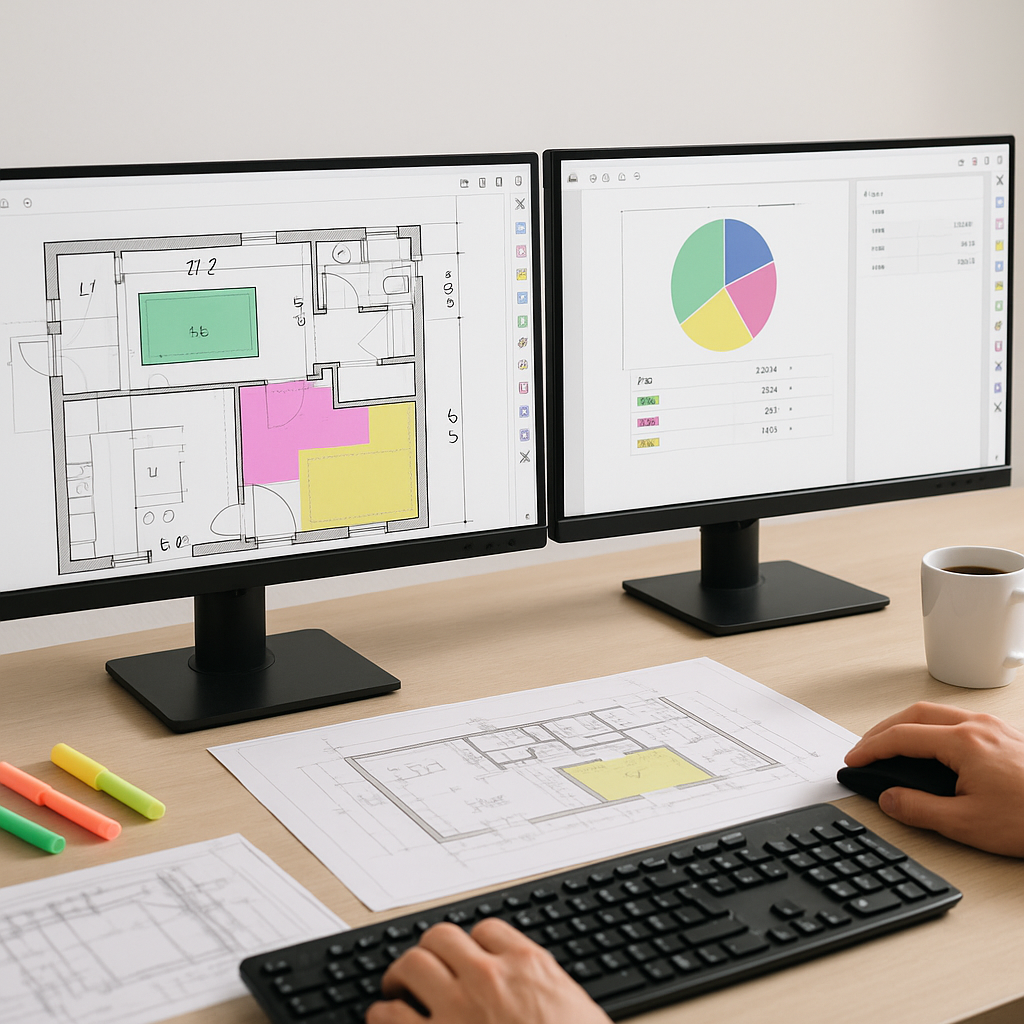
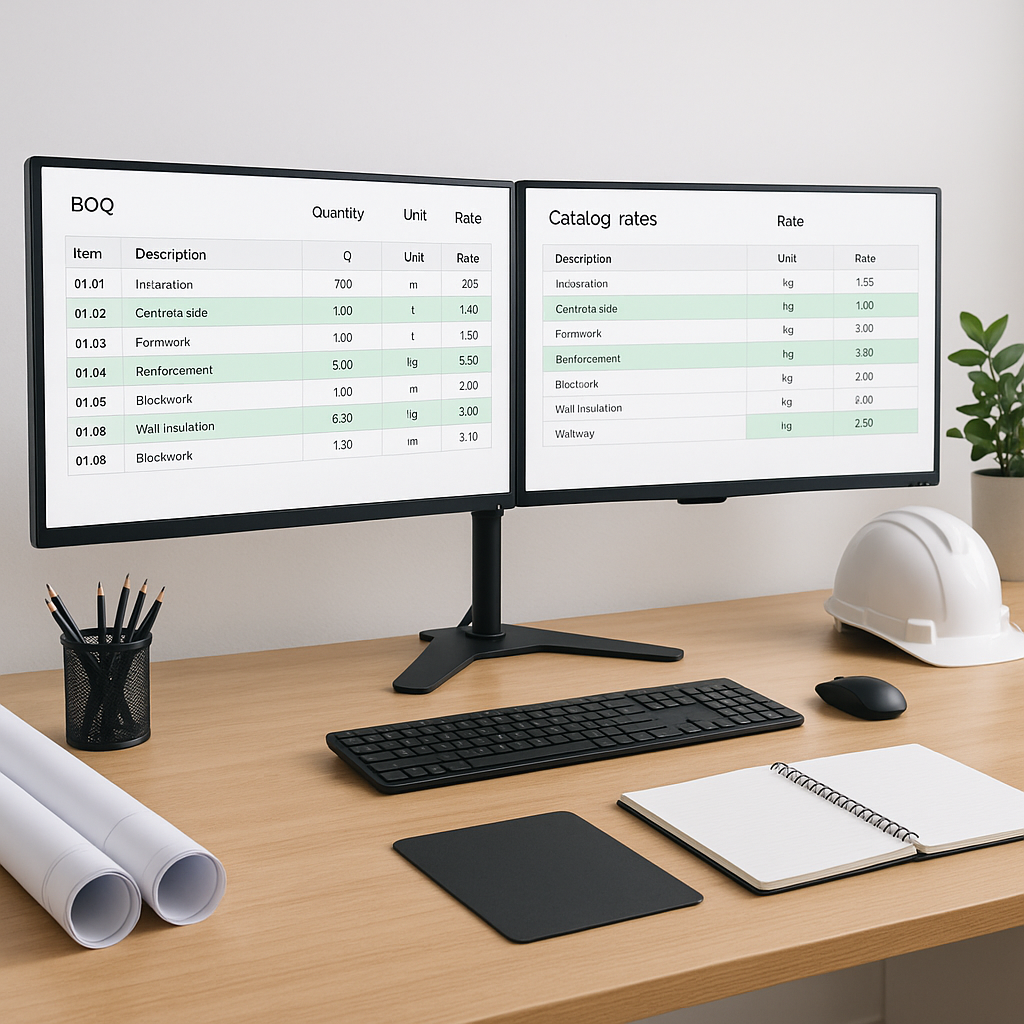
- Upload Your BOQ: Start with an Excel, CSV, or even a messy PDF. The AI parses it for you, identifying section headers, hierarchies, and line items.
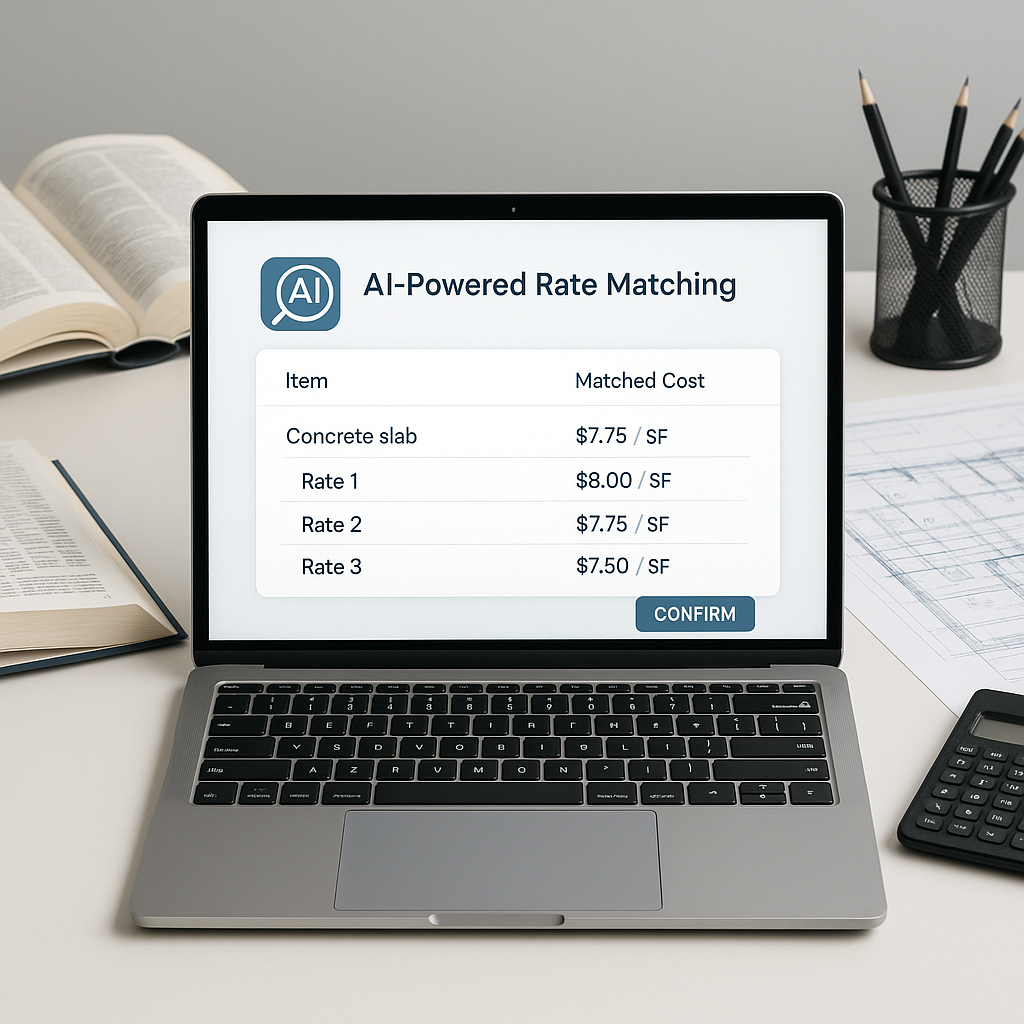
- Search Across Massive Catalogs: Instead of manually flipping through CPWD DSR, RSMeans, or your local SOR, the AI scans thousands of items in seconds. Need the rate for "structural steel erection"? Type it in, and it’s there.
- Custom Rate Integration: Got a bespoke material or labor rate? No problem. Just add it once, and the system remembers it for future projects.
- Audit Trail: Every matched rate comes with a breakdown—material costs, labor percentages, and inflation adjustments. You know exactly where the number came from.
It’s not magic. It’s just a smarter way to work.
Why It’s Not Just About Speed
You might be thinking, “Sure, AI is fast, but can it really replace human judgment?” It’s a fair question. And no, it can’t. But it doesn’t need to. AI doesn’t replace your expertise; it amplifies it. You still make the calls on markup, scope adjustments, and go/no-go decisions. The AI just handles the grunt work.
Think of it this way: Why spend an hour finding a rate when you can spend 10 seconds verifying one?
What to Watch For
Not all AI rate matching tools are created equal. Here’s what you need to check before committing:
- Catalog Coverage: Does the tool cover your specific SOR catalogs or local standards? EstimateNext, for instance, includes items across US, India, GCC, and UK markets.
- Customizability: Can you add your own rates and see them reflected immediately?
- Accuracy: Does the tool offer features like audit trails? These let you verify matches instead of blindly trusting them.
FAQs
Q: How accurate is AI rate matching?
A: Highly accurate when the input data is clean. Most tools, like EstimateNext, offer manual overrides for edge cases.
Q: Does it work for small projects?
A: Absolutely. Whether it’s a small renovation or a large infrastructure project, AI scales to your needs.
Q: Can I use my own rate catalogs?
A: Yes. Good platforms let you upload custom rates and even project-specific adjustments.
Q: Does it integrate with other tools?
A: Most do. EstimateNext, for example, integrates with Procore, Bluebeam, and Excel to fit into your existing workflow.
Final Thoughts
Manual rate lookups are a thing of the past. AI-powered tools don’t just save time—they make your estimates more accurate and competitive. If you’re still flipping through rate books, you’re leaving money on the table.