The Takeoff Bottleneck in Preconstruction Estimation
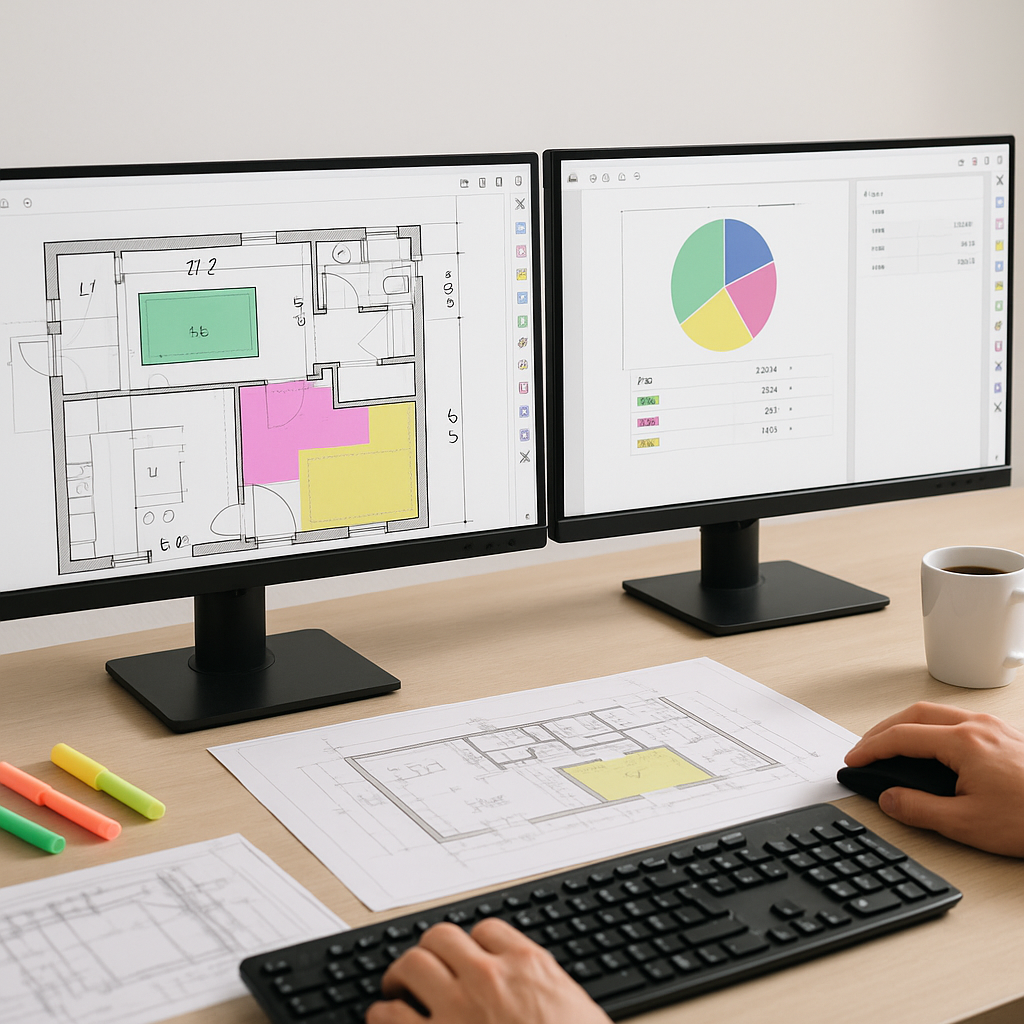
Manual takeoffs can be a time-consuming and error-prone process. Estimators often spend significant time tracing over drawings, counting windows, and measuring walls. This traditional approach can lead to inefficiencies and potential inaccuracies.
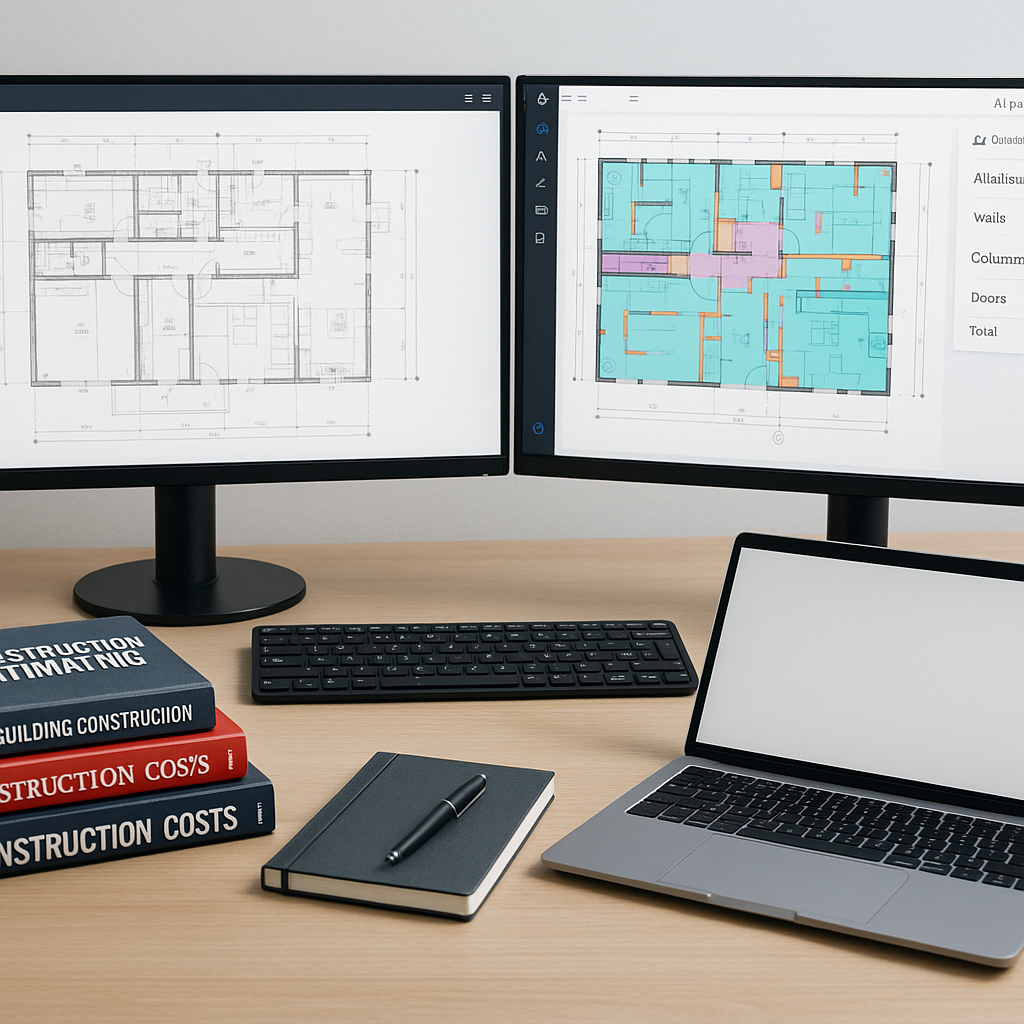
Now imagine this: you feed those same drawings into an AI tool, and within minutes, you have your quantities—room areas, wall lengths, door counts—ready to go. AI-powered tools are designed to handle repetitive tasks, allowing teams to focus on higher-value activities like refining bid strategies or negotiating with subcontractors.
Why Manual Takeoffs Can Be Challenging
Manual takeoffs are not only slow but also risky. Errors such as missed beams, miscounted doors, or incorrect measurements can compound into larger issues downstream. Additionally, manual methods don’t scale well for large projects with numerous drawings. Tight deadlines further increase the likelihood of mistakes.
How AI-Powered Takeoff Tools Work
Here’s the general process for using an AI-powered takeoff tool:
- Upload Your Drawings: The tool typically accepts various file formats, such as PDFs or CAD files.
- AI Extraction: The AI scans the documents, identifies elements like walls, windows, and rooms, and generates quantities.
- Review and Adjust: While AI tools are efficient, they may flag certain areas for manual review where confidence is lower. This ensures human oversight where needed.
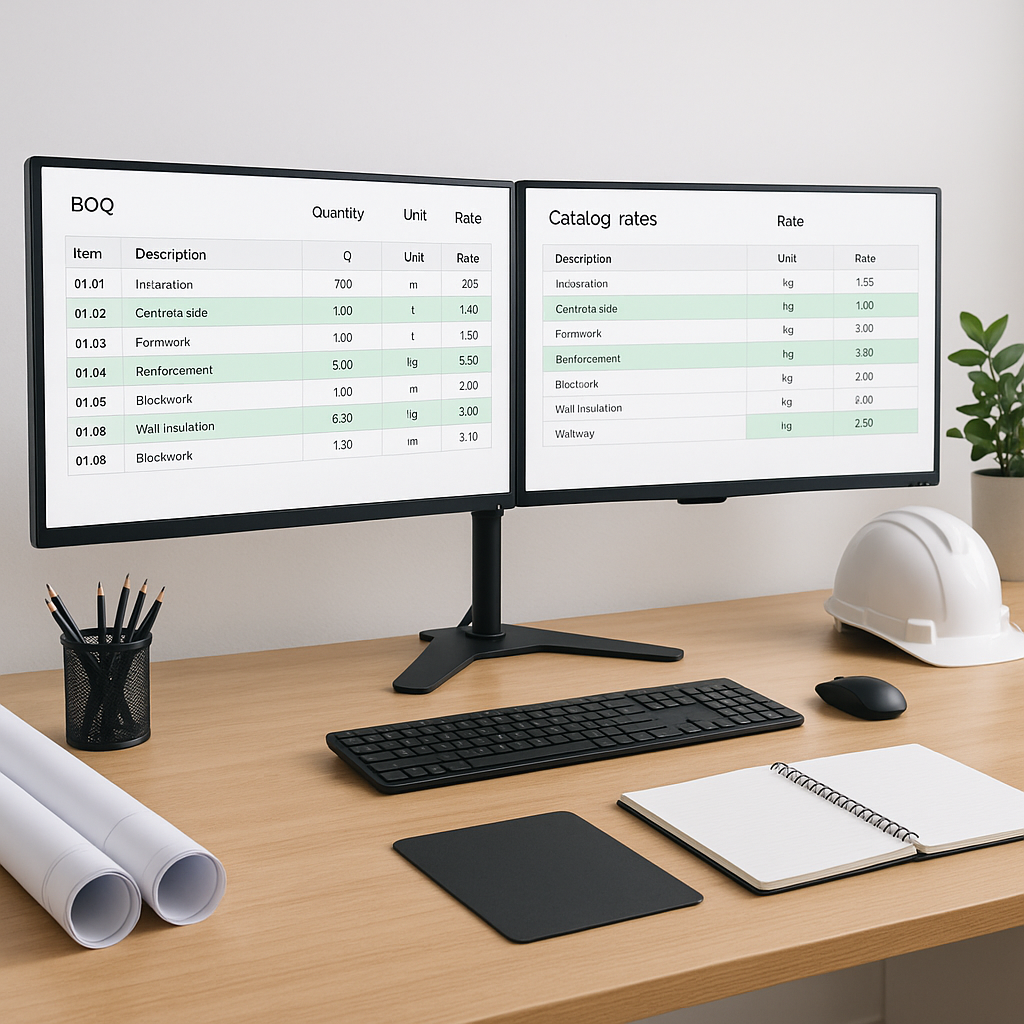
- Export Quantities: Once reviewed and approved, the data can be exported into your preferred bid workflows, such as Excel or project management software.
These tools are designed to be user-friendly, enabling teams to integrate them into their workflows without extensive training.
Addressing Concerns About Accuracy
No AI tool is 100% accurate, and neither are manual methods. However, AI tools can reduce the likelihood of errors by automating repetitive tasks and flagging areas for review. Human expertise remains essential for ensuring the final output meets project requirements.
Best Practices for Using AI in Takeoffs
- Clean Inputs: Ensure your drawings are clear and complete to maximize the tool’s effectiveness.
- Review Flagged Items: Pay attention to areas flagged by the AI for manual review.
- Ensure Workflow Compatibility: Choose a tool that integrates seamlessly with your existing software stack.
FAQ
Q: Can AI handle complex projects like hospitals or airports?
A: Yes, but expect more flagged items for manual review. AI performs well with repetitive tasks but may require additional oversight for unique layouts or custom designs.
Q: How long does it take to learn the tool?
A: Most AI tools are designed to be intuitive, allowing teams to adopt them quickly.
Q: What’s the ROI?
A: The return on investment depends on factors like project size and the time saved compared to manual methods. Automating takeoffs can significantly reduce the effort required for estimation.
Final Thoughts
AI-powered tools are not here to replace estimators but to enhance their capabilities. By automating repetitive tasks, these tools allow professionals to focus on strategic aspects of preconstruction. If you’re still relying solely on manual takeoffs, it may be time to explore how AI can streamline your process.