The Problem: Manual Takeoffs Are a Time Sink
If you've ever spent hours tracing beams and walls on CAD drawings, you know how tedious takeoff work can be. Manual takeoffs require significant time and effort, often involving multiple team members and meticulous attention to detail. And that's before you even start pricing out the job.
This isn't just frustrating—it's resource-intensive. Manual processes can divert valuable time and focus away from higher-value tasks like refining pricing strategies or coordinating with subcontractors.
The Solution: AI Takeoffs in Minutes
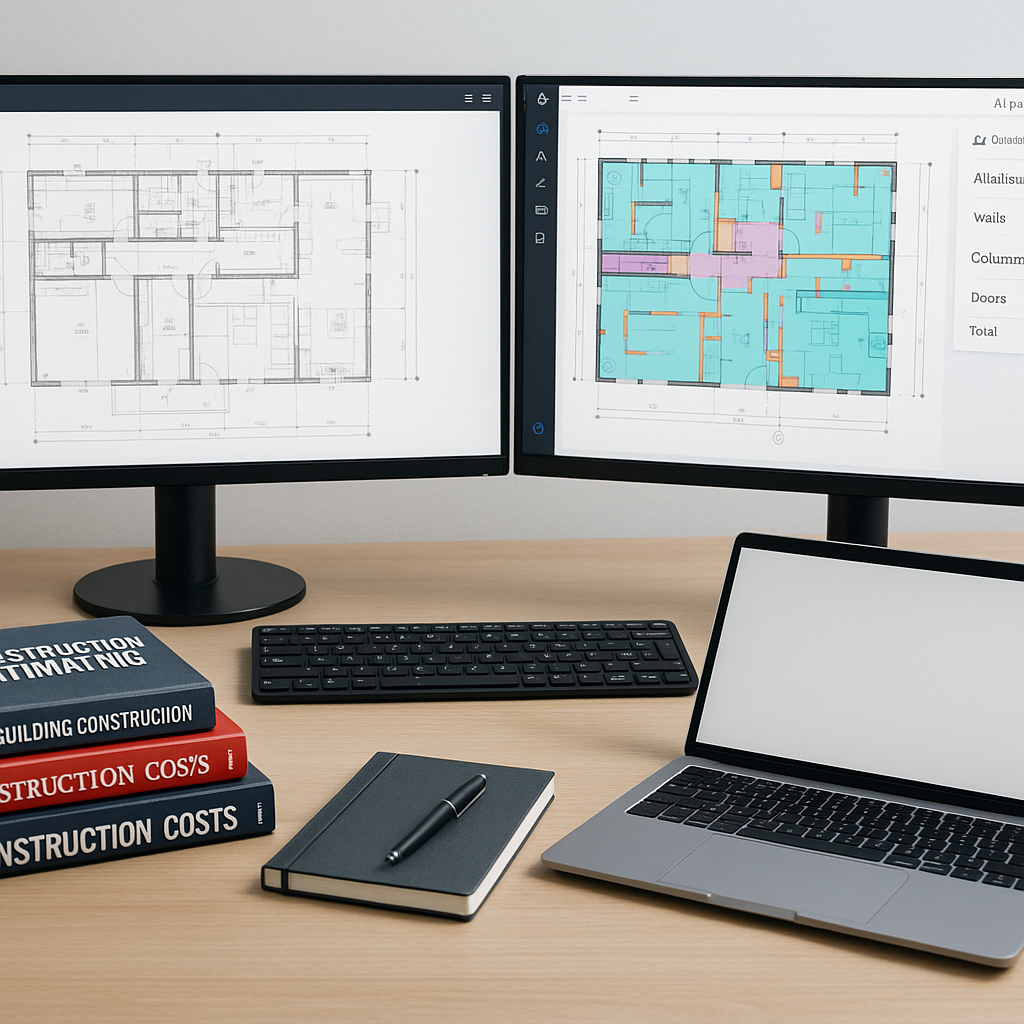
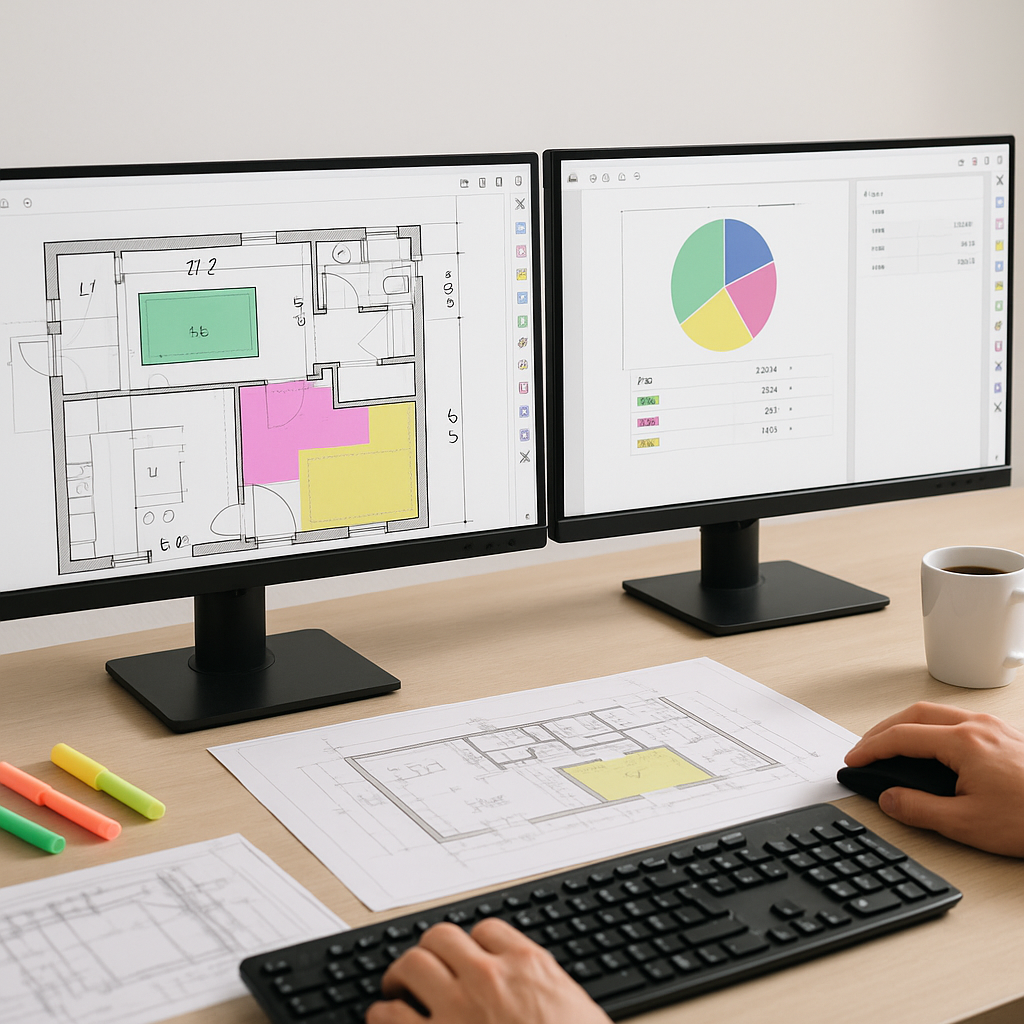
AI-powered tools are transforming the way takeoffs are performed by automating the process and significantly reducing the time required. These tools can analyze architectural or structural drawings, identify key elements like room areas, wall lengths, and door/window counts, and generate quantity takeoffs quickly and efficiently.
Here’s how the process typically works:
- Upload a PDF: The estimator uploads architectural or structural drawings to the platform.
- AI Extraction: The tool analyzes the drawings, calibrates measurements (linear, area, counts), and extracts quantities.
- Review & Adjust: Ambiguous elements are flagged for manual review, ensuring accuracy.
- Output: Quantities are exported into formats like Excel, CSI MasterFormat, or AIA G703, ready for pricing.
Illustrative example — A contractor using an AI-powered tool might reduce the time spent on takeoffs from several days to just a few hours, freeing up resources for other critical tasks.
Why Accuracy Still Matters
Here’s the obvious objection: "But AI can’t think like an estimator."
That’s true to a point. AI doesn’t replace your expertise—it complements it. You’re still the one making judgment calls, negotiating with subs, and deciding on markups. The AI just handles the repetitive tasks, allowing you to focus on strategic decisions.
Modern AI tools also incorporate features like confidence scoring and manual override options. If the system isn’t sure about a specific takeoff, it flags it for review. This combination of automation and human oversight ensures accuracy without sacrificing control.
Common Questions About AI Takeoffs
Q1: How accurate are AI-powered takeoffs compared to manual ones?
AI tools are designed to be highly accurate, but the quality of your input data (drawings, specs) plays a significant role. Human oversight is still essential for final checks.
Q2: Do AI tools integrate with existing software?
Yes. Many AI tools integrate seamlessly with platforms like Bluebeam, Procore, and Excel, allowing you to export takeoff data directly into your existing workflows.
Q3: What if my project involves custom elements?
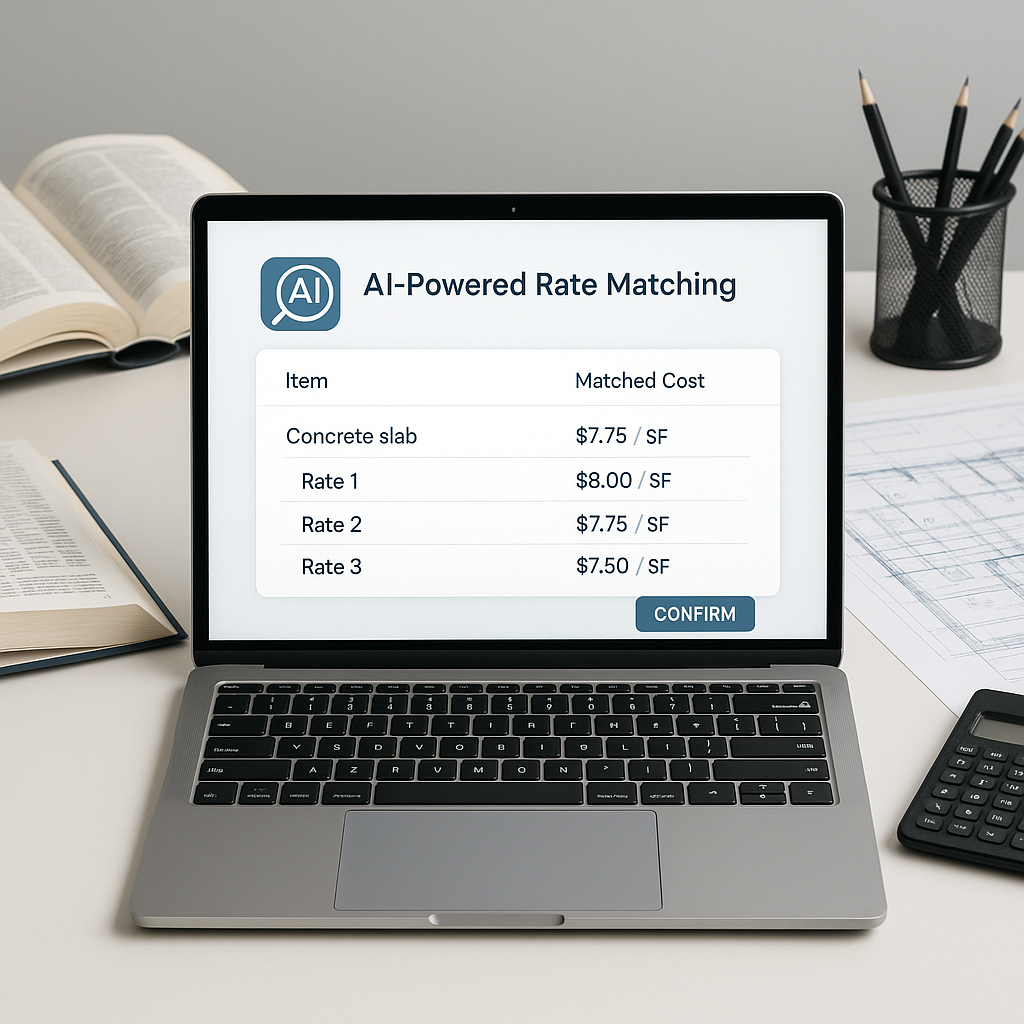
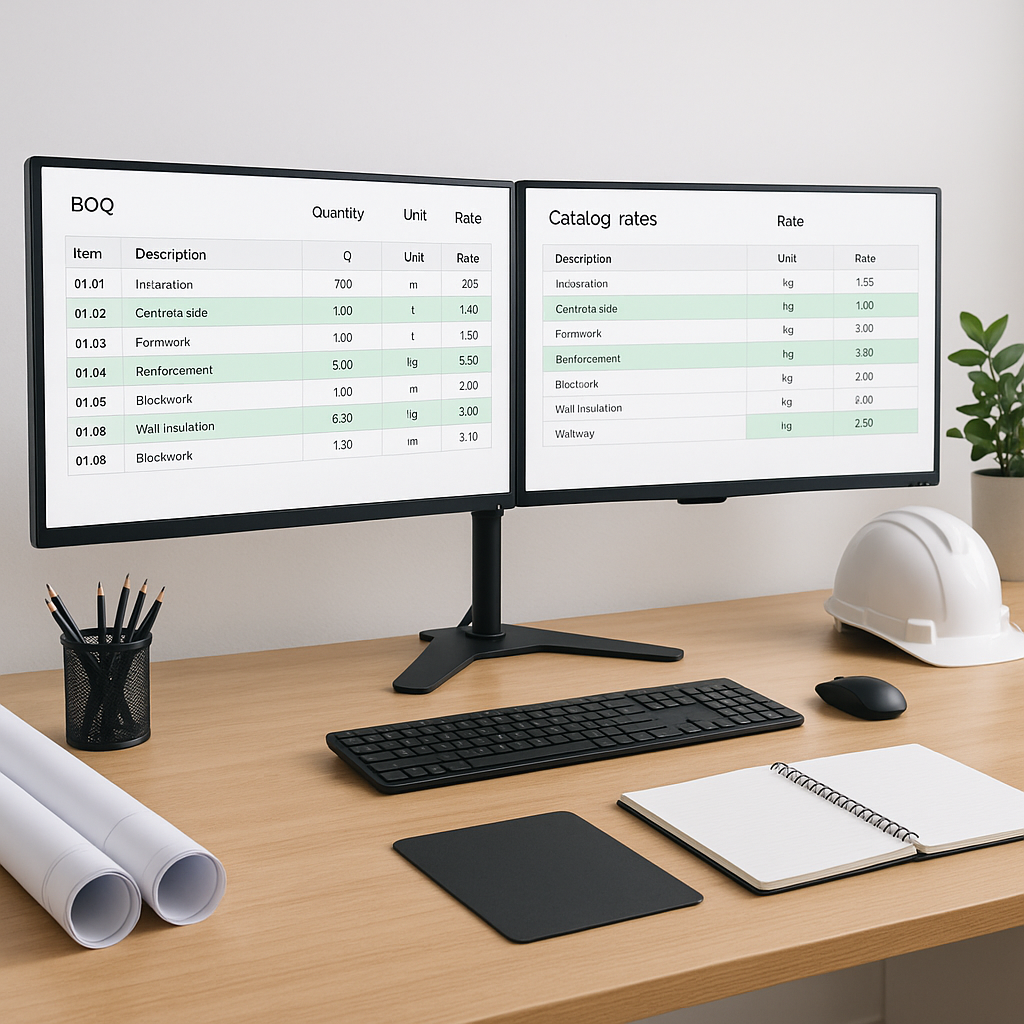
AI tools often allow you to define custom elements or upload project-specific rate catalogs, ensuring your estimates reflect real-world costs.
Q4: How long does it take to train my team?
Most AI tools are designed to be intuitive. Training typically takes a short amount of time, even for teams with minimal tech experience.
What to Watch For
Not all AI tools are created equal. Here are some common pitfalls to avoid:
- Over-reliance: Don’t skip manual reviews entirely. AI is a tool, not a replacement for judgment.
- Poor Input Data: Garbage in, garbage out. Ensure your drawings are clear and complete before uploading.
- Hidden Costs: Some platforms charge extra for features like exports or custom catalogs. Read the fine print.
The Bottom Line
AI-powered takeoffs aren’t just about saving time—they're about shifting focus. Instead of spending hours tracing beams, your team can spend that time refining pricing, negotiating better sub bids, or reviewing design alternatives.
If you're looking to streamline your preconstruction process, AI tools can help.
FAQ
How does AI handle revisions to drawings?
Many AI tools allow you to upload drawing revisions and compare changes side-by-side, ensuring your takeoffs stay accurate as designs evolve.
What types of projects benefit most from AI takeoffs?
AI tools scale to any project size, from small renovations to large infrastructure builds. Larger projects often see bigger time savings, but even smaller jobs benefit from faster turnaround.
Can AI tools handle multiple measurement standards?
Yes. Many platforms support standards like CSI, NRM2, CPWD, and CESMM3, enabling you to work across different markets and standards without switching tools.
What’s the ROI for AI estimation tools?
The return on investment depends on factors like project size and frequency, but early adopters of AI in construction often report significant time and cost savings.
Is AI a good fit for smaller contractors?
Yes. Many AI tools offer affordable pricing tiers, making them accessible even for small firms.