Why Manual Rate Lookup is Hurting Your Estimation Efficiency
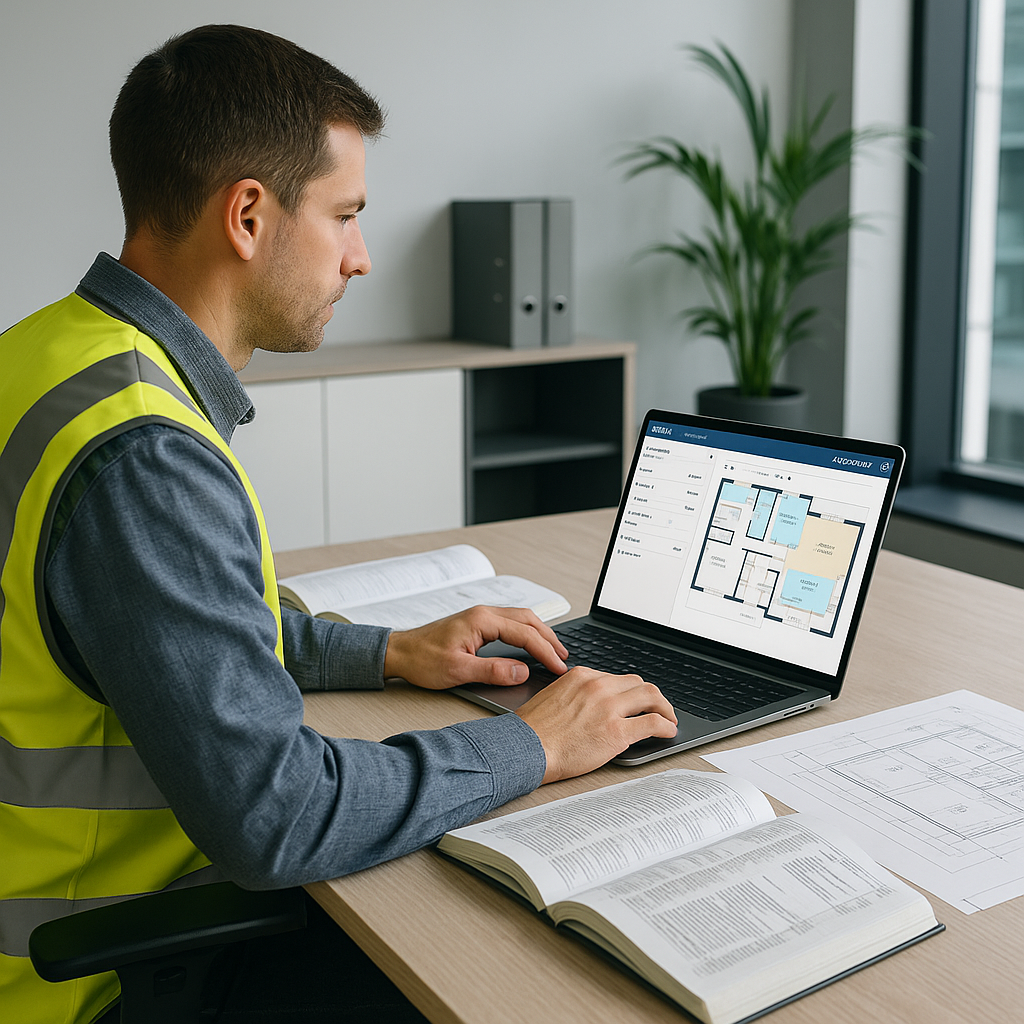
If you're in preconstruction, you know the drill. You get a BOQ, open your trusty rate book or PDF (hello, 2,000 pages), and start flipping. Need a rate for waterproofing membrane installation? That’s time-consuming and tedious. Multiply this by hundreds of items, and suddenly you’ve spent significant time just looking up numbers.
It’s not just the time. Manual rate lookup is error-prone. One wrong entry, and you’re either losing money or overpricing yourself out of a bid. Both are bad news.
But here’s the good news: AI can help streamline this process. Tools are emerging that aim to make rate matching faster and more accurate.
How AI-Powered Rate Matching Works
Let’s say you’ve got a BOQ with multiple line items. Here’s how an AI-powered rate matching tool typically works:
-
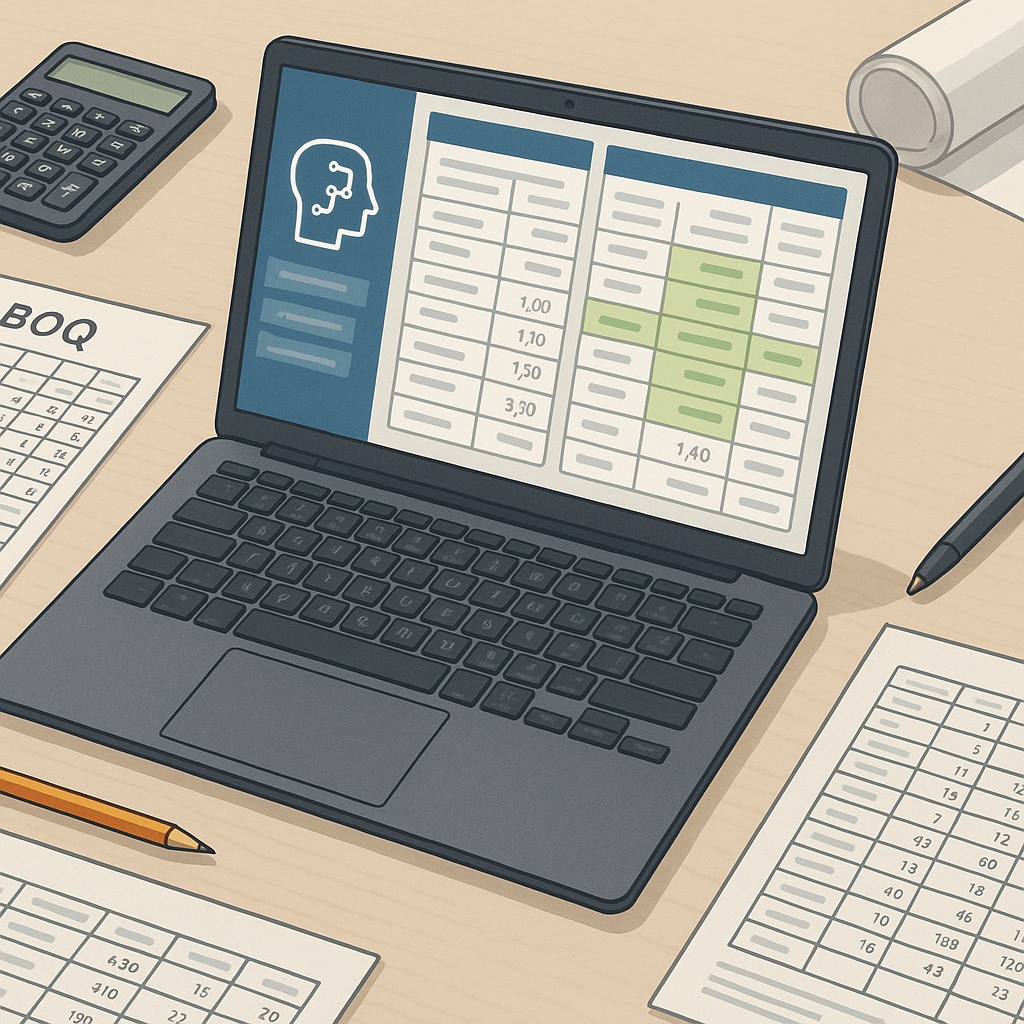
Upload Your BOQ: Drag and drop your Excel or CSV file. The system reads it (even if it’s messy with merged cells and unusual formatting).
-
Semantic Search: Need the labor rate for installing pre-stressed concrete girders? Just type it in. AI matches it quickly from a database of items. If your rate isn’t there, it may fall back on similar items or suggest alternatives.
-
Custom Catalogs: Got unique rates specific to your company or project? You can upload them, and the AI will prioritize your data in future searches. It learns as you go.
-
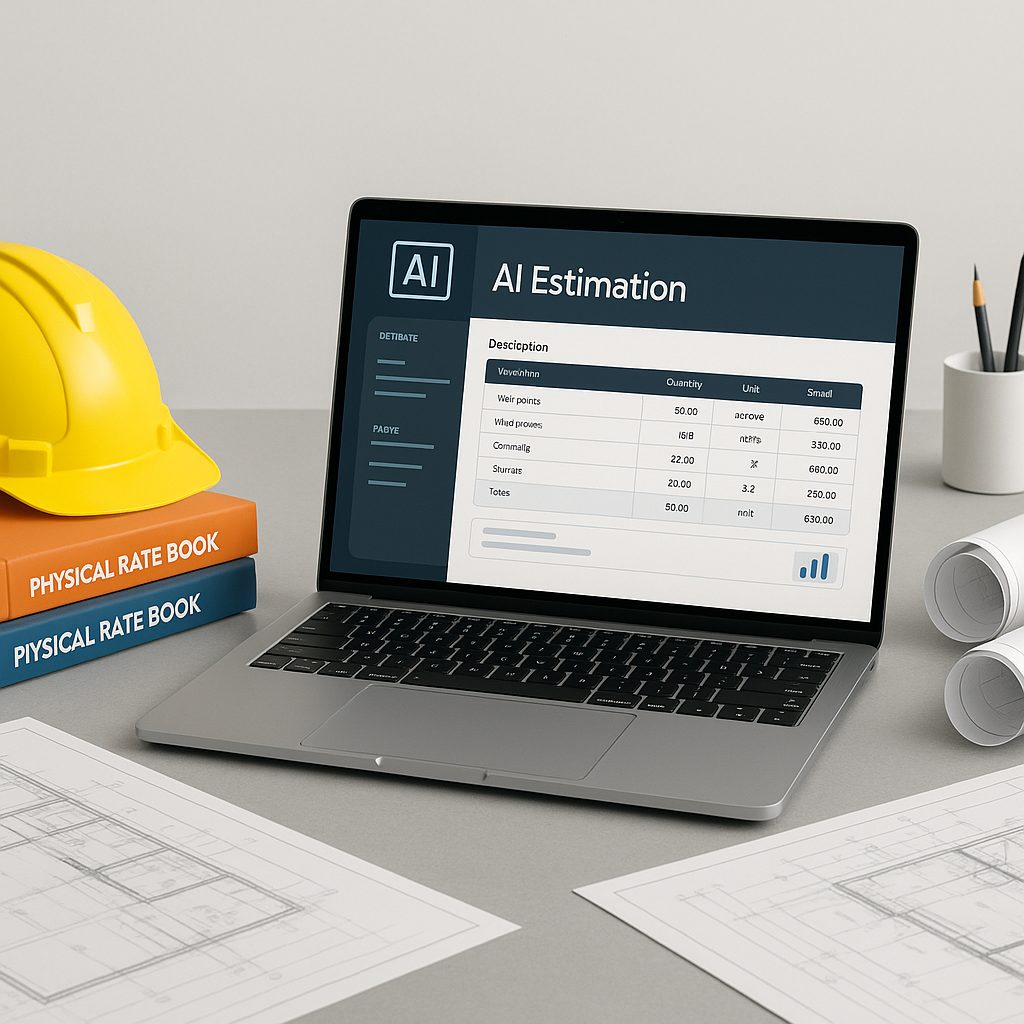
Audit Trail: Every rate matched comes with an explanation—material costs, labor, equipment. You can see exactly where the number came from.
The result? You’re not wasting hours flipping through rate books. And you’re not second-guessing if the rate is accurate.
Benefits of AI Rate Matching
Time savings are obvious. But let’s talk about what that saved time means:
- More Bids Submitted: Faster turnaround means you can respond to more bids, increasing your chances to win work.
- Better Margins: Accurate rates reduce the risk of underbidding. You’re not eating unexpected costs because of a mistake.
- Reduced Stress: When you’re not scrambling to meet deadlines, you can focus on strategy instead of repetitive tasks.
What About Edge Cases?
You might be thinking, “What happens when I need something super specific?” Good question. AI tools often let you override suggested rates. You can also manually input rates for niche items and save them for future use. The system gets smarter with every project.
Common Mistakes to Avoid
- Trusting AI Blindly: AI is powerful, but it’s not perfect. Always review high-value or critical line items.
- Skipping Customization: If you have your own rate catalogs, upload them. Otherwise, you’re not getting the full benefit.
- Ignoring the Audit Trail: The audit trail isn’t just for compliance; it’s your safety net. Use it to verify rates before finalizing.
FAQ: AI Rate Matching in Construction Estimation
Q: How accurate are AI-powered rates?
A: Accuracy depends on the quality of your input and whether your rates are in the database. Always review critical items.
Q: Can I use my custom rates?
A: Yes, you can upload your own rate catalogs. The AI will prioritize these over default rates.
Q: How long does it take to set up?
A: Setup time varies, but most users can start seeing benefits quickly. The system improves with use as you provide feedback.
Q: Does this replace my team?
A: No. AI handles repetitive tasks like rate lookup so your team can focus on high-value work.
The Bottom Line
AI-powered rate matching isn’t about replacing estimators; it’s about amplifying their skills. It takes the most tedious part of the job—manual rate lookup—and makes it faster and more efficient. The result? More time, fewer errors, better bids.
If you’re still flipping through rate books or struggling to hit deadlines, it’s time to rethink your tools.