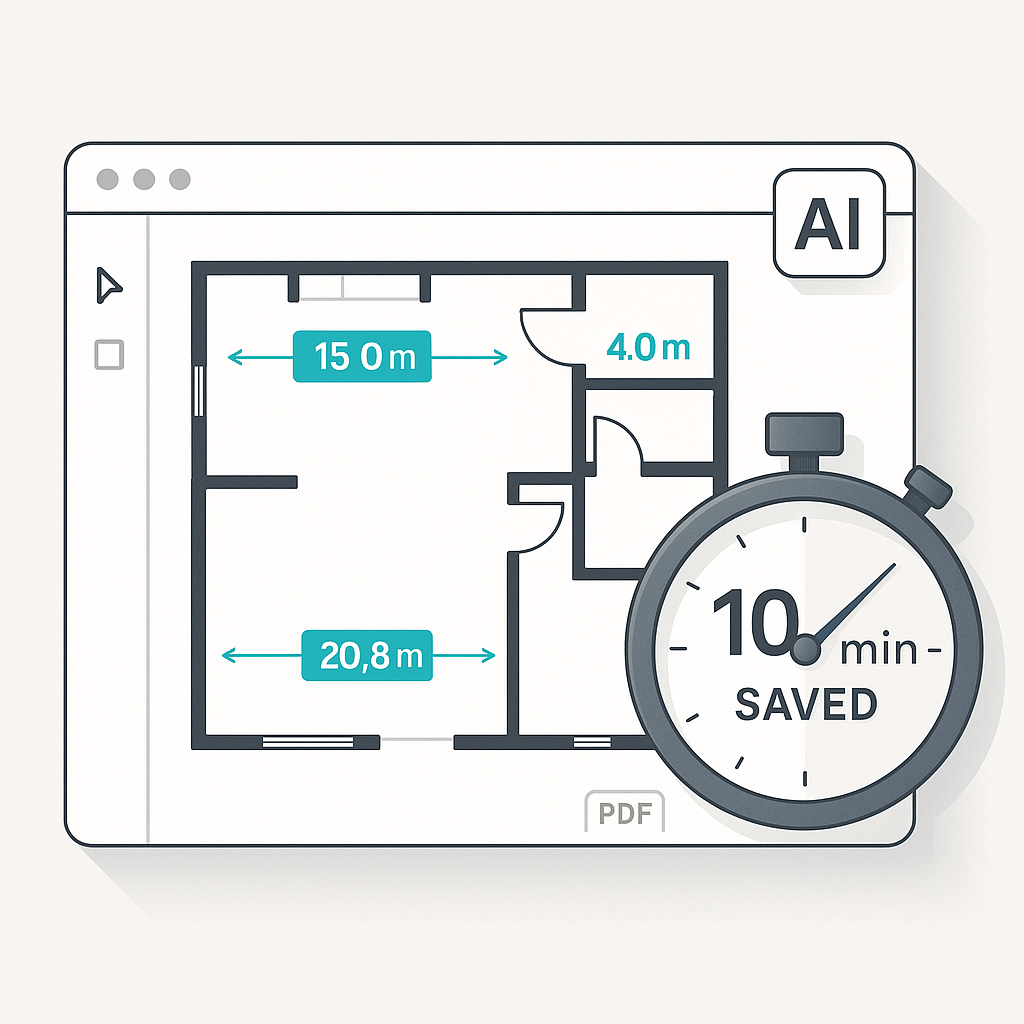
The Problem with Manual Rate Lookup
Let’s start with a question: how much time have you spent flipping through rate books? If you’re using RSMeans or CPWD DSR catalogs, the process can be tedious and error-prone. For a single mid-size project, manual rate lookup often takes significant time to price every line item. It’s a repetitive task that can slow down the entire estimation process.
Rate lookup isn’t just slow—it creates a domino effect. Miss one rate, and you’re stuck rebuilding your estimate. Forget to cross-check an updated catalog, and your pricing may fall apart during negotiations. Custom rates for unique materials or finishes add another layer of complexity. Manual lookup simply isn’t built for the pace of modern construction.
How AI Rate Matching Works
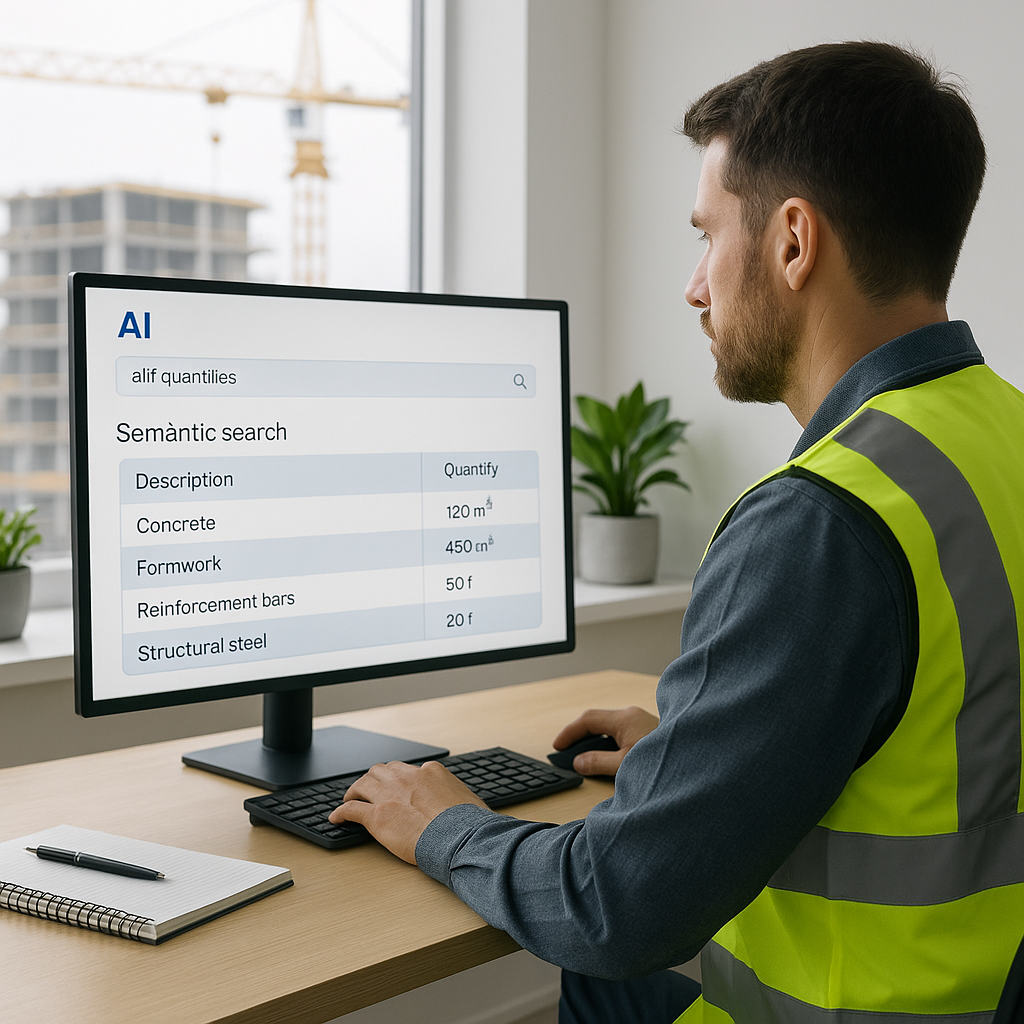
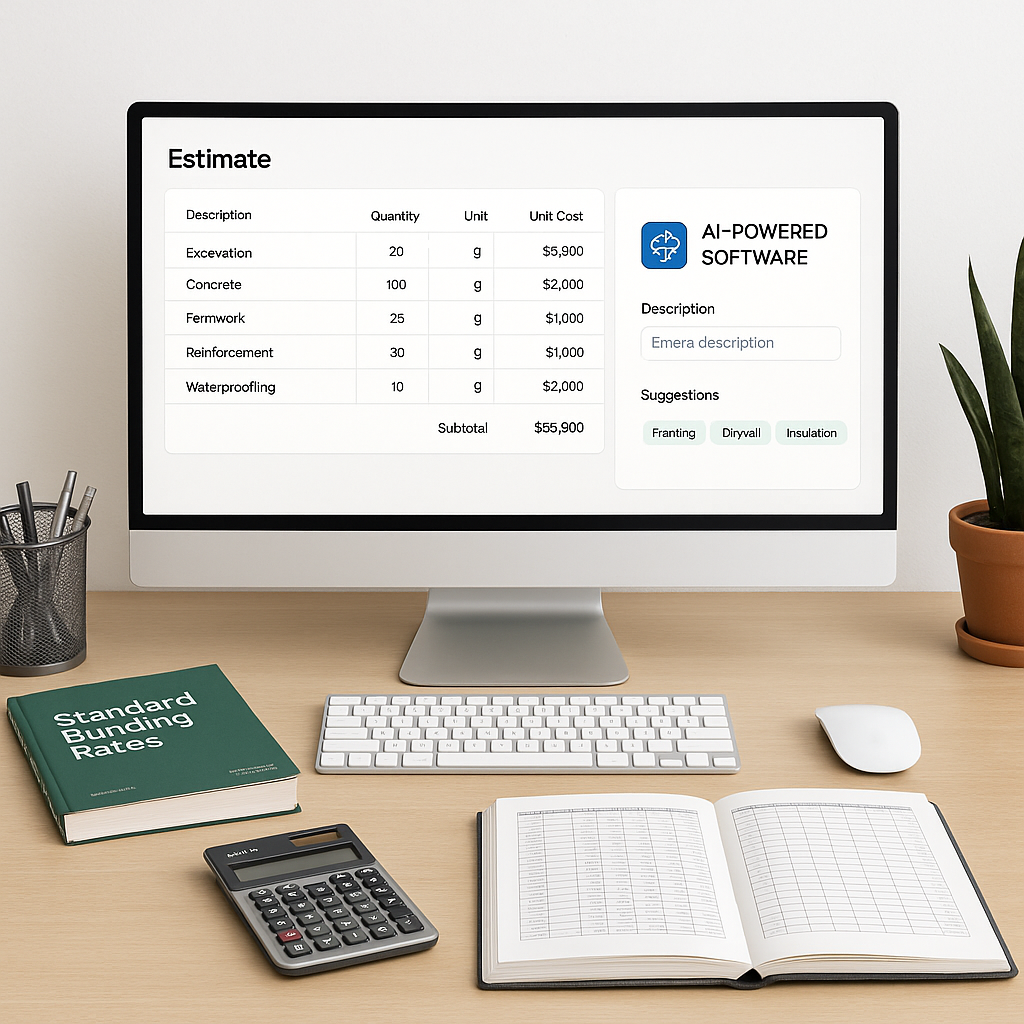
AI-powered rate matching transforms this workflow. Instead of manually searching through thousands of pages, AI tools use semantic search to find the right rates quickly. For example, if you need the labor cost for installing pre-stressed concrete girders, you can type it in, and the AI scans catalog entries to return the relevant match.
Illustrative example — let’s say you’re pricing a rail bridge project and need rates for structural steel, rail ties, and concrete decks. With AI, you upload your BOQ, and the system matches each item to the relevant catalog entries instantly. This eliminates the need for manual searching and reduces guesswork.
The real advantage? AI tools learn from your adjustments. If you reject a suggested rate or upload a custom catalog, the system integrates this feedback for future use. Over time, the tool becomes more tailored to your specific needs, improving efficiency and accuracy.
The Benefits of AI Rate Matching
AI rate matching offers both time and accuracy benefits. Faster rate lookup allows estimators to focus on higher-value tasks like refining bid strategies or negotiating with clients. Additionally, more accurate estimates reduce the risk of costly errors that can arise from outdated or incorrect rates.
According to industry insights, early adopters of AI in construction report improved efficiency and reduced errors in their estimation workflows. By automating repetitive tasks, teams can allocate their resources more effectively and improve their competitive edge.
Common Questions About AI Rate Matching
Q1: How accurate are AI-matched rates?
AI tools are designed to be highly accurate, but human oversight is still essential. Features like manual overrides and flagged low-confidence matches ensure you can refine results as needed.
Q2: Will AI work with my custom catalogs?
Yes. Many platforms allow you to upload custom rate sheets, which the AI integrates seamlessly. This is particularly useful for firms with unique materials or regional pricing.
Q3: Is it hard to learn?
Most platforms are designed for ease of use. Training typically takes a short amount of time, and the user interfaces are intuitive.
Q4: Can AI handle international standards?
Yes. Many AI tools support multiple measurement standards, currencies, and tax regimes, making them suitable for contractors working across different markets.
What to Watch For
AI isn’t perfect, and it’s important to understand its limitations. Here are a few considerations:
- Input Quality Matters: Ensure your BOQ is clean and well-structured before uploading. Poor input data can lead to inaccurate results.
- Confidence Scoring: Pay attention to flagged low-confidence matches. These require manual review to ensure accuracy.
- Learning Curve: The system improves over time, but early projects might need more adjustments as the AI learns from your feedback.
Final Thoughts
AI rate matching is a valuable tool for modern construction teams. By automating the tedious process of manual rate lookup, it allows estimators to focus on more strategic tasks. While manual methods may have worked in the past, today’s fast-paced industry demands more efficient solutions.
If you’re looking to streamline your estimation process, AI-powered tools can help. They match rates quickly, learn from your feedback, and integrate seamlessly into your workflow.