Manual Takeoffs Are Draining Productivity
Manual drawing takeoffs remain a significant bottleneck for preconstruction teams. Tracing beams and counting doorways by hand can consume substantial time and effort, especially when managing multiple projects. This process is not only time-intensive but also prone to errors that can impact bid accuracy and project margins.
How AI Takeoffs Work (Simplified Overview)
AI-powered tools address these challenges by automating the takeoff process. Here’s a general overview of how they function:
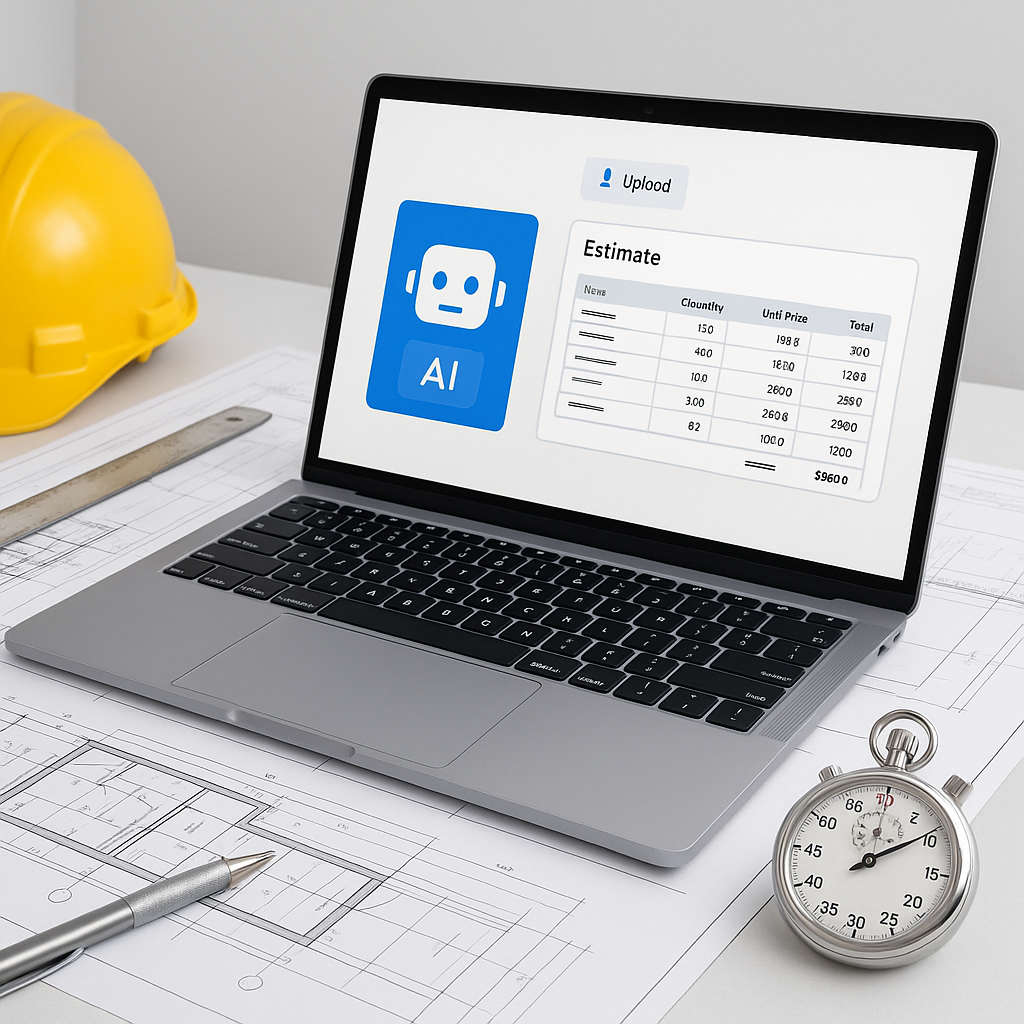
- Upload Your Drawing Set: Users upload files such as PDFs or DWGs. The AI parses the documents to identify areas, lengths, and counts.
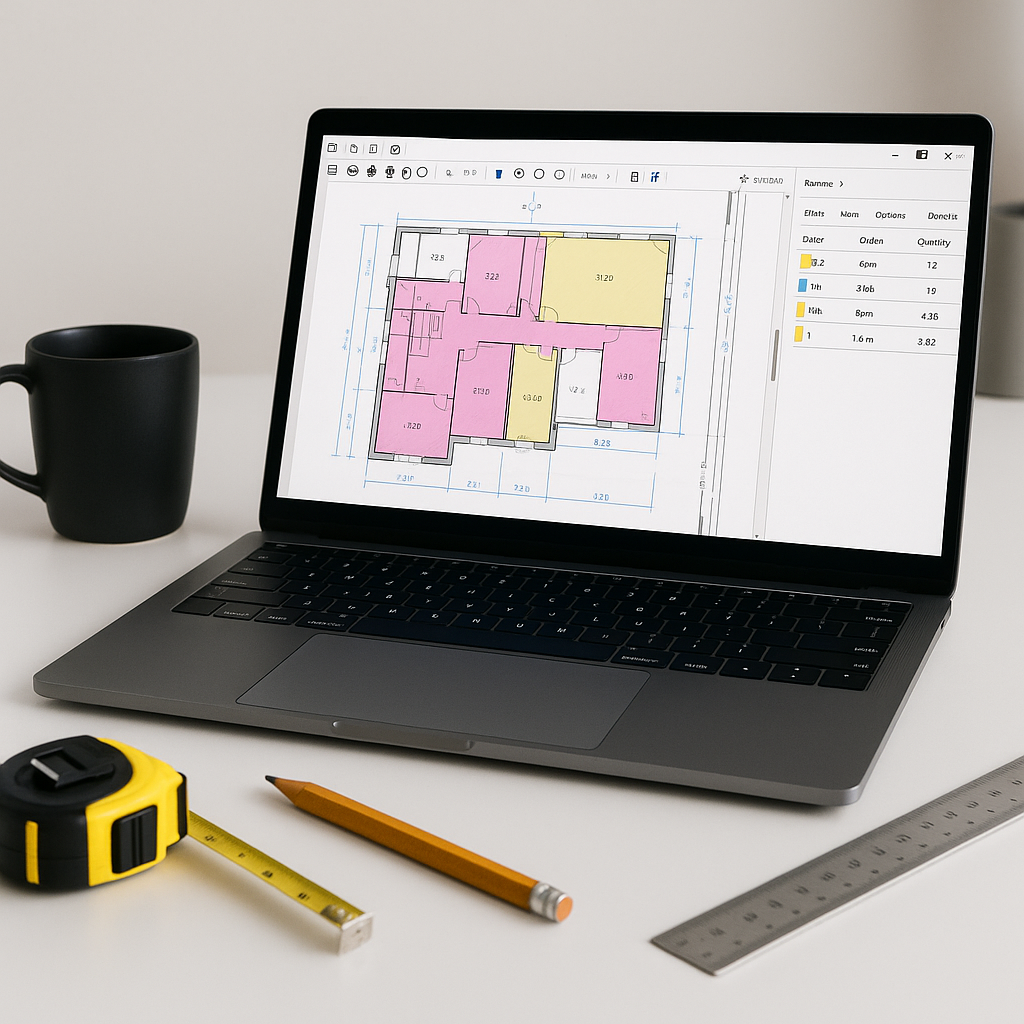
- Vision AI Extraction: Machine learning algorithms detect key features like walls, doors, and windows. The system may flag areas for manual review if confidence is low.
- BOQ Integration: Quantities are mapped directly to the Bill of Quantities (BOQ), streamlining the transition to costing and rate matching.
Illustrative example — A contractor using AI tools might reduce the time spent on takeoffs significantly, freeing up resources for higher-value tasks like subcontractor negotiations or risk analysis.
Why Speed Matters in Preconstruction
Faster takeoffs can provide a competitive edge. By reducing the time required to prepare bids, teams can allocate more effort to refining proposals, vetting subcontractors, and analyzing risks. This responsiveness can be critical in competitive bidding environments.
Additionally, with skilled estimators in short supply, automating repetitive tasks allows teams to focus on areas that require expertise, such as strategic decision-making and client relationship management.
Addressing Common Concerns About AI
AI tools are designed to complement, not replace, human expertise. While they handle repetitive tasks efficiently, final decisions still rely on human judgment. For example:
- Reviewing flagged areas: AI systems often highlight low-confidence areas for manual verification.
- Handling unique features: Custom elements like curved walls or bespoke millwork may require manual input.
Common Mistakes to Avoid
- Skipping the Review Step: Always review flagged areas to ensure accuracy.
- Using Outdated Drawings: Ensure the latest revisions are uploaded to avoid discrepancies.
- Overlooking Edge Cases: Unique or complex features may need manual adjustments.
FAQ
Q: How accurate are AI-powered takeoffs?
Accuracy depends on the quality of the input data and the tool used. While AI tools can significantly reduce errors, manual review remains essential for edge cases.
Q: Can AI tools integrate with existing software?
Yes, many AI tools integrate with platforms like Bluebeam, Procore, and Excel, enabling seamless workflows.
Q: What about unusual or custom features?
AI tools excel at standard features but may require manual input for unique elements. Always review these cases to ensure accuracy.
Why AI Takeoffs Are Just the Beginning
AI-powered takeoffs are one part of a broader transformation in preconstruction estimation. These tools also support tasks like rate matching, bid leveling, and scenario analysis, enabling a more efficient and accurate workflow. By adopting AI, teams can focus on strategic priorities and deliver better outcomes for their projects.