The Problem: Manual Takeoffs Are Time-Consuming and Error-Prone
Estimators know this routine too well. You get a set of drawings—sometimes hundreds of pages long. Your job? Trace every beam, column, and wall to calculate quantities. It’s tedious, time-consuming work. Manual takeoffs often require significant time and effort, especially for large projects.
Worse, it’s error-prone. A missed line here, a miscalculation there—and suddenly, your cost estimate is way off. In an industry where bids are already razor-thin, those errors aren’t just embarrassing; they’re expensive.
So what’s the alternative? AI-powered takeoffs.
The Solution: AI-Powered Takeoffs
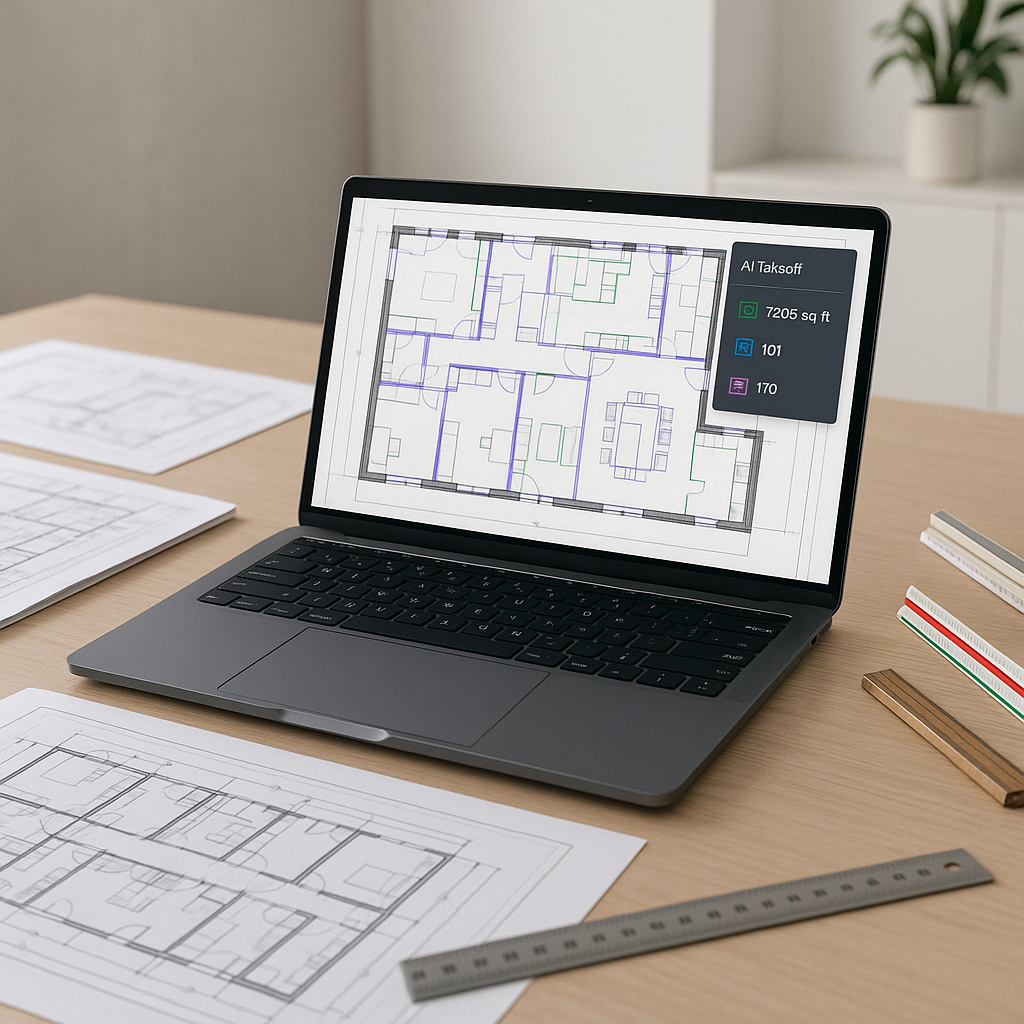
AI-powered takeoff tools are changing the game. Instead of spending days manually measuring and calculating quantities, you upload your PDF or CAD files, and the software does the heavy lifting in a fraction of the time.
Illustrative example — Let’s say you’re working on a large-scale project with hundreds of pages of architectural and structural drawings to process. With manual methods, you might spend dozens of hours on this task. With AI, the same task can be completed significantly faster, allowing you to focus on higher-value activities.
And it’s not just about speed. These tools also include features like flagging uncertain measurements for review. You stay in control while saving a significant amount of time.
How AI Takeoffs Work
Here’s a high-level look at how AI-powered takeoffs operate:
-
Upload Your Drawings: Drag and drop your PDF or CAD files into the software. The system uses advanced object recognition to read the drawings.
-
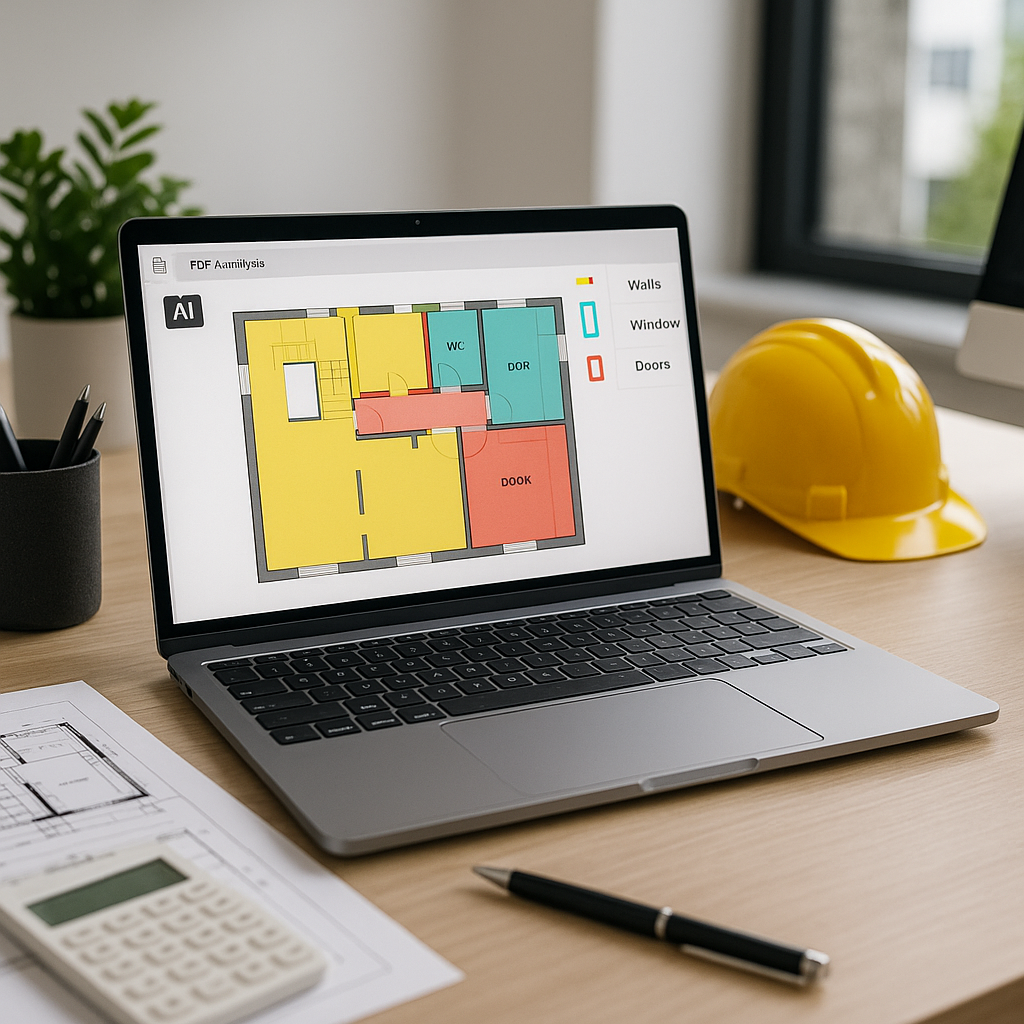
Automatic Calibration: The software automatically calibrates scales and recognizes drawing elements like walls, doors, windows, and more.
-
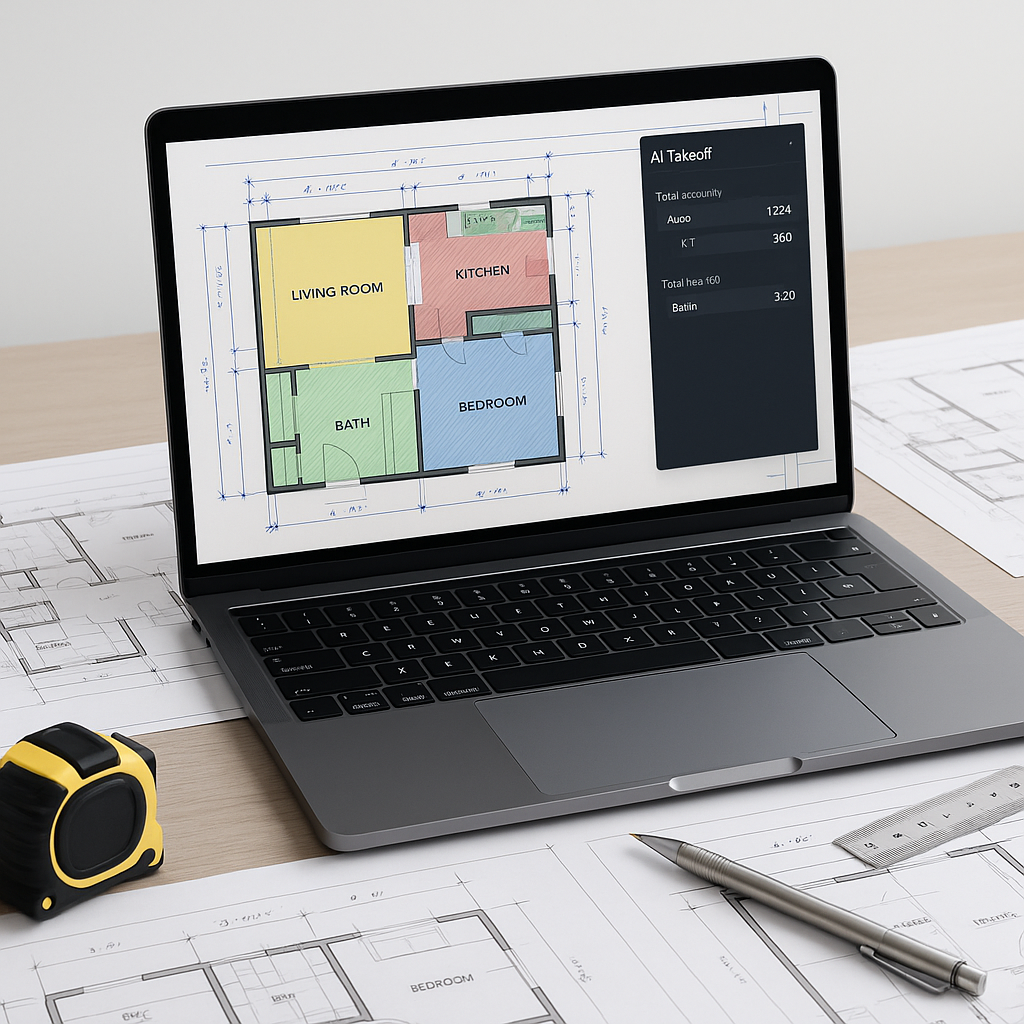
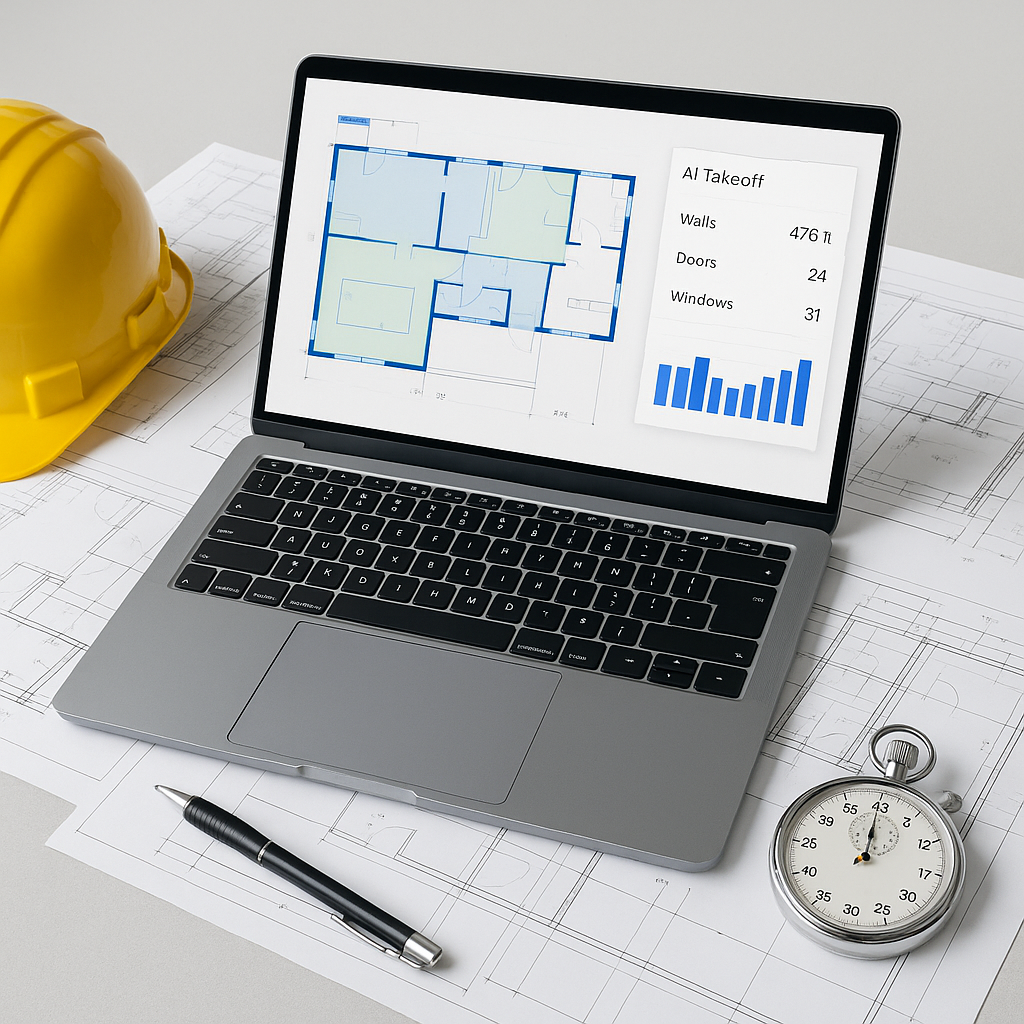
Auto-Extraction: Quantities for areas, lengths, and counts are extracted automatically. For instance, AI can calculate the total square footage of drywall or the number of doors in seconds.
-
Review and Edit: Review flagged items, adjust measurements if needed, and approve the final takeoff.
-
Export: Once everything checks out, export your takeoff to Excel or integrate it with your existing tools like Procore or Bluebeam.
Common Objections
“You might be thinking, ‘AI can’t think like an estimator.’”
That’s true, but it misses the point. AI doesn’t replace your expertise; it amplifies it. You’re still the one making the judgment calls, negotiating with subs, and deciding on margins. The AI just handles the repetitive tasks—like takeoffs, rate matching, and what-if recalculations.
Another concern? Accuracy. It’s fair. No system is perfect. That’s why many tools include manual overrides and flagging mechanisms. You can double-check and adjust as needed, ensuring you’re comfortable with the final numbers.
Why It Matters
In an industry where deadlines are tight and margins are thin, every hour counts. Saving time on takeoffs isn’t just a time saver—it’s a competitive advantage. It means you can bid on more projects, refine your pricing, and still have time to focus on the strategic decisions that make or break a project.
Common Mistakes to Avoid
- Relying Solely on AI: Always review the AI’s output. It’s a tool, not a replacement for your expertise.
- Skipping Training: AI tools are easy to learn, but training your team ensures everyone uses them effectively.
- Ignoring Integration: Make sure the tool integrates with your existing software stack (Bluebeam, Procore, etc.).
- Overloading the System: Start with smaller projects to test accuracy before scaling up.
FAQ
Q: Can AI handle complex projects? A: Absolutely. AI tools scale to any project size, from a small renovation to a large infrastructure project. Just make sure the input data is clean.
Q: What if my drawings are messy or incomplete? A: Most AI tools can work with poorly scanned PDFs or incomplete data, but the cleaner the input, the better the output.
Q: Is AI expensive? A: Costs vary depending on the tool and features, but many solutions are designed to be accessible for contractors of all sizes.
Ready to Save Time and Improve Accuracy?
If you’re tired of wasting hours on manual takeoffs, AI-powered tools can help streamline your workflow and reduce errors. Explore your options and see how these tools can transform your preconstruction process.