Why Manual Takeoffs Are Slowing You Down
If you've ever spent days tracing PDF drawings with a scale and a highlighter, you know the pain of manual takeoffs. It’s a time sink that drains resources from every preconstruction team.
But why are we still doing it this way? Because until now, there hasn’t been a faster, reliable alternative. AI changes that.
What AI-Powered Takeoffs Actually Do
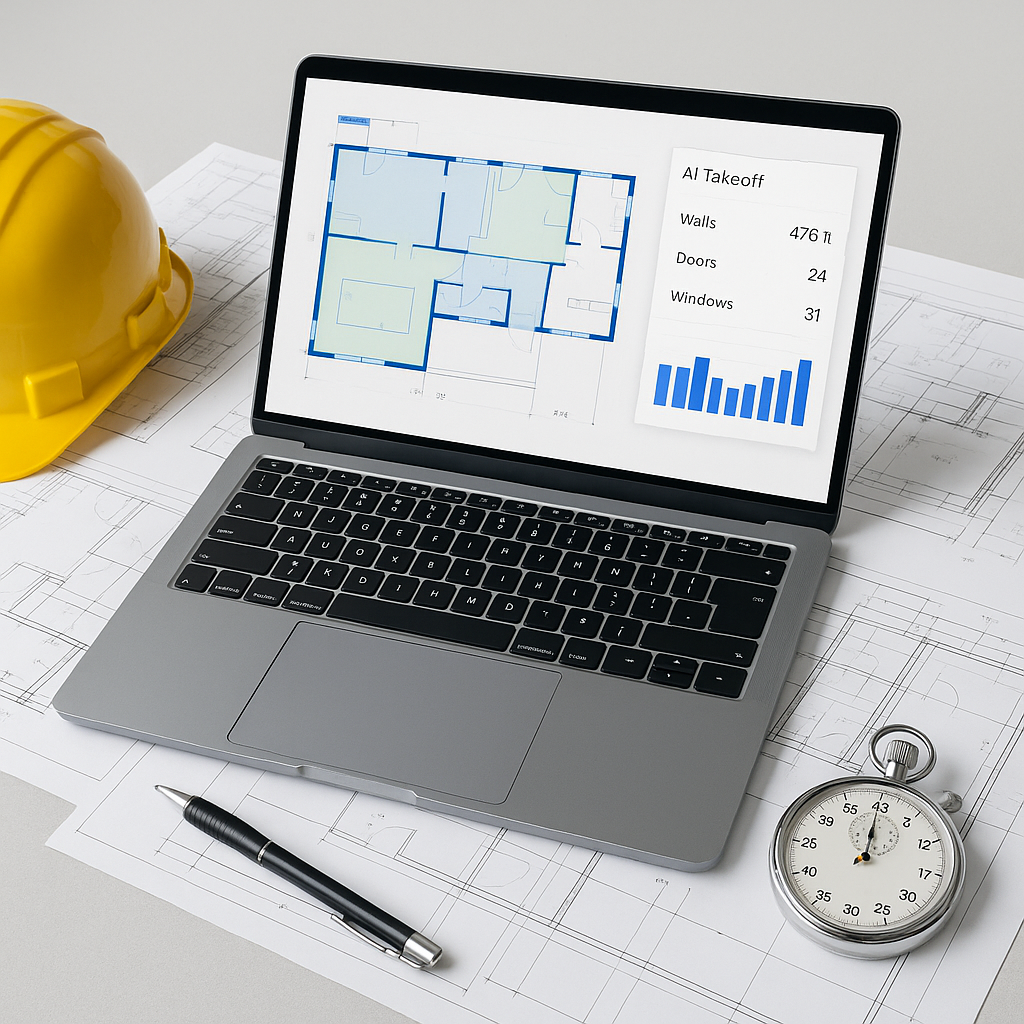
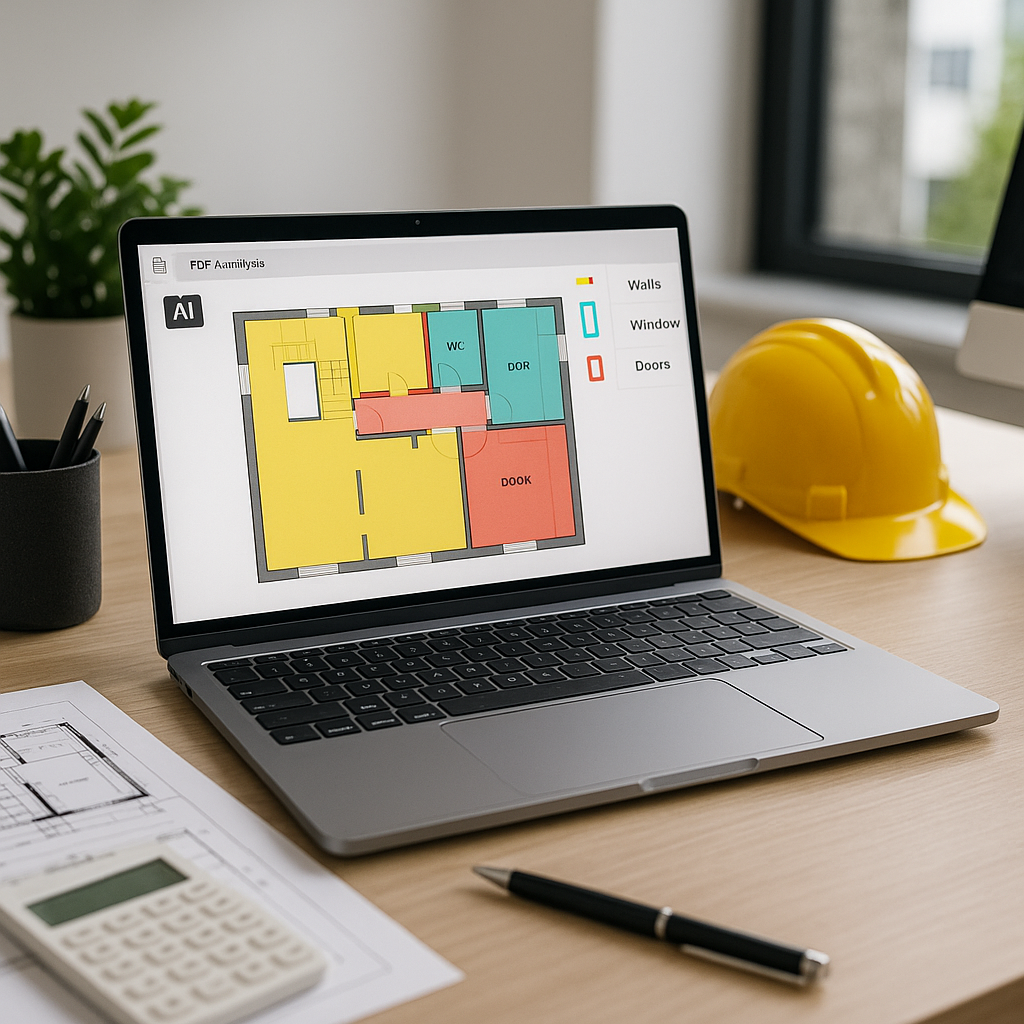
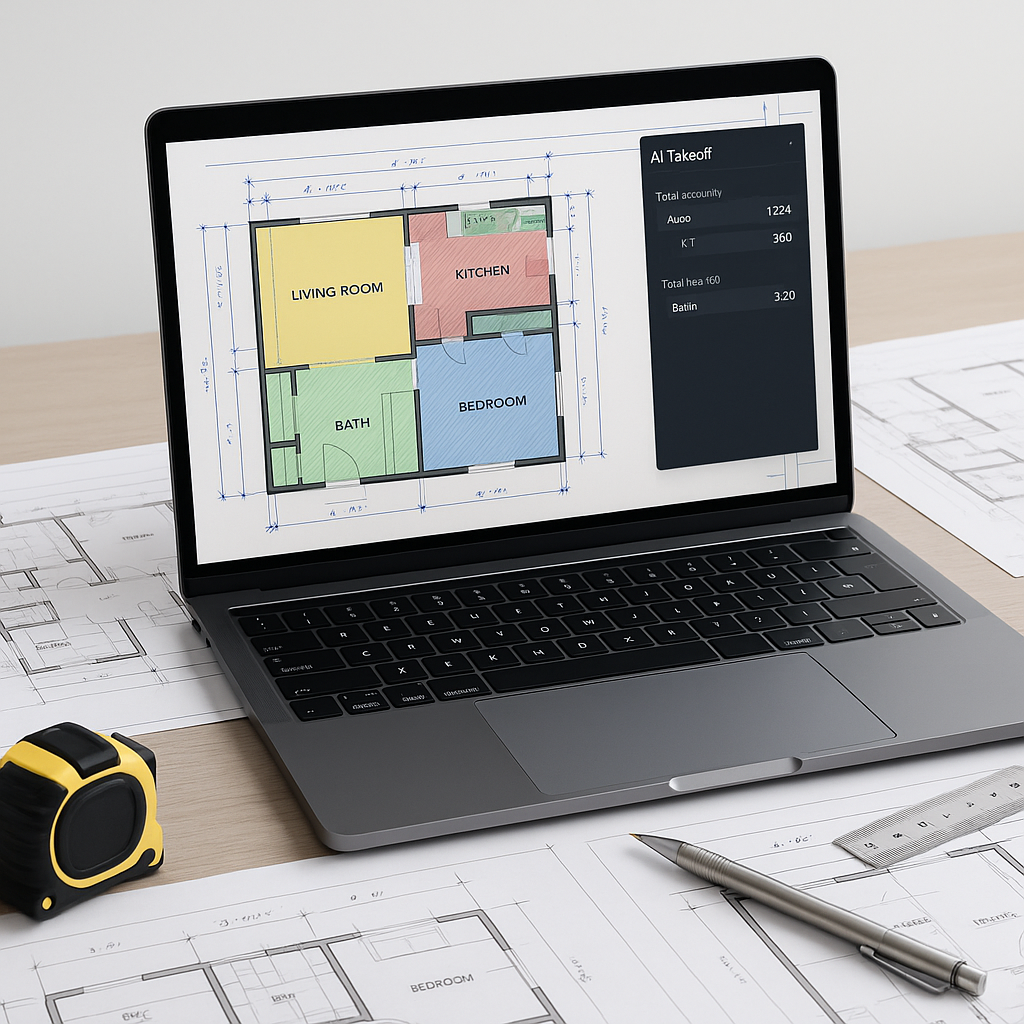
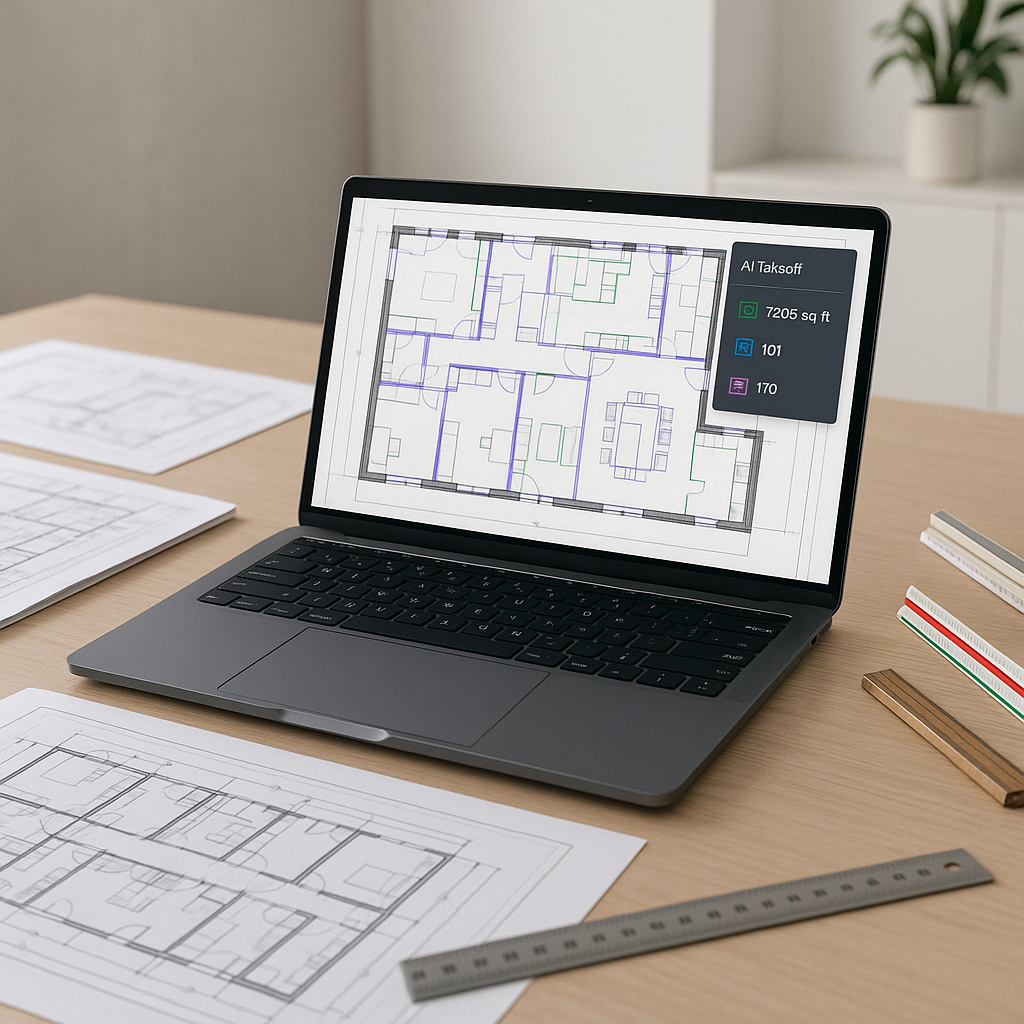
AI-powered takeoff tools are designed to automate this grunt work. Instead of tracing beams and counting windows by hand, you upload your drawings, and the AI extracts quantities in minutes. Walls, doors, square footage—it identifies and measures them directly from PDFs.
Illustrative example — A contractor could potentially reduce the time spent on takeoffs significantly by using AI tools, freeing up resources to focus on refining bids or negotiating with subcontractors.
How Does It Work?
The software uses machine learning to "read" drawings the way a human would. It recognizes:
- Linear measurements like wall lengths or duct runs.
- Area calculations for flooring, tiling, or painting.
- Counts for recurring elements like doors, windows, or fixtures.
It also flags low-confidence areas for human review. For instance, if the AI isn’t sure whether a line represents a wall or a beam, it asks you to confirm. You’re still in control, but the heavy lifting is done.
The ROI of Automating Takeoffs
Automating takeoffs with AI can save significant time and labor costs. By reducing the hours spent on repetitive tasks, teams can allocate more effort to higher-value activities like refining bid strategies, analyzing scope gaps, or negotiating with subcontractors.
The Obvious Objection: “But AI Can’t Think Like Me”
I hear this all the time: “AI doesn’t understand construction nuances.” And you’re right—AI won’t know if a wall should be fire-rated or if a beam needs seismic reinforcement. That’s your job. But AI isn’t meant to replace your expertise; it’s meant to handle the repetitive, time-consuming parts so you can focus on the decisions that actually require judgment.
Think of it as an apprentice who handles the basics while you oversee the critical details.
Common Mistakes When Using AI Takeoff Tools
- Blind Trust: Always review the AI’s output, especially on complex or messy drawings. It’s accurate, but not infallible.
- Skipping Training: AI tools have a learning curve. Invest a few hours upfront to understand how to use them effectively.
- Ignoring Revisions: If you’re not uploading revised drawings into the system, you’re missing out on one of its biggest time-saving features—revision comparisons.
FAQs
Q: Can AI handle my custom symbols or annotations?
A: Yes, most tools allow you to train the system on your unique symbols and notations. The more you use it, the smarter it gets.
Q: What if my drawings are messy or incomplete?
A: AI tools perform best with clean, complete drawings, but they can still handle messier inputs. Manual overrides let you fill in gaps where needed.
Q: How do I know the quantities are accurate?
A: AI tools highlight areas for review. You should always double-check critical measurements, especially on high-stakes bids.
Why It Matters
In a competitive market, speed and accuracy win bids. If your team spends 40 hours on takeoffs while your competitor uses AI to do it in a fraction of the time, guess who has more time to refine their proposal?
AI takeoff tools are no longer a “nice-to-have.” They’re becoming essential for staying competitive. With platforms offering these capabilities at a fraction of the cost of traditional tools, there’s really no excuse to stick with manual processes anymore.
If you’re tired of wasting time on manual takeoffs, explore how AI-powered tools can help streamline your workflow and improve efficiency.