Why Manual Takeoffs Are a Problem You Can’t Ignore
Let’s get real: manual takeoffs are a preconstruction bottleneck. If you’re spending significant time on quantity takeoffs for a mid-sized project, that’s hours of estimators doing nothing but tracing drawings and entering numbers into spreadsheets. Not ideal.
And the worst part? It’s error-prone. A missed detail on a PDF drawing can snowball into busted bids, blown deadlines, or worse—margin hits that show up when it’s too late to fix.
Now, imagine this: what if you could get this done in minutes instead of hours? That’s what AI-powered takeoff tools like EstimateNext promise. But how exactly does this work? Let’s break it down.
How AI-Powered Takeoffs Work
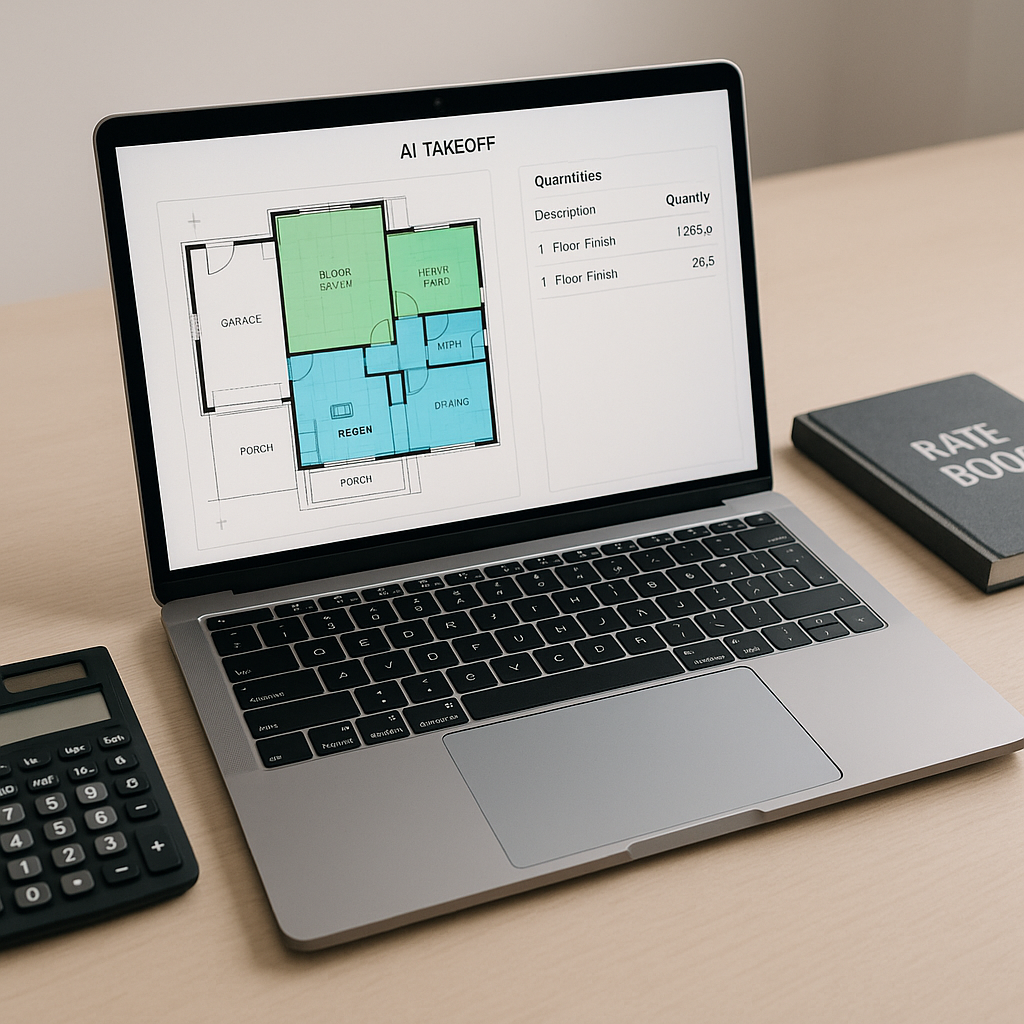
Most AI takeoff tools use computer vision, a type of machine learning that “reads” your drawings. Think of it as a supercharged version of Bluebeam that doesn’t need you to manually click every wall, door, or column. Here’s how it works step-by-step:
-
Upload Your PDF or DWG Drawings
Drag-and-drop your files into the tool. AI doesn’t care if your drawings are messy, multi-page monsters. It scans everything. -
Automatic Calibration
No need to set scales manually for each drawing. The tool auto-calibrates based on dimensions it detects—like a labeled gridline or room size annotation. -
Quantity Extraction
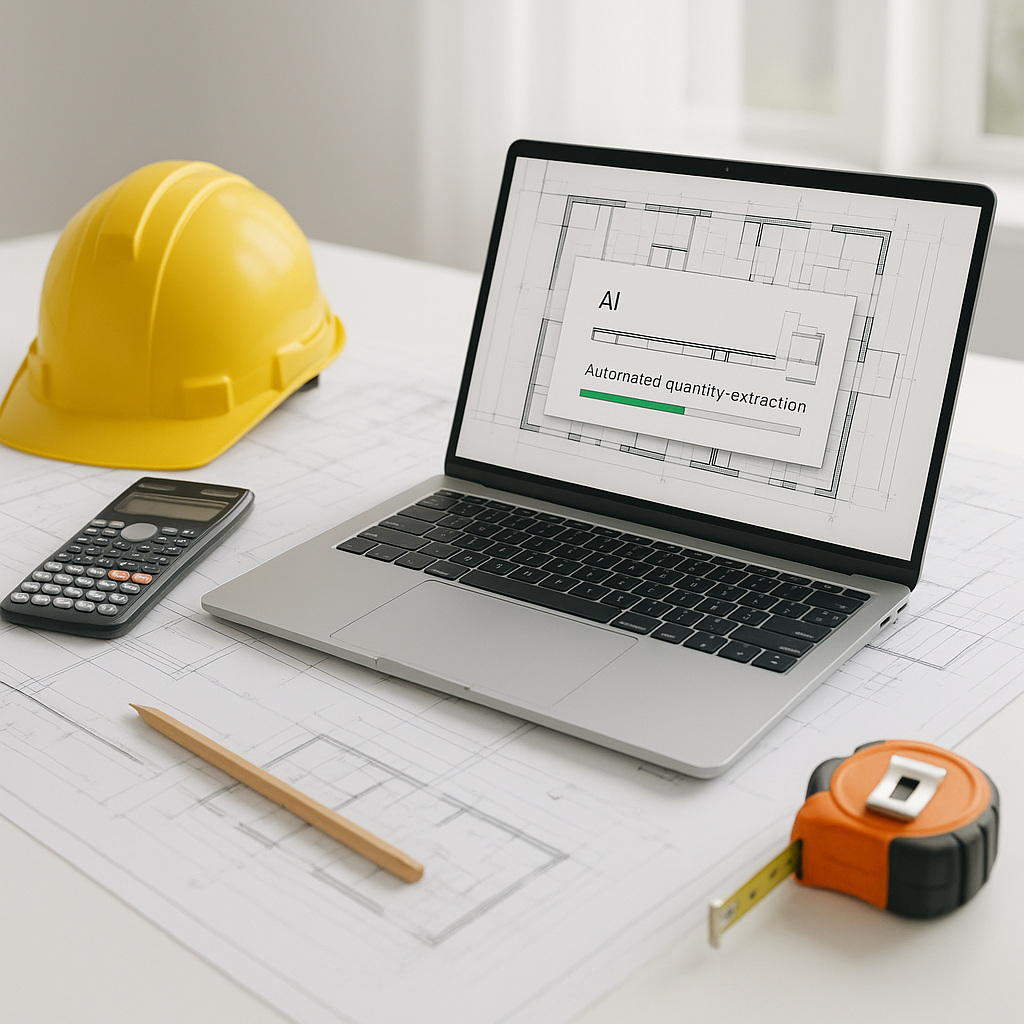
In a short amount of time, the AI extracts quantities for areas, lengths, counts—whatever your scope needs. Walls, doors, windows? Done. HVAC ducts or sprinkler heads? Also done. -
Confidence Scoring
The AI flags low-confidence areas that might need a second look. Human oversight isn’t just optional; it’s built in. -
Export to Your Workflow
Once satisfied, export the takeoff data directly into Excel, Procore, or whatever system you’re using. No copy-pasting required.
Benefits of AI-Powered Takeoffs
AI-powered takeoff tools can significantly reduce the time spent on manual tasks, allowing estimators to focus on higher-value activities like refining project scopes and improving bid accuracy.
While the software automates repetitive tasks, human expertise remains essential for making judgment calls on scope, markups, and contingencies. This combination of automation and human oversight ensures both efficiency and accuracy.
Common Pushbacks (and Why They’re Worth Addressing)
1. “AI Can’t Handle My Custom Needs”
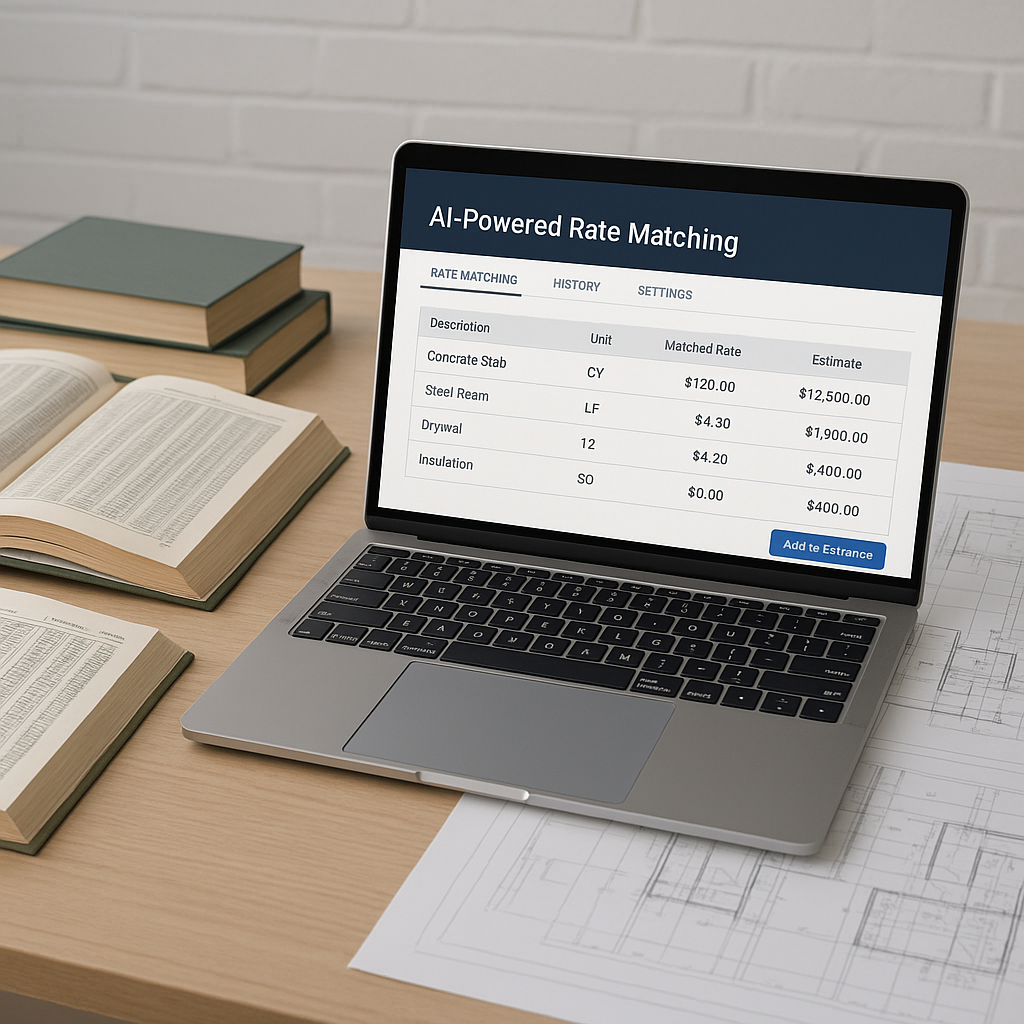
Modern tools let you upload your own rate catalogs or define custom formulas. Whether you’re pricing ductwork per linear foot or fireproofing by the square inch, AI adapts.
2. “What About Errors?”
No system is perfect, but AI tools include confidence scoring and manual override options. You’re still in control, but now you’re spending minutes reviewing instead of hours measuring.
3. “It’s Too Expensive”
While there is an upfront cost, the time saved on manual takeoffs can lead to significant efficiency gains, which can offset the investment over time.
What to Watch For
Even the best AI tools require clean inputs to deliver accurate outputs. Here are some tips to maximize your results:
- Clean Up Your Drawings: Ensure your PDFs are clear and properly labeled. Smudged or blurry files can confuse the AI.
- Double-Check Key Quantities: Use the confidence scoring feature to identify areas worth a closer look.
- Start Small: Test the tool on a smaller project first to get comfortable with its quirks and strengths.
FAQ
Q1: How accurate are AI takeoffs compared to manual ones?
AI tools are highly accurate but human checks are still essential for critical items.
Q2: Can AI handle multi-discipline projects?
Yes. Many tools include specialist features for trades like HVAC, electrical, plumbing, and civil.
Q3: How long does it take to learn an AI takeoff tool?
Most platforms are designed for ease of use. Training typically takes a short amount of time.
If you’re tired of wasting time on manual takeoffs, EstimateNext can help. Upload your first BOQ and get a priced estimate in minutes. Get started free →