Streamlining Preconstruction Estimation with AI
Estimators often face the challenge of manually flipping through drawing sets, tracing walls, and counting fixtures. This process is not only tedious but also prone to errors. Missing a door count or misreading a wall length can lead to scope gaps or budget overruns before the project even begins. However, AI-powered tools are transforming this process, making it faster and more accurate.
How AI-Powered Takeoff Tools Work
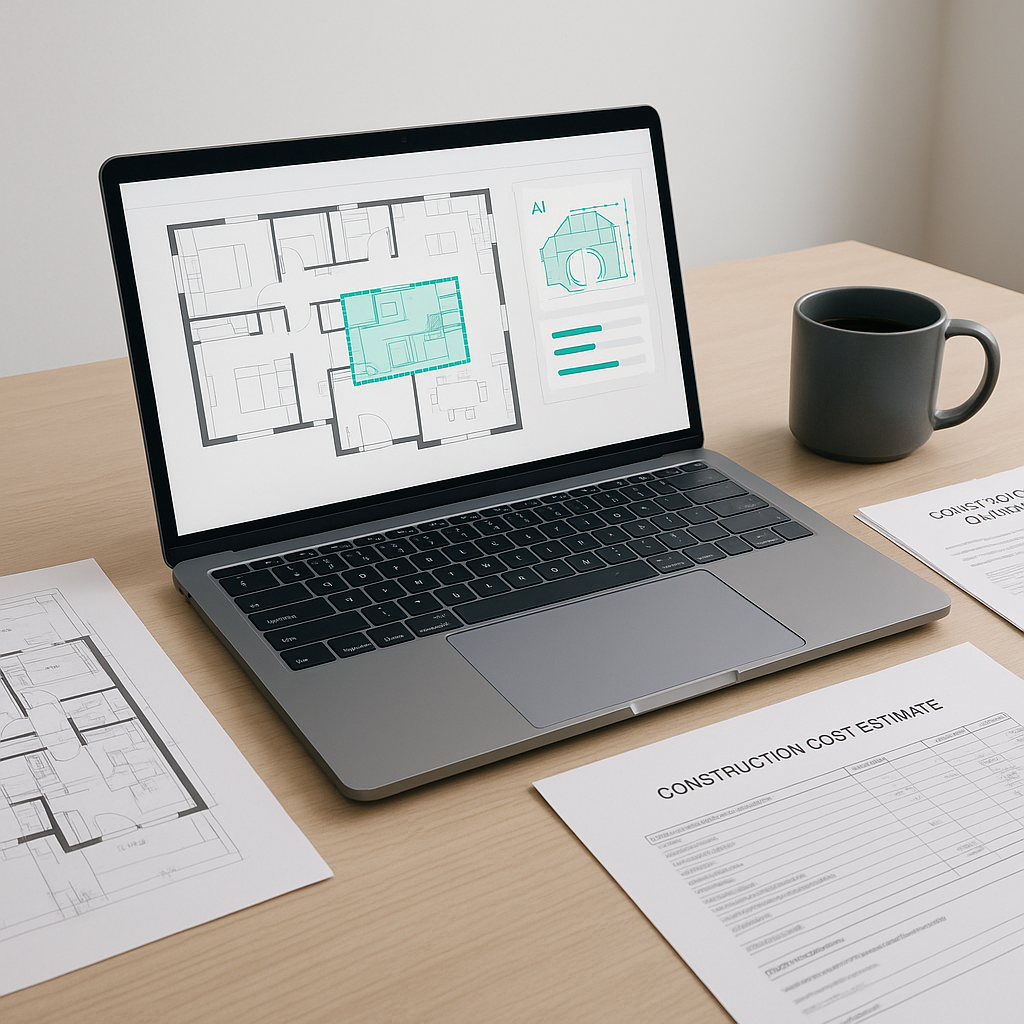
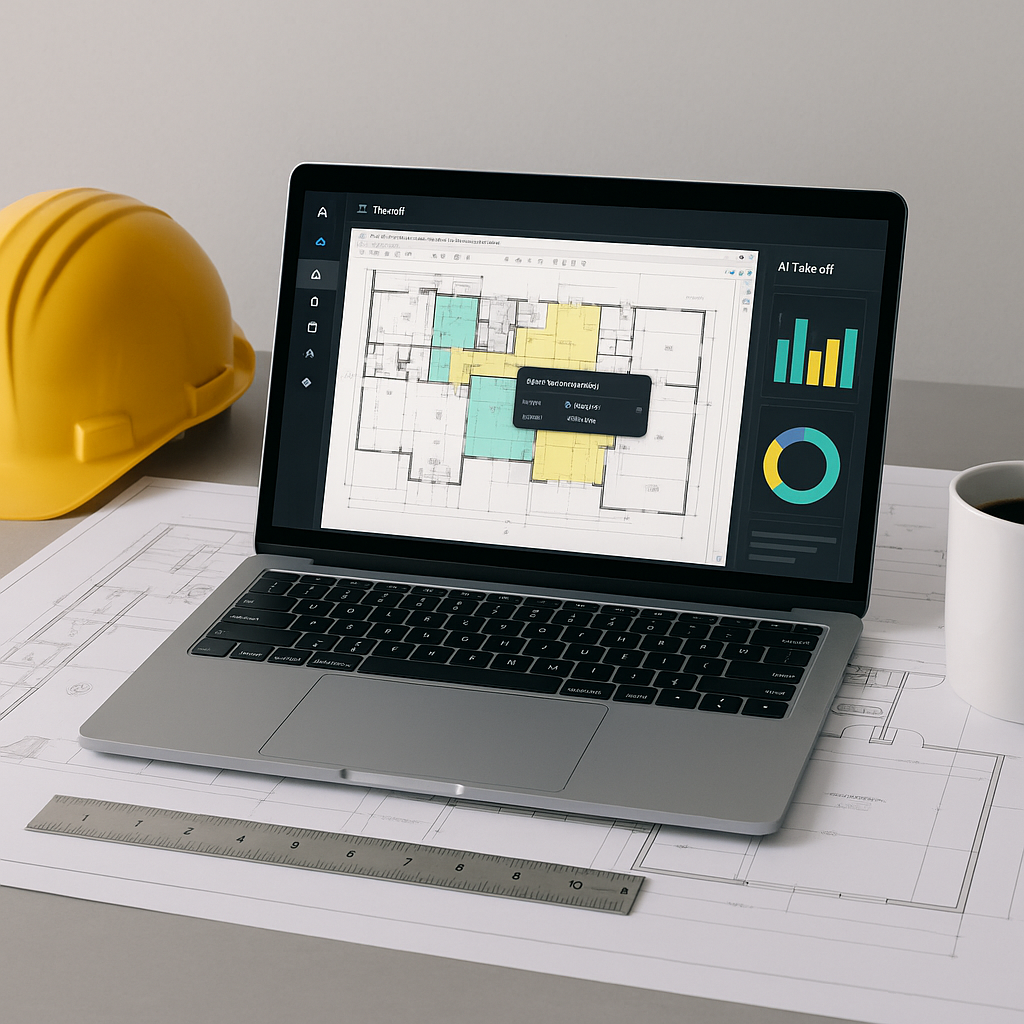
AI-powered tools like EstimateNext’s Vision AI are designed to assist estimators by automating the extraction of quantities from drawing sets. Users can upload a PDF set of drawings, and the system identifies room areas, wall lengths, fixture counts, and even revisions between drawing versions. This process, which typically takes hours manually, can be completed in a fraction of the time with AI.
These tools also include features like flagging low-confidence areas for manual review, ensuring that estimators remain in control of the final numbers. Think of AI as an assistant that handles repetitive tasks, allowing estimators to focus on strategic decision-making.
Benefits of AI in Preconstruction Estimation
- Time Savings: Automating takeoffs reduces the time spent on manual measurements.
- Improved Accuracy: By minimizing human error, AI tools help ensure more reliable estimates.
- Scalability: AI tools can handle projects of varying sizes, from small renovations to large infrastructure bids.
- Enhanced Productivity: Faster takeoffs free up time for teams to focus on other critical aspects of project planning and bidding.
Common Misconceptions About AI Takeoffs
“AI doesn’t understand construction.”
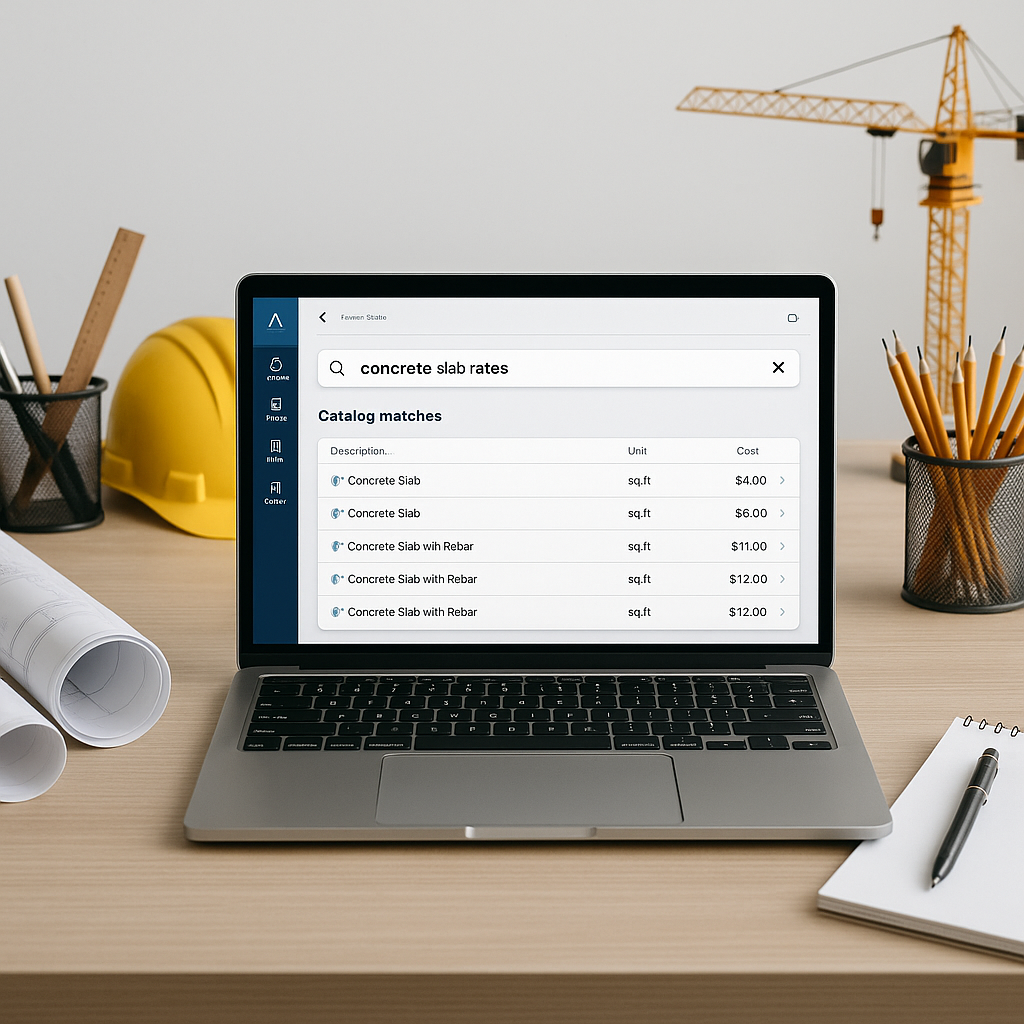
AI doesn’t need to understand construction strategy. Its role is to handle repetitive tasks like takeoffs and rate lookups, enabling estimators to focus on higher-level decisions.
“It’ll take forever to learn.”
Most AI platforms are designed for ease of use, with training typically requiring minimal time. If your team is familiar with tools like Bluebeam, they can quickly adapt to AI-powered takeoff tools.
“AI isn’t reliable.”
Reliability depends on the quality of input data. AI tools often include safeguards like confidence scoring, manual override options, and audit trails to ensure accuracy.
Common Mistakes to Avoid
- Skipping Manual Review: Always double-check flagged items to ensure accuracy.
- Uploading Poor-Quality PDFs: Clear and clean drawing sets are essential for optimal AI performance.
- Neglecting Training: Proper onboarding ensures your team can fully leverage the tool’s capabilities.
FAQ
Q: Can AI tools be used for smaller projects?
A: Yes, AI-powered tools are scalable and can be used for projects of any size.
Q: How do AI tools handle drawing revisions?
A: AI tools can compare revision sets and highlight changes automatically, saving time and reducing errors.
Q: Do these tools integrate with existing software?
A: Most AI tools are designed to integrate seamlessly with platforms like Bluebeam and Excel.
Q: What if my drawings are custom or non-standard?
A: AI tools often include features like confidence scoring to flag unusual elements for manual review.
Conclusion
AI-powered tools are revolutionizing preconstruction estimation by automating tedious tasks, improving accuracy, and saving time. By integrating these tools into your workflow, you can enhance productivity and focus on strategic aspects of project planning. If manual takeoffs are slowing your team down, exploring AI solutions could be a game-changer for your business.