How AI-Powered Tools Improve Preconstruction Estimation
Manual quantity takeoffs are a time sink. If you've spent hours tracing drawings with a scale ruler or clicking through PDFs in Bluebeam, you already know the pain. For a mid-sized project, it can take estimators significant time to finish. And that's just the first round—revisions add even more effort.
AI-powered tools are changing that by automating repetitive tasks in preconstruction workflows. But how do they work, and what should you know before adopting them? Let’s break it down.
The Problem with Manual Takeoffs
Let’s start with a typical scenario: you receive a 100-page PDF containing architectural and structural drawings. Your job? Extract quantities for walls, doors, beams, and finishes. Here’s what usually happens:
- Manual Tracing: You open the file in Bluebeam or a similar tool, calibrate the scale, and start clicking. Every room, every wall, every detail needs to be measured.
- Error-Prone Data Entry: You manually record these measurements into Excel or your estimating software. A single misclick can throw off the entire estimate.
- Rework on Revisions: When the client sends updated drawings, you repeat the process—often from scratch.
This isn't just inefficient; it's risky. Errors in takeoffs lead to underbidding (which kills margins) or overbidding (which loses bids). Either way, it’s a lose-lose situation.
How AI Takeoffs Work
AI-powered takeoff tools automate much of the manual effort. Here’s how they typically work:
- Upload the Drawings: Start by uploading a PDF file containing the project drawings. These tools can handle everything from single-page plans to large drawing sets.
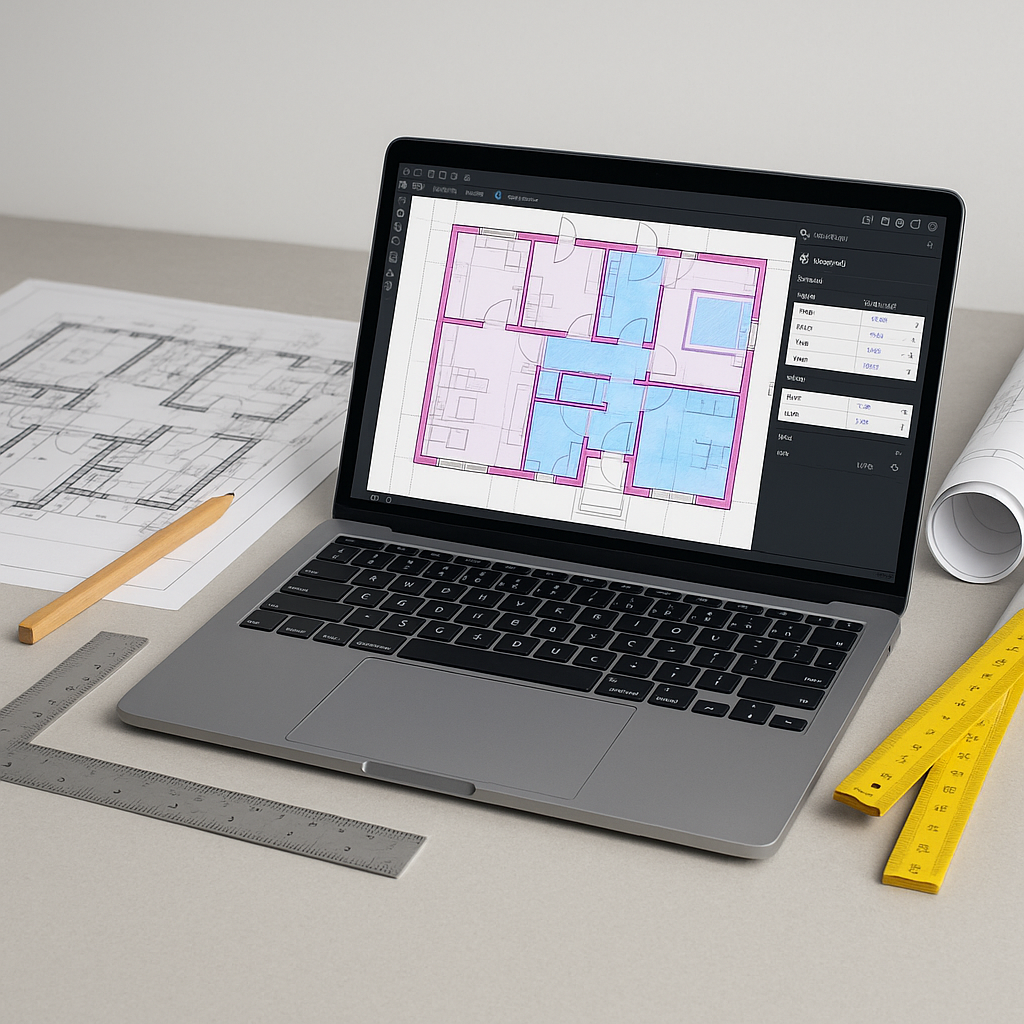
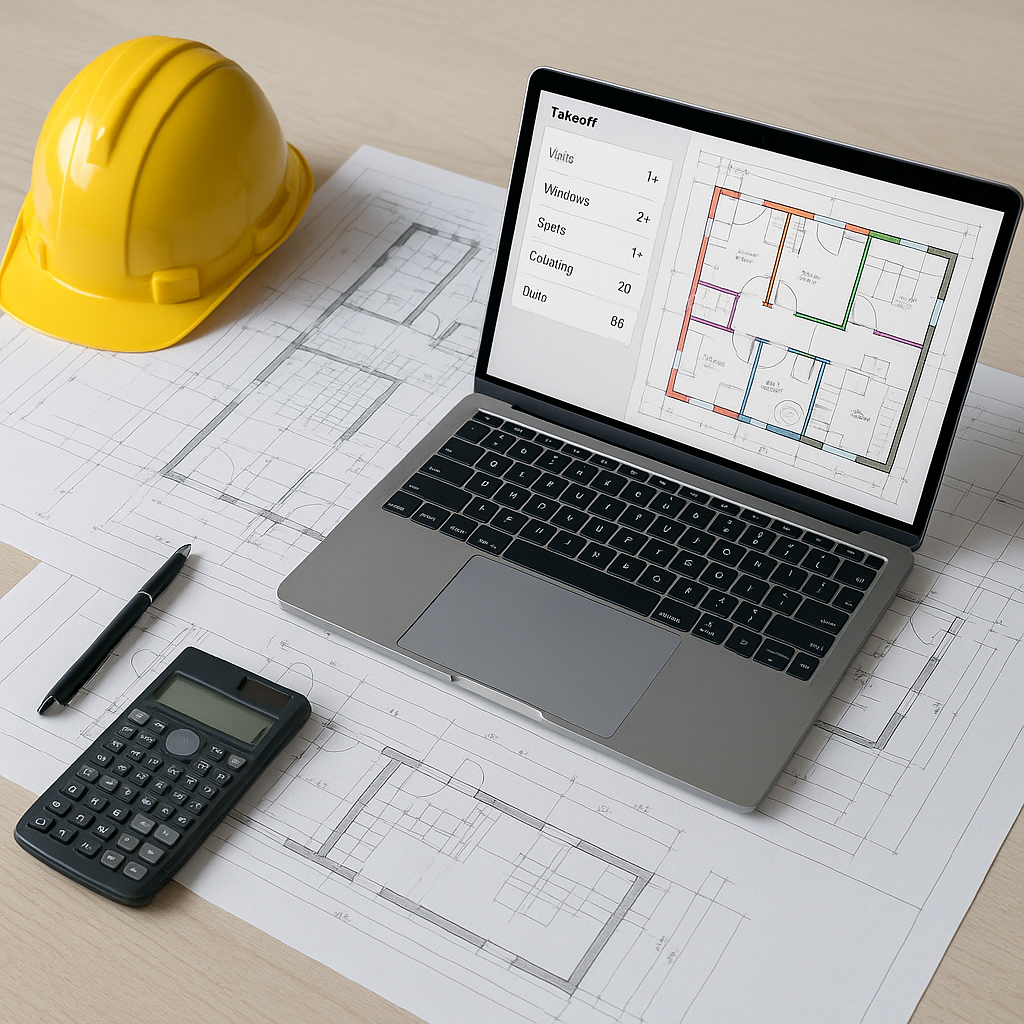
- AI Reads the Drawings: Using computer vision, the system identifies and extracts quantities for walls, floors, beams, doors, and other components.
- Flagging for Review: The AI flags areas where it’s less confident, so you can manually verify and adjust as needed. For example, if two lines are close together, the system might ask for confirmation on wall thickness.
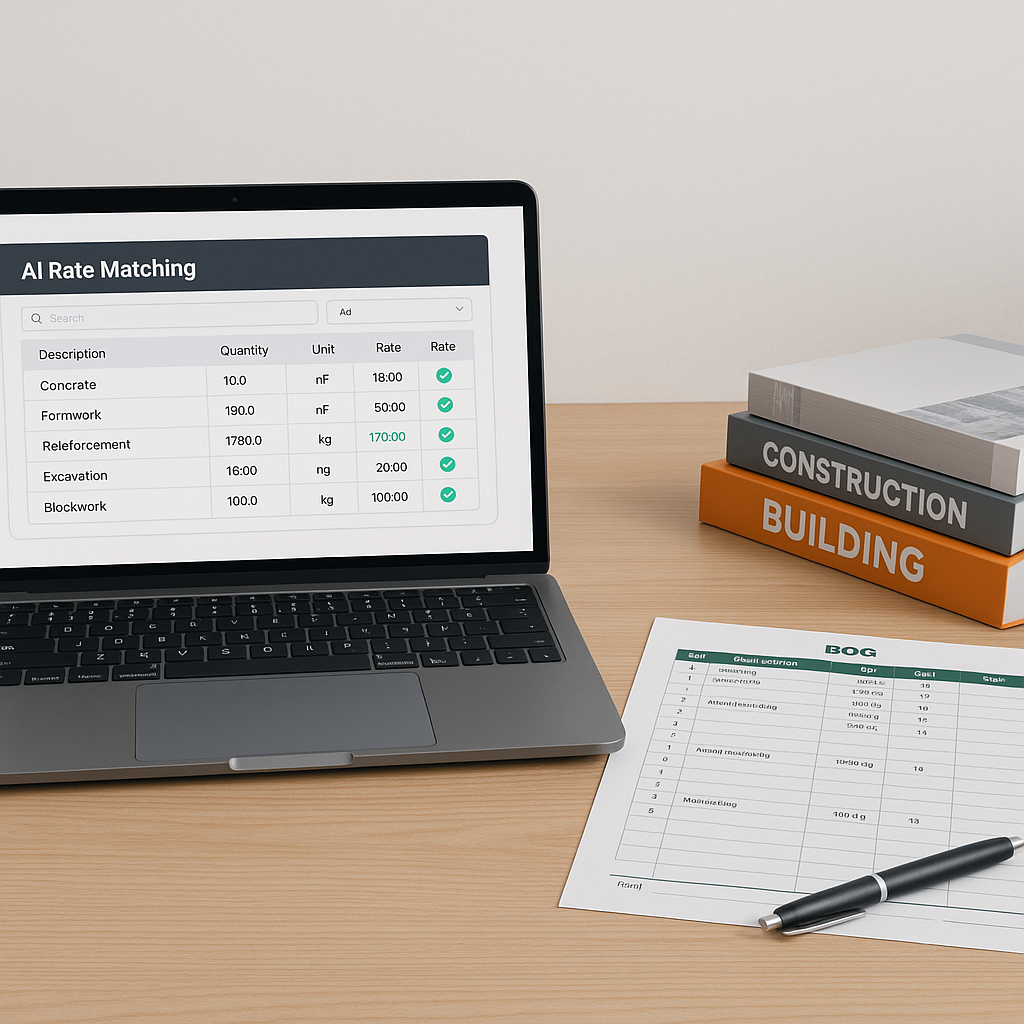
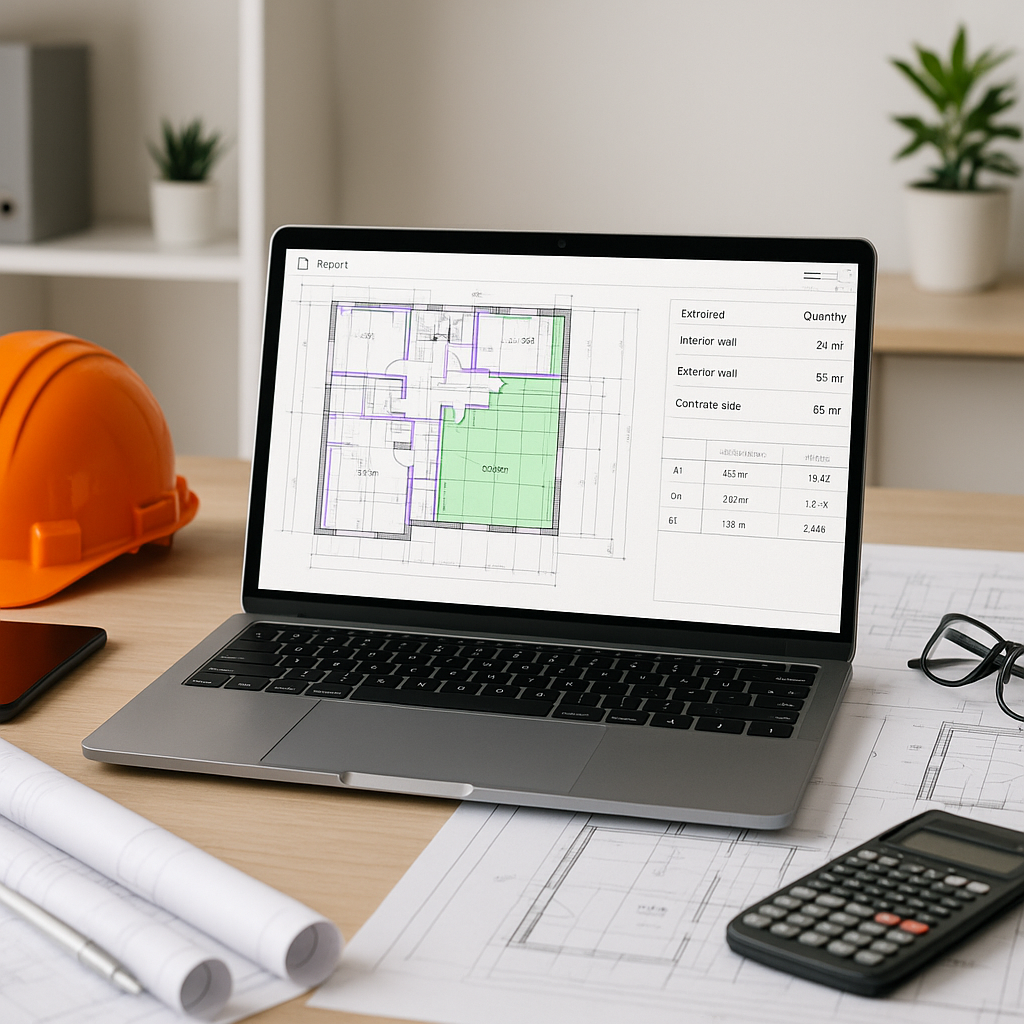
- Export to BOQ: Once verified, the quantities are exported directly into a standardized Bill of Quantities (BOQ) format—ready for pricing.
Illustrative example — This process can significantly reduce the time required for takeoffs compared to manual methods, depending on the complexity of the project.
Why Accuracy Still Requires Humans
You might be thinking, “Sure, it’s faster, but is it accurate?”
The short answer: it depends on the quality of the input data. AI tools are precise when fed clean, detailed drawings. But they’re not perfect. That’s why human oversight is still essential, especially for:
- Low-Quality PDFs: Blurry or incomplete drawings can confuse the AI.
- Unusual Design Features: Unique architectural elements may require manual intervention.
- Assumptions: AI doesn’t know the project context unless you tell it. For example, if two walls look identical but have different finishes, you’ll need to specify.
The good news is that many tools include manual overrides. You can adjust quantities and add notes directly in the interface, ensuring nothing gets missed.
Common Questions About AI Takeoffs
Q: Are AI takeoffs only for large projects?
No, AI tools scale to any project size. Whether it’s a small renovation or a large infrastructure project, the process is the same.
Q: Do I still need to verify the results?
Yes. AI tools are accurate, but human oversight is critical for catching edge cases and ensuring compliance with project specs.
Q: What if my project has unique requirements?
Many tools allow you to customize settings and add notes to handle project-specific needs. You can also integrate your own rate catalogs.
Q: Is it hard to learn?
Not at all. Most users find the interfaces intuitive, and training resources are often available to help teams get started quickly.
What to Watch For
- Over-Reliance on AI: Don’t treat the tool as infallible. Always review flagged items.
- Poor Input Quality: Garbage in, garbage out. Invest in clean, detailed drawings.
- Skipping Training: Take the time to train your team on the software. A small upfront investment pays off in the long run.
Conclusion
AI-powered takeoffs aren’t just faster—they’re smarter. By automating repetitive tasks, these tools free up your team to focus on what really matters: analyzing risks, negotiating with subs, and optimizing costs. While human oversight is still required, the potential for efficiency gains is significant.
If you’re looking to streamline your preconstruction process, AI-powered tools are worth exploring.