The Time Sink Every Estimator Knows
Picture this: your team spends hours manually tracing PDFs to measure quantities for a project. Wall lengths, room areas, door counts — it’s all on them to figure out. And heaven forbid a revision comes through halfway. It’s tedious, prone to error, and frankly, a waste of talent.
That’s where AI-powered tools come in. These tools automate quantity takeoffs, reducing manual effort and improving efficiency. Let’s dig into how it works and why it matters.
How AI Takeoffs Actually Work
AI takeoff tools aren’t magic. They rely on algorithms trained to read architectural drawings and extract quantities based on predefined rules. Here’s the workflow:
- Upload Your Drawing Set: Whether it’s a PDF, DWG, or an old scan, the AI processes multiple formats.
- Calibrate Measurements: You set a scale to ensure all dimensions are accurate.
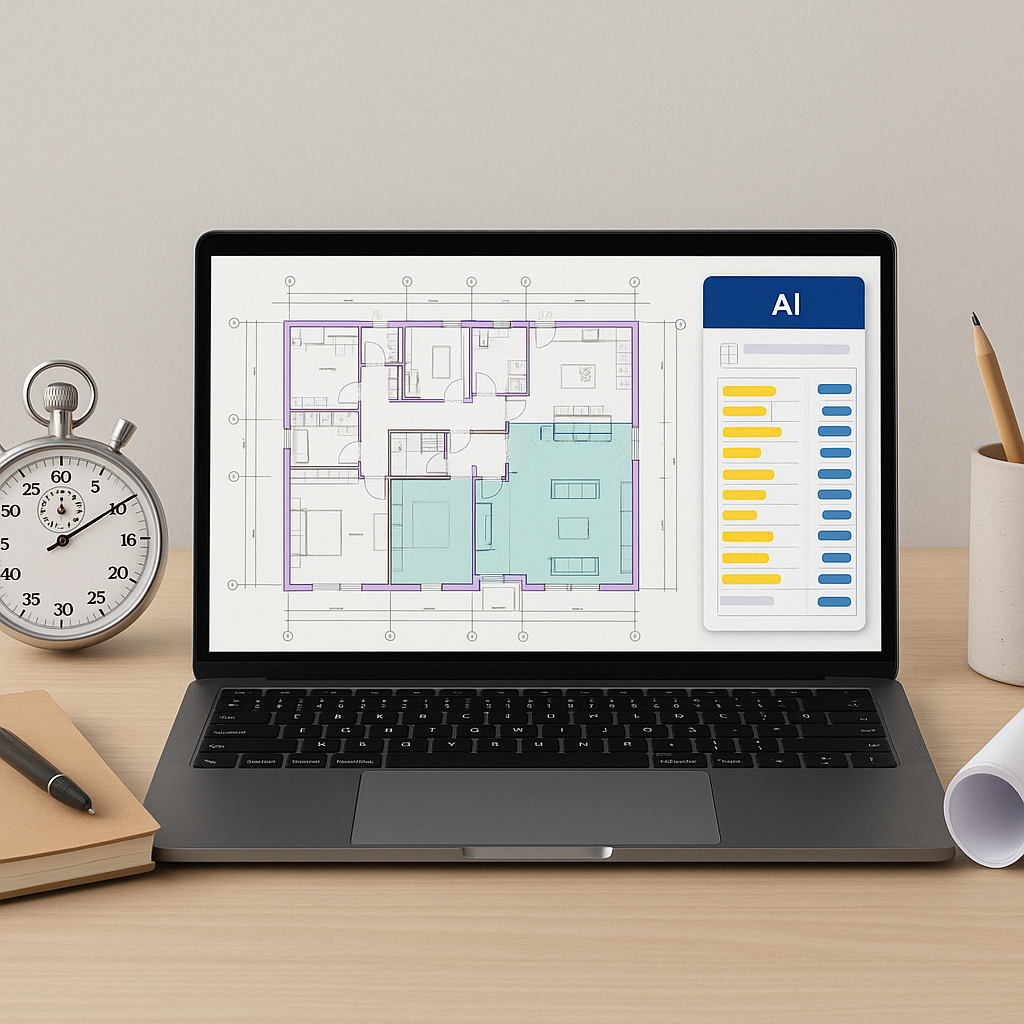
- Automated Extraction: The AI identifies walls, doors, windows, room areas, and specific construction elements.
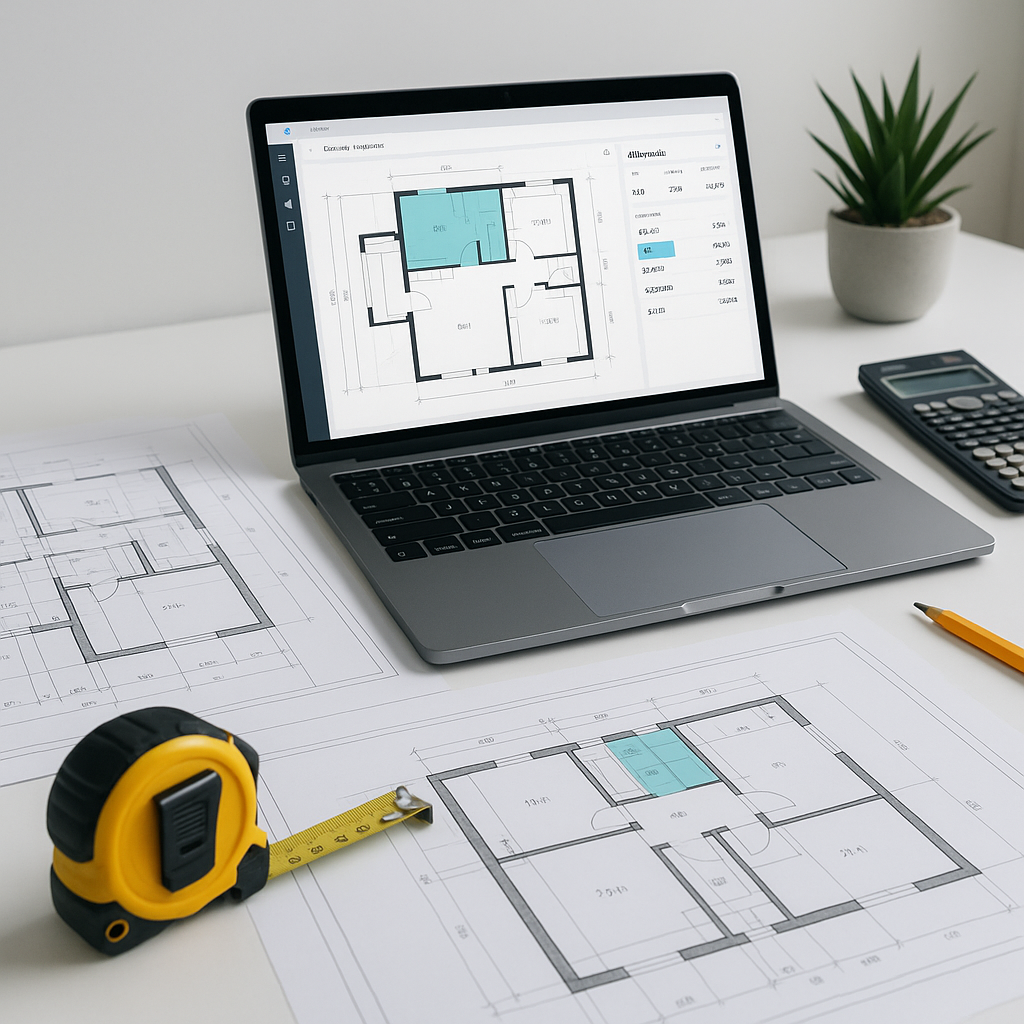
- Manual Overrides: For any areas requiring additional review, you can remeasure and update values directly in the tool.
Illustrative example — An estimator uploads a set of drawings, calibrates the scale, and lets the AI handle the initial takeoff. The tool processes the data quickly, allowing the estimator to focus on reviewing and refining the results.
Why It’s Not About Replacing Estimators
You might be thinking, “Sure, AI is fast, but it doesn’t understand the nuances of construction.” That’s fair. AI doesn’t replace your expertise; it amplifies it.
Takeoffs are repetitive, detail-heavy tasks. By offloading them to AI, your team can focus on what they’re actually skilled at: evaluating scope, negotiating with subs, and refining final pricing. It’s about spending time where it counts.
Common Mistakes to Avoid with AI Takeoffs
AI tools aren’t perfect, and manual oversight is still essential. Here’s what to watch for:
- Poor Calibration: If you don’t set the scale correctly, all measurements will be off. Double-check your calibration before extraction.
- Low-Quality PDFs: Smudged scans or incomplete drawings can confuse the algorithm. Clean, high-res files work best.
- Ignoring Confidence Scores: AI tools often flag areas for review. Pay attention to these flagged areas instead of blindly trusting the results.
- Underestimating Learning Curves: While AI platforms are user-friendly, every team needs training to maximize efficiency. Plan for onboarding and practice.
The ROI of Faster Takeoffs
AI-powered estimation tools can deliver significant time savings by automating repetitive tasks. This allows teams to focus on higher-value activities like cost analysis and project planning.
Illustrative example — A manual takeoff might take dozens of hours to complete, while an AI tool can process the same data in minutes. By reducing labor-intensive tasks, teams can reallocate their time to more strategic efforts.
FAQ: AI Takeoff Tools
Q: How accurate are AI-generated takeoffs?
AI tools can reduce discrepancies, but accuracy still depends on input quality. Manual review is essential for flagged areas.
Q: Can AI handle complex drawings?
Yes, AI tools process multi-layered drawings like those for MEP or fit-out projects. The key is proper calibration.
Q: How hard is it to learn AI tools?
Most platforms are designed for ease of use. Training usually takes a short period, depending on the team’s familiarity with similar tools.
Q: Do AI tools integrate with existing software?
Yes. Many AI tools integrate with platforms like Procore, Bluebeam, and Excel for seamless workflows.
Q: Is AI reliable for smaller projects?
Absolutely. AI tools can scale to project size, whether it’s a small renovation or a large infrastructure bid.
Ready to Solve Takeoff Bottlenecks?
If manual takeoffs are eating into your team’s capacity, it’s time to explore AI-powered tools. These solutions streamline the process, giving your team more bandwidth for high-value work.