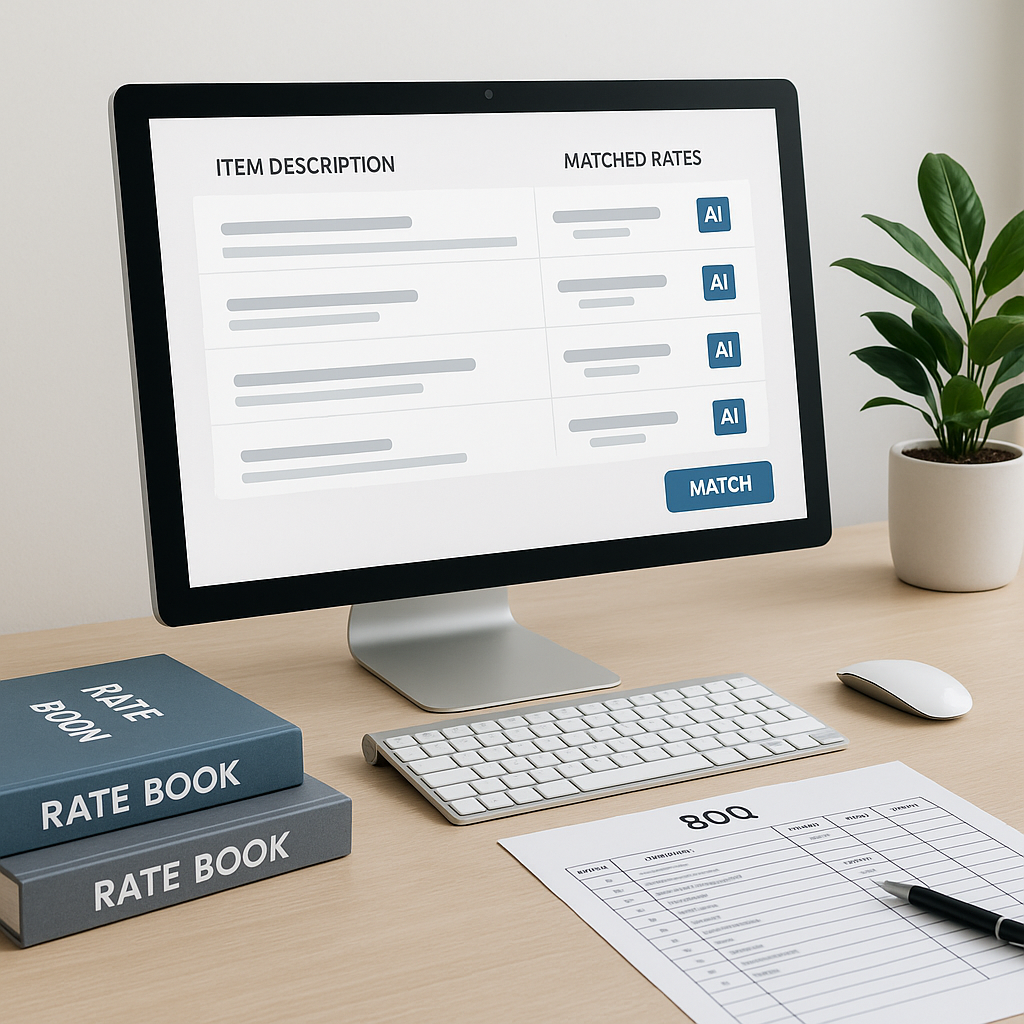
The Problem: Hours Wasted on Manual Rate Lookups
If you’ve spent any time in preconstruction estimation, you know the drill. You’re staring at a 2,000-line BOQ, thumbing through a 2,000-page rate book like CPWD’s DSR or RSMeans, trying to find the exact rate for every item. Multiply that by every line item, and you’ve just lost hours of your life per estimate. And let’s not even talk about the errors. Miss a rate or pick the wrong one? That’s your margin down the drain.
Manual rate lookups aren’t just a bottleneck. They’re a liability. But here’s the good news: AI is finally making this headache go away.
The AI Solution: Rate Matching in Seconds
This is where tools like EstimateNext step in. At its core, AI-powered rate matching scans your BOQ and instantly finds the right rates across massive catalogs like DSR 2022 or RSMeans. Need to price a custom railing installation? Type it in. The AI pulls up the closest matches in seconds. Done.
Let’s compare:
| Task | Manual Effort | AI-Assisted Effort |
|---|---|---|
| Look up rates for 200 items | Hours (flipping pages) | Minutes |
| Find custom rates | Trial-and-error or spreadsheets | AI semantic search |
| Adjust for inflation | Manual recalculation | Auto-suggested CPI updates |
How It Works: A Simple 4-Step Process
Here’s how to get started with AI-powered rate matching:
-
Upload Your BOQ: Drag and drop your Excel or CSV file into the platform. The AI will parse the document and auto-detect headers, sections, and line items. No more cleaning up messy spreadsheets.
-
Match Rates: The AI searches across extensive SOR items in catalogs like CPWD DSR, RSMeans, or your custom rate database. It uses semantic understanding to find the closest matches, even if your description is a bit vague.
-
Review Suggestions: Not every match will be perfect. The system highlights its suggestions, so you can quickly review and adjust as needed. For custom items, you can upload your own rates.
-
Export and Share: Once your BOQ is priced, export it in your preferred format — CSI MasterFormat, CPWD DSR, or even a clean Excel sheet. Ready for client review or internal use.
Why It’s Better Than Manual Methods
You might be thinking, “Sure, this sounds great, but can AI really replace my expertise?” It doesn’t have to. AI doesn’t replace you — it amplifies you. Think of it as your hyper-efficient assistant.
Here’s what it gets right:
- Speed: Matching items manually takes hours. AI does it in minutes.
- Accuracy: AI eliminates the human error of flipping through the wrong section. Plus, it improves with every project (self-learning models).
- Flexibility: Whether you’re working with CPWD rates, RSMeans, or custom catalogs, the system adapts.
But let’s be honest: AI isn’t perfect. It’s only as good as the data you feed it. If your BOQ descriptions are vague or inconsistent, the AI might struggle. That’s where your expertise comes in — to review and refine.
Common Questions About AI Rate Matching
Q: What if my rates are project-specific?
A: Most AI tools, like EstimateNext, let you upload custom rate catalogs. Once they’re in the system, the AI uses them for future matches.
Q: How accurate are the matches?
A: AI tools aim to provide accurate matches, but not all will be perfect. That’s why they include manual review options. You’re still in control.
Q: Does it handle inflation adjustments?
A: Yes. Many tools auto-suggest inflation adjustments based on catalog year. Just review and approve.
Q: Can it integrate with my current tools?
A: Absolutely. Most platforms export to Excel and integrate with software like Bluebeam or Procore.
Common Pitfalls (and How to Avoid Them)
- Relying Too Much on AI: The system is only as good as the data you give it. Always review suggestions.
- Not Customizing Your Catalogs: If you use unique materials or rates, upload them. A one-size-fits-all approach doesn’t work in construction.
- Ignoring Inflation: Make sure your rates account for current market conditions. AI can suggest adjustments, but you need to verify.
The Bigger Picture: Why This Matters
In my view, the real value of AI rate matching isn’t just the time savings. It’s about making your estimates more accurate and defensible. When a client questions a line item, you can point to the source data and the audit trail. That’s powerful.
Plus, faster rate matching means you can price more bids in less time. For MEP subs, that could mean responding to more bid packages each month. For GCs, it’s about hitting more deadlines without burning out your team.
If you’re still relying on manual methods, you’re leaving money on the table. And in a competitive market, that’s not a risk you can afford to take.
If manual rate matching is slowing you down, EstimateNext can help. Get started free →


