The Challenges of Manual Drawing Takeoffs
If you're an estimator, you already know the challenges of drawing takeoffs. Manual processes often require significant time and effort, with estimators spending hours tracing PDFs to extract quantities for bids. This labor-intensive process can delay other critical tasks like pricing or reviewing subcontractor quotes.
Moreover, manual takeoffs are prone to errors, often requiring rechecks to ensure accuracy. This repetitive effort can lead to inefficiencies and wasted resources.
The AI Solution: Vision AI for Takeoffs
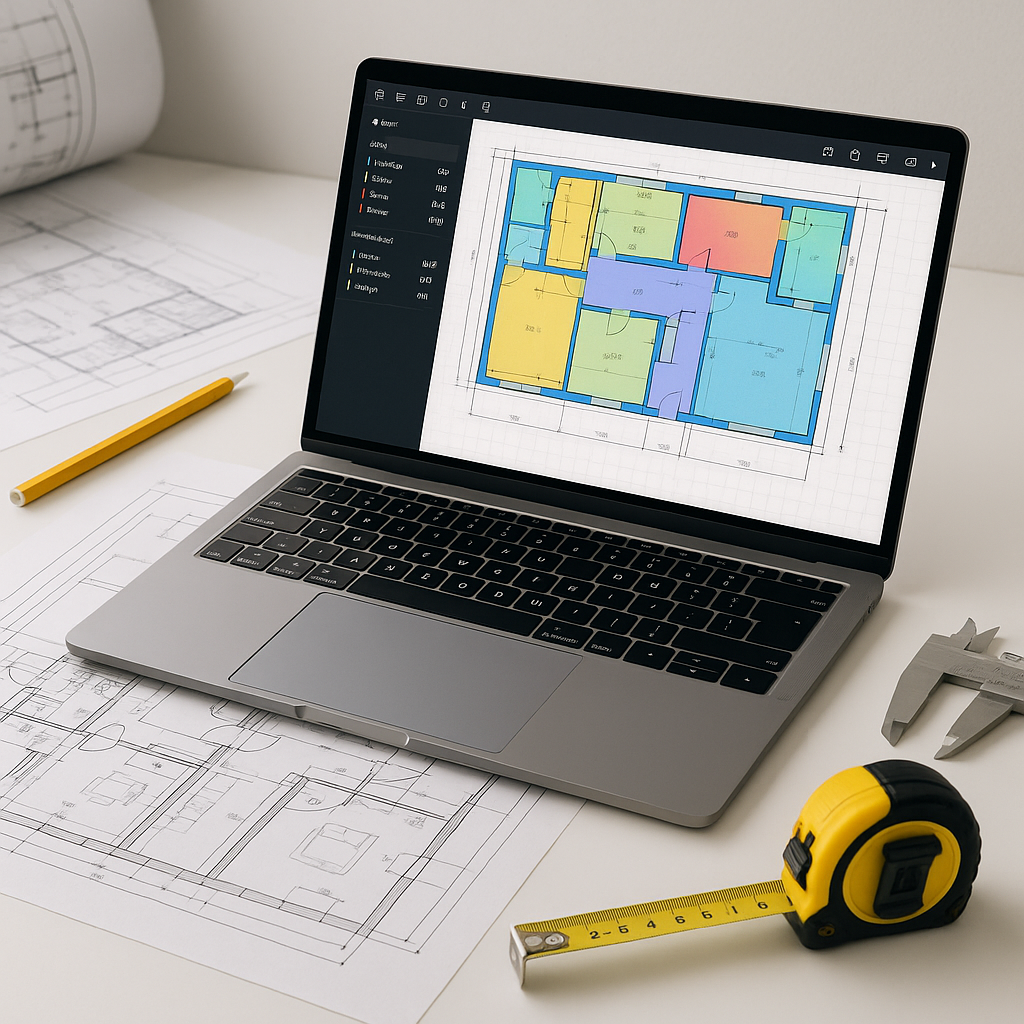
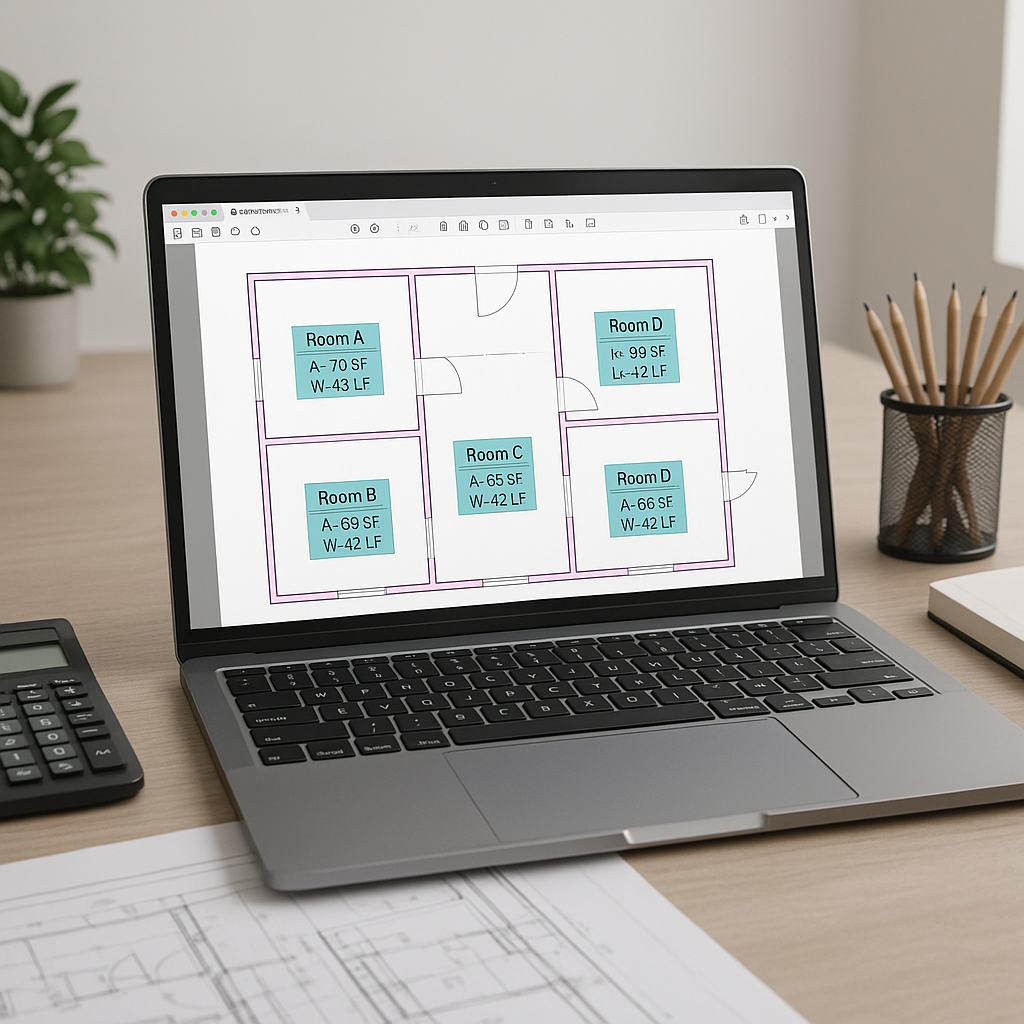
AI takeoff tools offer a solution to these challenges. Instead of manually measuring every wall, beam, or window, you can upload the PDF set, and the AI extracts quantities in a fraction of the time. This significantly reduces the time spent on repetitive tasks, allowing estimators to focus on higher-value activities.
Illustrative example — On a typical project, an AI tool can process takeoffs in minutes compared to the hours required for manual methods. This time savings can translate into reduced labor costs and faster bid preparation.
Why It Works
AI-powered takeoffs use machine vision algorithms to detect shapes, dimensions, and annotations on PDF drawings. These tools cross-reference drawing layers and specifications to improve accuracy. Some platforms also flag measurements with low confidence, enabling manual review to ensure reliability.
However, it’s important to note that AI tools require clean input data to function effectively. Poor-quality drawings or incomplete sets may still require manual intervention, though the overall process remains faster than traditional methods.
Estimating Time Savings
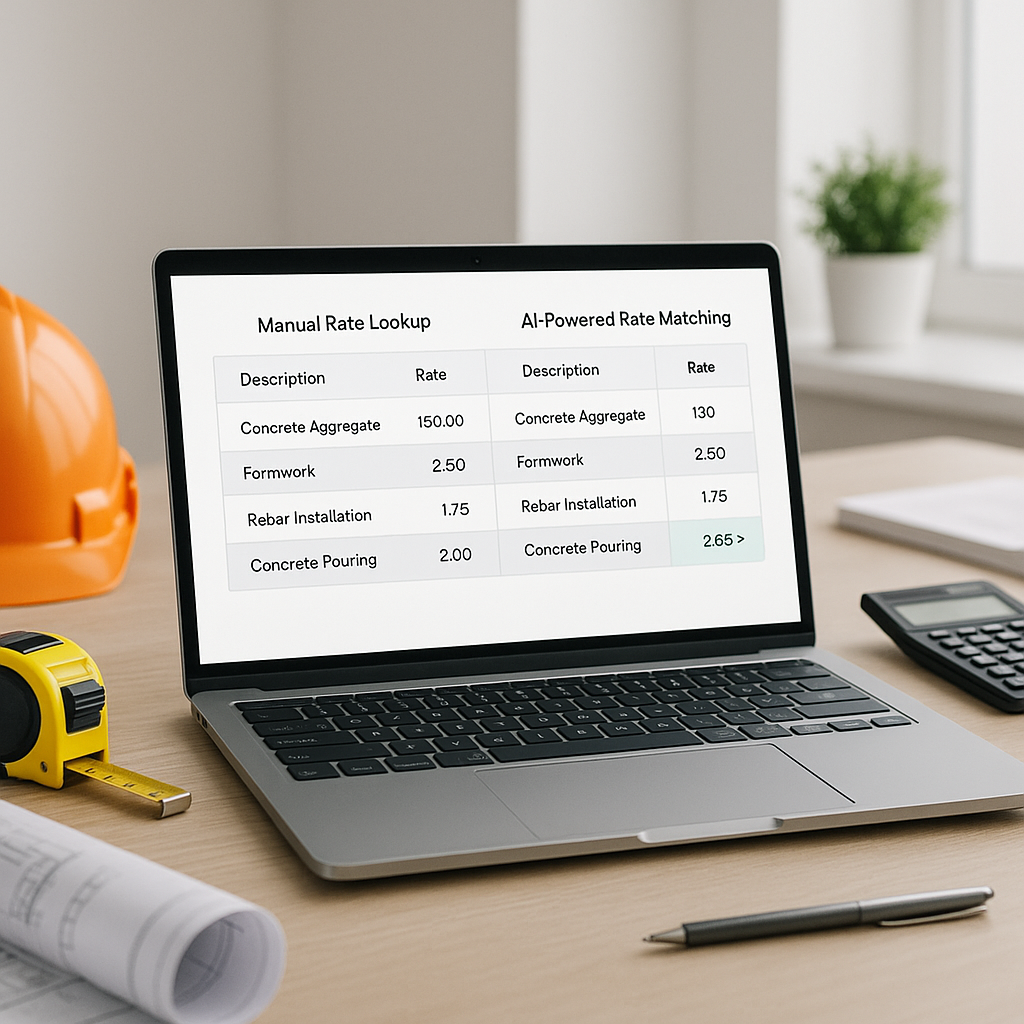
Illustrative example — Consider the following comparison:
- Manual Takeoffs: Requires significant labor hours per bid.
- AI Takeoffs: Processes the same data in a fraction of the time, reducing labor costs and freeing up resources for other tasks.
While exact savings depend on project size and complexity, the efficiency gains from AI tools are clear.
Common Pushbacks About AI Takeoffs
“AI doesn’t understand construction nuances.”
AI tools are designed to handle repetitive tasks like tracing walls or counting fixtures. However, they rely on human expertise for context-specific decisions, such as understanding local market rates or unique project requirements. Think of AI as a tool to complement, not replace, your judgment.
“What if the AI misses something?”
AI tools may occasionally flag uncertain measurements, which can be reviewed manually. This feature ensures that potential errors are caught early, reducing the risk of costly mistakes.
“I don’t have time to learn new software.”
Most AI platforms are designed for ease of use, with minimal training required. Once your team becomes familiar with the tool, the time savings can outweigh the initial learning curve. Many platforms also integrate seamlessly with existing software like Excel or Procore, making adoption easier.
How to Get Started
If you're new to AI takeoffs, start with a small project that has clean and straightforward PDF drawings. Use the tool’s features to review flagged measurements and compare them to manual takeoffs. Once you’re comfortable with the process, you can scale up to larger projects to maximize efficiency gains.
FAQ
Q: How accurate are AI-powered takeoffs?
AI tools are designed to be highly accurate, but human oversight remains essential for complex or unclear drawings. Many platforms include features to flag uncertain measurements for review.
Q: Can AI tools handle revisions?
Yes. Many AI tools allow you to upload revision sets and automatically compare changes, saving time on rework.
Q: Do AI tools work with existing software?
Yes. Most AI platforms integrate with commonly used construction software like Procore, Autodesk Build, and Excel, ensuring compatibility with your workflow.
Q: Is AI reliable for smaller projects?
AI tools can scale to projects of various sizes, from small renovations to large infrastructure developments.
What to Watch For
- Bad input data: Ensure that drawings are clear and complete to maximize AI efficiency.
- Over-reliance on automation: While AI speeds up takeoffs, human expertise is still crucial for final reviews.
- Learning curve: Training your team on the new tool may take time, but the long-term benefits are significant.
If you're looking to streamline your preconstruction estimation process, AI-powered takeoff tools can help improve efficiency and reduce manual effort.