The Hidden Bottleneck in Preconstruction Estimation
Rate lookup sounds simple, right? You need a labor rate for installing drywall or the cost for pre-stressed concrete girders. Flip open the rate book, find the right page, and jot it down. Except it’s never that easy.
Most estimators are working with extensive catalogs like RSMeans or CPWD DSR. Searching for one rate can take significant time. Multiply that by hundreds of items on a BOQ, and you’re looking at hours spent per estimate. That’s time you could spend refining your margins or negotiating with subcontractors.
Manual lookup isn’t foolproof either. It’s easy to misread a column or pick the wrong rate for a region. Mistakes here don’t just hurt your bid competitiveness—they can impact project profitability.
How AI Rate Matching Works
AI-powered tools can streamline this process significantly. Instead of manually searching, you upload your BOQ, and the system automates the matching process. Here’s how it typically works:
- BOQ Upload: You upload your Excel sheet with line items like “10mm rebar installation” or “1,200 SF drywall partition.”
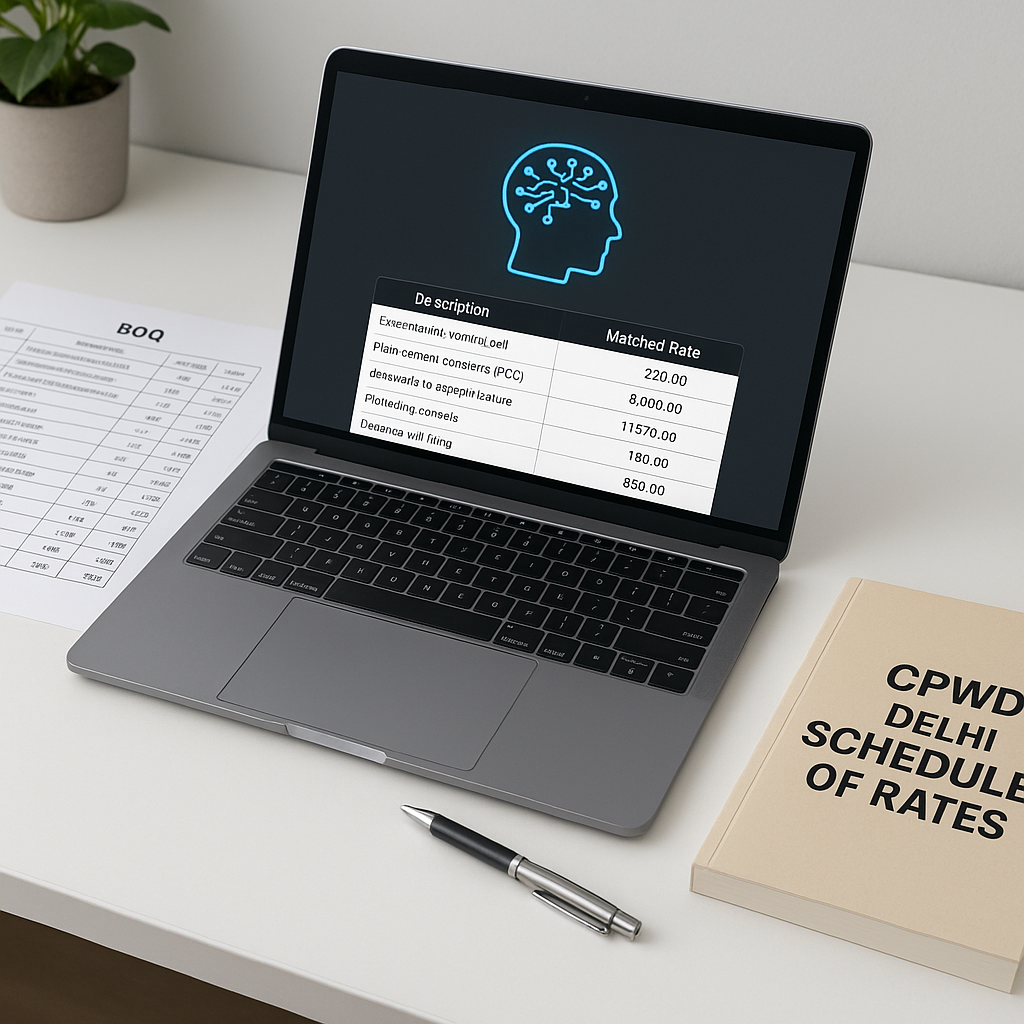
- Catalog Matching: The AI scans its database, cross-referencing user catalogs and country-specific rate books (e.g., RSMeans, CPWD DSR, AECOM Middle East).
- Fallback Logic: If an exact match isn’t found, the system suggests close matches based on your project’s context—like regional labor costs or similar materials.
- Audit Trail: Every match includes a breakdown of the rate source, ensuring you can defend your estimate in negotiations.
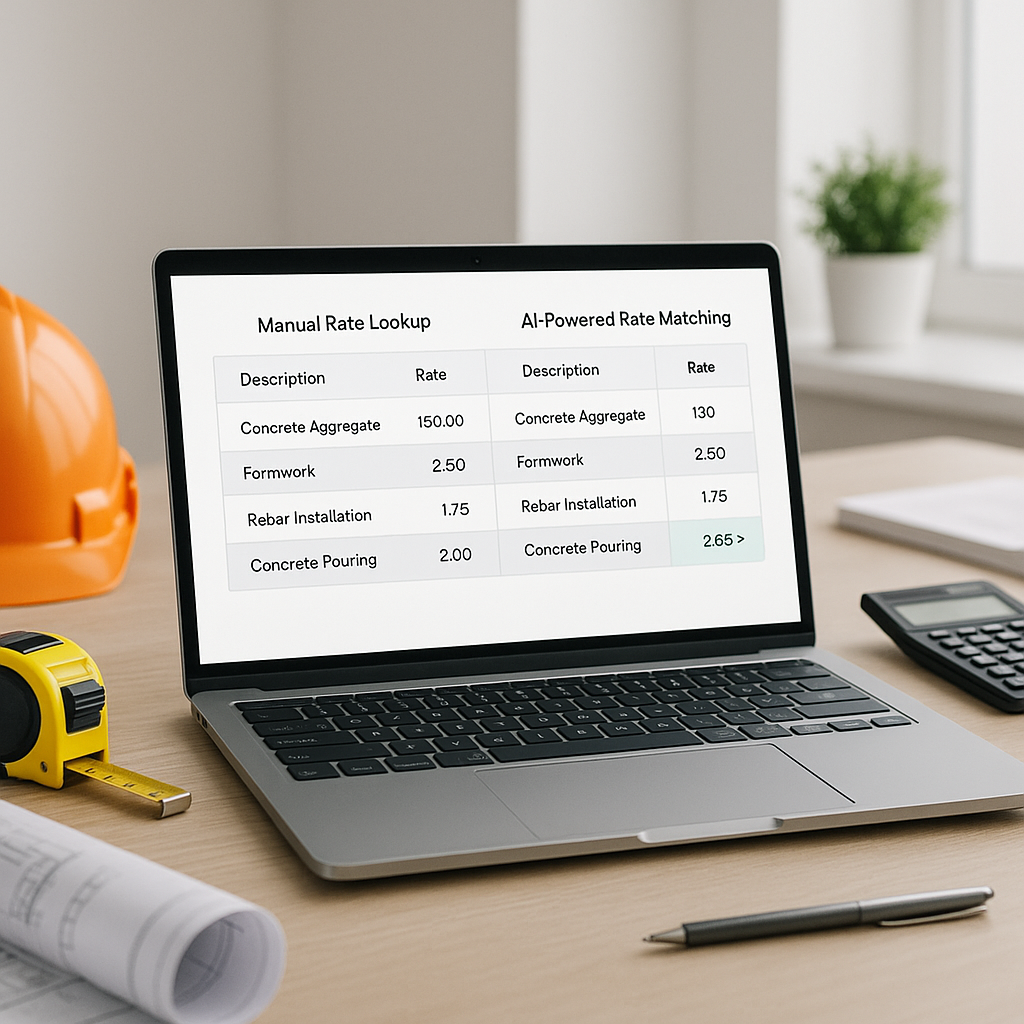
Illustrative example — What used to take hours manually can now be completed in a fraction of the time using AI tools. The automation also reduces the likelihood of errors, improving both speed and accuracy.
Common Mistakes and How to Avoid Them
AI isn’t magic. You still need clean input data and human oversight. Here are three pitfalls to watch for:
- Garbage In, Garbage Out: If your BOQ is full of typos or vague descriptions, the AI can’t match rates accurately. Always review your input before uploading.
- Over-reliance on Defaults: AI suggests rates based on its database, but regional variations or custom materials might require manual adjustment. Double-check critical items.
- Skipping Feedback Loops: AI tools improve with use, but only if you provide feedback. Accept or reject matches to train the system for future projects.
FAQ
Q: Can AI rate matching handle custom materials? Yes. You can upload your own rate catalogs, and the AI integrates them for future use.
Q: How accurate are the matches? Accuracy improves over time with user feedback, as the system learns from corrections and adjustments.
Q: Is it compatible with existing software? Many AI tools integrate seamlessly with platforms like Excel, Procore, and Autodesk Build.
Conclusion
If manual rate lookup is eating into your team’s productivity, AI-powered tools can help. They simplify rate matching, saving you time and improving bid accuracy. By automating repetitive tasks, you can focus on higher-value activities like refining your bid strategy or negotiating with subcontractors.