How AI-Powered Tools Improve Preconstruction Estimation
Preconstruction estimation is slow, repetitive, and critical. Every hour spent tracing PDFs or flipping through rate books is an hour you don’t have to fine-tune your margins or negotiate with subcontractors. These inefficiencies can add up to significant lost time and resources. But what if you could streamline the process?
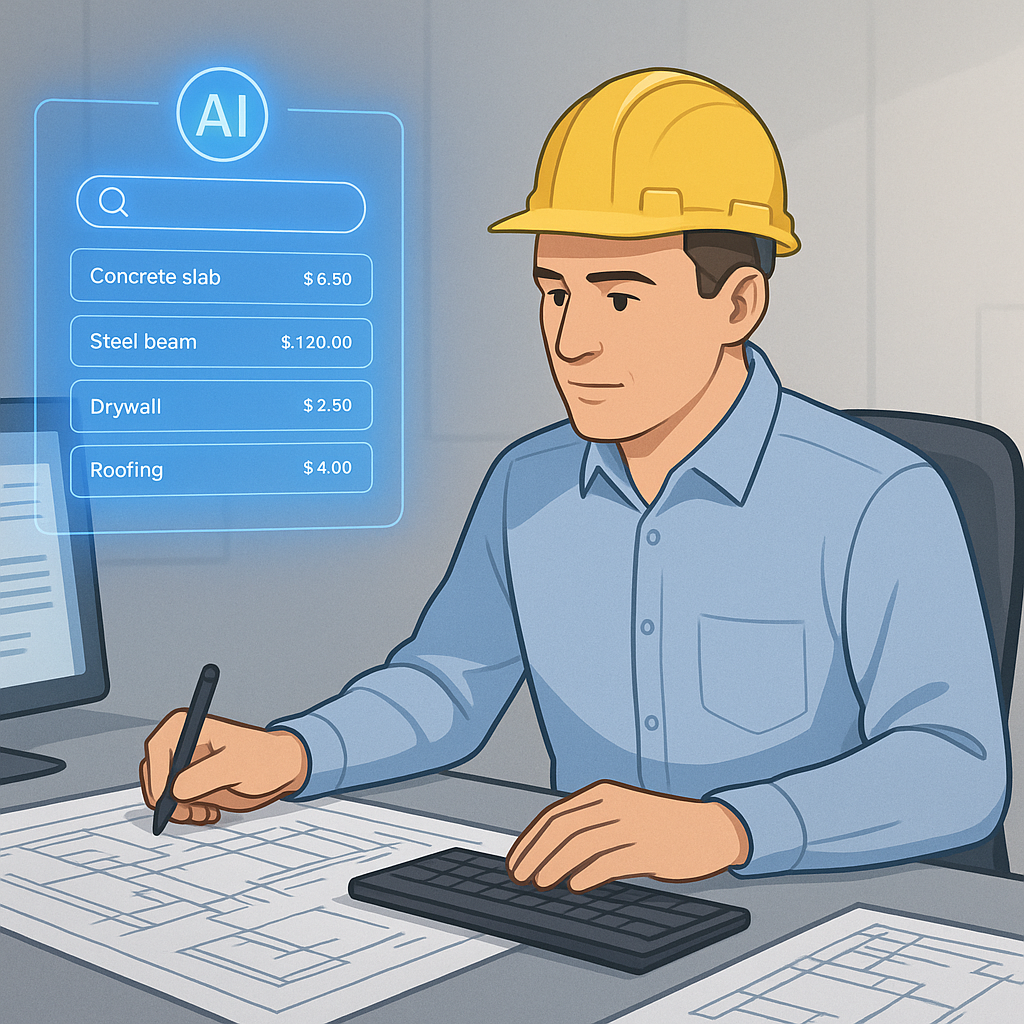
AI-powered tools are transforming preconstruction workflows by automating repetitive tasks like drawing takeoffs. Let’s break down how this works and why it matters.
The Traditional Takeoff Process: Why It’s Broken
Anyone who’s worked in preconstruction knows the drill. You get a PDF with dozens (sometimes hundreds) of pages. Your job is to extract quantities—areas, lengths, counts—for every wall, room, and fixture. Here’s what it usually involves:
- Calibrating scales for each drawing.
- Manually tracing walls, windows, and other features using tools like Bluebeam.
- Double-checking measurements for accuracy.
- Compiling quantities into an Excel sheet.
This process is labor-intensive and prone to errors. A missed column or mislabeled room can throw off the entire estimate, which means more time spent rechecking work. It’s also a poor use of senior estimators’ expertise.
How AI Speeds Things Up
AI-powered tools tackle these bottlenecks head-on. Here’s how they change the game:
1. Automatic Quantity Extraction
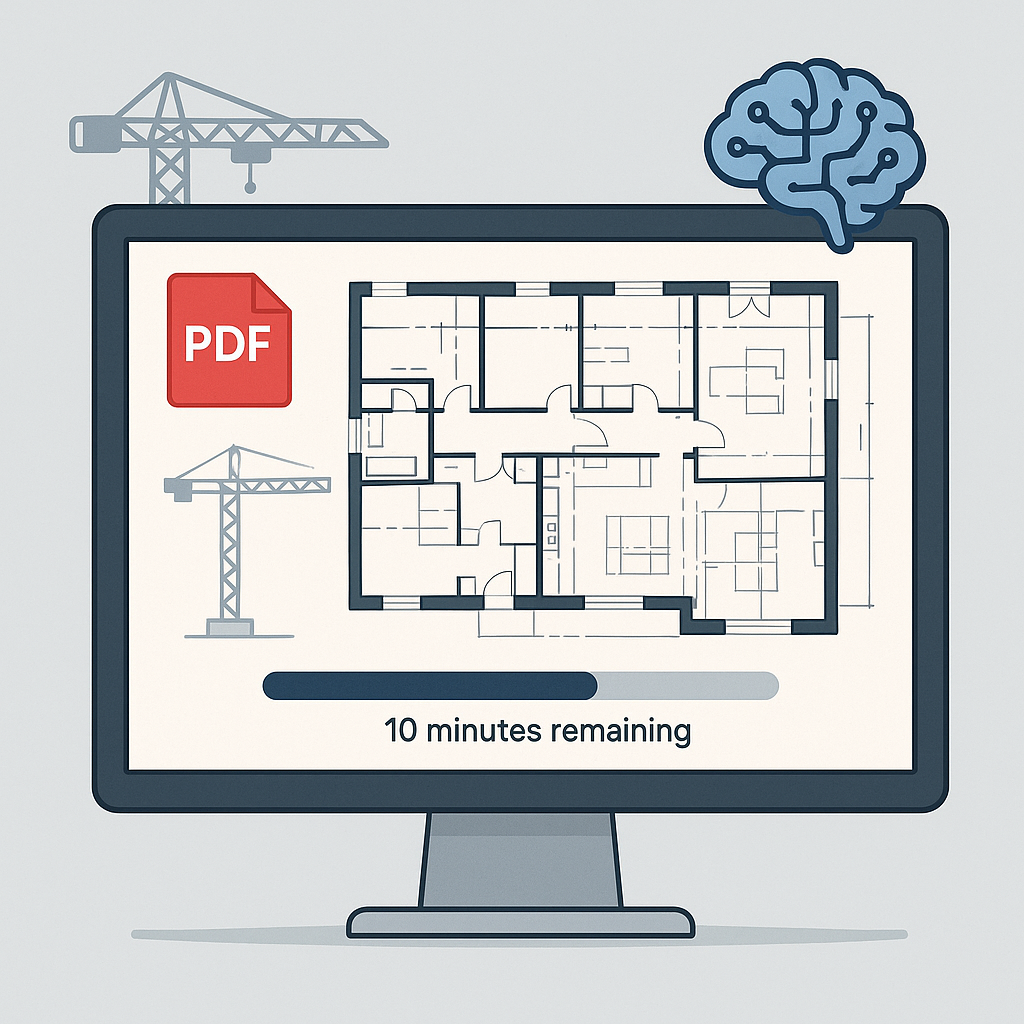
Upload your PDF drawings, and the AI gets to work. Using advanced image recognition, it identifies walls, windows, doors, and other key features. This automation significantly reduces the time spent on manual tracing.
2. Confidence Scoring
AI doesn’t just provide raw data—it flags areas where the recognition is less certain, allowing estimators to focus their attention on reviewing critical sections. This ensures a balance between speed and accuracy.
3. Drawing Revision Comparison
Revisions can be a major headache. AI tools can compare old and new drawing sets to highlight changes automatically, saving time and reducing the risk of missing updates.
4. Export-Ready Output
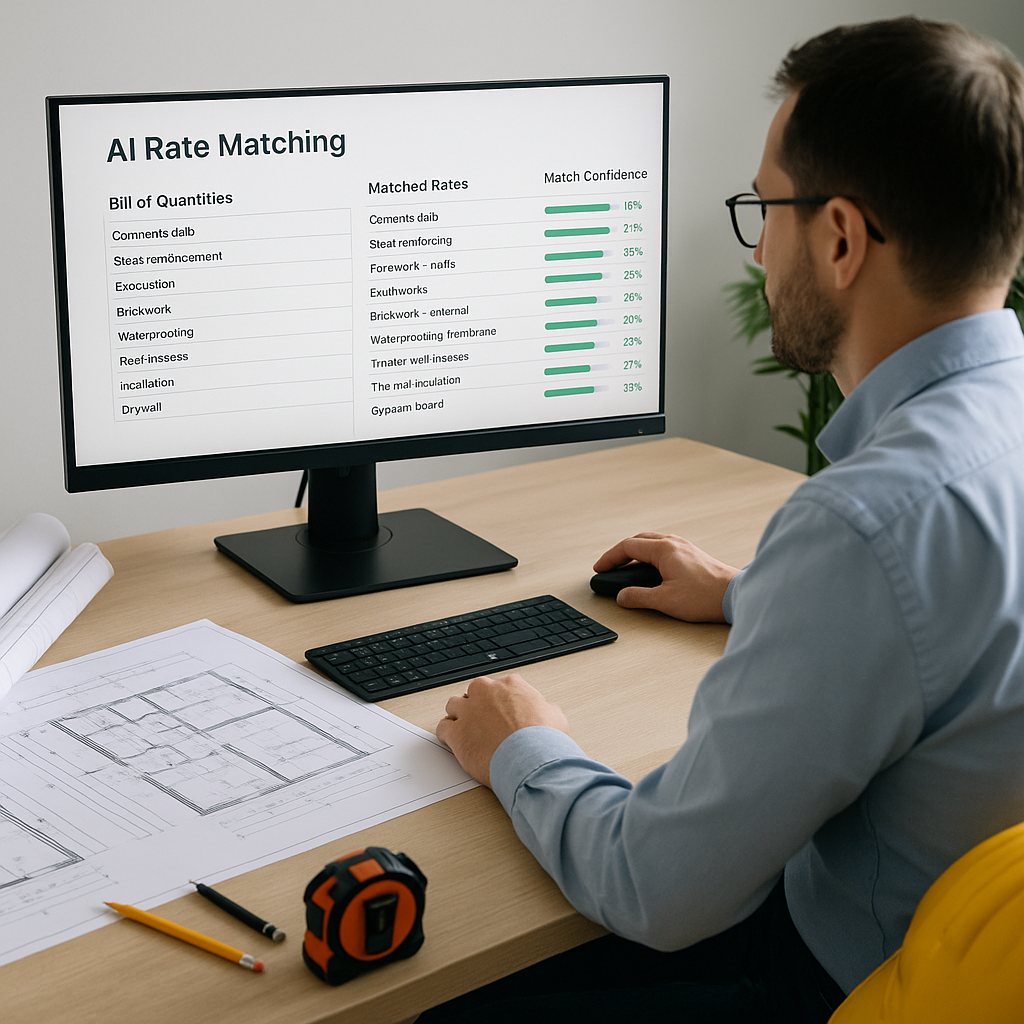
Once the takeoff is complete, the AI generates a structured Excel sheet or integrates directly into project management tools. This allows teams to move quickly into rate matching and other tasks.
Why Speed Matters
You might be thinking, “Takeoffs are tedious, but they don’t win bids—pricing does.” True, but here’s the catch: faster takeoffs mean:
- More bids per month. With streamlined workflows, your team can handle more pursuits, increasing your chances of winning work.
- Better pricing accuracy. With more time to focus on rate analysis, you can sharpen your estimates and protect your margins.
- Improved morale. Senior estimators can spend their time on strategy and value engineering rather than repetitive tasks.
Firms that adopt AI for takeoffs often find themselves better positioned to respond to bids faster and with cleaner numbers, which can make a strong impression on clients.
Common Questions About AI Takeoffs
Q1: How accurate are AI takeoffs compared to manual ones?
AI tools are designed to be highly accurate, but human oversight is still essential, especially for complex or messy drawings. The combination of automation and manual review ensures reliable results.
Q2: What happens with messy drawings?
AI tools are equipped to handle inconsistent scales and unclear PDFs. For areas where the AI is uncertain, it flags them for manual review, allowing estimators to double-check critical sections.
Q3: Can AI handle specialty trades like HVAC or electrical?
Some AI tools include trade-specific features, making them versatile across multiple disciplines. However, the extent of these capabilities varies by platform, so it’s important to evaluate tools based on your specific needs.
What to Watch For
- Input Quality: AI tools rely on clean, readable PDFs. Poorly scanned drawings or missing scale details may require additional preparation.
- Learning Curve: While most platforms are user-friendly, it can take a few projects to fully understand how to get the best results.
- Cost vs ROI: Subscription costs should be weighed against the time saved and the potential for increased bidding capacity.
The Bottom Line
AI-powered takeoffs aren’t just faster—they’re smarter. By automating the repetitive parts of preconstruction, your team can focus on what really matters: winning work and protecting margins. Exploring these tools can help your firm stay competitive in an increasingly fast-paced industry.