The Problem: Manual Rate Lookup Is a Time Sink
If you've ever had to price out a BOQ manually, you know the pain. Flipping through extensive rate books like RSMeans or CPWD DSR isn't just tedious—it’s expensive. Every hour spent hunting for labor rates, material costs, or equipment charges is an hour not spent refining your bid or negotiating with subs. Manual rate lookup also introduces the risk of human error, such as forgetting to update a rate or picking the wrong labor category, which can impact the accuracy of your estimates or even cost you the bid.
Enter AI Rate Matching
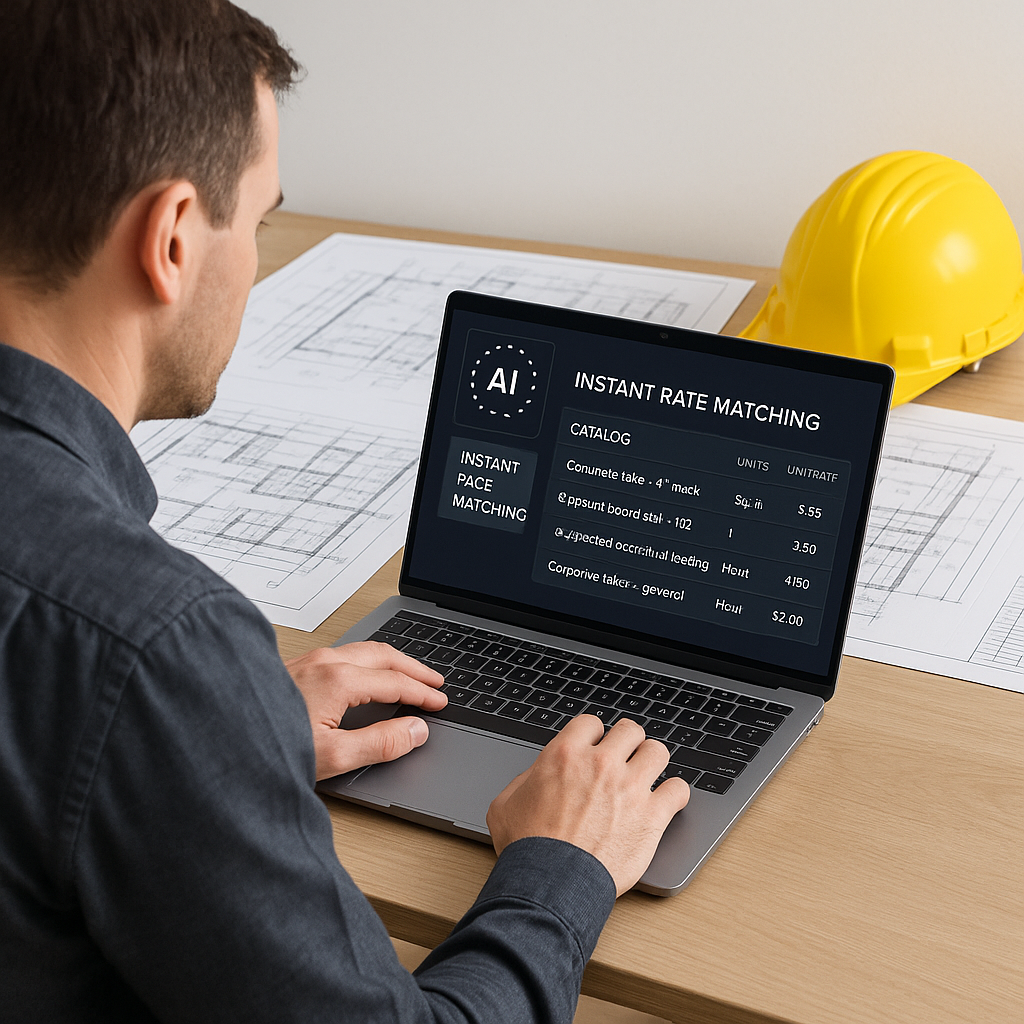
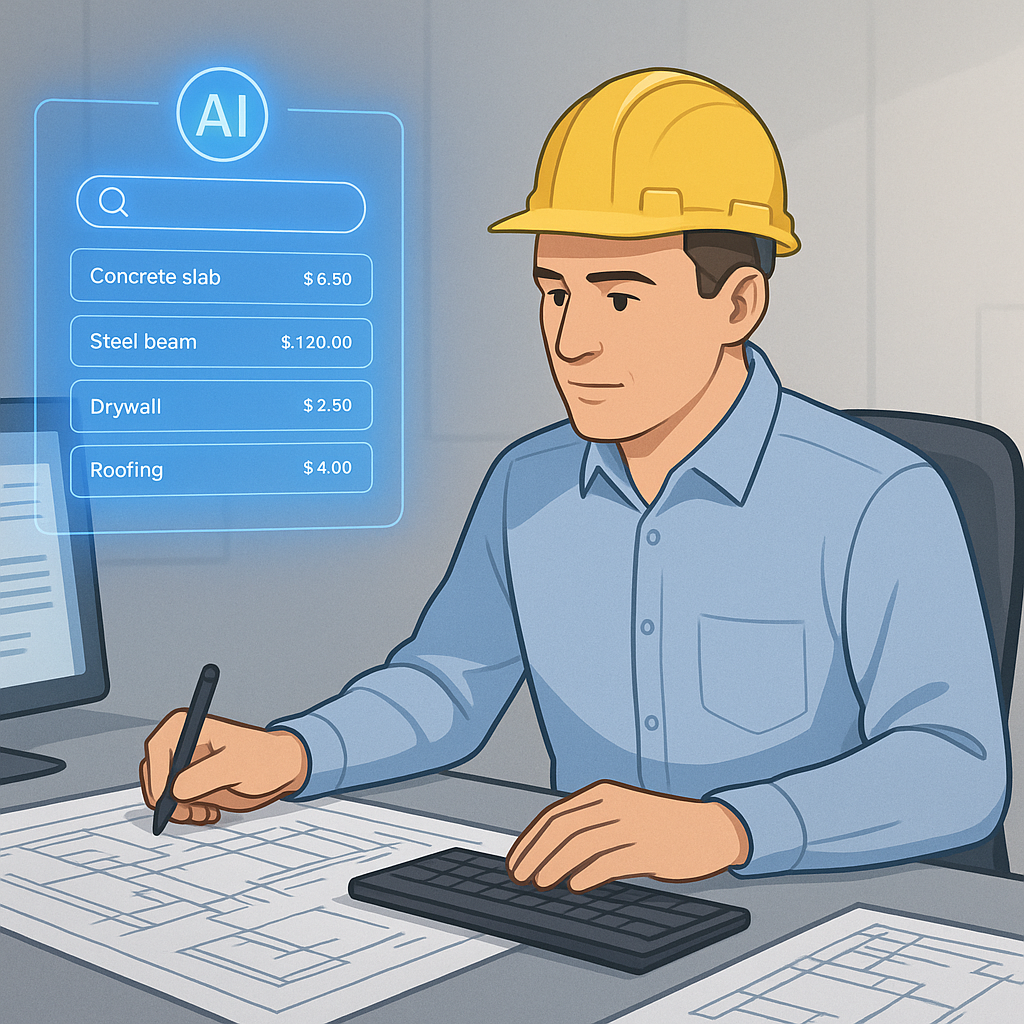
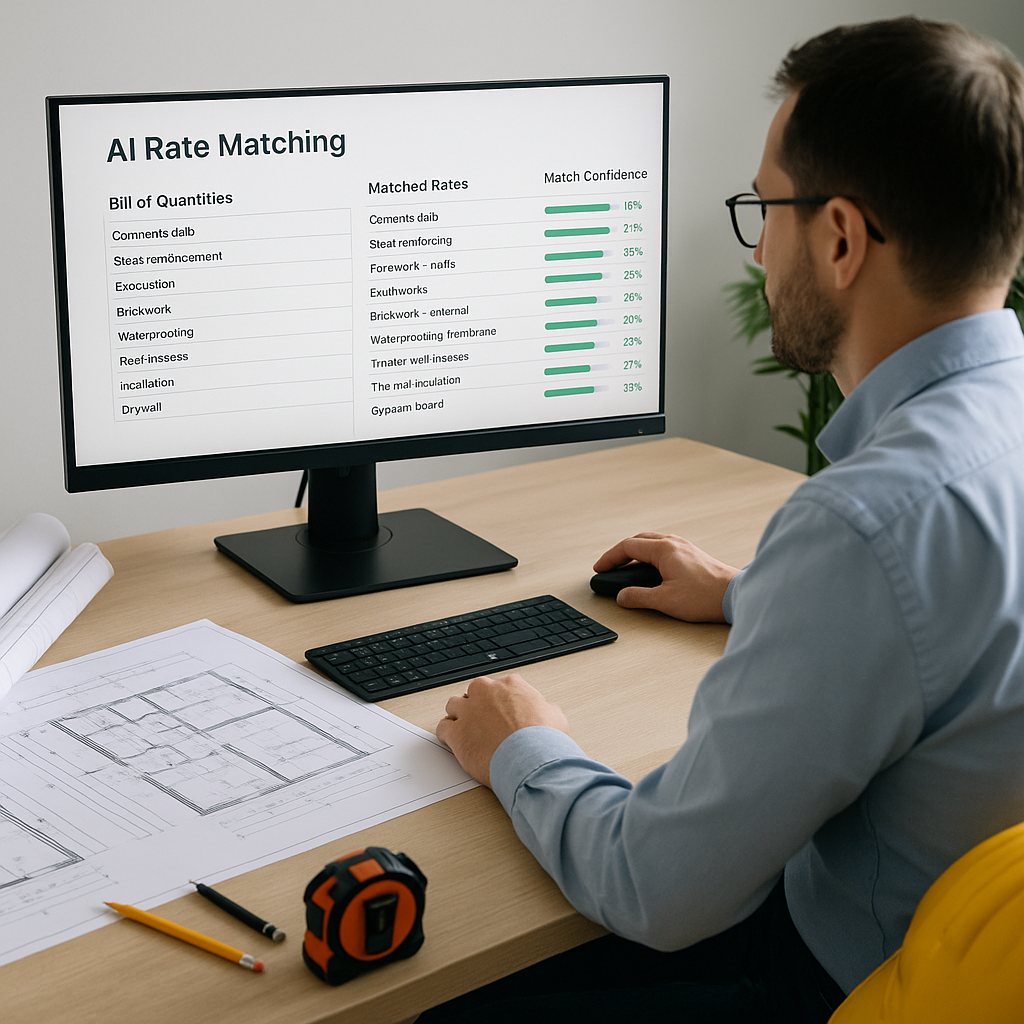
AI-powered rate matching changes the game. Instead of manually flipping through pages or scrolling endless PDFs, AI tools use semantic search to pull matches in seconds. For example, if you need the labor rate for installing pre-stressed concrete girders, you can type it in, and the system finds the closest match from a database of items. It can also factor in your past projects and catalog preferences to refine results.
How It Works
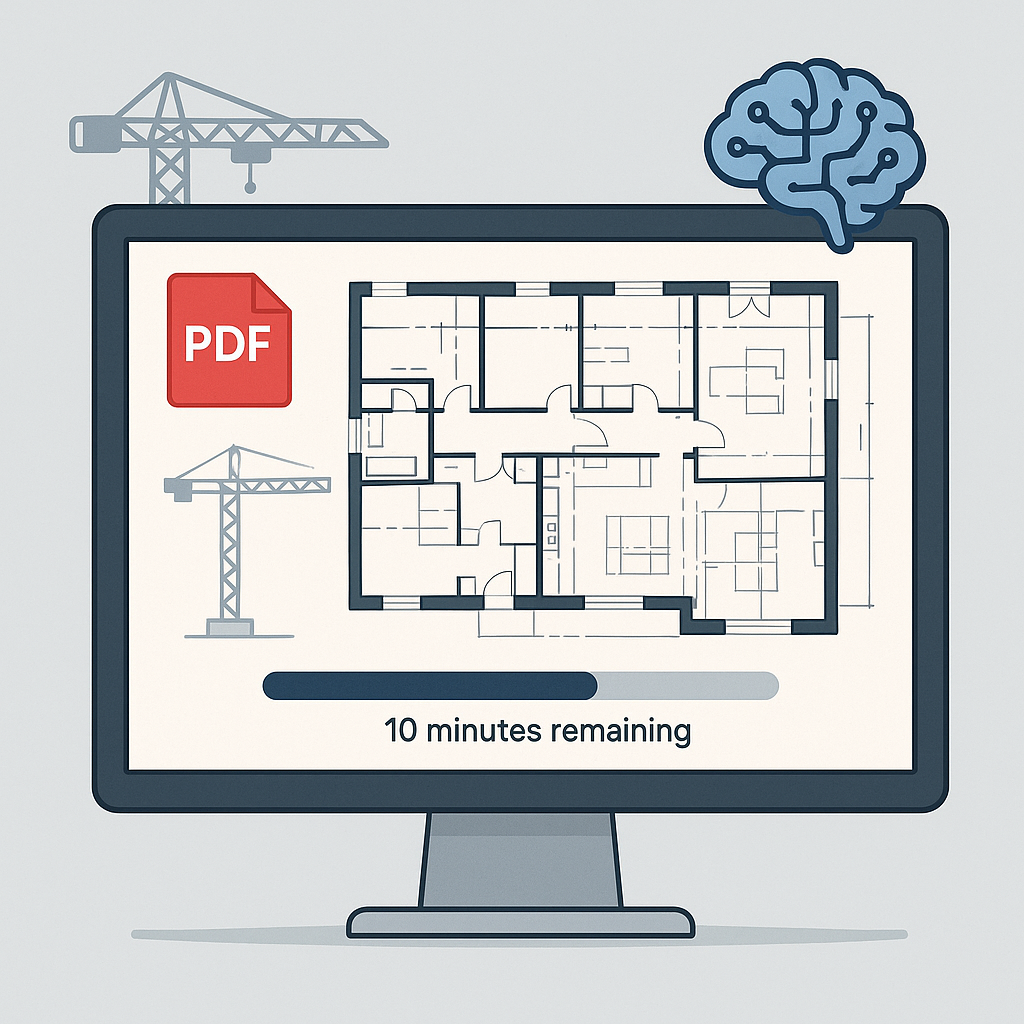
- BOQ Upload: Start by uploading your Bill of Quantities (BOQ) in Excel, CSV, or ODS format. The platform automatically detects merged cells, section headers, and hierarchies.
- Semantic Search: When you need a rate, the AI searches across multiple catalogs simultaneously. It compares tenant history, user catalogs, and country-specific standards (like RSMeans in the US or CPWD DSR in India).
- Custom Adjustments: Got a specialty material or a custom labor profile? Add it to your catalog, and the AI integrates it for future searches.
- Feedback Loop: Each time you accept or reject a suggested rate, the AI learns and gets smarter. Over time, this iterative process improves the relevance of its suggestions.
The Obvious Objection: “AI Doesn’t Understand Nuance”
You might be thinking, “Sure, AI is fast, but it doesn’t understand the nuances of construction.” That’s partly true—but it misses the point. AI doesn’t replace your expertise; it amplifies it. You’re still the one making judgment calls, negotiating with subs, and deciding on markup. The AI handles the repetitive tasks—like rate matching, takeoffs, and what-if recalculations.
Common Mistakes to Watch For
- Garbage In, Garbage Out: If your BOQ is messy, even the smartest AI can’t save you. Always clean up merged cells, duplicate entries, or missing headers before uploading.
- Over-Reliance on Defaults: While AI suggestions can be highly accurate, double-check rates for specialty items or unique project conditions.
- Skipping Feedback: The system improves with use. Don’t skip the accept/reject step—it’s how the AI learns your preferences.
FAQ
Q: How accurate are AI-generated rates?
AI tools are designed to provide highly accurate results, but they’re not perfect. That’s why manual overrides are built into the system. You can always review and adjust rates before finalizing.
Q: Can I use AI tools with existing software?
Yes. Many AI tools integrate with platforms like Procore, Autodesk Build, and Excel. Exporting estimates into your current workflow is seamless.
Q: How long does it take to learn these tools?
Most users find the interface intuitive and can get the hang of it within a short period of use.
Q: What if my rates are custom or project-specific?
You can upload your own rate catalogs or define custom rates for specific items. These are saved for future use.
Call to Action
If manual rate lookup is slowing down your preconstruction process, consider exploring AI-powered tools. These solutions can help automate repetitive tasks, save time, and improve the accuracy of your estimates.
Illustrative example —
| BOQ Item | Manual Lookup Time | AI Rate Matching Time |
|---|---|---|
| Concrete (per m³) | Significant time | Much faster |
| Structural Steel (per kg) | Significant time | Much faster |
| Labor - Skilled Mason | Significant time | Much faster |